
A task list earns its place when it helps you choose the next action. A page of vague intentions can look organized while leaving the day just as unclear. The 37 task list templates below offer different ways to capture work, priorities, dates and completion without designing a new layout yourself.
Choose a Word layout if you mainly want a clean printable list. A spreadsheet can be useful when you want to sort by owner, date or status. Neither format decides your priorities for you: the descriptions and review habits you bring to it matter more than the color of the checkboxes.
Begin with a manageable slice of work—a day, a week or a defined project stage. If the list is a record of everything you might ever do, create a smaller working view so that today’s important tasks are not buried among long-term ideas.
A list that survives a busy Monday
A small team starts Monday with a product update, a customer response and a stock check. Rather than writing three broad headings, they identify the next action, owner and real deadline for each. The product update is waiting on a photograph, so the list records that dependency and who will obtain it. The customer response is due today and has one named writer. The stock check can wait until Wednesday. At the next review, the team updates those facts instead of marking everything urgent. The same approach works for a personal list: capture the action, recognize the constraint and choose what fits the day.
| Vague entry | A clearer next action |
|---|---|
| Website | Send the revised homepage copy for review. |
| Supplier | Ask the supplier to confirm Friday delivery. |
| Accounts | Check the two unmatched invoice references. |
Turn the task name into a next action
Use a verb and a visible result. “Email the supplier to confirm Friday delivery” is easier to act on than “supplier issue.” Break a large task into smaller entries when it contains separate actions, different owners or a waiting period. Do not split every trivial movement into its own row; the goal is a list that helps you work. When a task cannot start yet, record the missing information or decision. This keeps a blocked item from appearing to be an ordinary overdue task that someone has simply neglected.
Separate importance, due dates and estimates
A high-priority label describes a decision about importance. A due date describes a timing requirement. An effort estimate helps you choose what fits in the available time. These fields answer different questions, so avoid using one as a substitute for all three. Give a date only when it is meaningful and revise it openly if circumstances change. A list where every item is marked urgent provides no useful ranking. Keep a small number of priorities visible while retaining lower-priority work in a separate section or filtered view.
Give shared tasks one accountable owner
A shared list should make the next responsible person clear. “Marketing team” may describe the group involved, but it does not always identify who will update the task or request the next decision. Agree a simple status vocabulary and what completion means. A row can say “waiting for approval” without implying that the underlying work is finished. Put detailed working files in their proper location and link to them where appropriate. Avoid including passwords or sensitive customer information in a broadly shared task sheet.
Review the list instead of copying it forever
A short review is the point at which the list becomes useful. Close completed tasks, reconsider stale entries and move postponed work deliberately. If the same item rolls forward every week, ask whether it is too large, poorly defined, blocked or no longer necessary. Keep a record of useful completed work without letting it overwhelm the current view. A new blank template can help with layout, but changing the layout repeatedly will not resolve an unclear decision about what should happen next.
A simple daily review
- Select the few actions that matter most today.
- Make the next step clear for every blocked or vague item.
- Check that due dates still describe real commitments.
- Close or deliberately reschedule work at the end of the day.
37 downloadable examples and previews
Use the preview to compare the layout, then choose the download button for the actual file. Extract ZIP packages before opening them. Check the file format and contents before editing; a preview is not itself an editable document. Keep a blank original and save completed versions with clear filenames.
Official Task List Word Templates
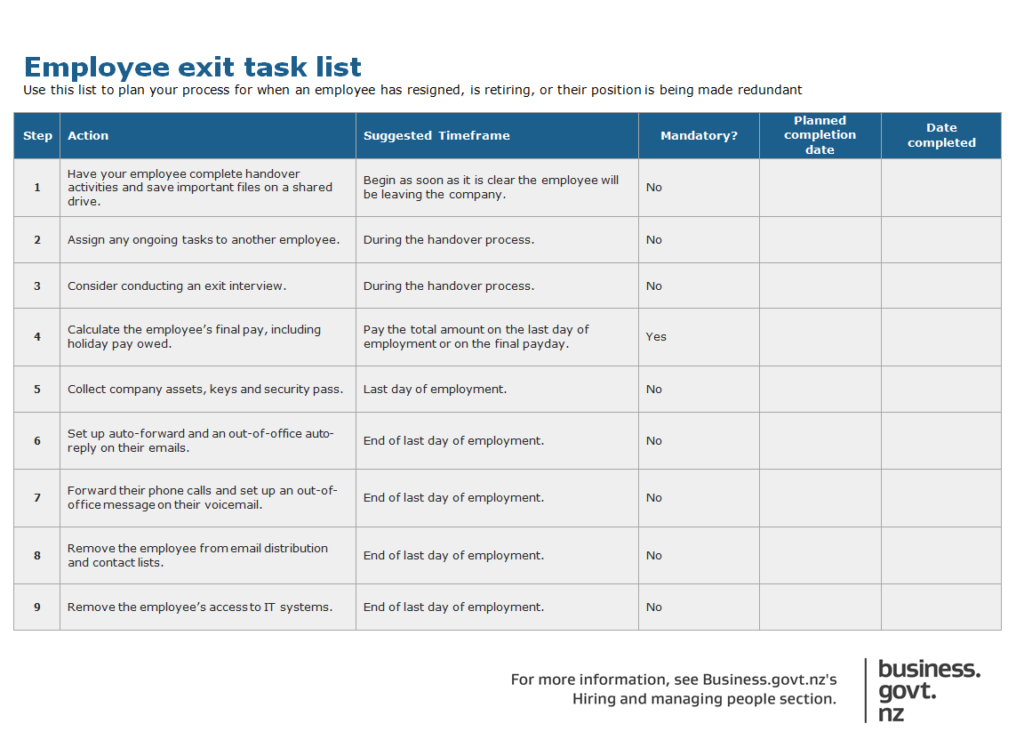
Employee Exit Task List Template
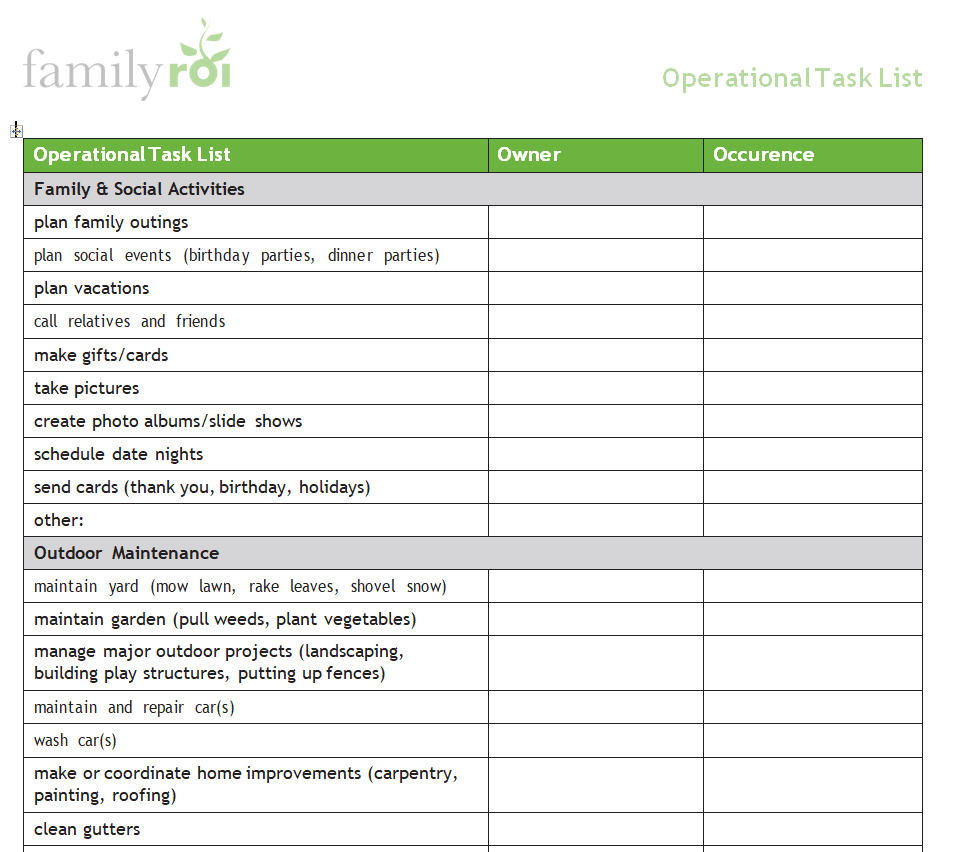
Operational Task List Word Template
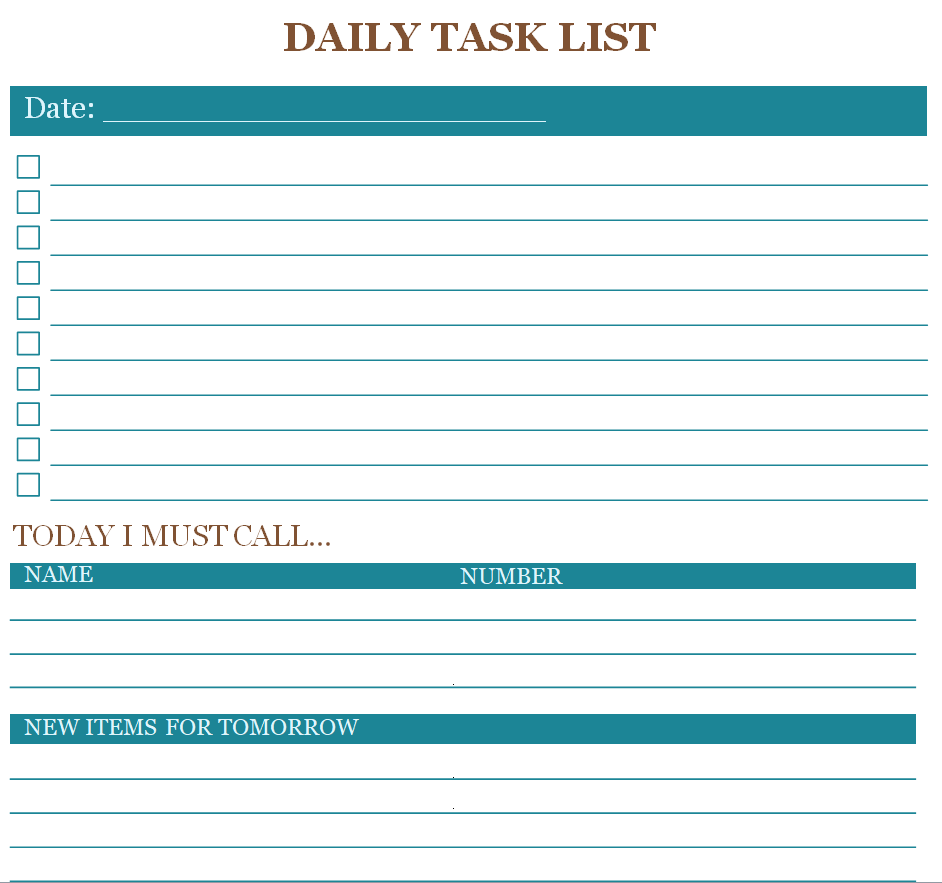
Blank Daily Task List Template
File Size: 48 KB
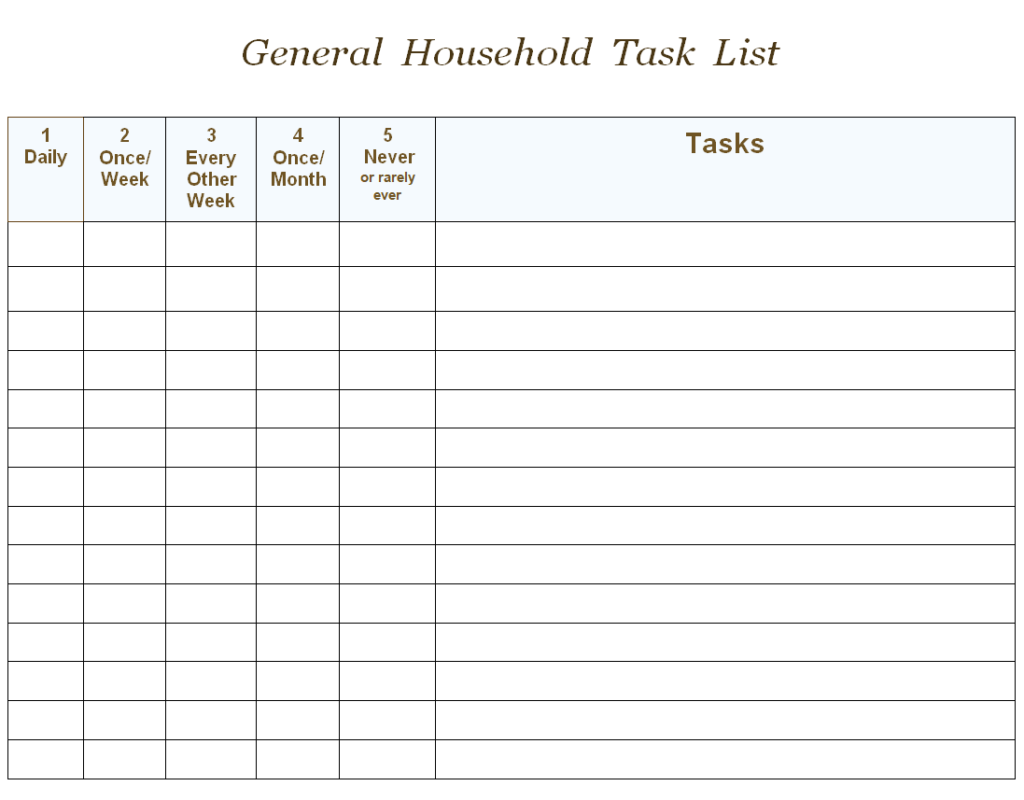
Generic Household Task List Template
File Size: 07 KB
Free Weekly Task List Template DOC
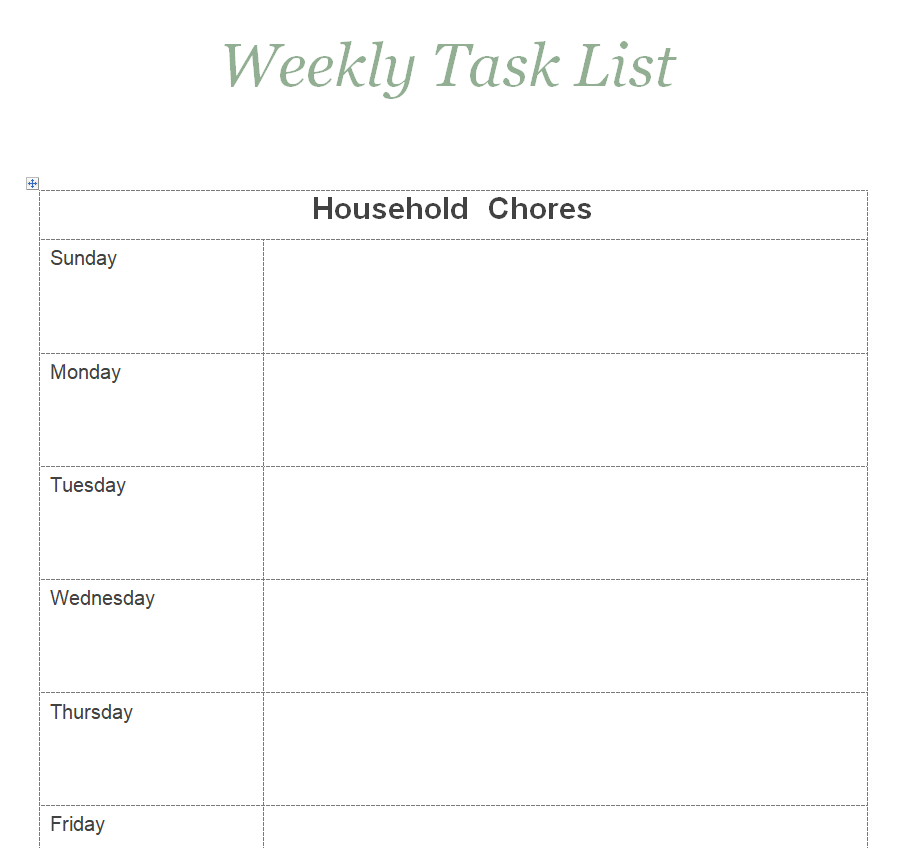
File Size: 06 KB
Business Task List Template
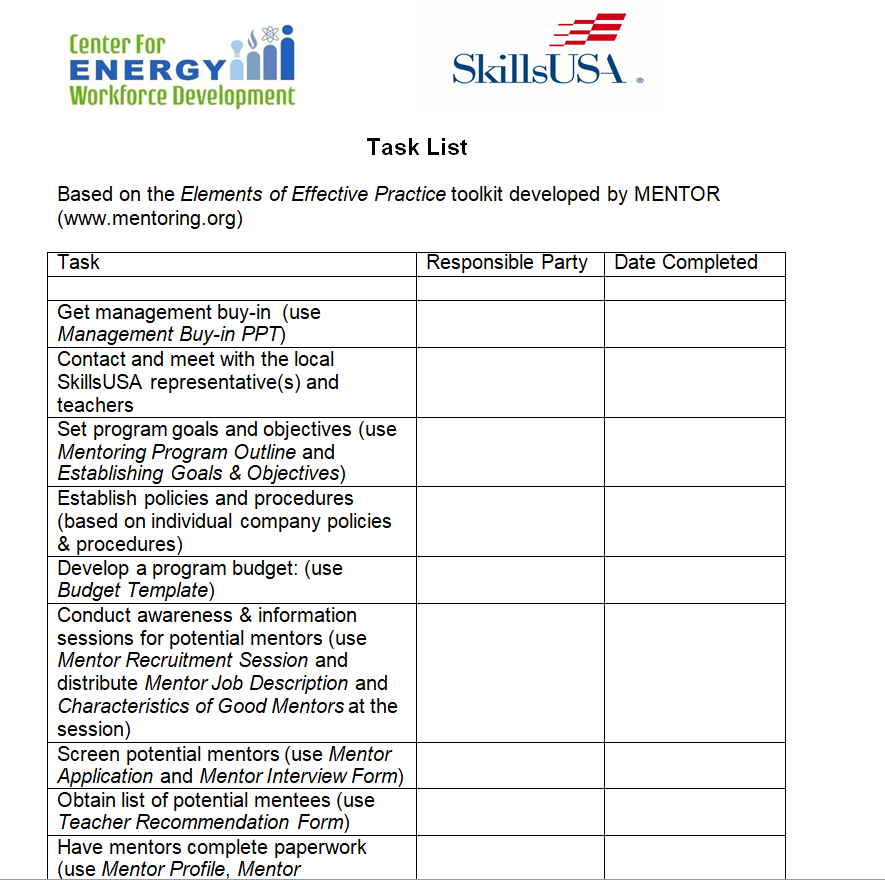
File Size: 60 KB
Priorities Task List Template Word
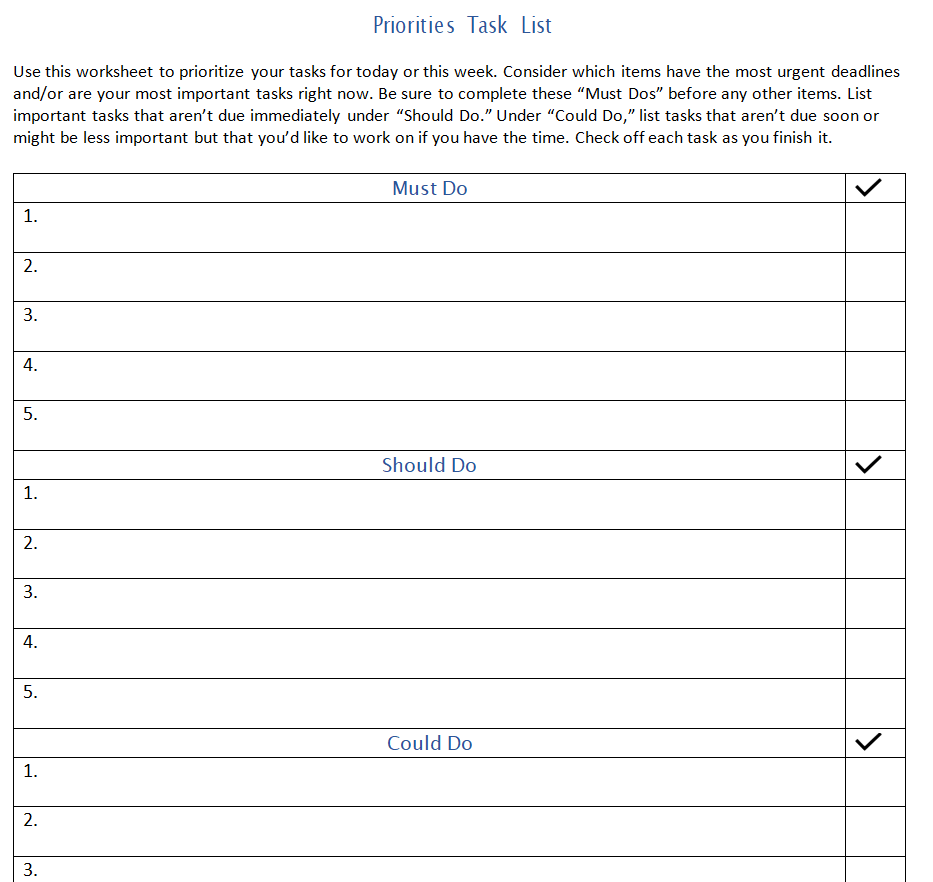
File Size: 08 KB
Customizable Work Task List Template
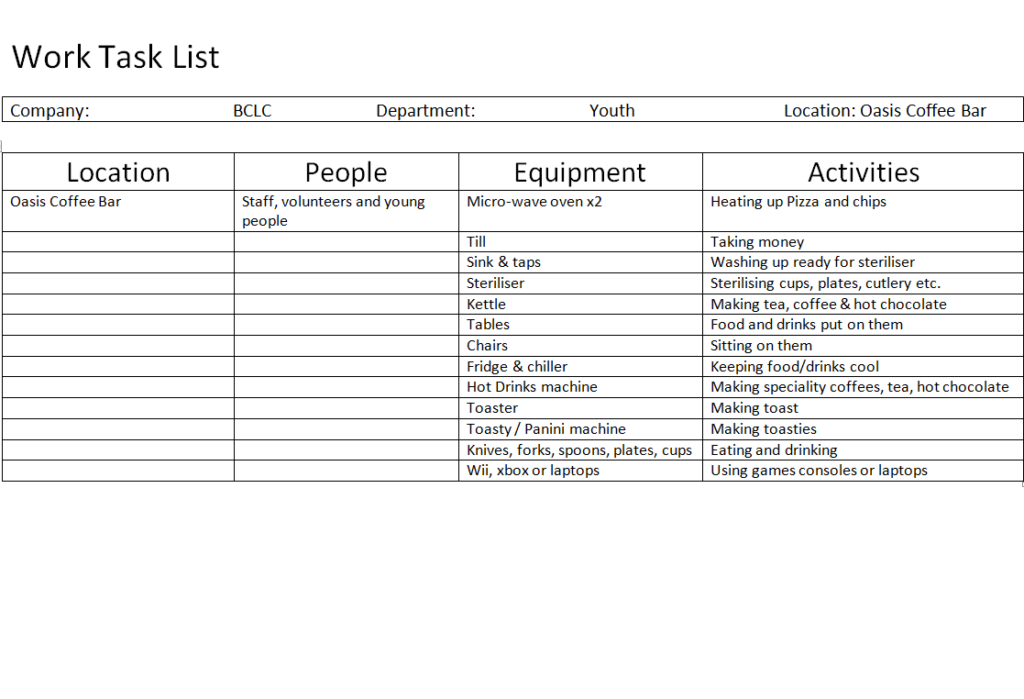
File Size: 15 KB
Sample Volunteer Task List Template
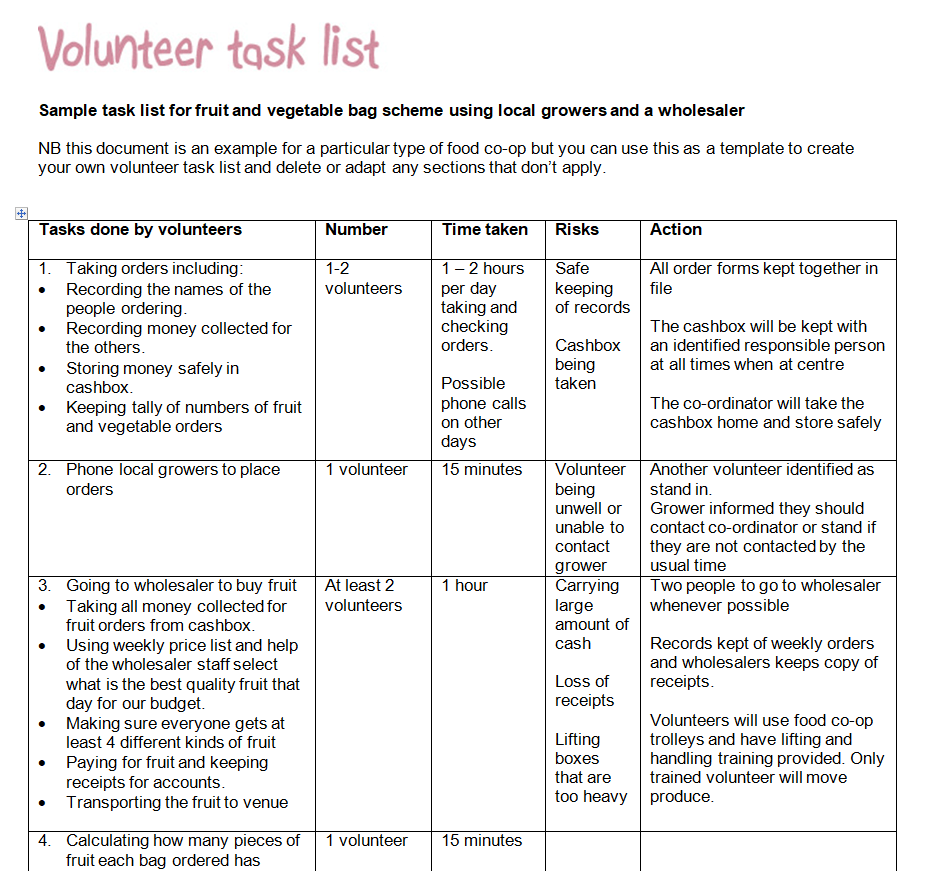
File Size: 17 KB
Family Task List Doc Template
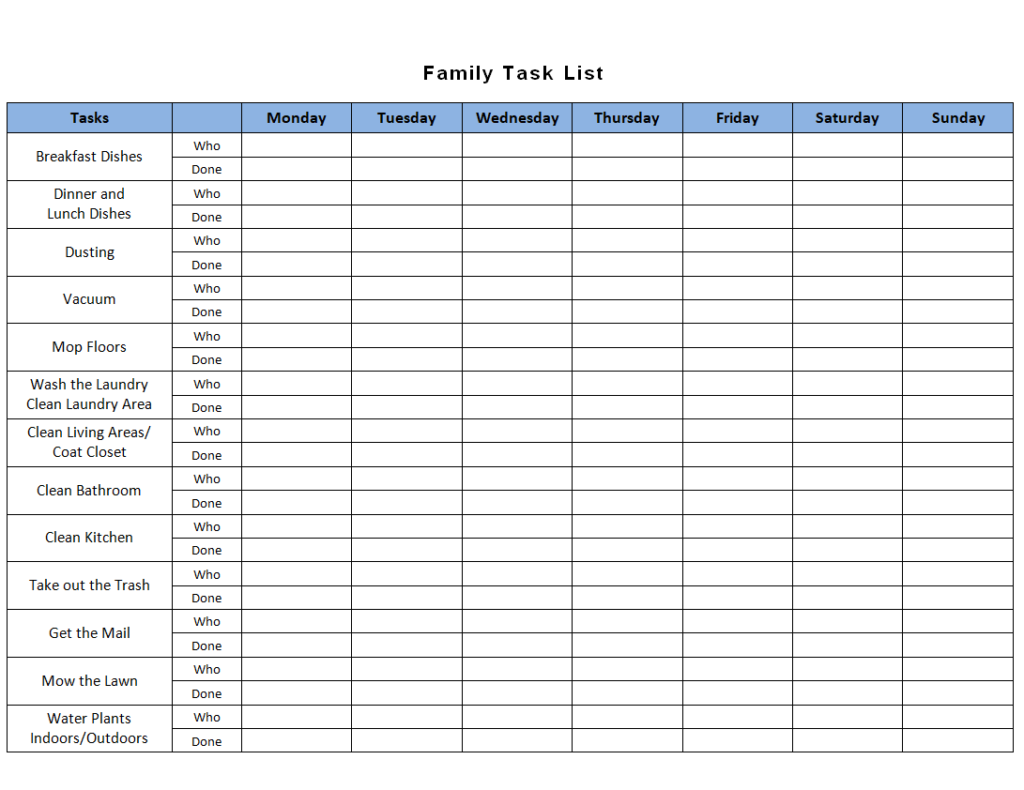
File Size: 09 KB
Monthly Task List Template of Front Office
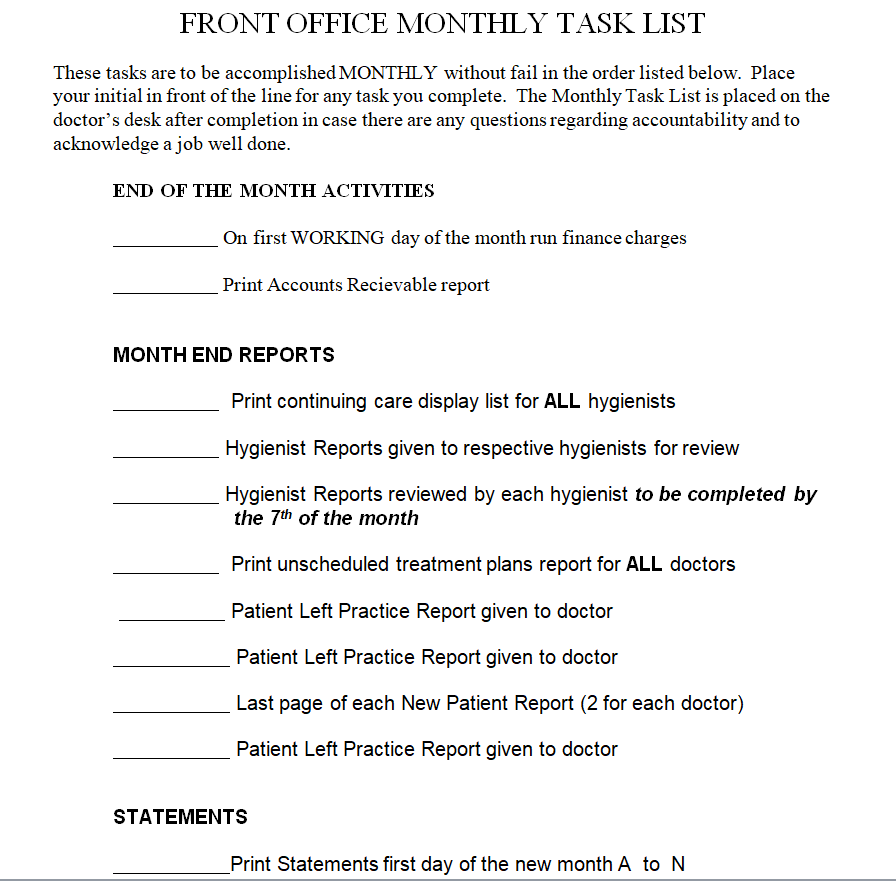
File Size: 07 KB
Example Task List Template for Event
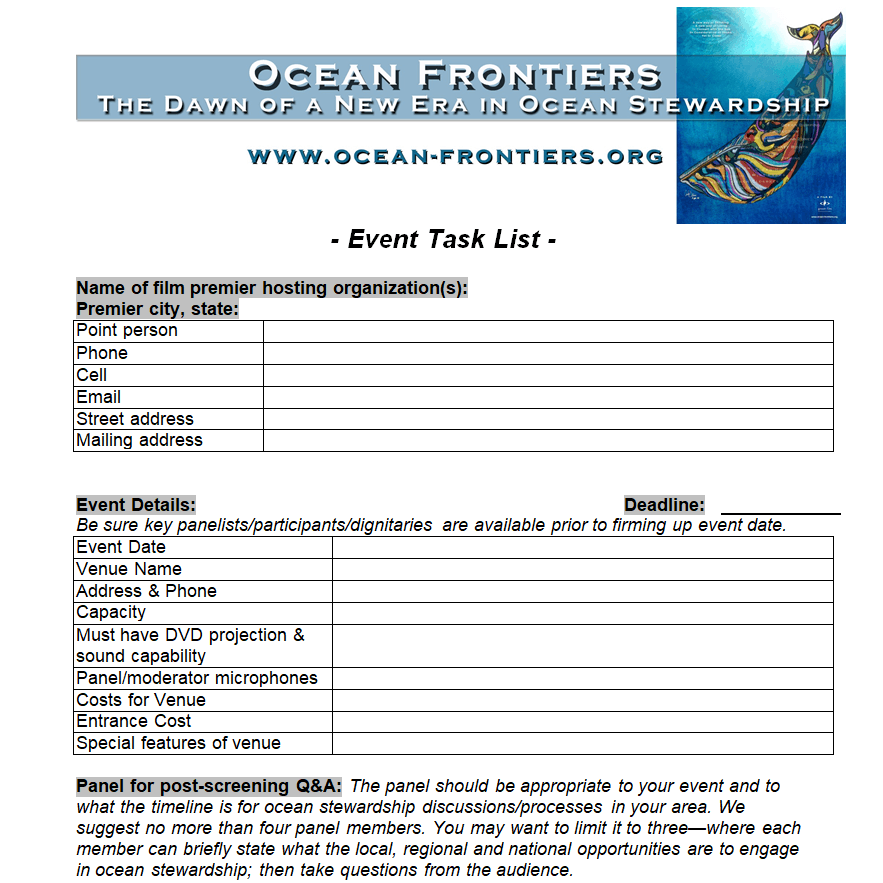
File Size: 195 KB
What is a Task List Template?
A task list or a task list template is a simple document that helps you keep track of your routine tasks on a regular basis. It is a list of all the important tasks that you have to perform daily. Daily task lists are the most common types of task lists that can be prepared. However, a task list template can also be prepared on a weekly or monthly basis.
A task list is not only used to keep a record of your personal tasks but is also used in project management. Project task lists are widely used by project managers to draft daily basis tasks of a long-term project. The human brain is capable of reminding a lot of things but stress and fatigue can cause you to forget some of the most important tasks that you should do. So, to avoid this issue, using the task list samples can prove to be quite helpful.
Apart from business organizations, some educational institutes also recommend the use of task list templates for their students. This helps them stay organized not just during their educational career but throughout their lives. It helps them stay managed and focused on their goals and targets.
There are a lot of different task list templates available online. These templates are readily available in different formats like Word, Excel, and PDF. It depends on you and your requirements which type of task list format will suit you.
FREE Task List Templates in MS WORD
Fillable Prioritized Task List Template
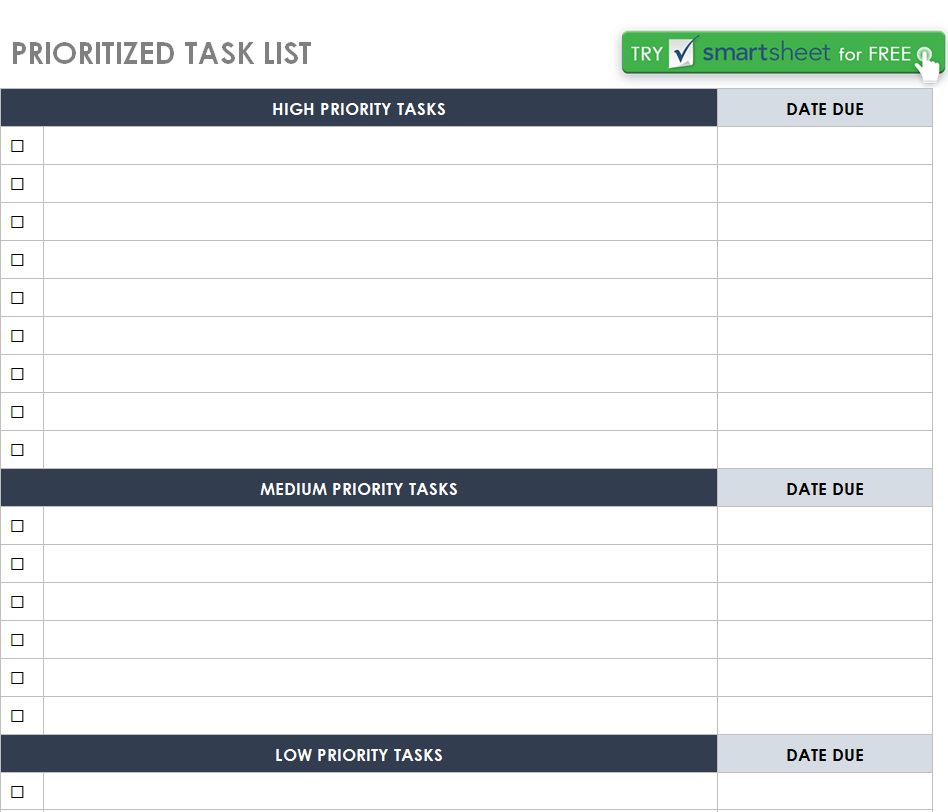
File Size: 41 KB
Student Task List Template MS WORD
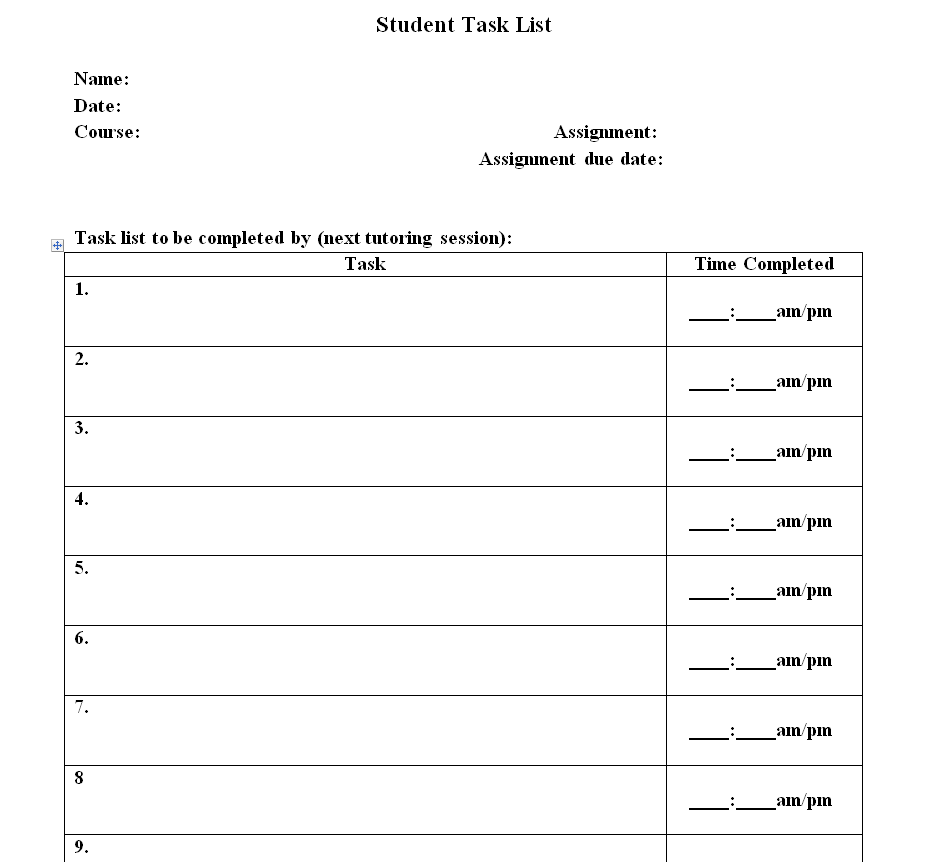
File Size: 09 KB
Downloadable Task List Template
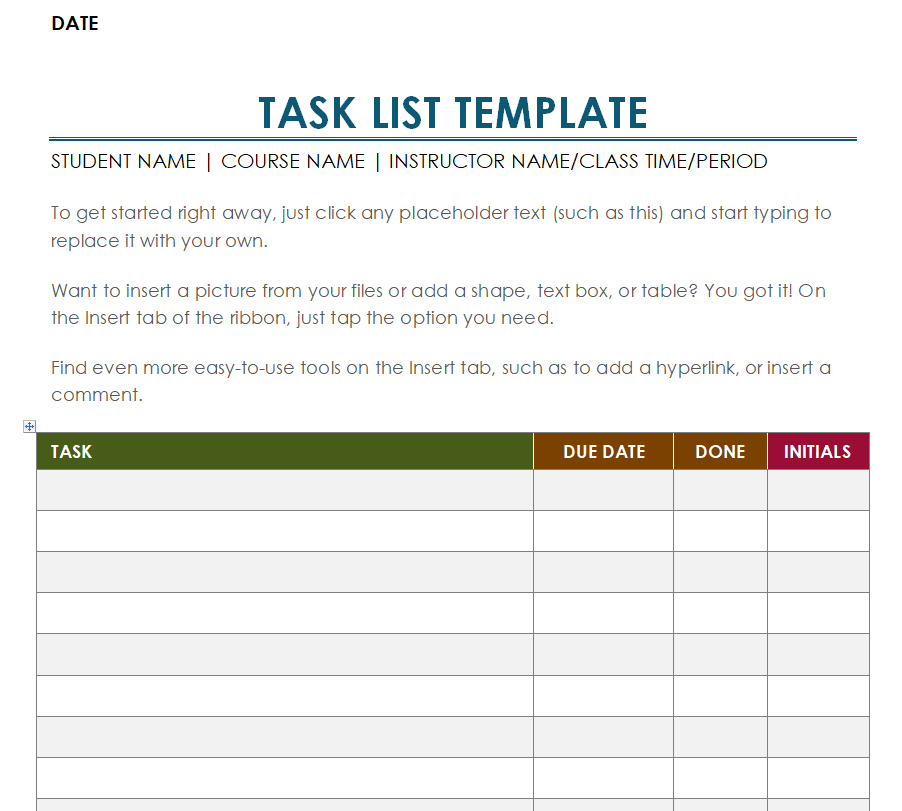
File Size: 30 KB
Committee Task List Example
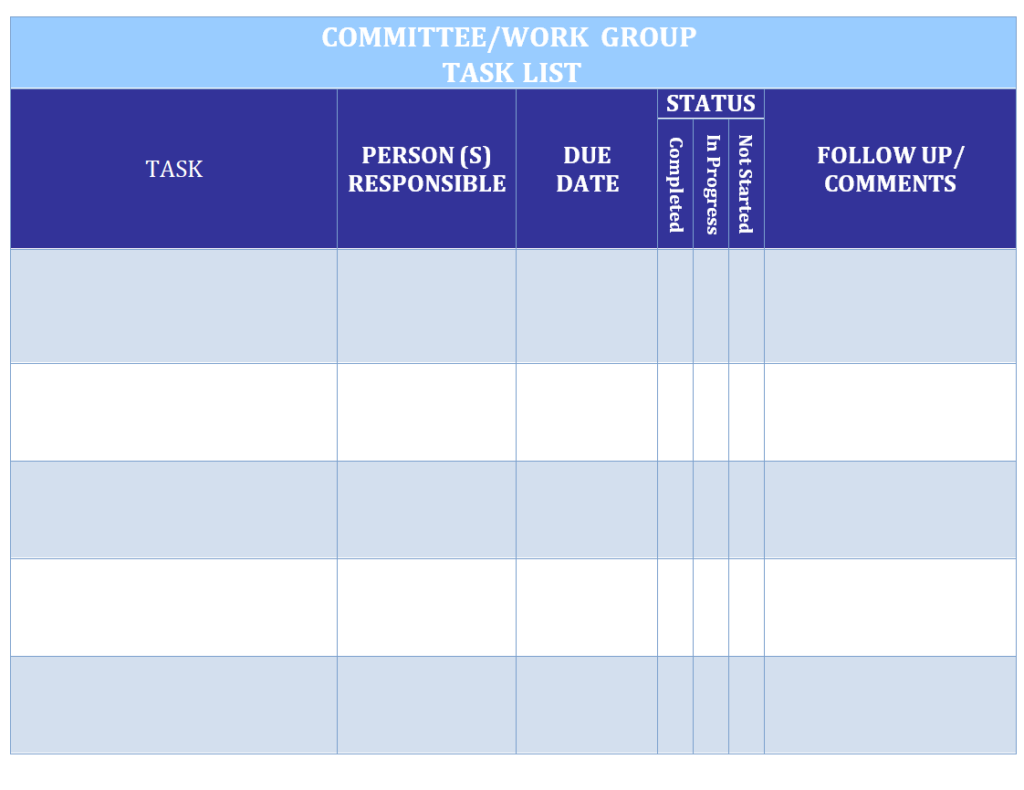
File Size: 07 KB
Data Manager Task List Template
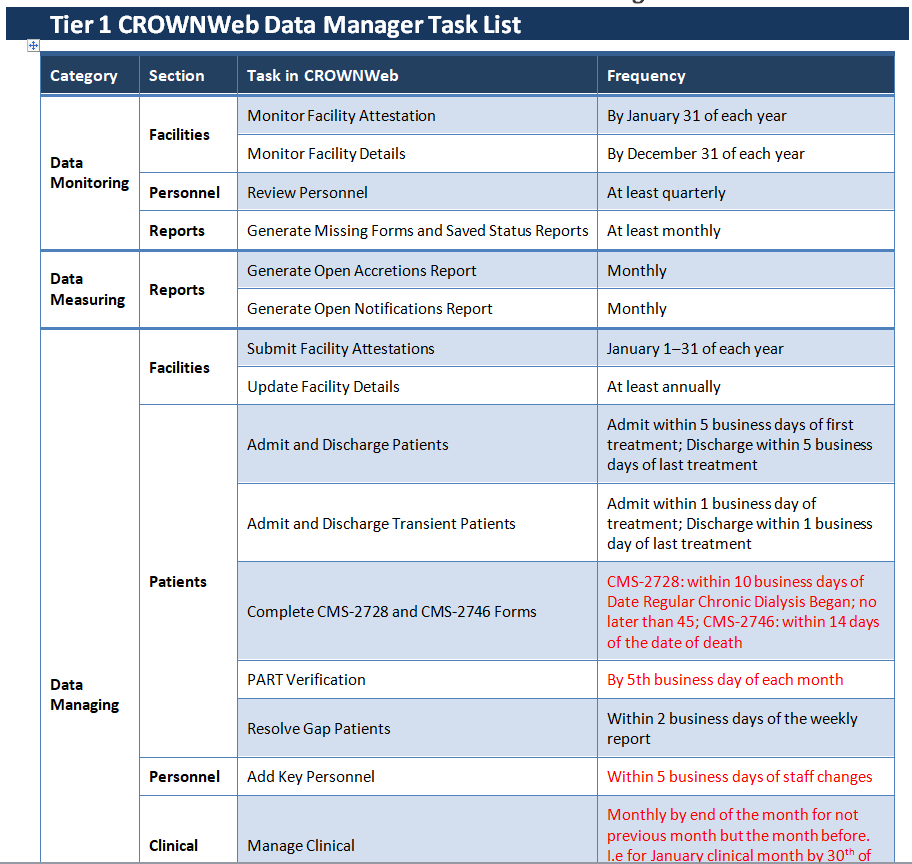
File Size: 10 KB
Church Cleaning Task List Template
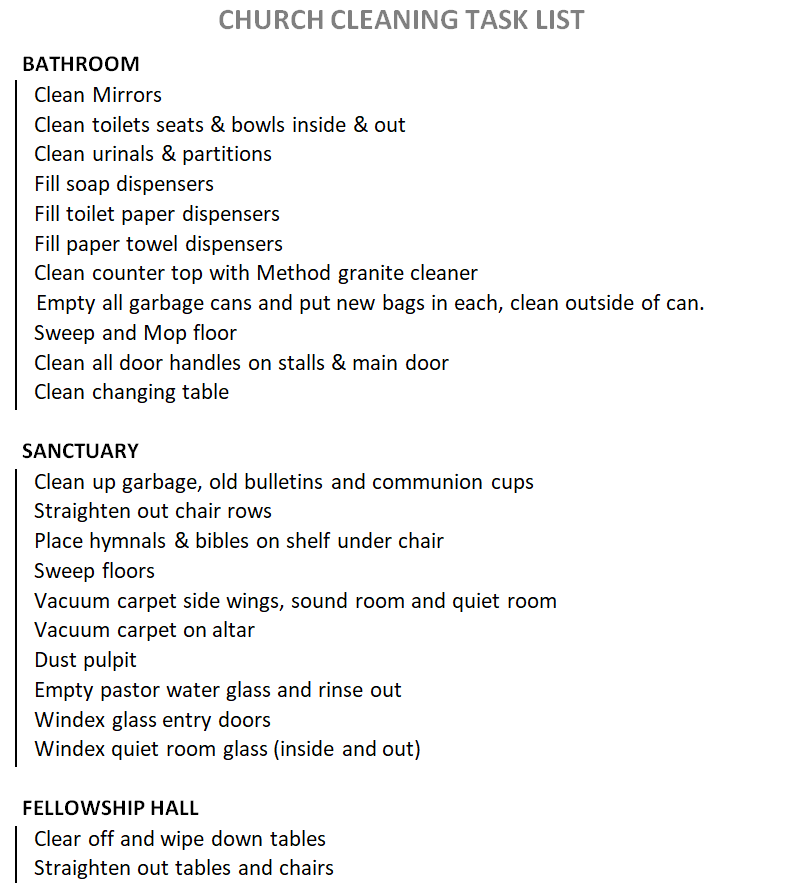
File Size: 09 KB
Office Assistant Task List Sample DOC
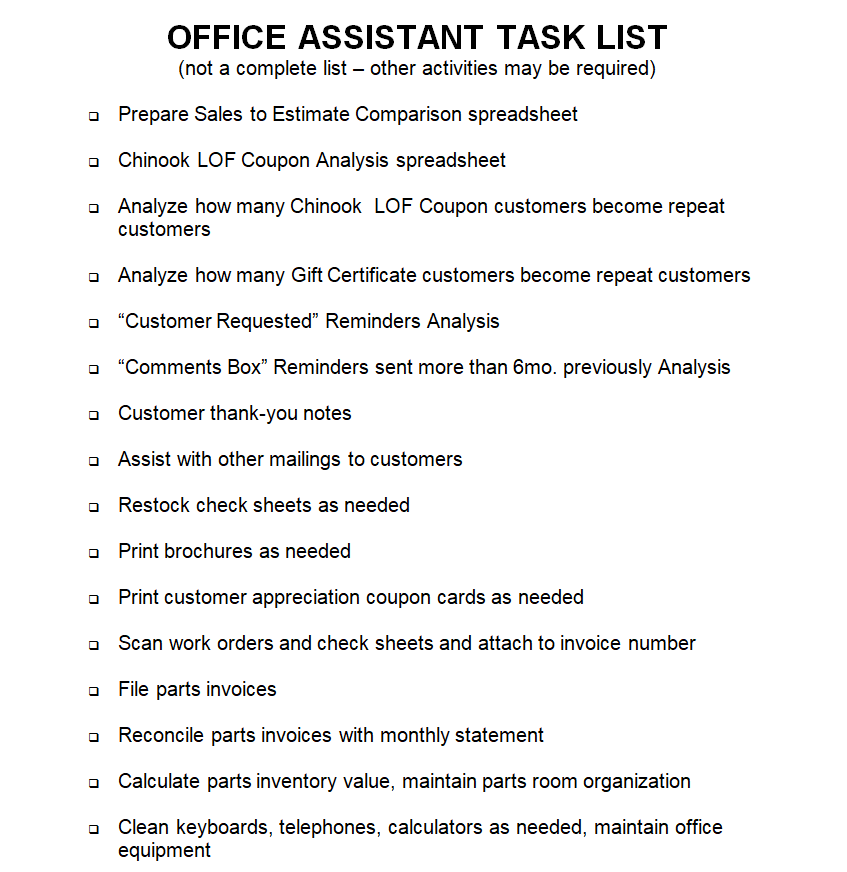
File Size: 08 KB
Simple Project Task List Template
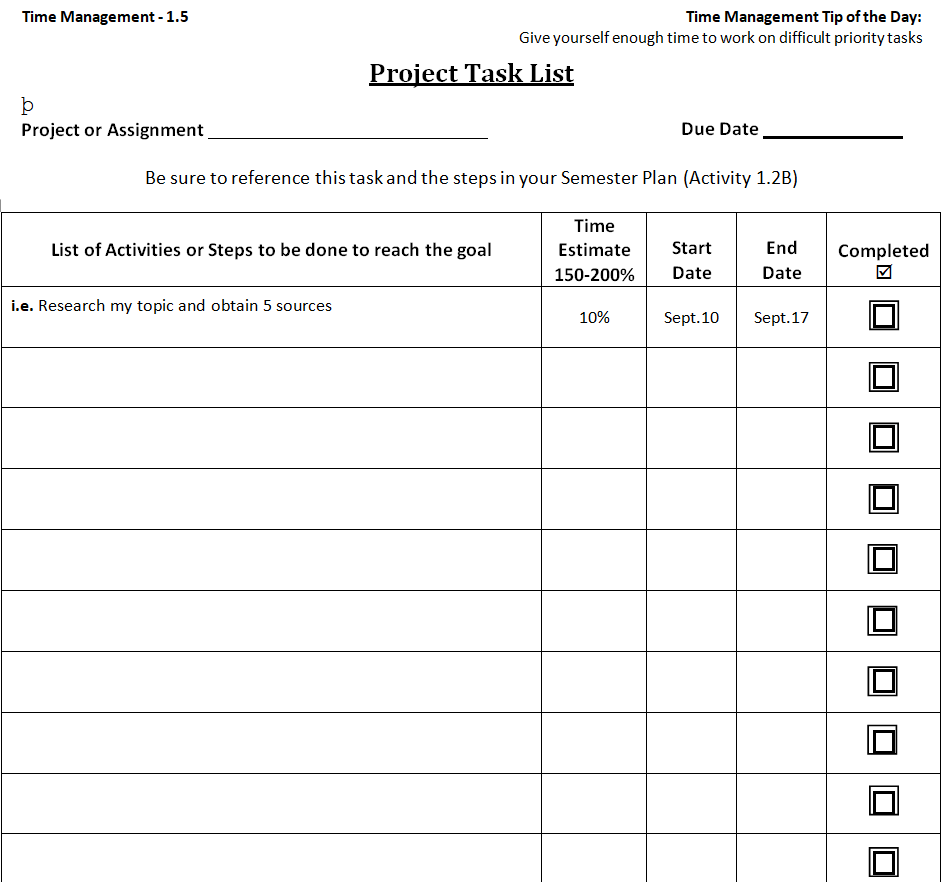
File Size: 09 KB
Official Project Task List Template
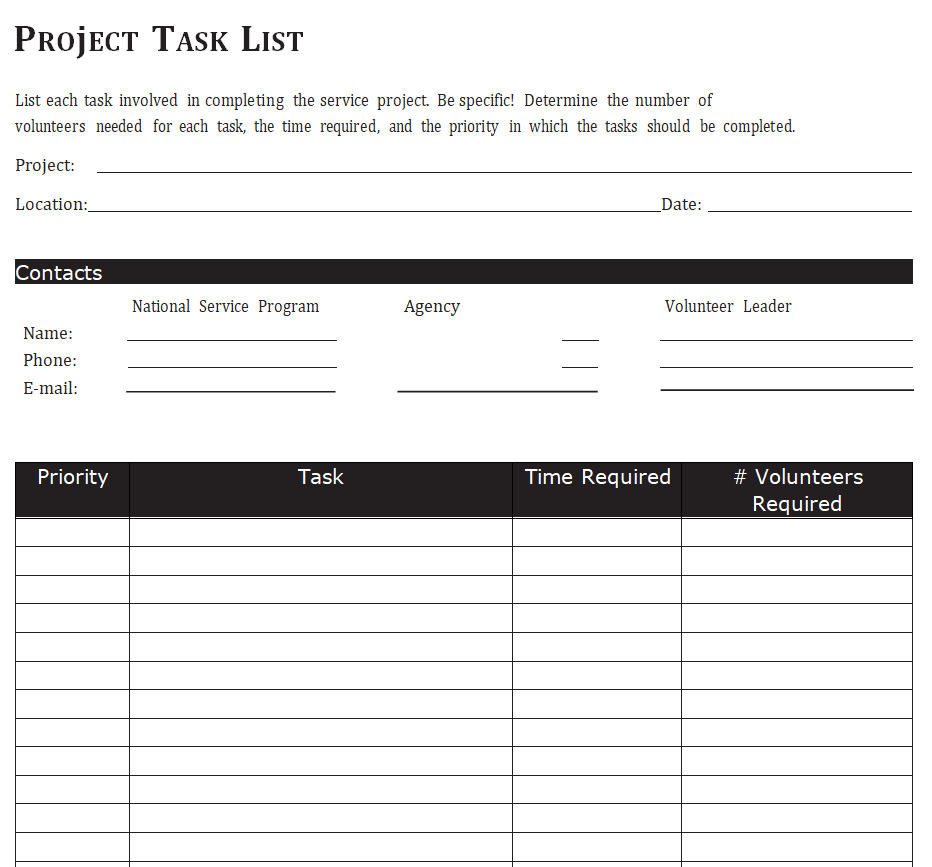
File Size: 08 KB
Weekly Task List Template Word
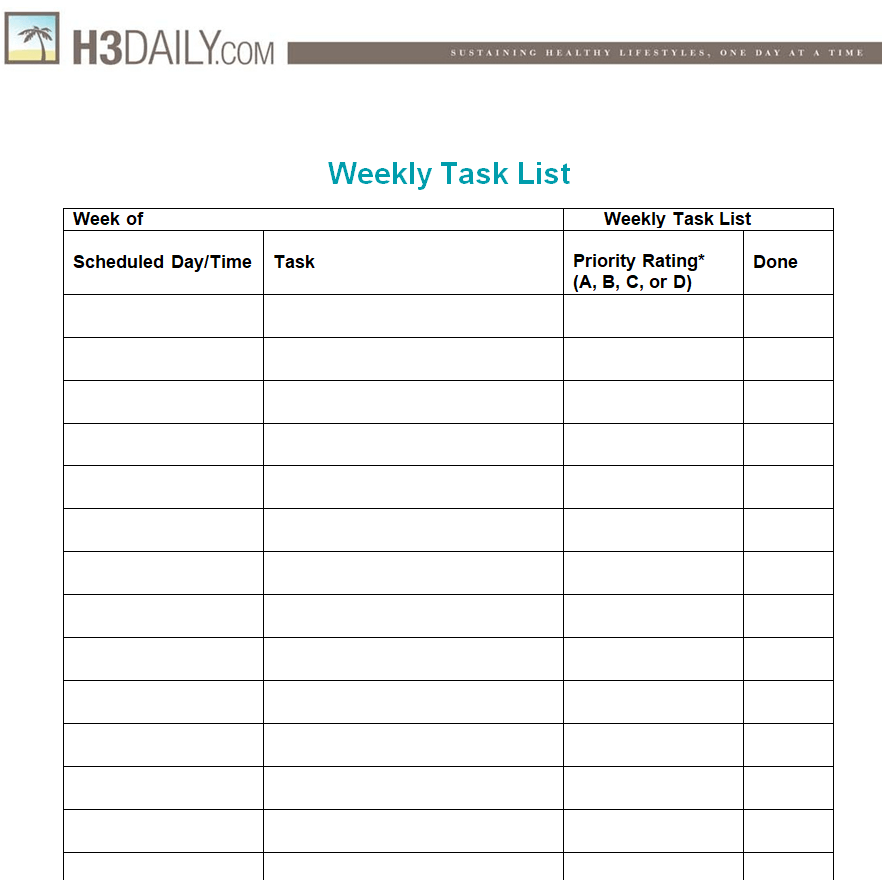
File Size: 30 KB
Student Task List Template Free Download
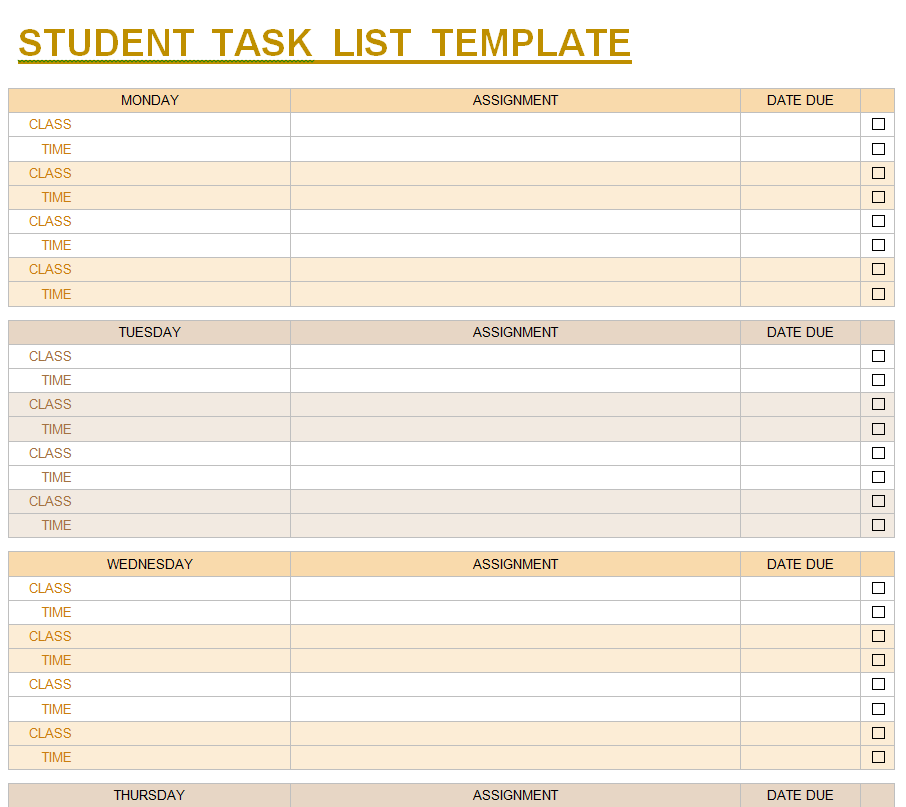
File Size: 24 KB
Free Printable Project Task List Template
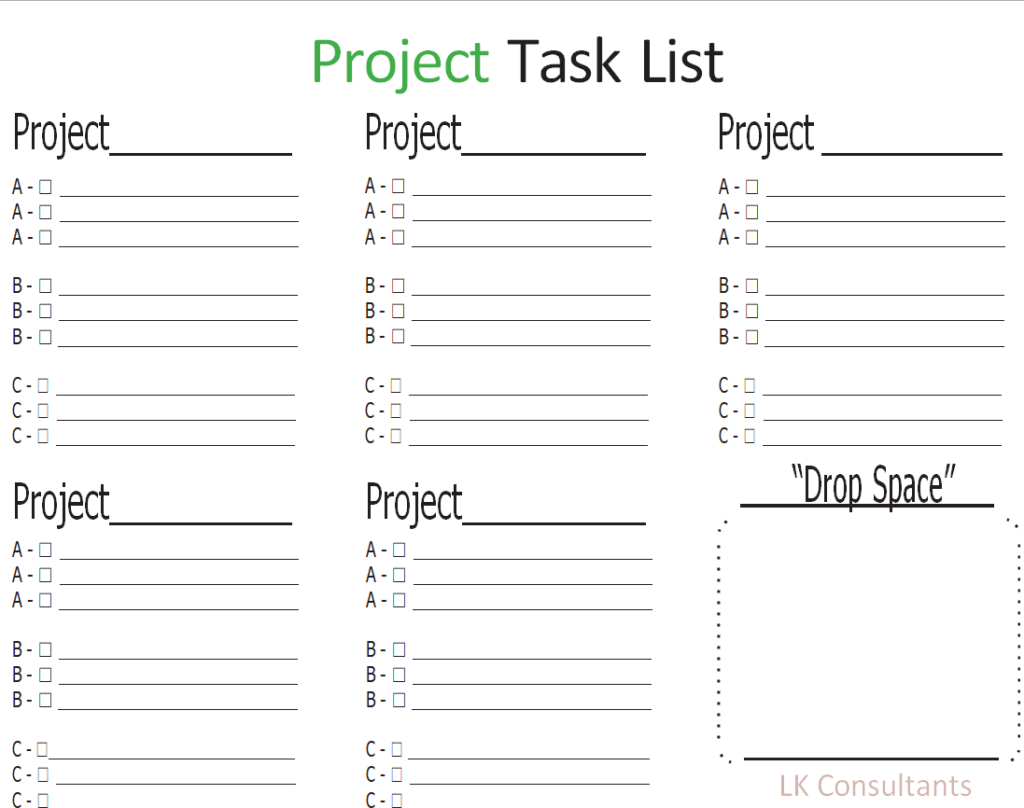
File Size: 08 KB
Benefits of a Task List Template
People have been using task lists for quite some time. Even in modern times, there are many apps that help you manage and organize your daily chores. Even these apps are designed on the concept of task lists. Still, a lot of people also prefer using a proper task list template where they put their tasks in writing themselves. Using a task list can have a lot of benefits. A list of some of these benefits is given below:
- A task list helps you properly plan and organize your work and chores.
- It enhances your productivity as an individual as well as improves your team’s performance.
- It is one of the best ways to document your daily routine.
- When used in project management or for any type of work, a task list template helps you automate the daily process and work.
- A task list template can always be easily customized and modified.
- A task list can also be used in effective business planning and in making budgets.
- Using a task list template helps you manage and utilize your time quite effectively.
- It enables you to prioritize your tasks and work with ease and helps you stay focused on your goals and targets.
- Using a task list template helps you avoid stress and overburden. It is because you know in advance that your tasks and chores are properly organized in accordance with the time.
- Using a task list template is also a great way to evaluate and analyze your performance.
- With workload and stress, chances are high that you might forget important things. Using a task list also helps you avoid this completely.
- Using a task list can also increase your motivation. It is so because when you keep achieving the tasks mentioned on the list, it motivates you further.
- It also reduces the risks of delaying a task, repeating a task, or completing it in the wrong way.
Task List Templates Excel
Group Task List Template
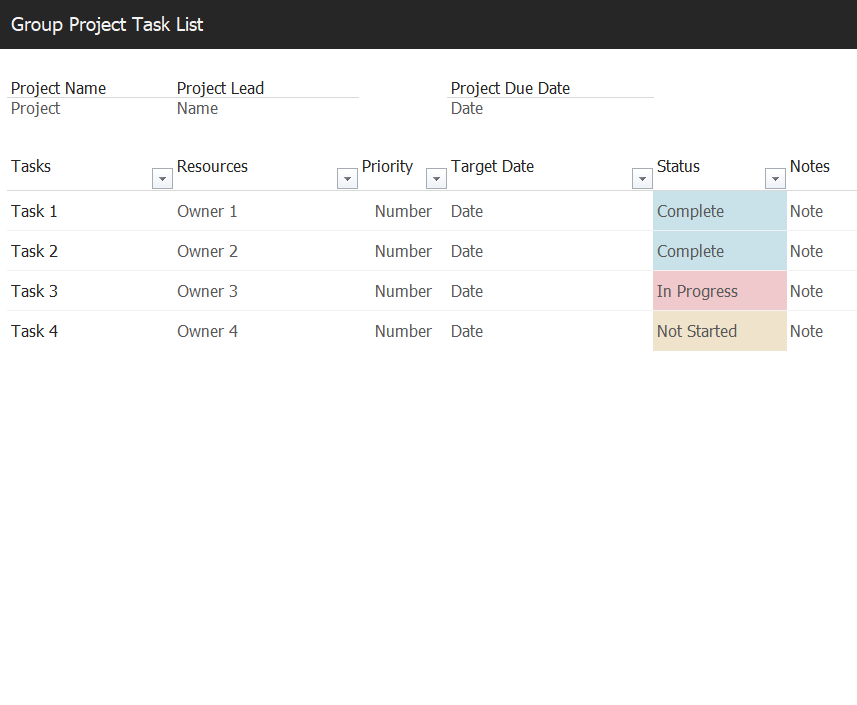
File Size: 09 KB
Weekly Task List Template in MS EXCEL
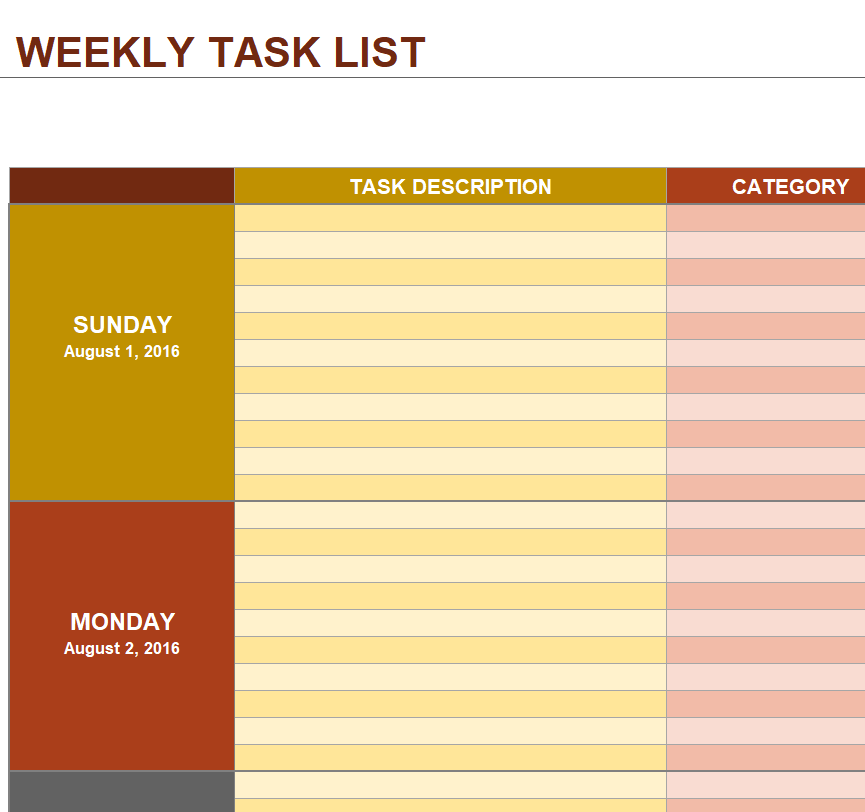
File Size: 35 KB
Group Project Task List Excel Template
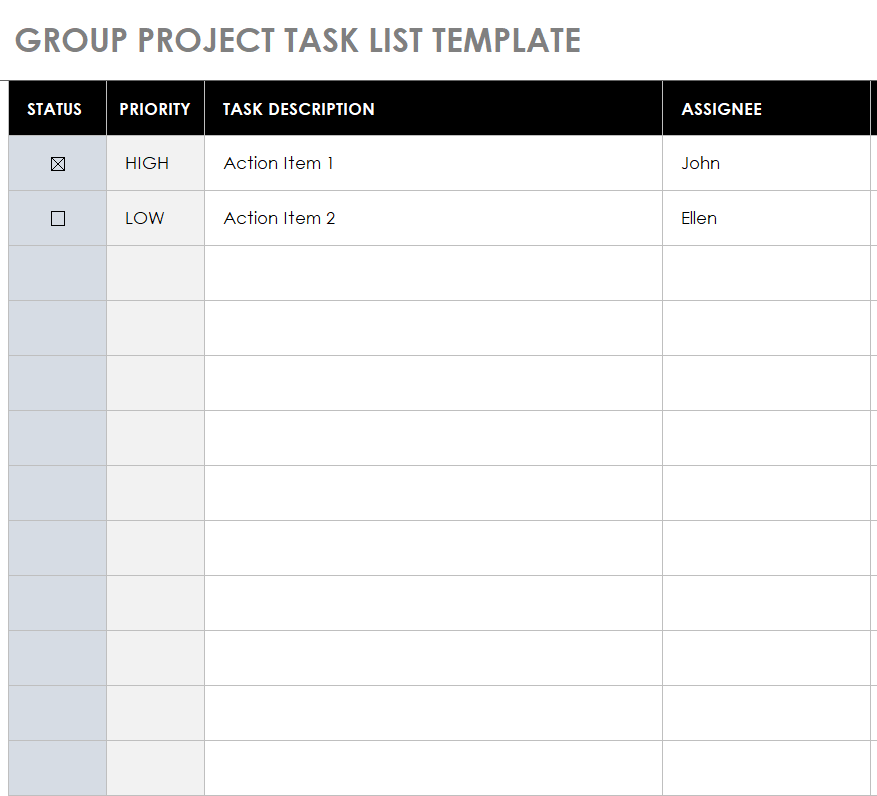
File Size: 41 KB
Daily Task List Template
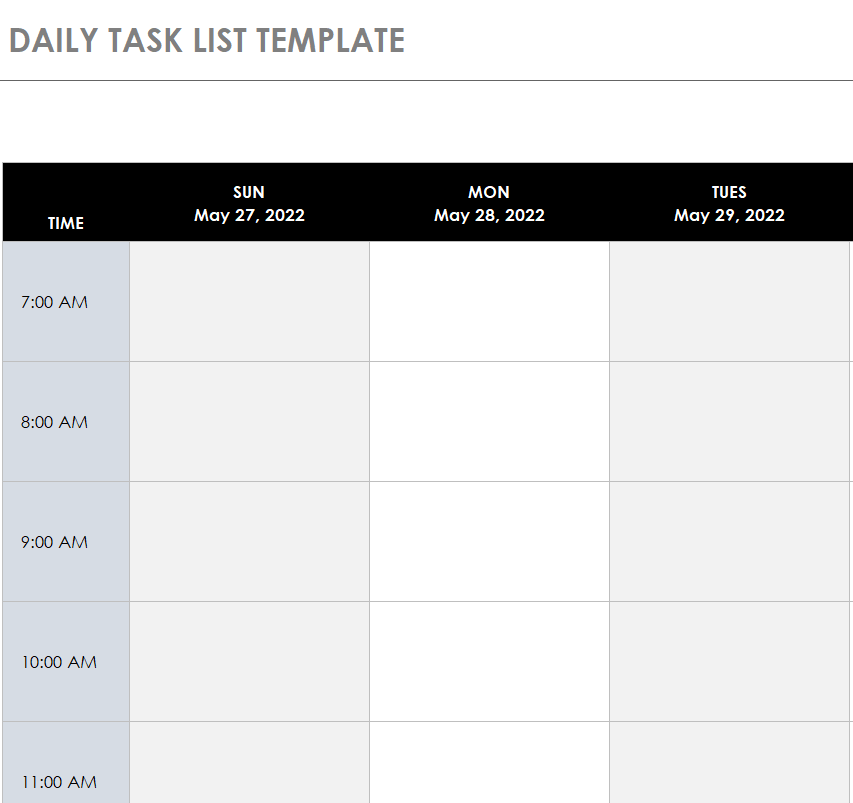
File Size: 44 KB
Professional Daily Task List Template
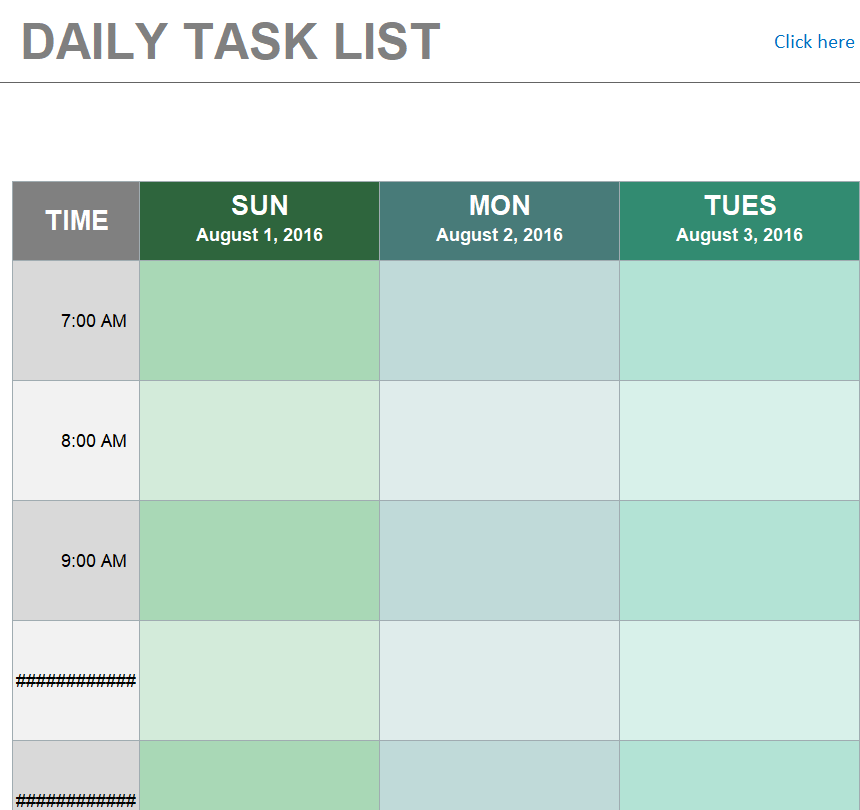
File Size: 36 KB
Special Task List Template Excel
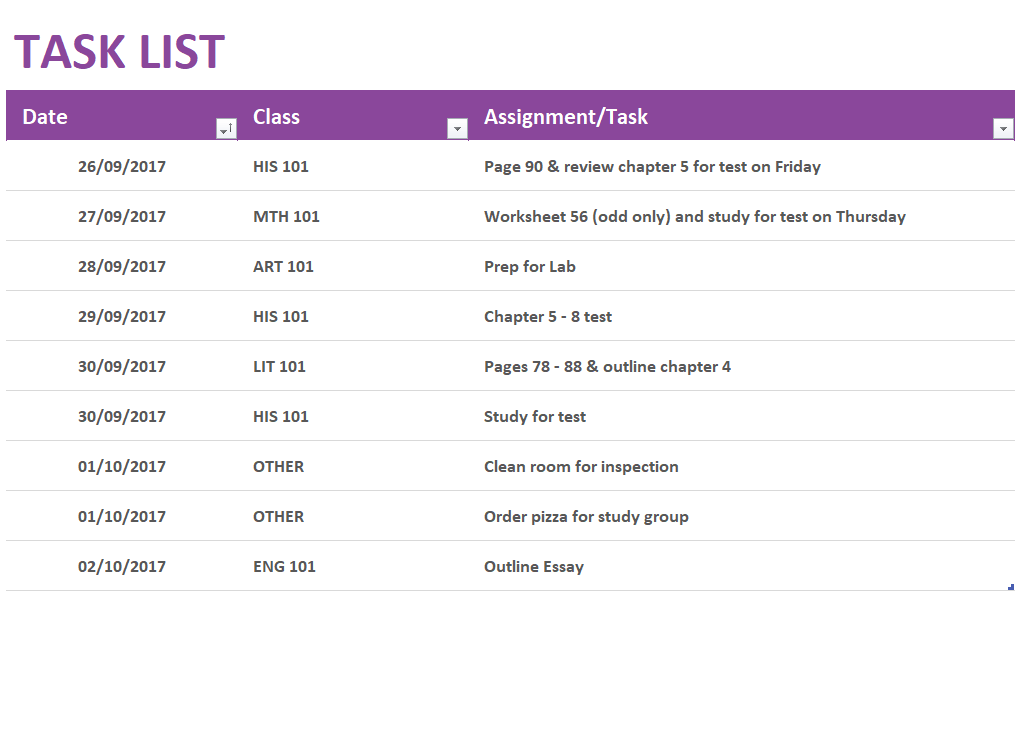
File Size: 14 KB
Standard Daily Task List Sample
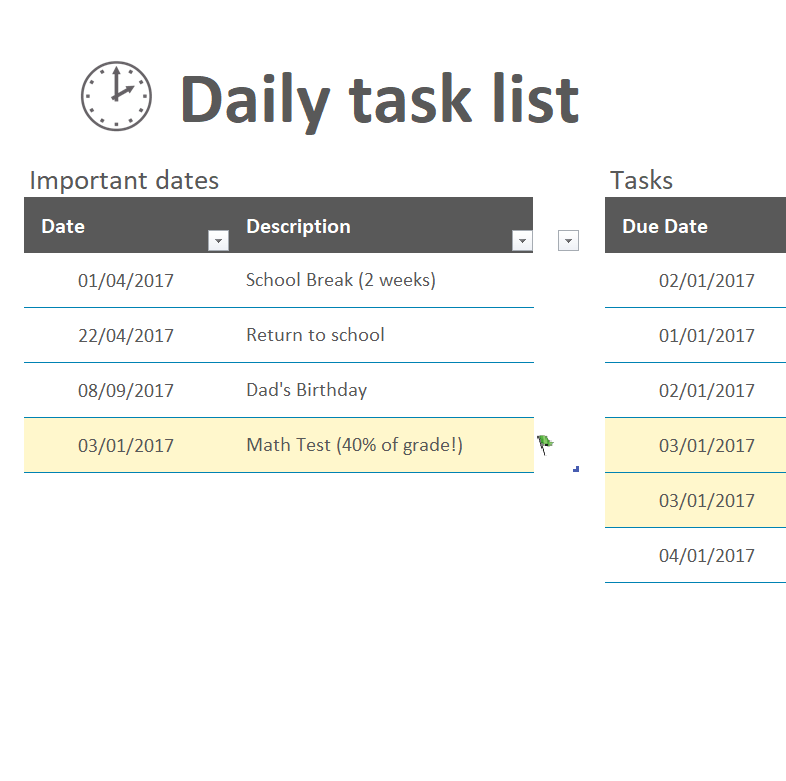
File Size: 16 KB
Home Maintenance Task List Template in XSLX Format
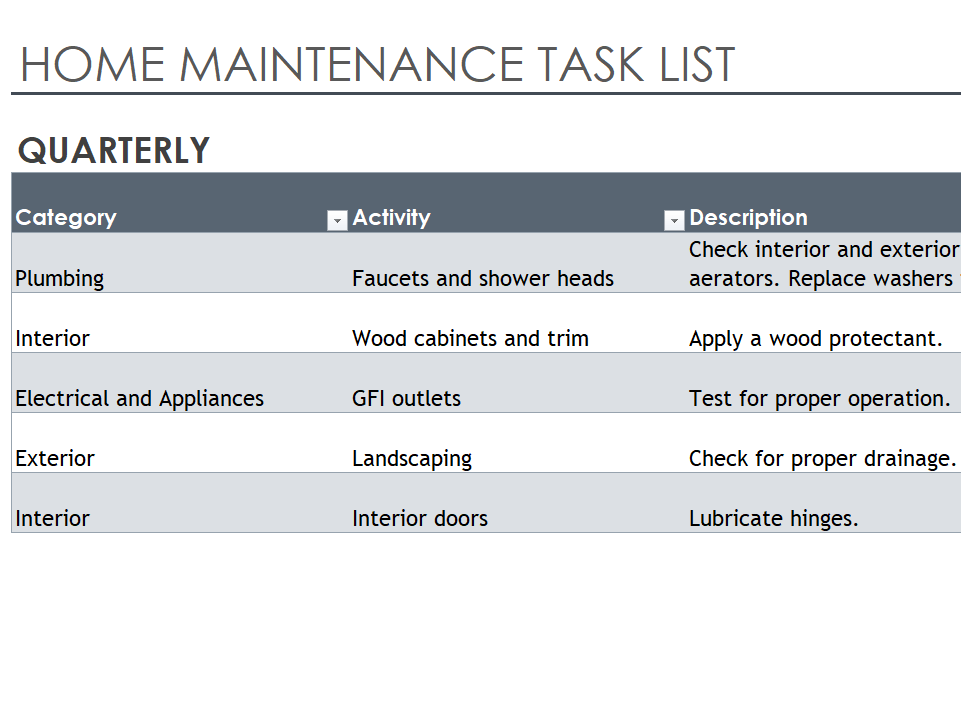
File Size: 19 KB
Household Chores Task List Template
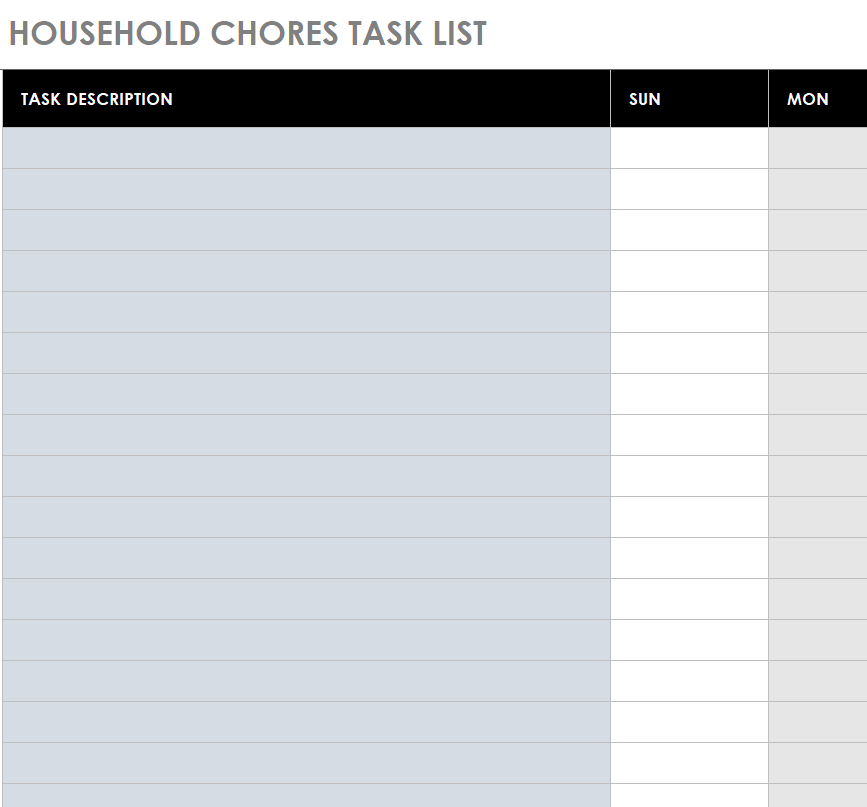
File Size: 43 KB
Basic Team Task List Excel Template
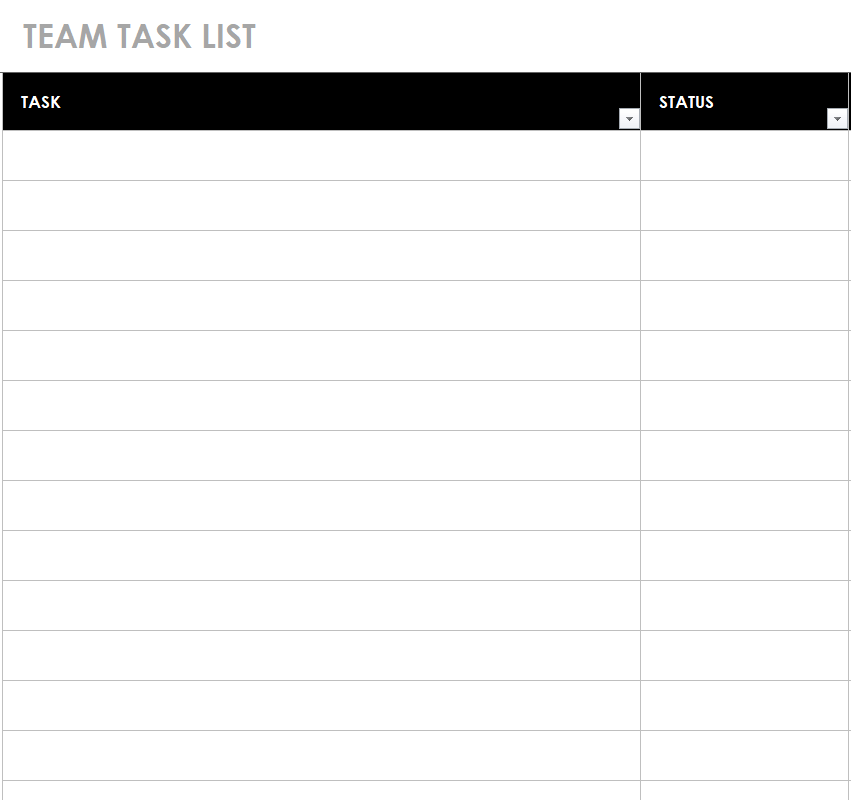
File Size: 39 KB
Gantt Chart Task List Template
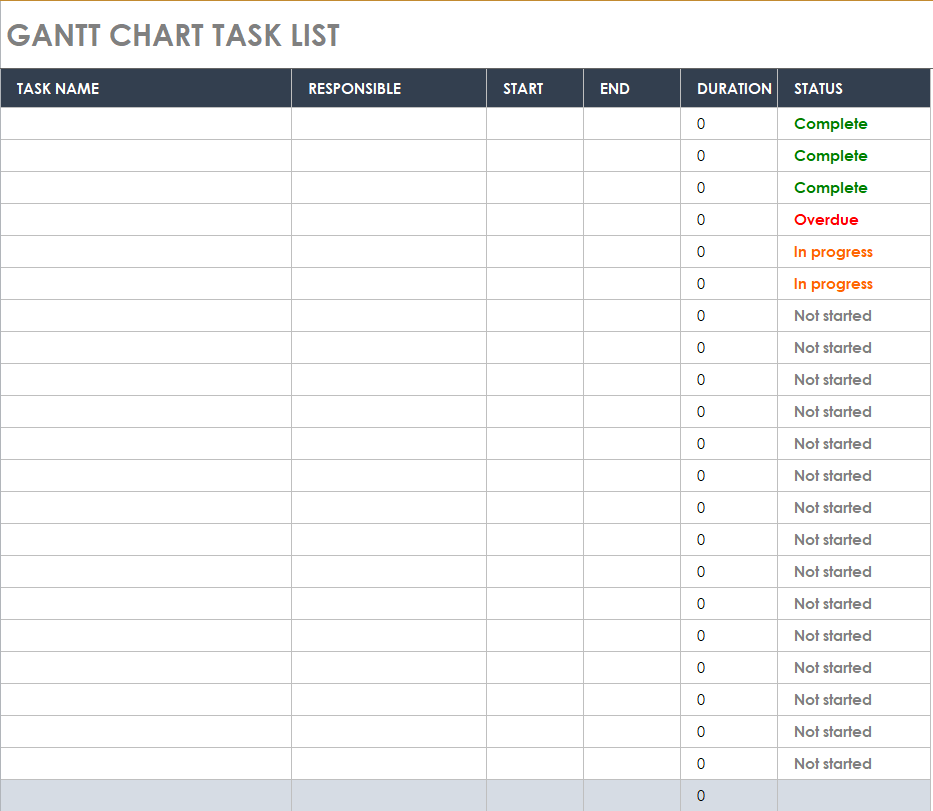
File Size: 58 KB
Project Task List Template in MS EXCEL
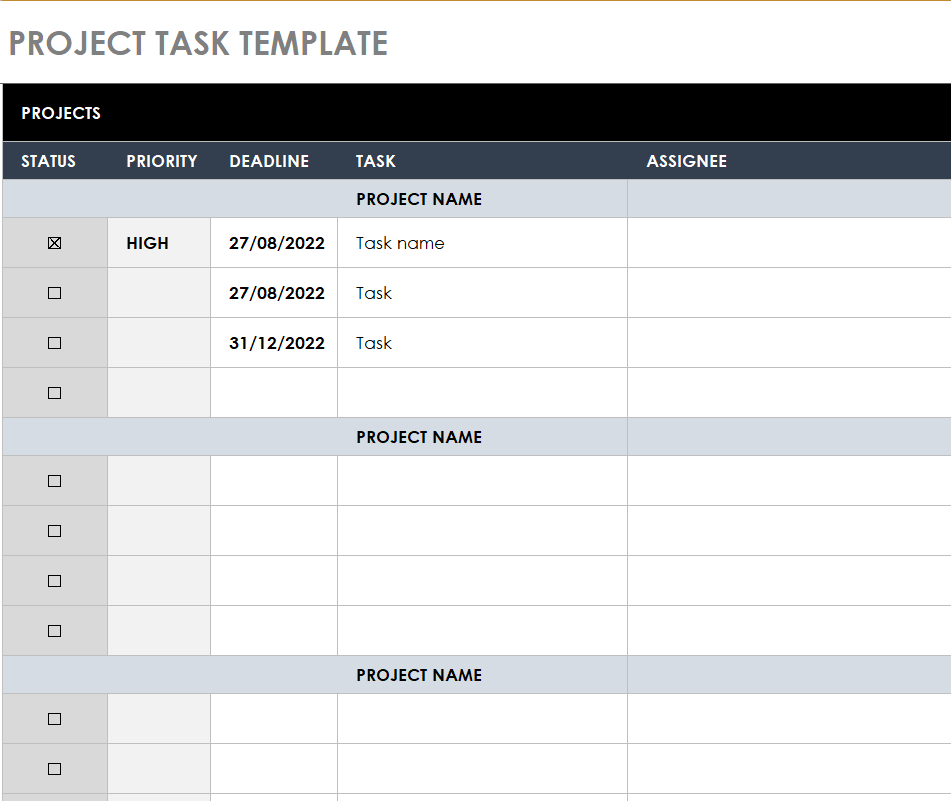
File Size: 42 KB
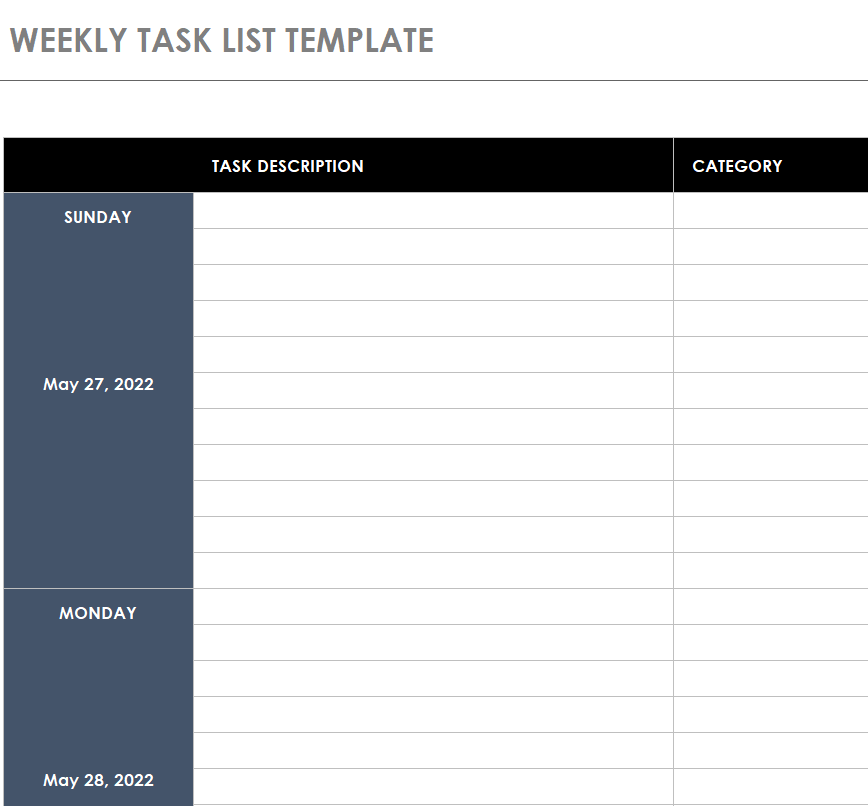
Weekly Task List Template Fillable
File Size: 43 KB
Tips to Create a Task List
Here are some quick tips for you if you want to create a task list from scratch:
- Give a proper title to your task list template which will indicate its purpose and use.
- You should be clear in your mind about why are you going to use the task list.
- Add all the important columns relevant to the type of task list that you are creating.
- Keep the information in your task list brief, concise, and simple.
- Write all the tasks and chores in your task list template and allow reasonable time for the completion of each task or chore.
- It is quite important to organize and prioritize all of your tasks in a proper way.
- It is very important to keep in mind that only the tasks that are achievable should be included in the task list template. If it is a complex task, you should divide it into multiple tasks to make it easy to achieve.
- You can also add a comments or remarks section in your task list template. It will help you to effectively measure your performance and progress.
- In order to create a seamless task list without wasting a lot of time and effort, you can also consider using the free task list templates and samples available right here on this page.
Related templates
Carry unfinished actions and their owners into a handover. handover report templates.
Use a schedule when the main constraint is delivery timing. delivery schedule templates.
For an event, arrange the agreed activities in time order. event itinerary templates.
Frequently asked questions
What is the difference between a task list and a project plan?
A task list focuses on actions. A project plan can also describe scope, milestones, dependencies and delivery assumptions. Use the level of detail needed to coordinate the work.
Should I use Word or Excel?
Word suits straightforward printed lists. Excel can help sort and filter repeated rows. Choose the format you will maintain rather than the one with the most elaborate appearance.
How many priorities should I set?
Set a small enough group that the ranking helps you make decisions. The right number depends on the work and available time; marking every task urgent removes the distinction.
How do I handle a blocked task?
Record what is missing, who can provide it and the next follow-up action. Keep it distinct from work that can start immediately.
Do completed tasks need to stay on the sheet?
Keep them when the history is useful, but separate or filter them so they do not obscure current work. Follow any recordkeeping needs that apply to your team.
