
Promotion Letter Formats. A promotion letter confirms an approved change in an employee's role and explains when the new arrangement takes effect. It should make the new title, reporting relationship, responsibilities, and any approved compensation changes clear. A congratulatory tone is welcome, but the practical terms need to be precise.
Prepare the letter after the relevant approvals are in place. If responsibilities or pay are still under discussion, a final promotion confirmation may be premature. Check that the letter, personnel record, and any supporting terms agree.
Browse the previews and resource links, or use the guide below to choose the right layout.
Details to check before choosing a layout
Employee and role. Use the correct employee name and the approved new title. Identify the department if it helps clarify the change.
Effective date. State when the promotion begins and distinguish it from the date the letter is issued.
Responsibilities and reporting. Summarize the main change and name the reporting relationship. Attach a role description if more detail is needed.
Compensation and response. Record only approved pay or benefit changes and explain any acknowledgment or next step.
A practical preparation workflow
- Collect the approved role, reporting, date, and compensation details.
- Write a clear confirmation with a concise acknowledgment of the employee's contribution.
- Check the terms against the supporting records and role description.
- Obtain authorized sign-off and coordinate the transition with the relevant team.
An example in practice
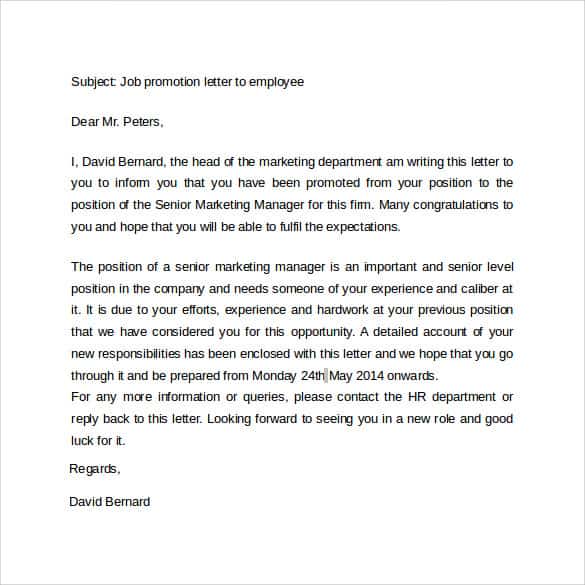
We are pleased to confirm your promotion to [New role], effective [Date]. In this position, you will report to [Role or manager] and take responsibility for [Brief scope]. The approved changes to compensation are set out in [Section or attachment]. Please review the details and complete [Next step].
Which format fits the task?
An internal confirmation records the terms. A public team announcement introduces the new role without disclosing private pay information. A role-change letter should make clear whether the change is actually a promotion.
From a sample to an issued document
Keep the blank master separate from the completed version. Replace every bracketed placeholder and read the result as a whole; a correct name at the top does not prevent an old name remaining in a later paragraph. Check attachments and referenced dates together. If approval or a signature is required, complete that process before describing the document as issued or agreed.
An editable document is useful for revising wording, while a fixed PDF can preserve the reviewed layout for sharing. Neither file extension establishes authority, acceptance, or authenticity. The person issuing or agreeing to the document must check the facts and use the process appropriate to its purpose.
Checks that prevent confusion
Avoid vague promises of future benefits, an incorrect effective date, or a role description copied from another employee. A promotion announcement for colleagues can be shorter than the confidential letter issued to the employee.
Related documents for the next step
Update factual employment verification when the new role takes effect. See free certificate of employment.
Use a salary certificate when verified pay information is requested separately. See salary certificate formats.
Prepare a handover report when previous duties move to another colleague. See free handover report templates.
Previews and linked resources
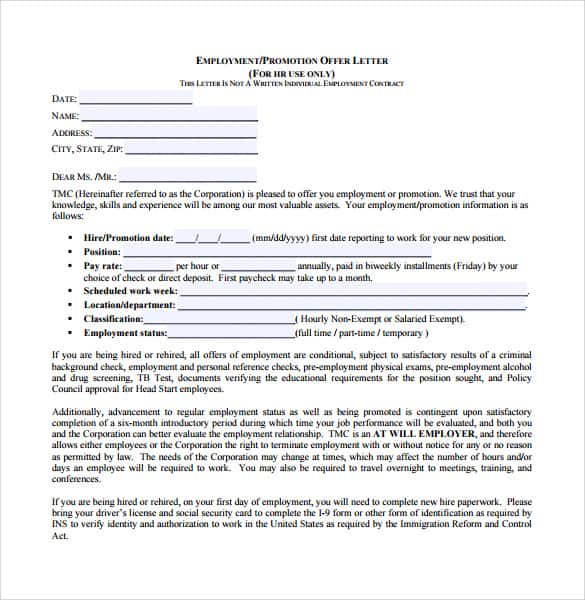
The collection includes file links and external source pages. File type is shown on direct-file buttons; external pages may offer paid options or additional steps. Some reference images have no editable file attached.




Download two customizable templates
These original downloads are hosted on Templates Front. Each ZIP contains the template files and instructions described below.
Role promotion confirmation
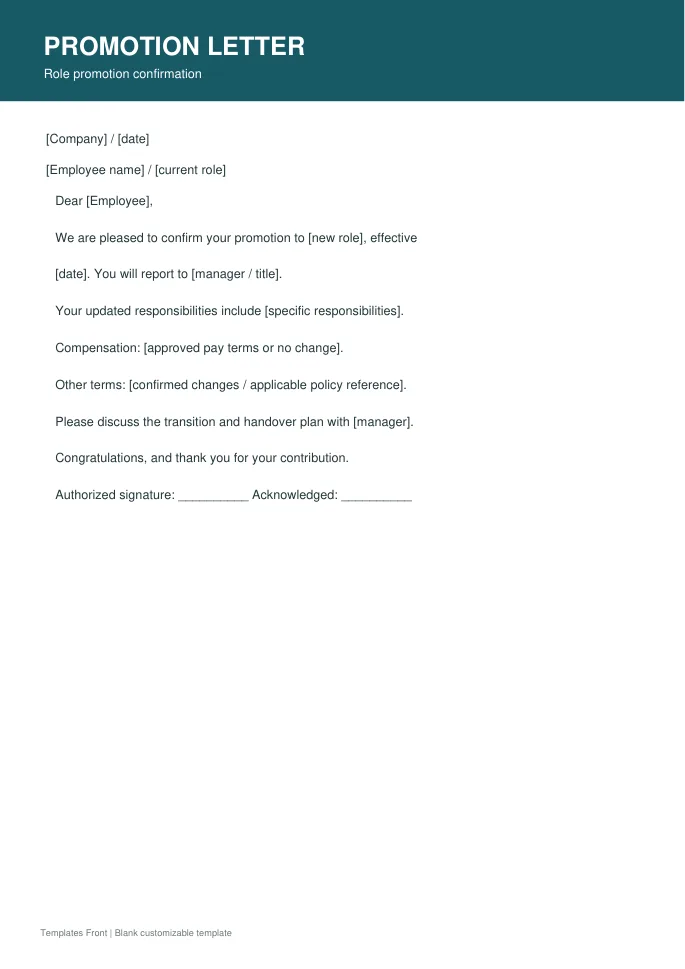
Printable PDF and editable HTML document. Open the HTML in a browser, click the text to edit, then print or save. Tables do not calculate automatically.
Promotion and pay adjustment
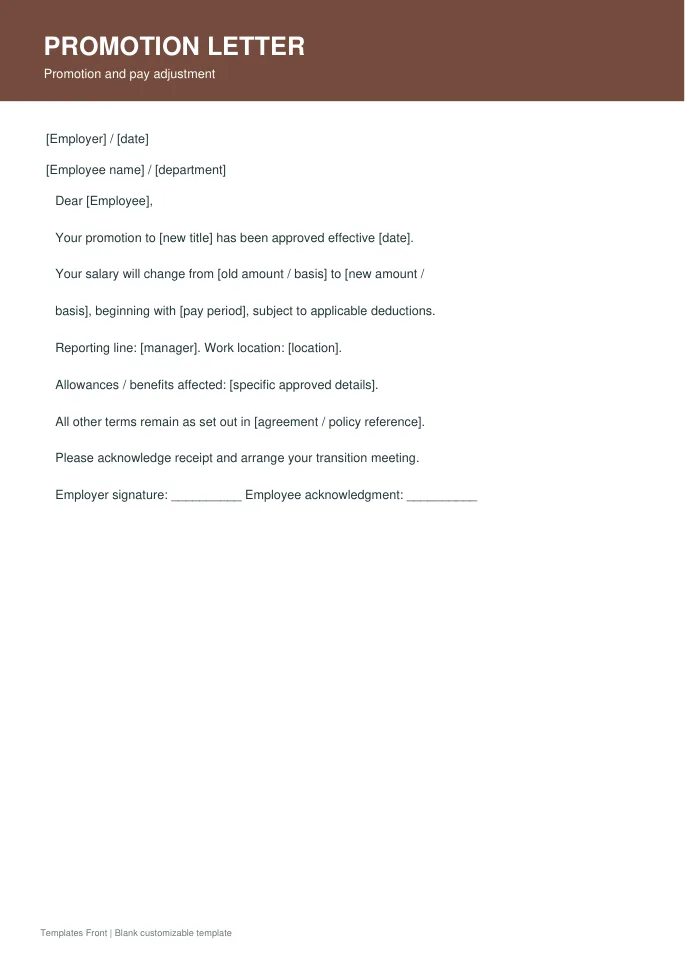
Printable PDF and editable HTML document. Open the HTML in a browser, click the text to edit, then print or save. Tables do not calculate automatically.
Frequently asked questions
Does every promotion include a pay increase?
Do not assume so. Record the approved arrangement accurately.
Should salary appear in a public announcement?
Keep confidential compensation information in the appropriate employee communication, not an ordinary team announcement.
Is a new job description useful?
Yes, when responsibilities change. Ensure it agrees with the letter and approved role.
How do I tell a downloadable file from a source page?
The buttons distinguish file links from external source pages. A source page may contain a download, a paid listing, or further information. Check its file type, availability, and usage terms before relying on it. A preview by itself does not promise an editable file.
