
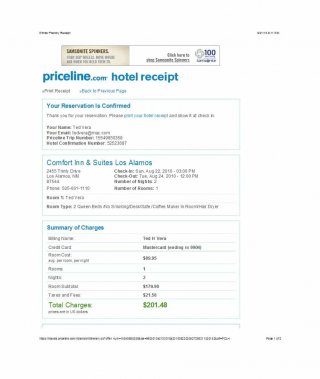
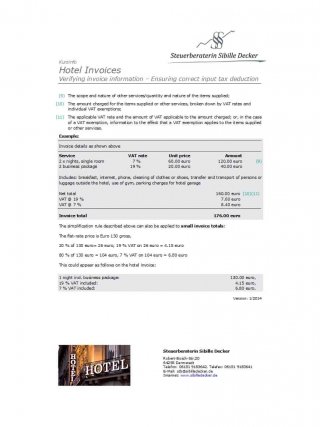
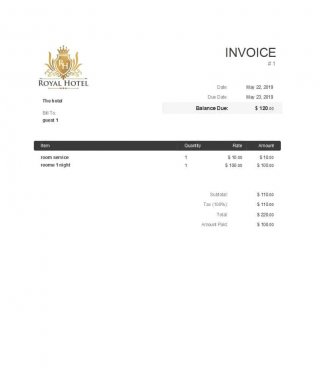
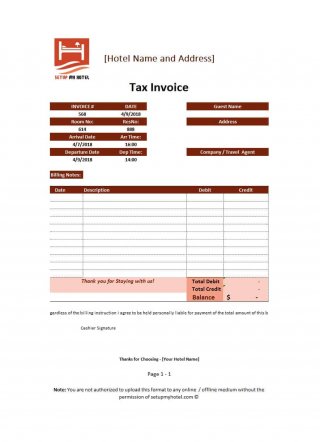
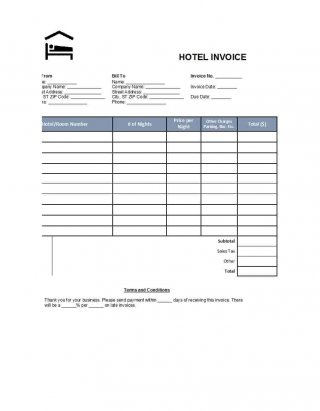
Hotel Bill Formats. A hotel bill format itemizes a guest's stay, room charges, agreed extras, and any remaining balance. It should make the billing period and payment position clear at checkout. The layouts below include different file types, so choose an editable document or spreadsheet if you need to change the structure rather than simply print an example.
Decide whether you are issuing a bill before payment or a receipt after payment. The same visual layout can support both, but the wording and payment status must be accurate. A guest should be able to distinguish charges, deposits, payments received, and the amount still due.
Browse the previews and resource links, or use the guide below to choose the right layout.
Build the document around its purpose
Property and guest. Show the property name and contact details together with the correct guest or company billing name. Keep the room number separate from the invoice reference.
Stay dates. Record check-in and check-out dates and the number of billable nights. Explain any agreed day-use or late-checkout charge separately.
Itemized charges. List room charges and extras clearly. Do not bundle meals, laundry, and other services into an unexplained amount when the guest needs a breakdown.
Payments and balance. Show deposits and payments actually received, applicable adjustments, and the final balance. Use the correct currency and confirm any required tax details.
Prepare and review your version
- Confirm the booking details and actual stay before preparing the bill.
- Enter the room charge and separately record approved extras from supporting records.
- Deduct payments already received and check the final amount with a second calculation.
- Issue the appropriate bill or paid receipt and keep a copy with the booking record.
Putting the layout to work
An illustrative stay of three nights at 80 per night produces a room charge of 240. Add an agreed service charge of 15 and deduct a deposit of 100 to show a remaining balance of 155 before any other applicable adjustments. Label the currency and keep any local tax calculation separate and appropriate to the property.
Adapt the layout to the situation
A simple guest bill can fit on one page. A company account may need purchase-order or booking references. A spreadsheet layout is useful for multiple charge lines, while a Word format gives more flexibility for notes and branding. Share a finalized copy after review.
Editable files, calculations, and shared copies
Choose a spreadsheet when the task depends on repeated rows, totals, or filtering. Use an editable document when explanatory wording and page layout matter more than calculations. A PDF may be convenient for a finalized copy, but it is not automatically fillable. A ZIP is a container; inspect its contents before deciding which application you need.
When adapting a spreadsheet, test a few representative entries and check the totals independently. Adding a row or moving a column can leave a formula pointing at the wrong range. Keep dates and numbers in a consistent format. If you share a completed copy, retain a separate blank master so the next version does not accidentally include a previous customer's or participant's details.
Before sharing the finished version
Do not charge the checkout date as an extra night without checking the booking terms. Avoid marking the document paid simply because a payment link was sent. Corporate billing details, split payments, and refunds should be explicit so the guest and accounts team can reconcile the bill.
Related documents for the next step
For general customer billing, compare invoice formats. See invoice formats.
Use a sales report to summarize billing activity by a consistent reporting period. See sales report formats.
An order confirmation illustrates how agreed services can be recorded before billing. See order confirmation templates.
Previews and linked resources
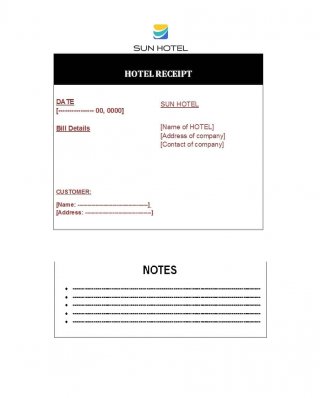
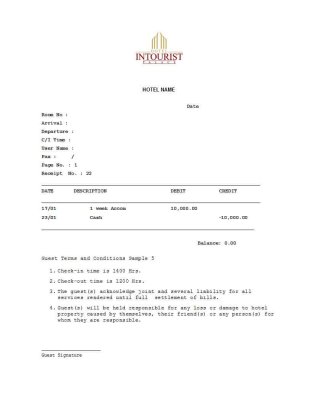
The collection includes file links and external source pages. File type is shown on direct-file buttons; external pages may offer paid options or additional steps. Some reference images have no editable file attached.
Download two customizable templates
These original downloads are hosted on Templates Front. Each ZIP contains the template files and instructions described below.
Guest accommodation bill
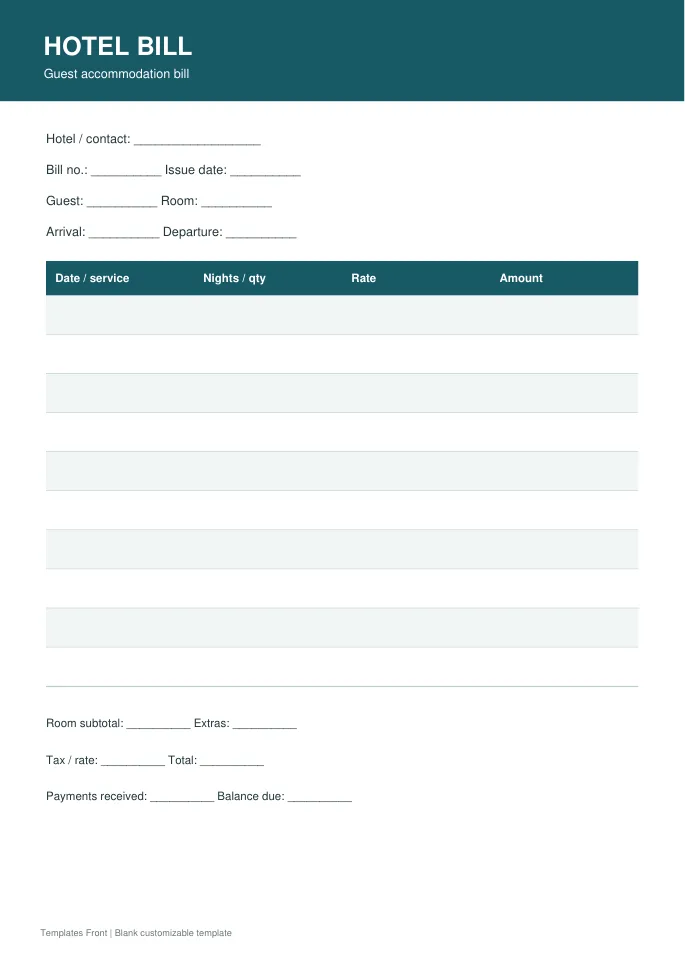
Printable PDF and editable HTML document. Open the HTML in a browser, click the text to edit, then print or save. Tables do not calculate automatically.
Group stay billing statement
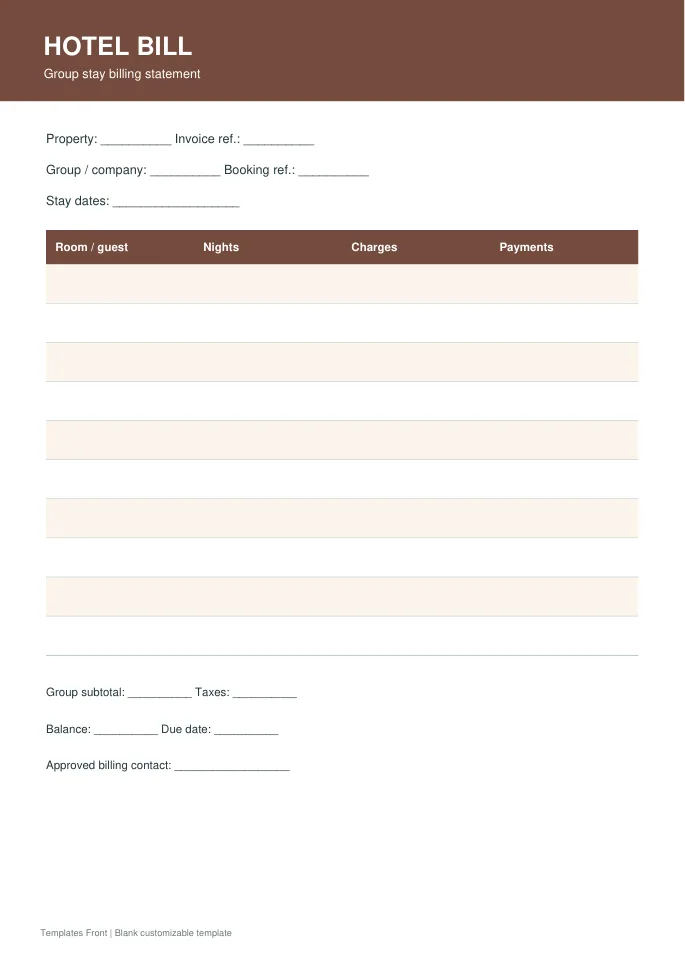
Printable PDF and editable HTML document. Open the HTML in a browser, click the text to edit, then print or save. Tables do not calculate automatically.
Frequently asked questions
Is a hotel bill the same as a paid receipt?
No. A bill shows charges; a paid receipt confirms payment received. Label the document according to the actual payment status.
Should deposits appear on the bill?
Yes, show payments already received so the guest can see how the remaining balance was calculated.
Can I change the currency?
Use the currency agreed for the booking and update all relevant headings, amounts, and payment information consistently.
How do I tell a downloadable file from a source page?
The buttons distinguish file links from external source pages. A source page may contain a download, a paid listing, or further information. Check its file type, availability, and usage terms before relying on it. A preview by itself does not promise an editable file.
