
Discount Request Forms and Templates. A discount request form records a proposed reduction in price and gives the decision maker enough information to evaluate it. It can be used for a customer request, a staff approval workflow, or a defined assistance program. The form should distinguish the amount requested from the amount actually approved.
Choose fields around the decision being made. A bulk-order discount needs quantities and a quoted price. A fee-assistance request may require different supporting information. Collect only what the program needs and avoid exposing private financial or personal records unnecessarily.
Browse the previews and resource links, or use the guide below to choose the right layout.
Build the document around its purpose
Requester and reference. Identify the customer or applicant and the relevant quote, account, or order reference.
Original amount. Show the current price or fee and the items or period it covers. State the currency and any relevant quantity.
Requested reduction. Record the proposed percentage or amount, the reason, and any supporting explanation.
Decision and conditions. Provide a separate approval area with the approved amount, validity, conditions, decision date, and authorized reviewer.
Prepare and review your version
- Identify the type of request and the person authorized to decide it.
- Enter the original amount and calculate the requested reduction clearly.
- Attach only the supporting information the process requires.
- Record the decision and communicate the approved terms before changing an invoice or order.
Putting the layout to work
For an illustrative order priced at 500, a requested 10 percent reduction equals 50, leaving 450 before any other adjustments. If the reviewer approves only 5 percent, the approved reduction is 25. Keep both the request and decision visible so the customer is not billed using an unapproved figure.
Adapt the layout to the situation
A sales discount request can focus on order value and margin review. A program application may focus on eligibility. An internal approval slip can be shorter if the supporting quote is attached.
Editable files, calculations, and shared copies
Choose a spreadsheet when the task depends on repeated rows, totals, or filtering. Use an editable document when explanatory wording and page layout matter more than calculations. A PDF may be convenient for a finalized copy, but it is not automatically fillable. A ZIP is a container; inspect its contents before deciding which application you need.
When adapting a spreadsheet, test a few representative entries and check the totals independently. Adding a row or moving a column can leave a formula pointing at the wrong range. Keep dates and numbers in a consistent format. If you share a completed copy, retain a separate blank master so the next version does not accidentally include a previous customer's or participant's details.
Before sharing the finished version
Do not treat submission as approval. Avoid mixing a percentage with a fixed amount without showing the calculation. A form copied from a utility, university, or assistance program may contain conditions that do not apply to your business.
Related documents for the next step
Start with the approved price list when calculating a proposed discount. See free price list design templates.
Carry approved pricing into the order confirmation. See order confirmation templates.
Show the agreed adjustment accurately on the final invoice. See invoice formats.
Previews and linked resources
The collection includes file links and external source pages. File type is shown on direct-file buttons; external pages may offer paid options or additional steps. Some reference images have no editable file attached.
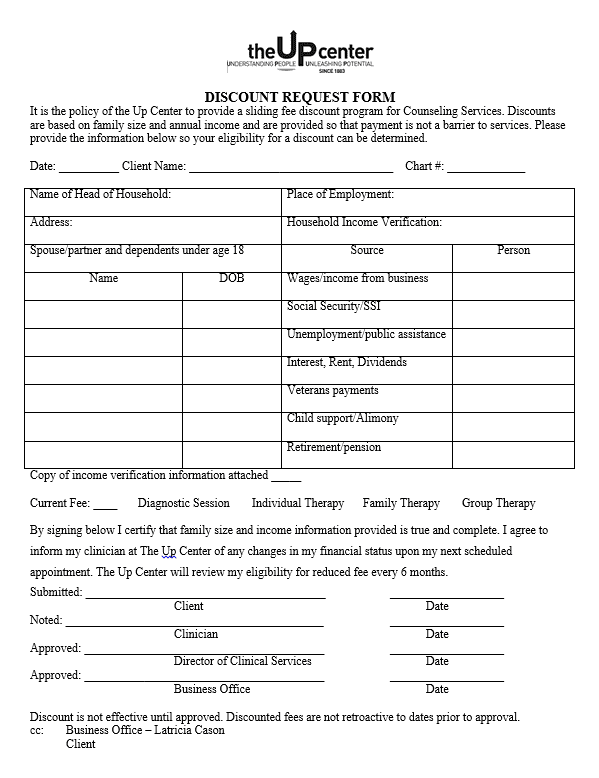
Counseling Service Discount Request Form:
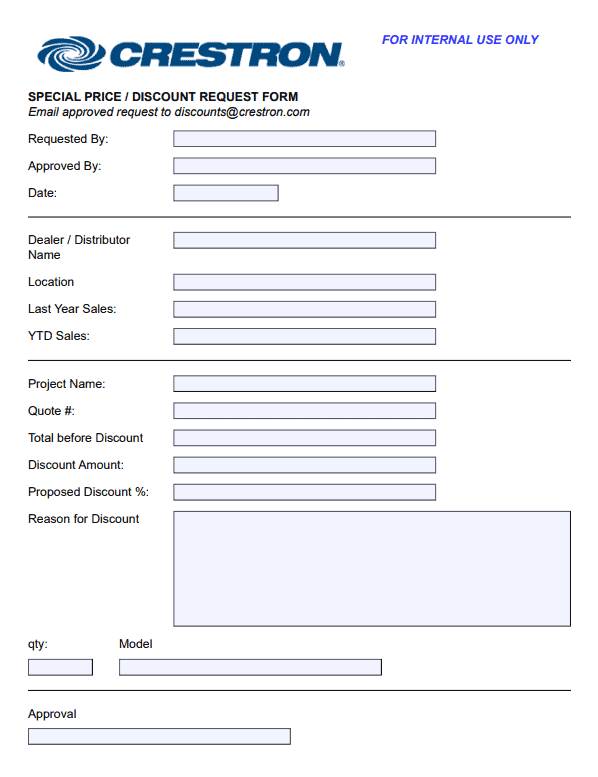
Price Discount Request Form:
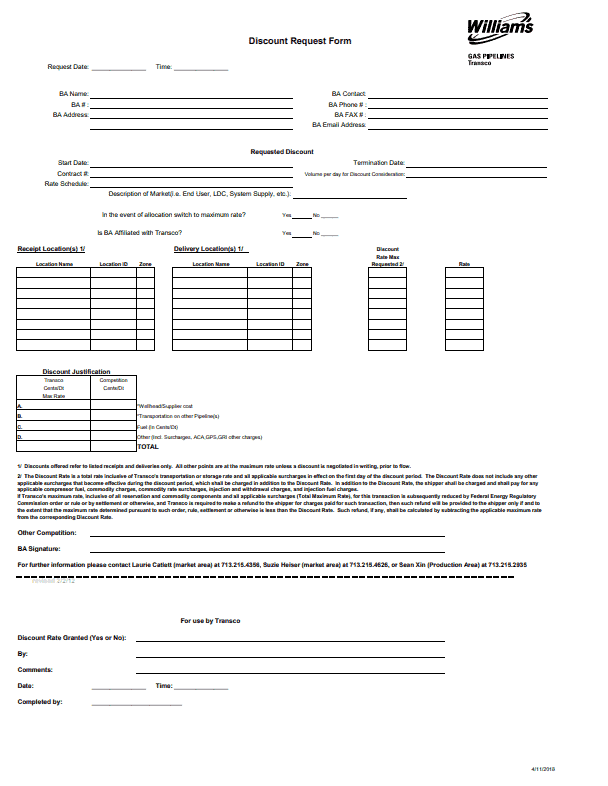
Gas Service Discount Request Form:
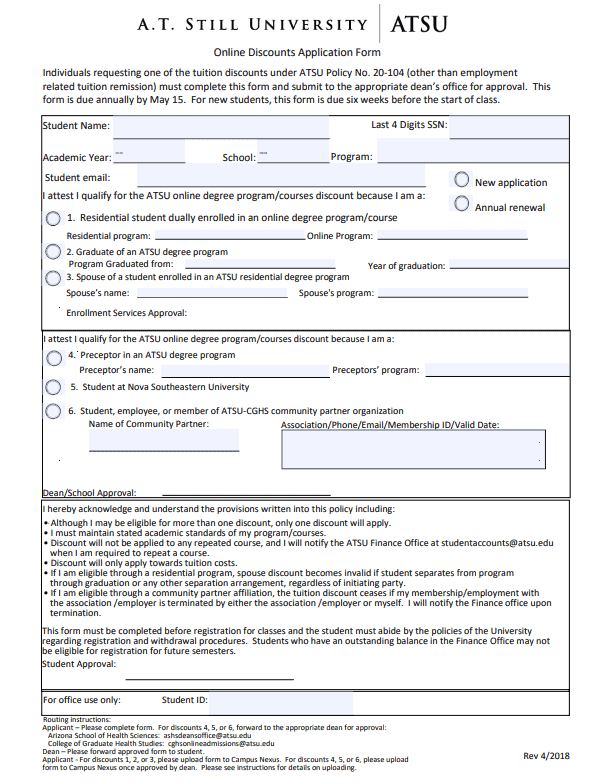
University Discount Request Form:
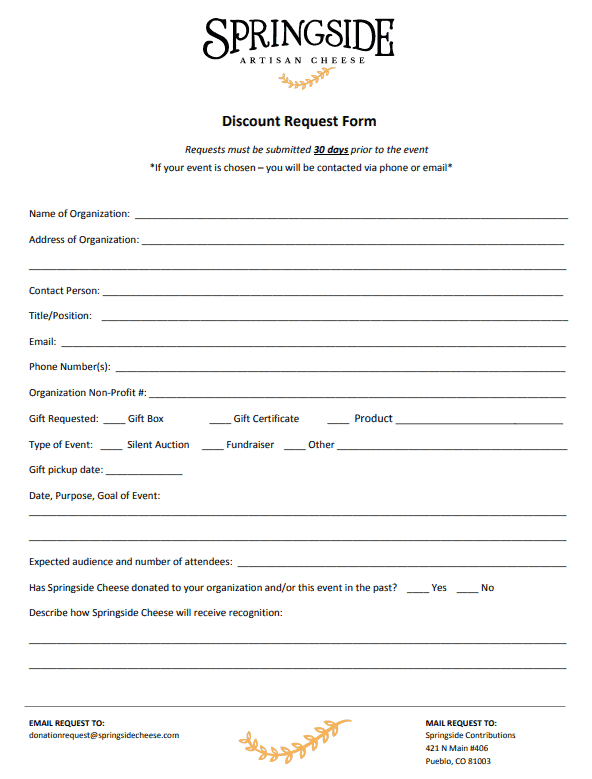
Food Item Discount Request Form:
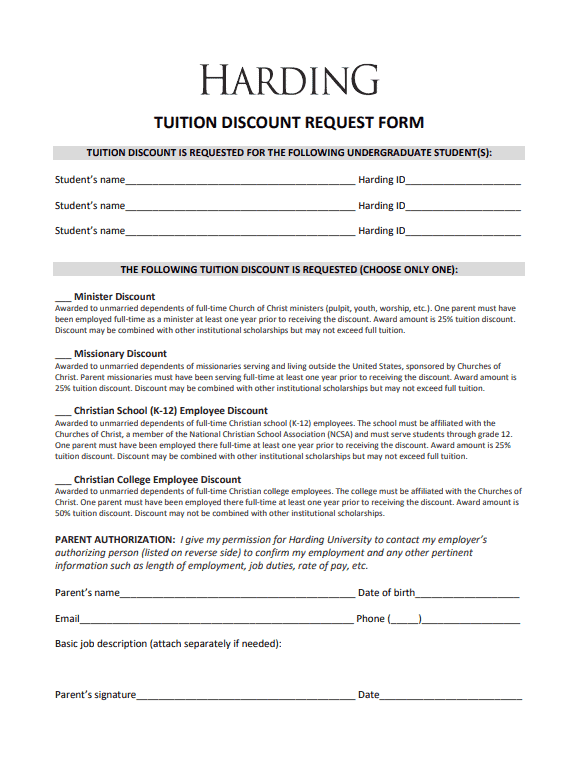
Tuition Discount Request Form:
Energy Service Discount Request Form:
Download two customizable templates
These original downloads are hosted on Templates Front. Each ZIP contains the template files and instructions described below.
Customer discount application
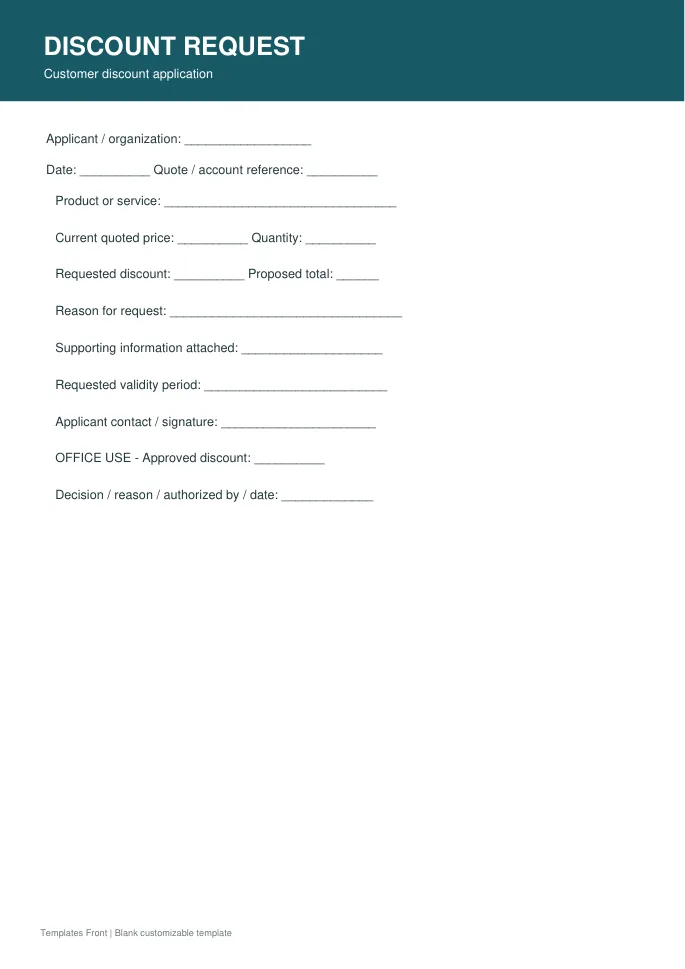
Printable PDF and editable HTML document. Open the HTML in a browser, click the text to edit, then print or save. Tables do not calculate automatically.
Internal discount approval form
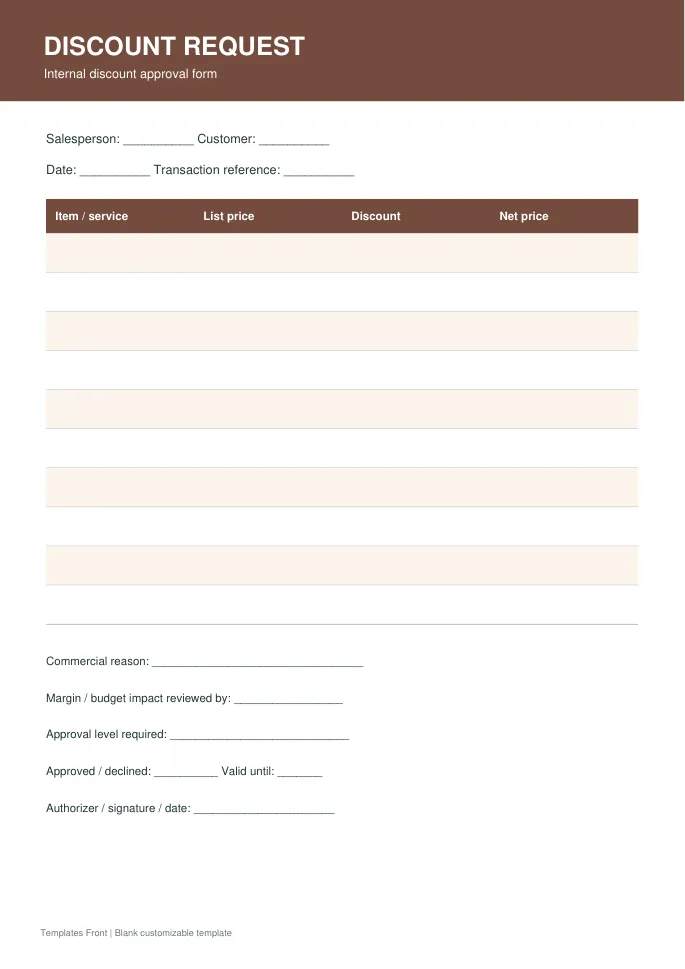
Printable PDF and editable HTML document. Open the HTML in a browser, click the text to edit, then print or save. Tables do not calculate automatically.
Frequently asked questions
Does submitting the form guarantee a discount?
No. The request and approval are separate stages.
Should I record a percentage or an amount?
Either can work, but show the basis and the resulting reduction clearly.
Can the same form cover every discount program?
Adapt the fields and criteria to the actual program instead of copying unrelated eligibility rules.
How do I tell a downloadable file from a source page?
The buttons distinguish file links from external source pages. A source page may contain a download, a paid listing, or further information. Check its file type, availability, and usage terms before relying on it. A preview by itself does not promise an editable file.
