
Price List Design Templates. A price list gives customers a quick way to compare products or services before ordering. Its layout should make the item, unit, and price obvious without relying on a salesperson to explain every line. These price list examples can help plan a retail menu, service-rate sheet, salon list, or business catalog.
Decide whether the list is public, customer-specific, or internal. A public list needs clear descriptions and conditions. A wholesale list may need pack sizes and quantity breaks. Keep a controlled master so old and new prices do not circulate without dates.
Browse the previews and resource links, or use the guide below to choose the right layout.
Build the document around its purpose
Product or service. Use names a customer will recognize. Add enough detail to distinguish sizes, variations, or service levels.
Unit and price. State whether the amount applies per item, pack, hour, session, or another unit. Use one currency consistently.
Conditions. Explain relevant minimum quantities, inclusions, exclusions, and validity dates. Make any tax treatment clear for your circumstances.
Ordering information. Give the customer a clear next step, contact route, and any item reference needed to place an order.
Prepare and review your version
- Confirm the approved items and current prices before designing the page.
- Group related products or services and choose a readable layout.
- Check units, currency, validity dates, and any quantity conditions.
- Publish the approved version and withdraw outdated copies where you control them.
Putting the layout to work
A print-service list might separate business cards, flyers, and posters. A line reading Flyers, A5, 100 copies, one-sided gives a customer more useful context than Printing: 20. If artwork preparation is charged separately, state that clearly rather than adding it unexpectedly at checkout.
Adapt the layout to the situation
A compact one-page list works for a small service range. A catalog-style layout suits many products. A spreadsheet is useful for maintaining the master, while a designed PDF can serve as the customer-facing version.
Editable files, calculations, and shared copies
Choose a spreadsheet when the task depends on repeated rows, totals, or filtering. Use an editable document when explanatory wording and page layout matter more than calculations. A PDF may be convenient for a finalized copy, but it is not automatically fillable. A ZIP is a container; inspect its contents before deciding which application you need.
When adapting a spreadsheet, test a few representative entries and check the totals independently. Adding a row or moving a column can leave a formula pointing at the wrong range. Keep dates and numbers in a consistent format. If you share a completed copy, retain a separate blank master so the next version does not accidentally include a previous customer's or participant's details.
Before sharing the finished version
Avoid using a preview's demonstration prices, hiding minimum order quantities, or mixing per-item and per-pack rates. Decorative backgrounds should not reduce the contrast of the actual prices.
Related documents for the next step
Use invoice formats to bill the selected items. See invoice formats.
A discount request form can record proposed exceptions to listed prices. See sample discount request forms & templates.
Confirm an accepted order with the agreed quantities and prices. See order confirmation templates.
Previews and linked resources
The collection includes file links and external source pages. File type is shown on direct-file buttons; external pages may offer paid options or additional steps. Some reference images have no editable file attached.
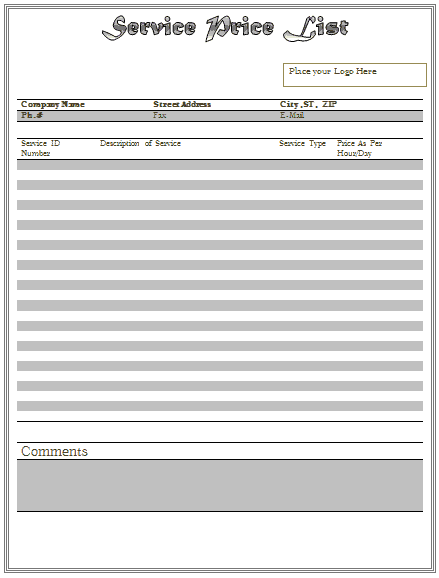
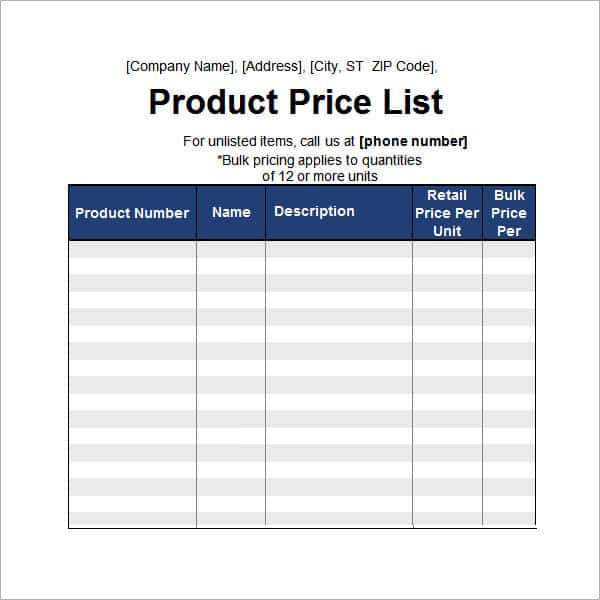
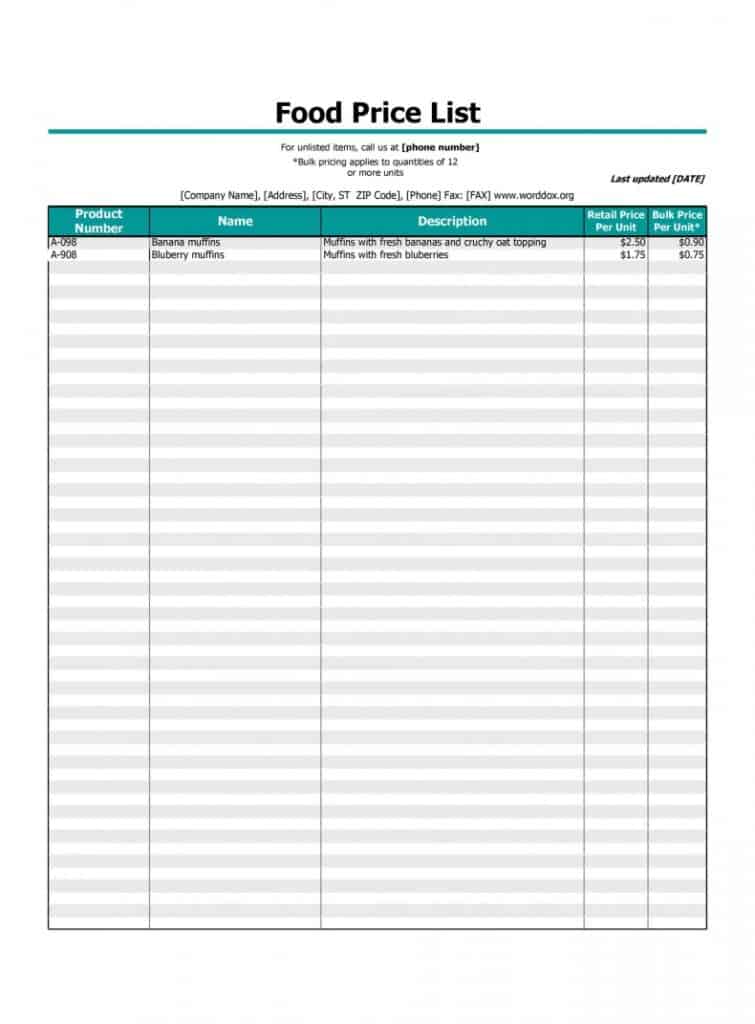
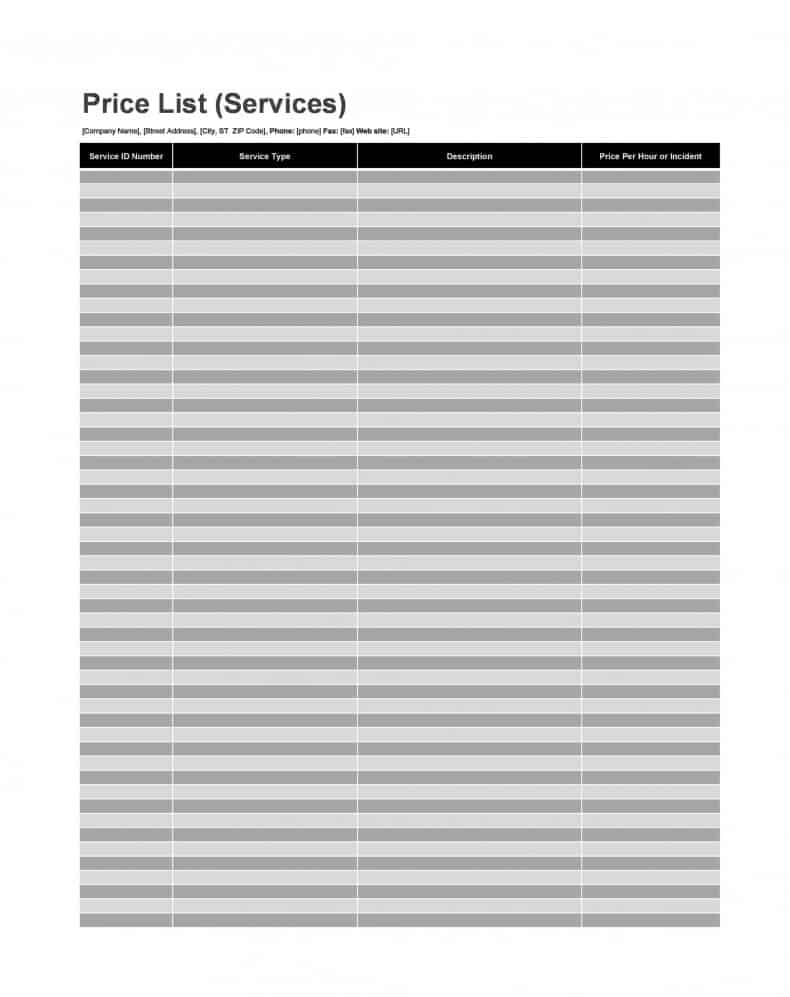
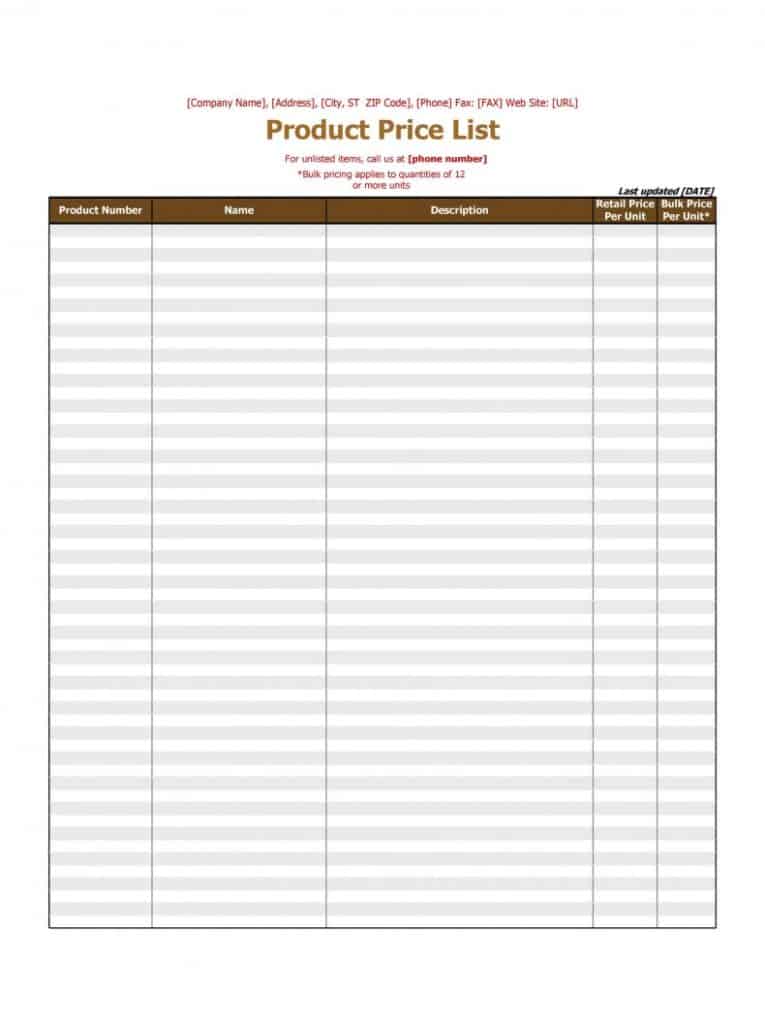
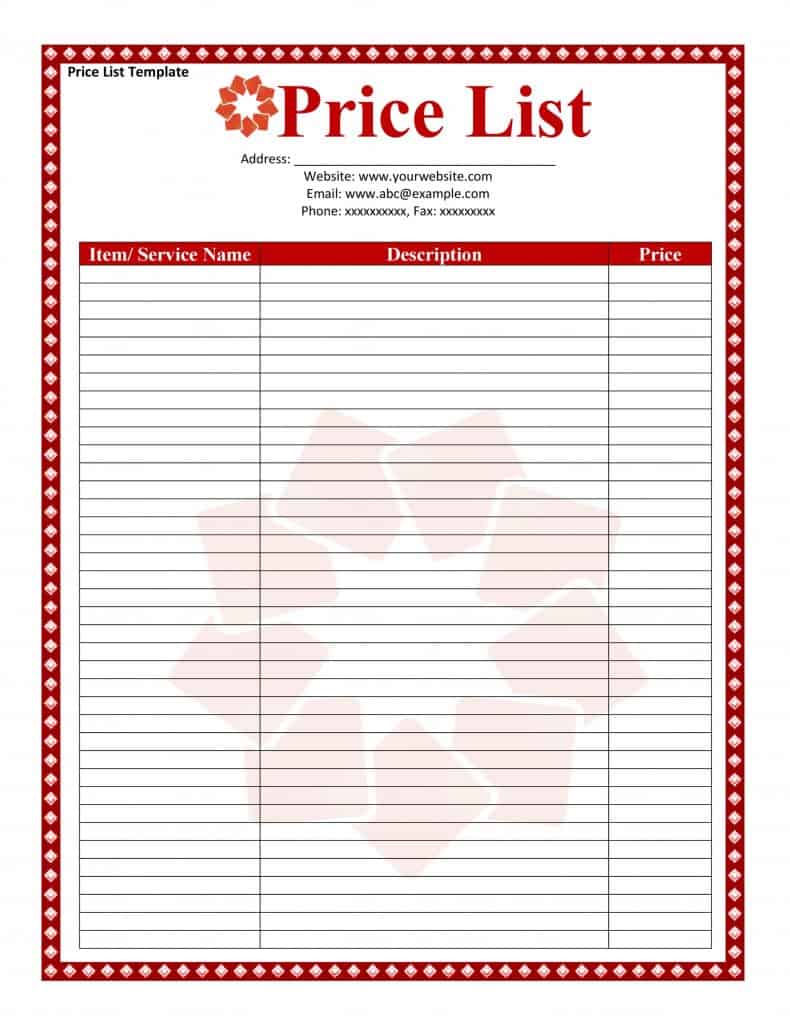
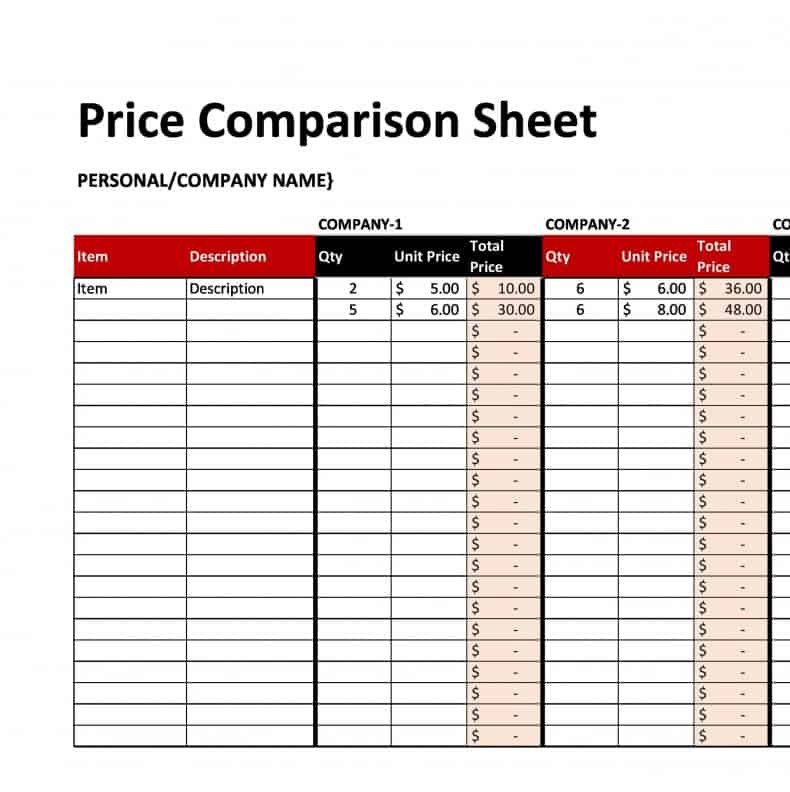
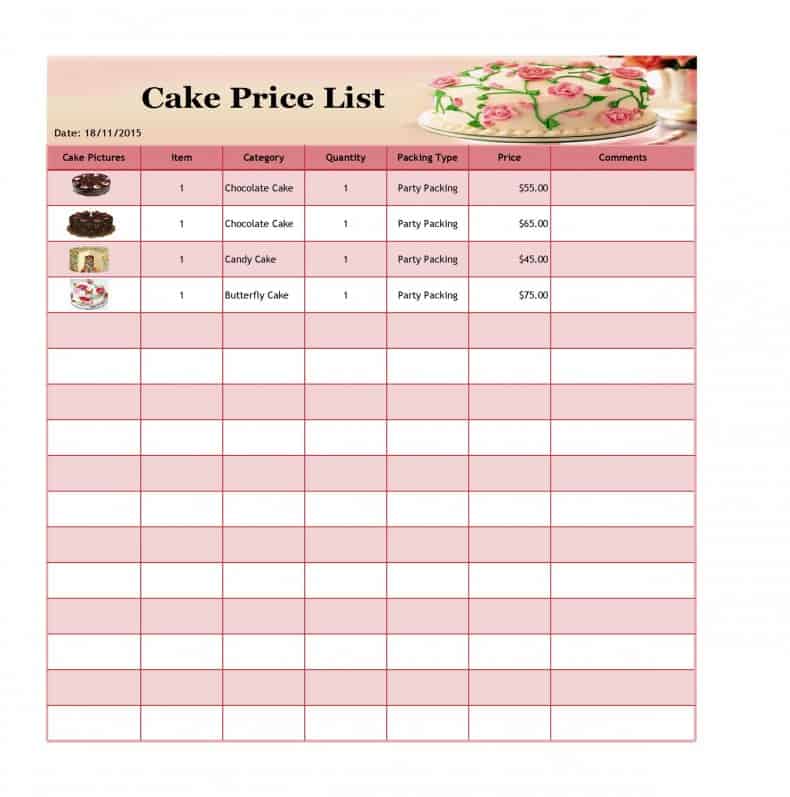
Making price list becomes the most important part of business aspects when you are selling goods or products to customers because customers ask for price list before buying goods. Price lists are very easy to design due to availability of MS word and excel programs. A user can easily make a list to indicate price of products using any of them. Price list design templates are also accessible on web that can be used to make professional looking price lists free of cost.
Download two customizable templates
These original downloads are hosted on Templates Front. Each ZIP contains the template files and instructions described below.
Service rate card
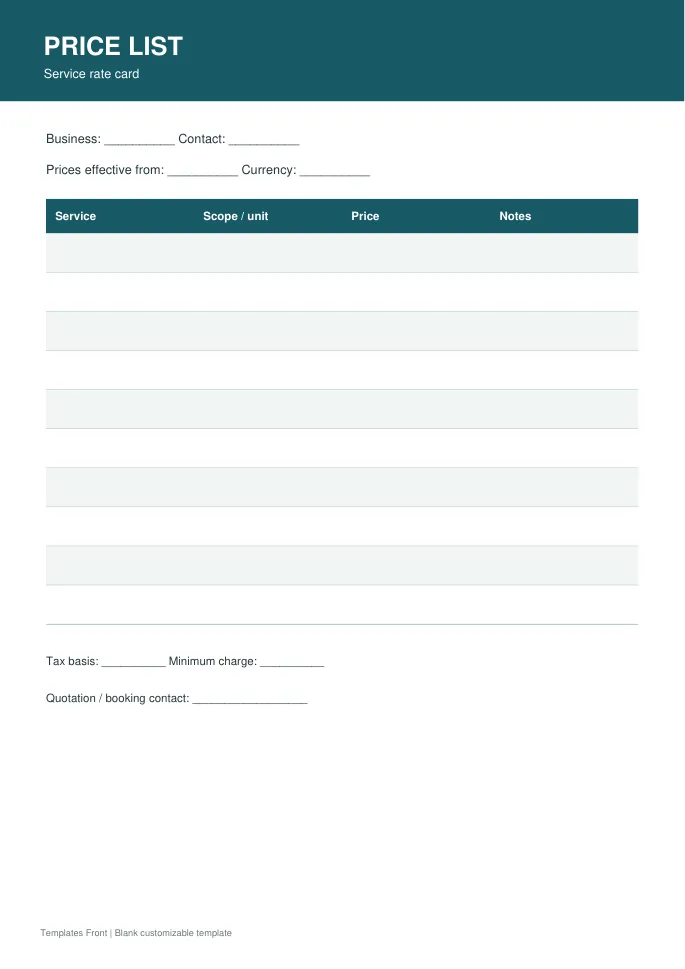
Printable PDF and editable HTML document. Open the HTML in a browser, click the text to edit, then print or save. Tables do not calculate automatically.
Retail product price list
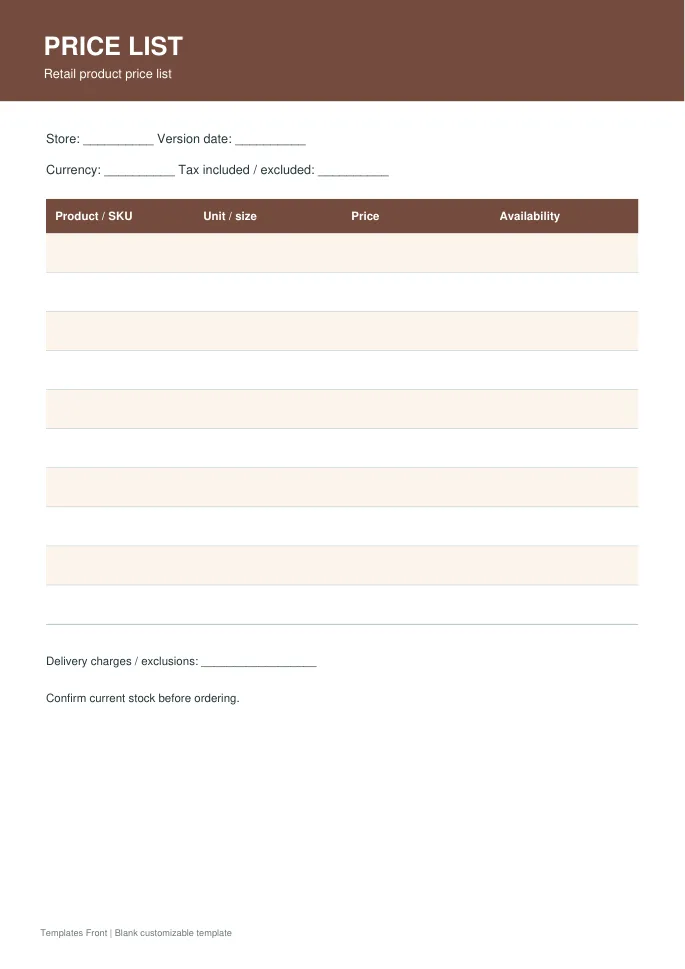
Printable PDF and editable HTML document. Open the HTML in a browser, click the text to edit, then print or save. Tables do not calculate automatically.
Frequently asked questions
Should a price list have a date?
A publication or validity date helps customers identify the intended version.
Can I use the same list for wholesale and retail?
Only if the different units and conditions are unmistakable. Separate lists may be clearer.
Does a price list replace an invoice?
No. It presents offered prices; an invoice records the charges for a particular transaction.
How do I tell a downloadable file from a source page?
The buttons distinguish file links from external source pages. A source page may contain a download, a paid listing, or further information. Check its file type, availability, and usage terms before relying on it. A preview by itself does not promise an editable file.
