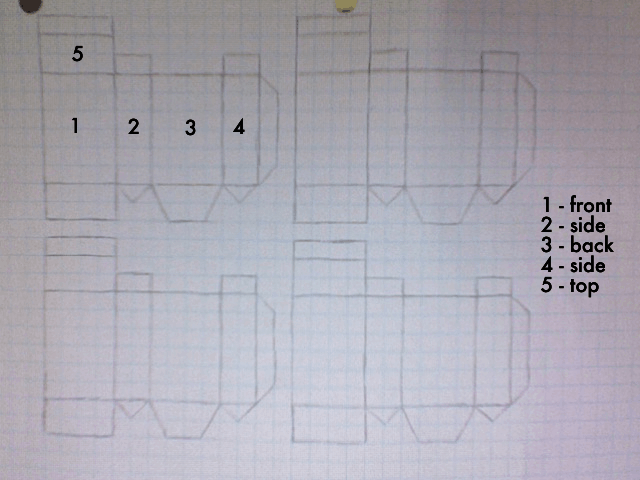
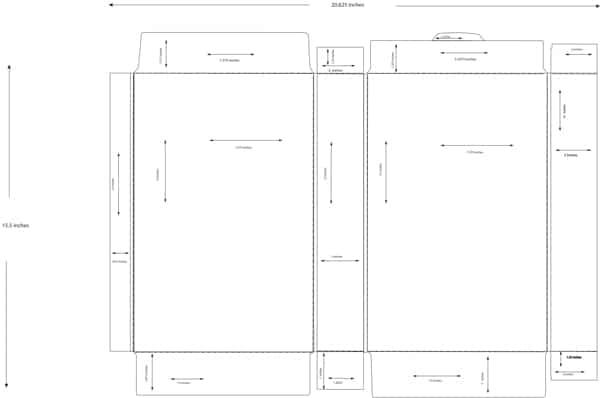
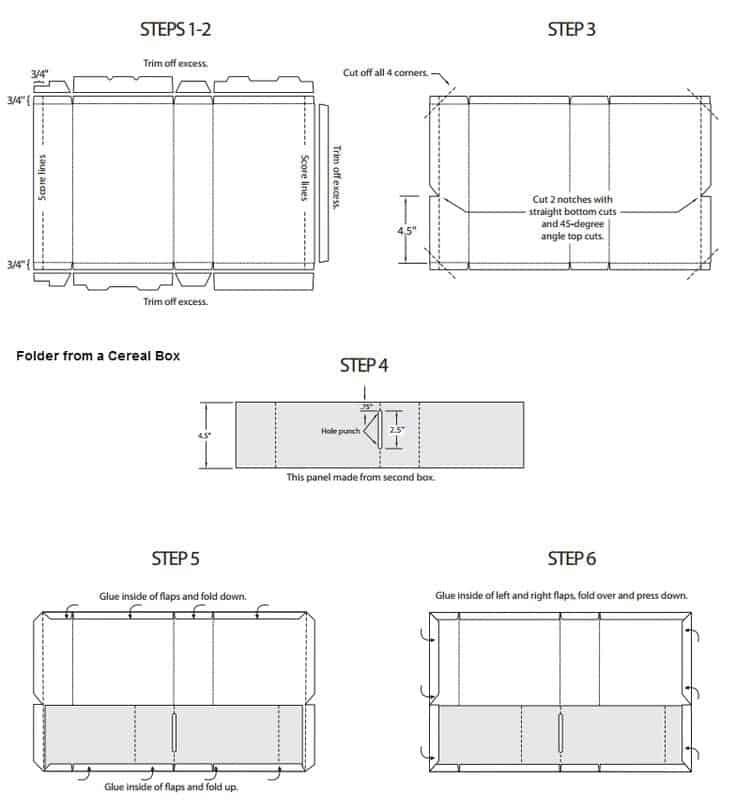
Cereal Box Templates and Book Report Layouts. Cereal box templates support two different projects: packaging mockups and classroom book reports designed as cereal boxes. Before selecting a layout, decide which project you are making. A book-report box uses the panels to discuss a story, while a product mockup organizes branding and fictional packaging information.
Map the content to the panels before adding decoration. For a school project, one panel might introduce the book, another describe characters, and another present a short review. For a packaging mockup, the front panel needs the strongest visual hierarchy while side panels carry supporting information.
Browse the previews and resource links, or use the guide below to choose the right layout.
Details to check before choosing a layout
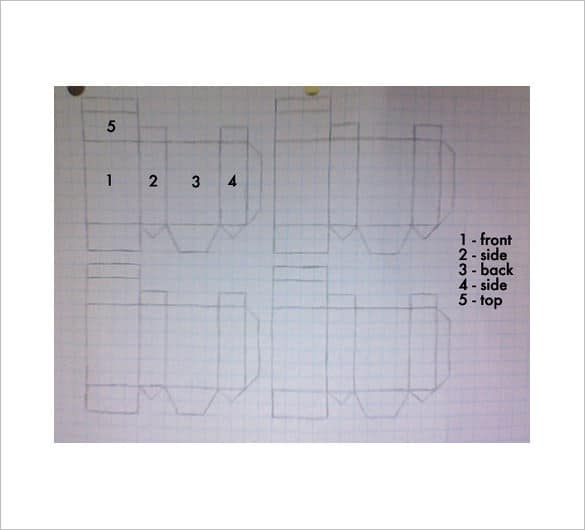
Panel plan. Identify the front, back, sides, top, and bottom. Note which panels will face outward after assembly.
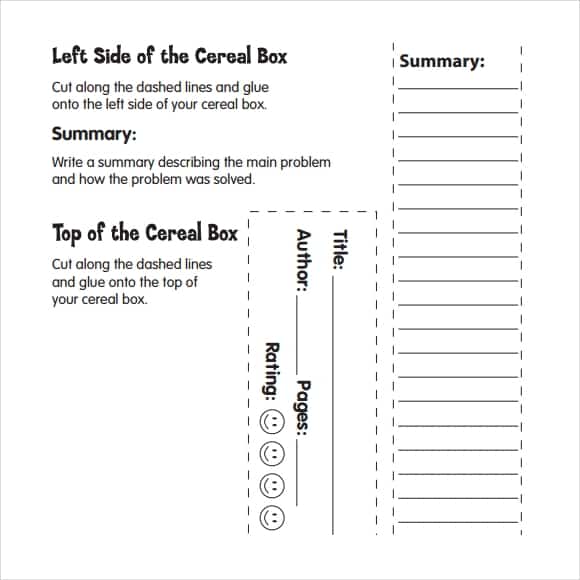
Project text. Write the book title, author, summary, or mock product information before fitting it into the design.
Artwork. Use original or permitted images and keep important details away from folds and glue areas.
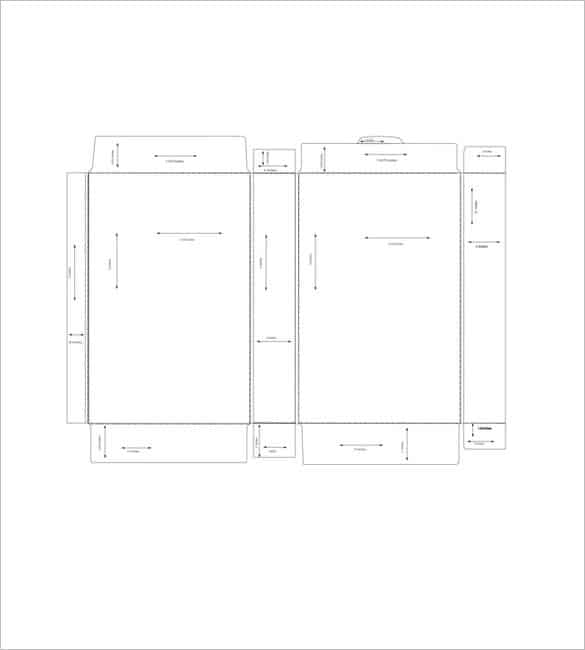
Assembly guides. Check cut lines, fold lines, tabs, and the intended printed scale. Make a plain-paper prototype before decorating.
A practical preparation workflow
- Read the assignment or design brief and decide what each panel must contain.
- Measure the box or select a printable net that matches the intended size.
- Prepare the text and artwork, then test the layout on ordinary paper.
- Cut, fold, and assemble a proof before making the final project.
An example in practice
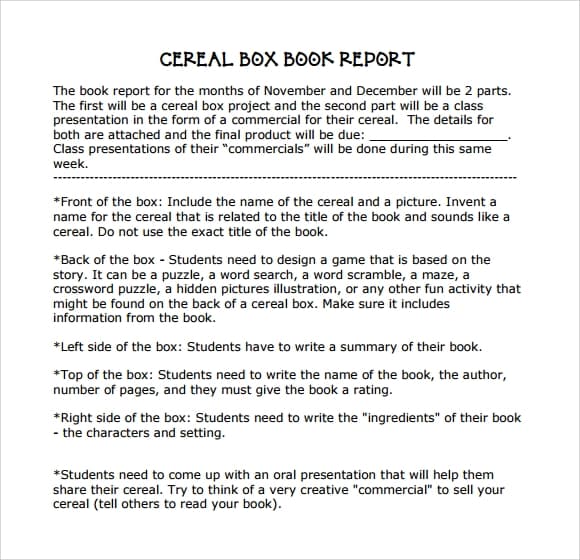
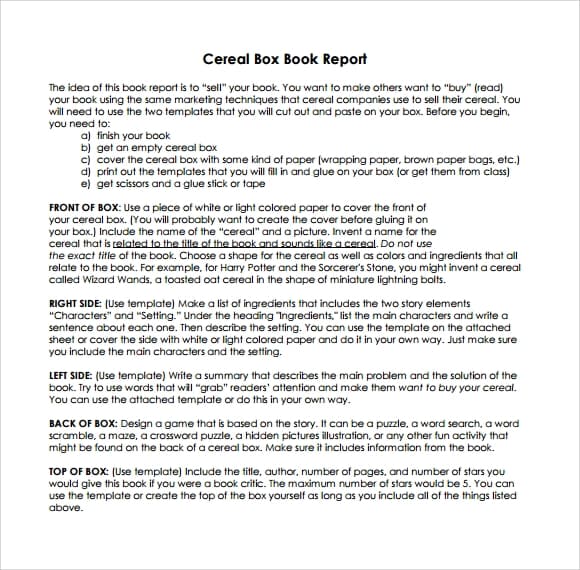
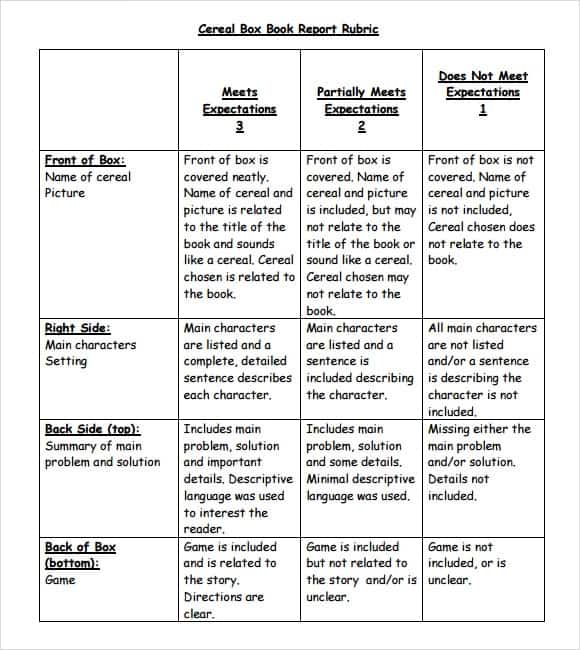
For a fictional mystery-book report, the front could show a new cereal name inspired by the story. A side panel could list main characters as ingredients, while the back presents a short plot summary and review. Keep the original book title and author visible so the project remains an informative report rather than just decorated packaging.
Which format fits the task?
A full box net suits a freestanding model. Separate panel labels work well when covering an existing clean box. A flat mockup is enough when the project is only for a presentation.
Check the source file and final output
A preview shows the appearance of one example; it does not reveal which parts of the source are editable. A layered design may separate text and artwork, while a JPEG or PNG is usually flattened. Before investing time in a layout, check the supplied format, application compatibility, fonts, and any assets that must be obtained separately.
Keep an editable master and make separate exports for each intended output. For print, confirm the printer's actual specification and inspect a proof at finished size. For a digital image, review it on the screen and background where it will appear. Check the creator's license for the intended use rather than assuming a visible preview includes all rights to the design.
Checks that prevent confusion
Do not assume the printer will preserve scale if it is set to fit to page. Avoid placing a paragraph over a glue tab or using nutritional-looking claims for a real product without proper substantiation and review.
Related documents for the next step
Make a matching bookmark for a classroom reading project. See free bookmark templates.
A magazine layout is another option for presenting a book review. See microsoft word magazine templates.
CD cover templates illustrate a different way of planning multiple packaging panels. See cd cover templates.
Previews and linked resources
The collection includes file links and external source pages. File type is shown on direct-file buttons; external pages may offer paid options or additional steps. Some reference images have no editable file attached.
With help of cereal box templates you can create and print custom cereal boxes free of cost at home. You should include cereals in your breakfast if you really want to eat something healthy and delicious in your breakfast. Majority of people consider cereals as an important part of their breakfast and must include in grocery shopping list when visiting the market to buy food stuff for breakfast. Cereal boxes are boxes made from card or any other likely thing to pack and sell cereals in them. There are some creatively prepared cereal box templates to help you in designing best good looking boxes for cereal products.
As a vendor or seller who is engaged in cereal selling activities if you want to make custom cereal boxes yourself in order to cut the costs of packing into half, then you have to download and use cereal box template for this purpose. A well designed template will provide you enough amount of instructions and guidance on how to design and print boxes easily without facing difficulty. You can also customize details to be appeared on the box such as title of the product, company name, logo and ingredients etc.
Cereal boxes play a vital role in delivering cereals to end user without losing real delicious taste. We can also prepare cereal boxes for a special event or occasion to a personal touch in overall planning of the event. Use of the cereal box templates provides help the user from designing to printing and also saves lots of efforts. At the end of this article, you will find ready to use cereal box templates that can be downloaded in computer for free.
Sample Cereal Box Templates:
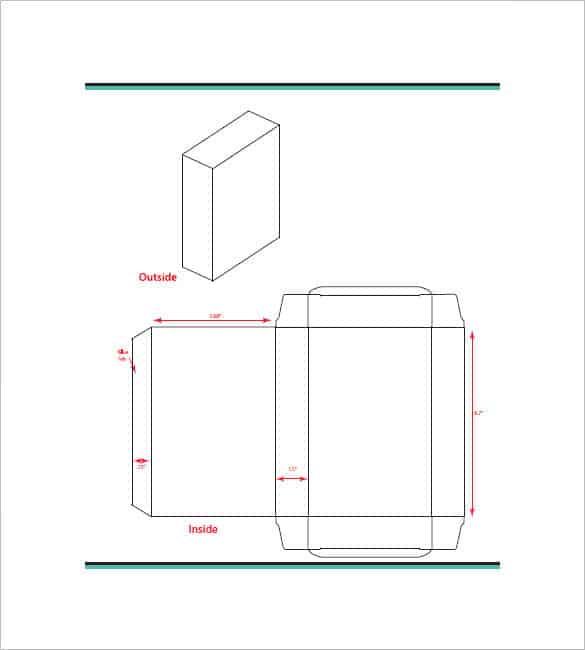

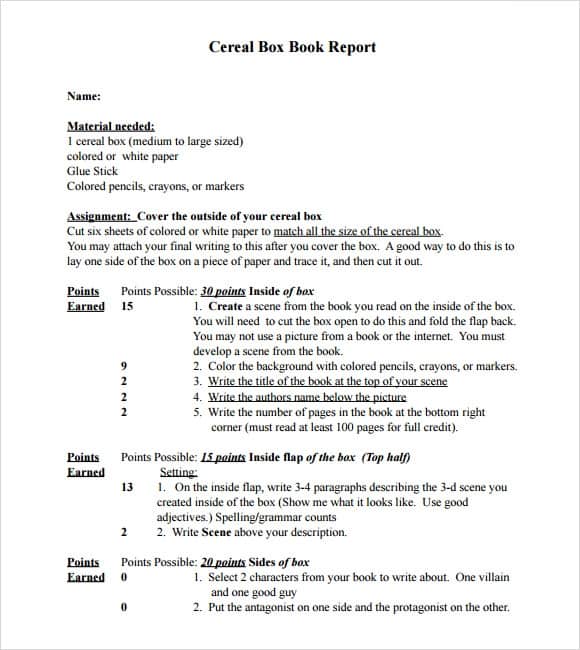
Cereal Box Report Templates:
Download two customizable templates
These original downloads are hosted on Templates Front. Each ZIP contains the template files and instructions described below.
Story summary box panels
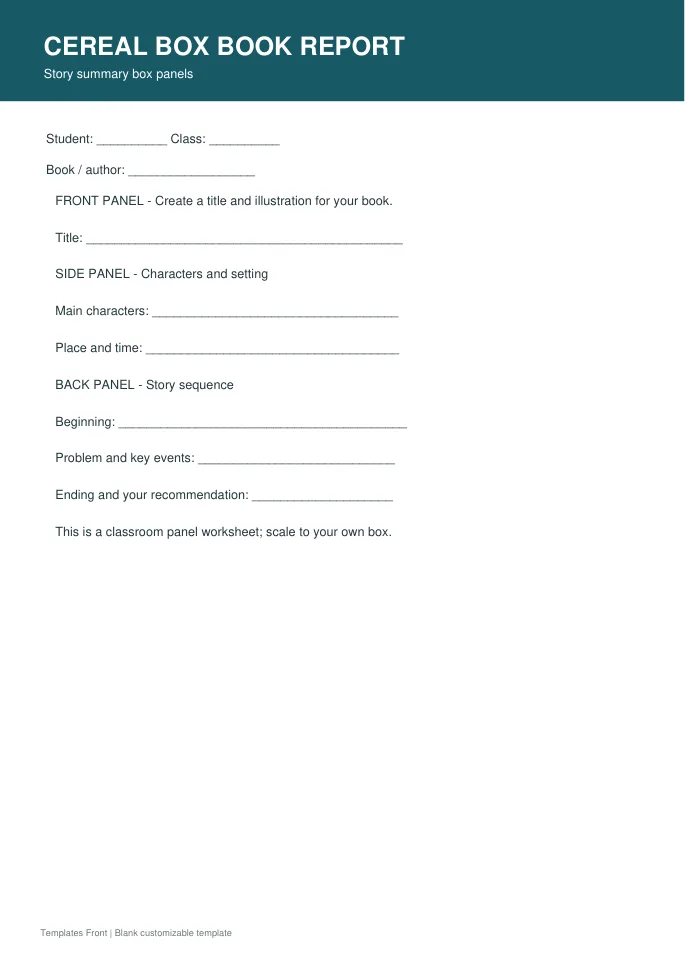
Printable PDF and editable HTML document. Open the HTML in a browser, click the text to edit, then print or save. Tables do not calculate automatically.
Character analysis cereal box
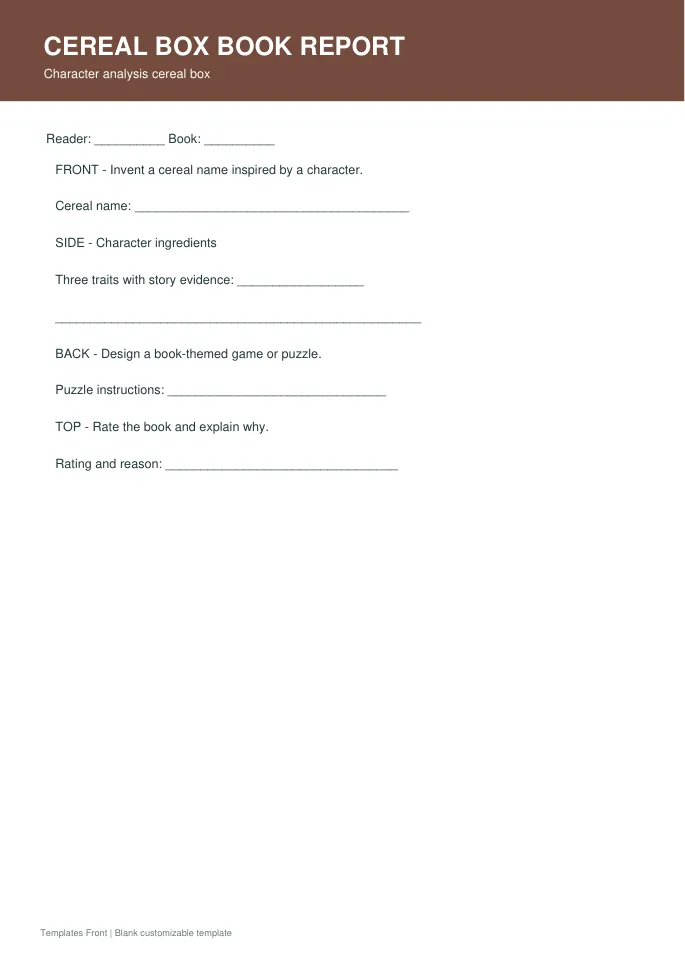
Printable PDF and editable HTML document. Open the HTML in a browser, click the text to edit, then print or save. Tables do not calculate automatically.
Frequently asked questions
Can I use a cereal box for a book report?
Yes, if it fits the assignment. Plan panels for the title, author, characters, summary, and your response to the book.
Why should I print a test first?
A proof reveals scale, fold, and tab problems before you use the final artwork or heavier paper.
Is a classroom mockup ready for retail packaging?
No. A retail product has additional content, production, and review requirements beyond a creative mockup.
How do I tell a downloadable file from a source page?
The buttons distinguish file links from external source pages. A source page may contain a download, a paid listing, or further information. Check its file type, availability, and usage terms before relying on it. A preview by itself does not promise an editable file.