
Funeral Program Templates. A funeral program helps family members and guests follow a service and remember the person being honored. A clear template leaves room for the name, photograph, service details, order of events, and any chosen readings or acknowledgments. Begin with the agreed service plan so the publication supports the gathering without adding uncertainty.
Ask one person to coordinate the content and confirm it with the family and service organizer. Names, dates, music titles, and participant roles deserve a separate check. A quiet, readable layout is often more useful than fitting every available photograph onto a small folded sheet.
Browse the previews and resource links, or use the guide below to choose the right layout.
What to include
Name and dates. Confirm spelling and the dates the family wants included. Use a preferred name where appropriate and approved.
Service information. Record the location, date, time, and agreed order. Check the sequence with the person leading the service.
Photographs and remembrance. Use family-approved photographs and a carefully edited tribute. Keep copies of original images before cropping.
Readings and thanks. Confirm the wording and any permissions needed for reproduced material. Include acknowledgments only as approved.
How to customize the format
- Collect the approved service order and choose the program size.
- Prepare and proofread names, dates, readings, and photographs.
- Place the content into the template without making text too small.
- Review a folded print proof with the family or organizer before printing the final copies.
Worked example
A four-panel program could place the name and portrait on the cover, the service order inside, and a short remembrance with acknowledgments on the back. If a long tribute cannot fit comfortably, use a separate page or reduce the content with the family's approval rather than shrinking it beyond readability.
Choose the right version
A single sheet is simple to produce. A folded booklet offers more space. A digital copy can be shared with people unable to attend, using the family's preferred privacy arrangements.
Check the source file and final output
A preview shows the appearance of one example; it does not reveal which parts of the source are editable. A layered design may separate text and artwork, while a JPEG or PNG is usually flattened. Before investing time in a layout, check the supplied format, application compatibility, fonts, and any assets that must be obtained separately.
Keep an editable master and make separate exports for each intended output. For print, confirm the printer's actual specification and inspect a proof at finished size. For a digital image, review it on the screen and background where it will appear. Check the creator's license for the intended use rather than assuming a visible preview includes all rights to the design.
Common mistakes to avoid
Avoid copying sample names or dates, changing the service order without checking, or using a low-resolution photograph that prints poorly. Confirm copyrighted readings or song lyrics before reproducing them.
Related documents for the next step
A magazine-style document can support a longer remembrance booklet. See microsoft word magazine templates.
Album layouts help organize a separate photograph collection. See wedding album templates.
Death certificate references concern a separate official-record process, not the service program. See death certificate template.
Previews and linked resources
The collection includes file links and external source pages. File type is shown on direct-file buttons; external pages may offer paid options or additional steps. Some reference images have no editable file attached.

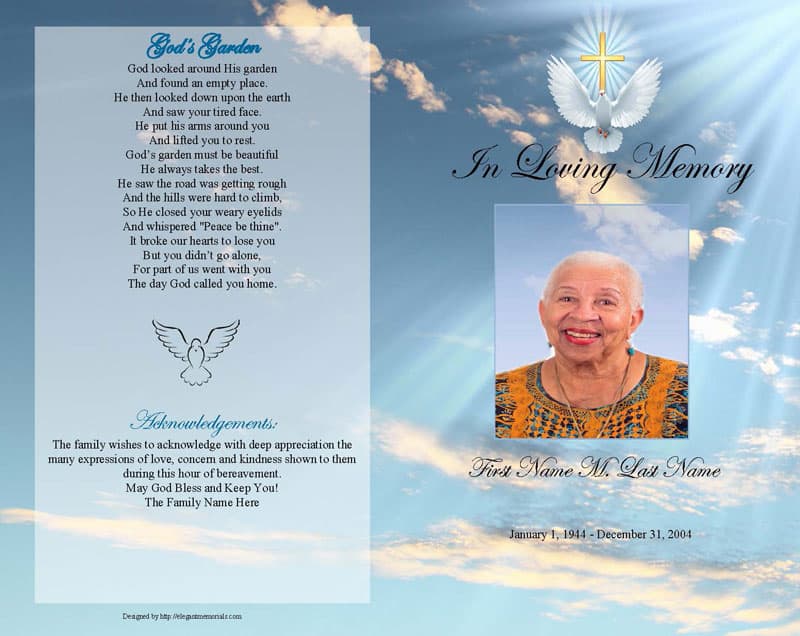
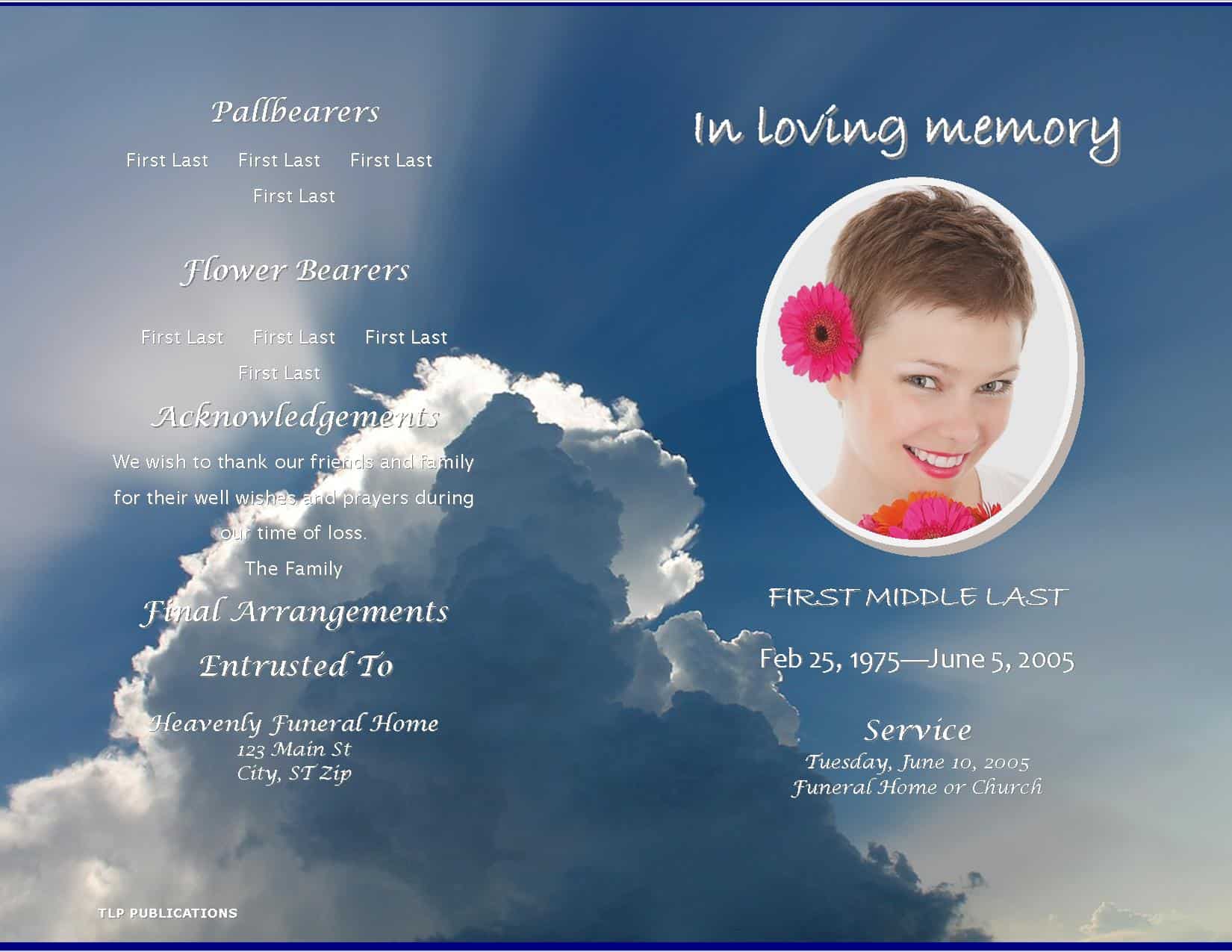
Creative Funeral Program Samples


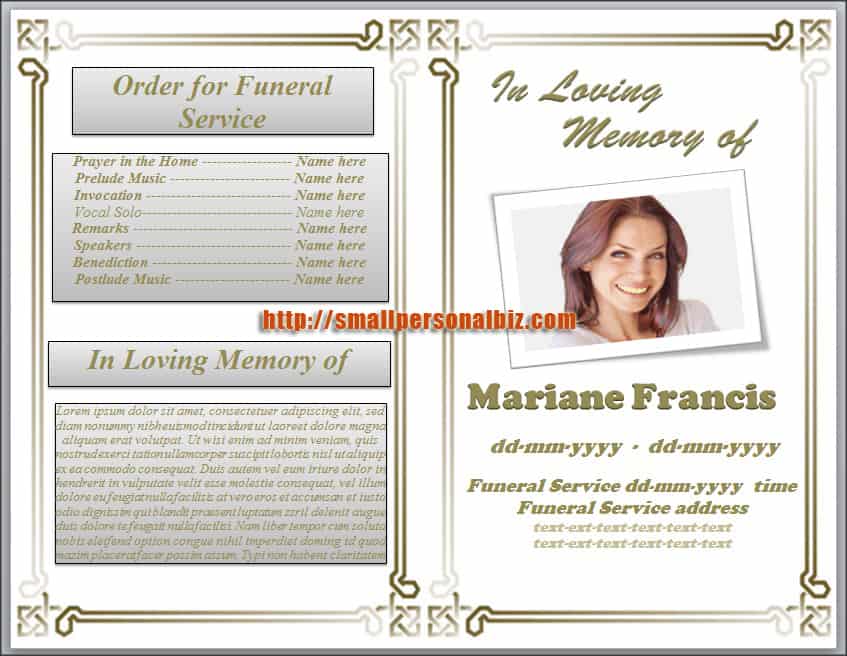

Download two customizable templates
These original downloads are hosted on Templates Front. Each ZIP contains the template files and instructions described below.
Memorial service order
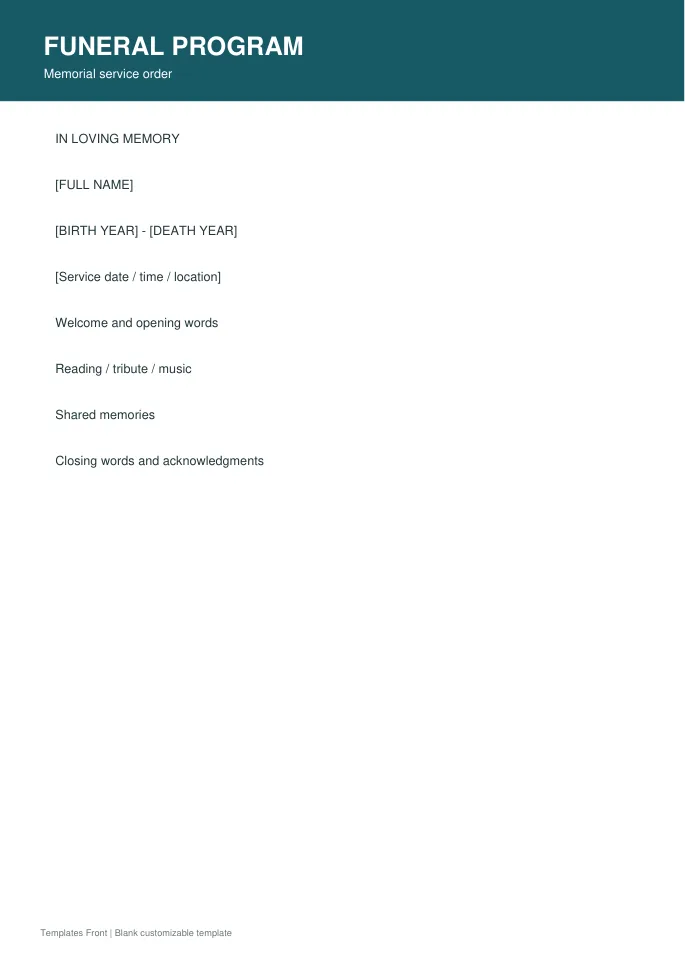
Printable PDF and editable HTML document. Open the HTML in a browser, click the text to edit, then print or save. Tables do not calculate automatically.
Celebration of life program
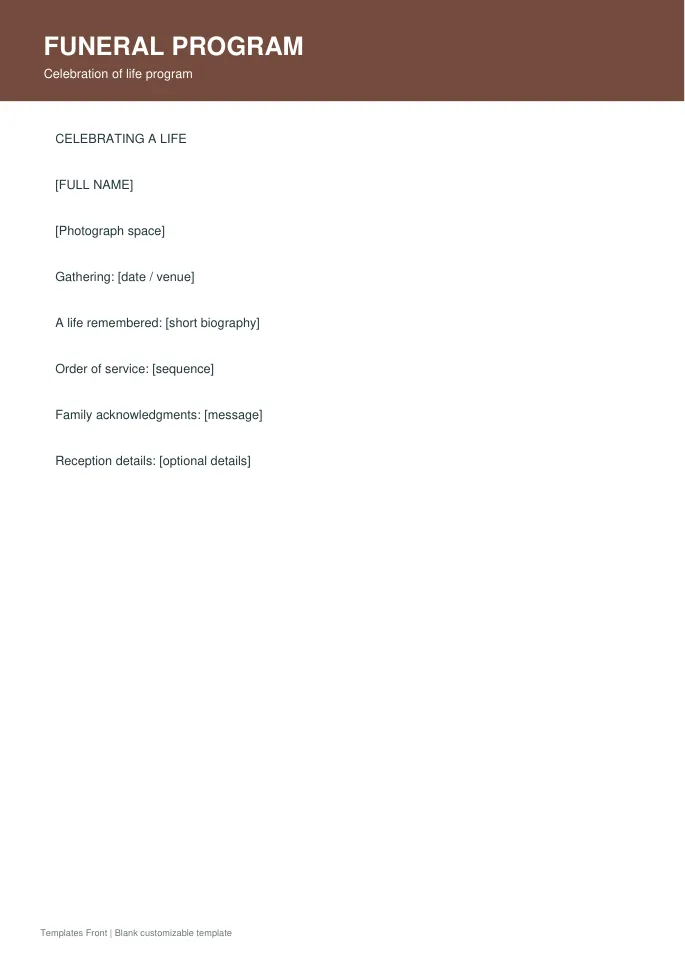
Printable PDF and editable HTML document. Open the HTML in a browser, click the text to edit, then print or save. Tables do not calculate automatically.
Frequently asked questions
What belongs in a funeral program?
Usually the person's name, service details, order of events, and selected photographs or remembrance text, as approved by the family.
Should I print a proof?
Yes. Folding and viewing a proof helps reveal panel order, small text, and photograph problems.
Can I include a long tribute?
Use an appropriate booklet length or a separate page so the text remains readable.
How do I tell a downloadable file from a source page?
The buttons distinguish file links from external source pages. A source page may contain a download, a paid listing, or further information. Check its file type, availability, and usage terms before relying on it. A preview by itself does not promise an editable file.
How to use these funeral program templates
Using a ready-made program layout saves time and helps you avoid missing important details. Follow these simple steps to prepare a respectful order of service for a memorial.
- Preview the options above and pick the layout that suits your needs.
- Download the file in the format you prefer.
- Replace the sample details with your own information.
- Check every field carefully before you share or print it.
- Save a copy so you can reuse the program next time.
Tips for customising your program
A few small changes make a template feel like your own. Therefore, review each section before you finish.
Outline the order of service
List readings, music and speakers in the order they will appear. A clear sequence helps guests follow along.
Choose a gentle design
Soft colours and simple fonts suit most services. Add a photograph that reflects the person well.
Proofread names and dates twice
Accuracy matters most here. Ask a family member to double-check every detail before printing.
For related resources, see our death certificate layouts and membership certificate templates. You can also browse more options in the Samples category.
Common mistakes to avoid with funeral program templates
Even a good template can cause problems if it is used carelessly. Watch out for these common issues.
- Leaving sample text or placeholder names in the final file.
- Skipping a final proofread before you send or print it.
- Using an outdated version instead of the latest copy.
- Forgetting to back up the edited file in a safe place.
Frequently Asked Questions
Are these funeral program templates free to use?
Yes, you can download and adapt them for personal or business use. However, always check the source link for any extra terms. If you plan to share the file widely, review those terms first.
Which file format should I choose?
Choose the format that matches the software you already use. Word and PDF files are easy to open on most devices. In addition, editable files let you change details without redesigning the page.
Can I edit the program after downloading?
Yes, editable versions can be changed in a few minutes. Simply open the file and replace the sample text. Then save it under a new name so the original stays unchanged.
How do I make sure the program fits my situation?
Start by listing the details you must include. Next, compare them with the sections in the template. Finally, add or remove fields until it matches your needs.
Final thoughts
Good preparation makes any document easier to finish. Take a few minutes to review the details, and your program will look clear and professional.
