
An email address by itself tells you very little about the person behind it. Email list templates become useful when they also explain why the contact is on the list, which messages are relevant, and whether the details are still current. A tidy register helps you answer those questions without searching several old spreadsheets.
The downloadable examples below offer different layouts for organizing contacts in Word and Excel. Compare the previews, then choose a file with enough room for the information you actually use. A small club’s contact sheet and a business newsletter list do not need identical columns.
This guide focuses on maintaining an accurate, purposeful list. It covers field selection, duplicate entries, contact preferences and handover, with a practical example of combining registrations from more than one event.
17 downloadable templates and previews
Compare the previews for layout and available fields, then use the download button for the actual file. Check the package contents before editing, because the collection includes different layouts and file types.
Extract ZIP packages first, keep a blank original and save your working copy with a clear name. A preview image is a reference for the layout rather than the editable document.
Guest Email List Worksheet Template

Online Email List Sample

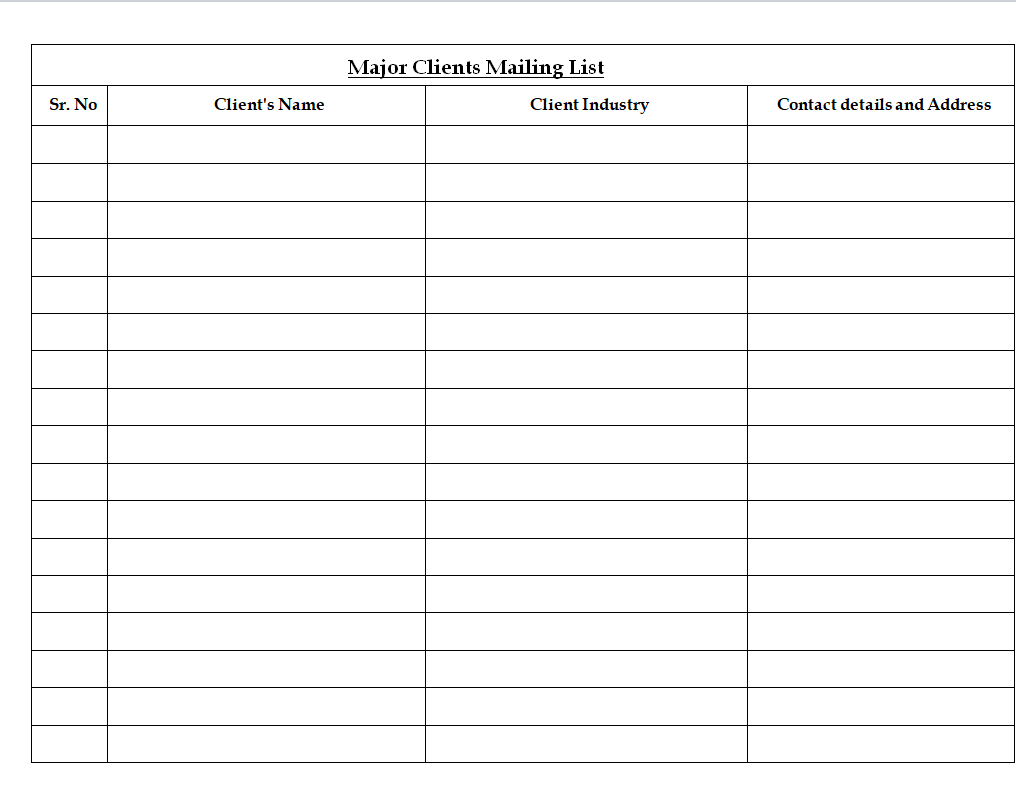
Major Clients Mailing List Template
Simple Email List DOC Format

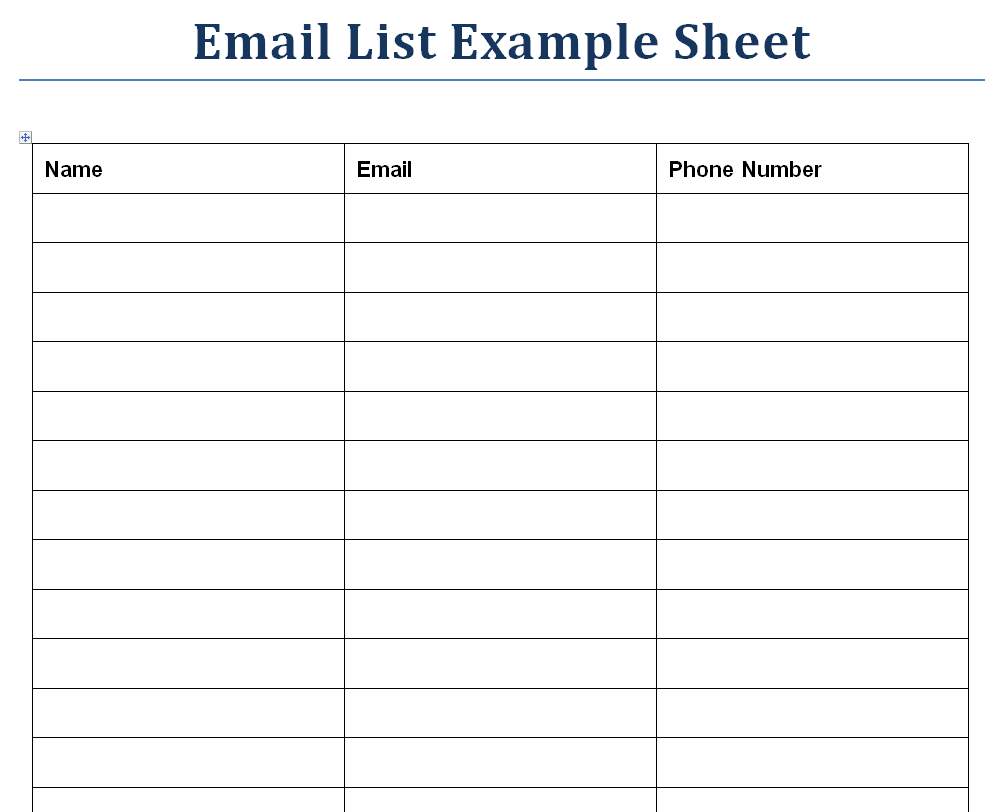
Email List Example Sheet
Business Email List Sample Word
Customer Email List Sheet Template

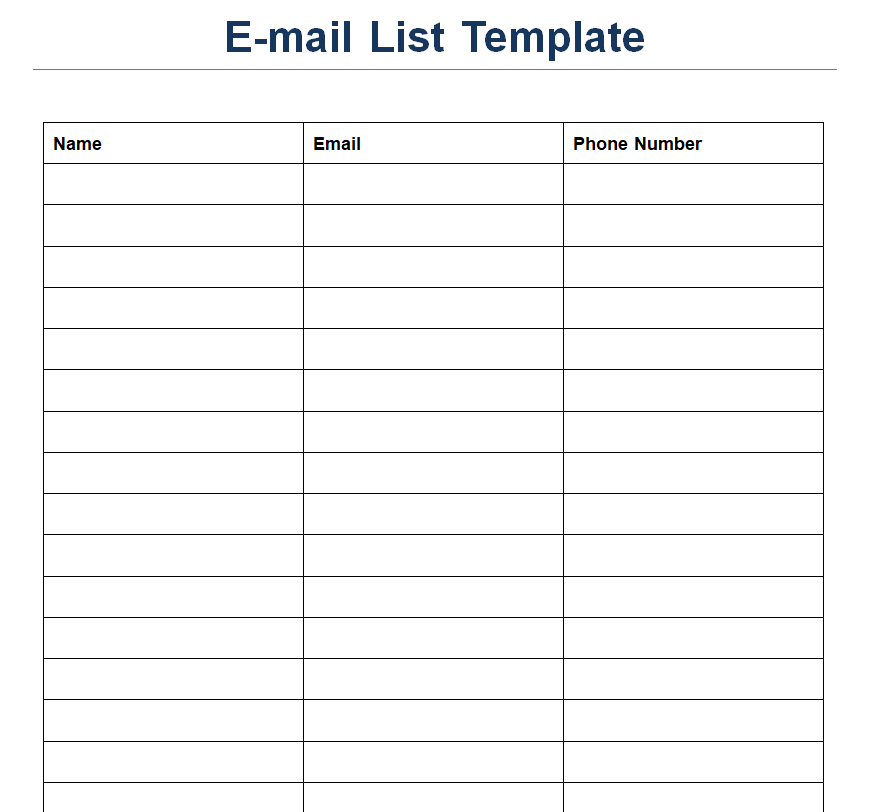
Blank Email List Template in MS WORD
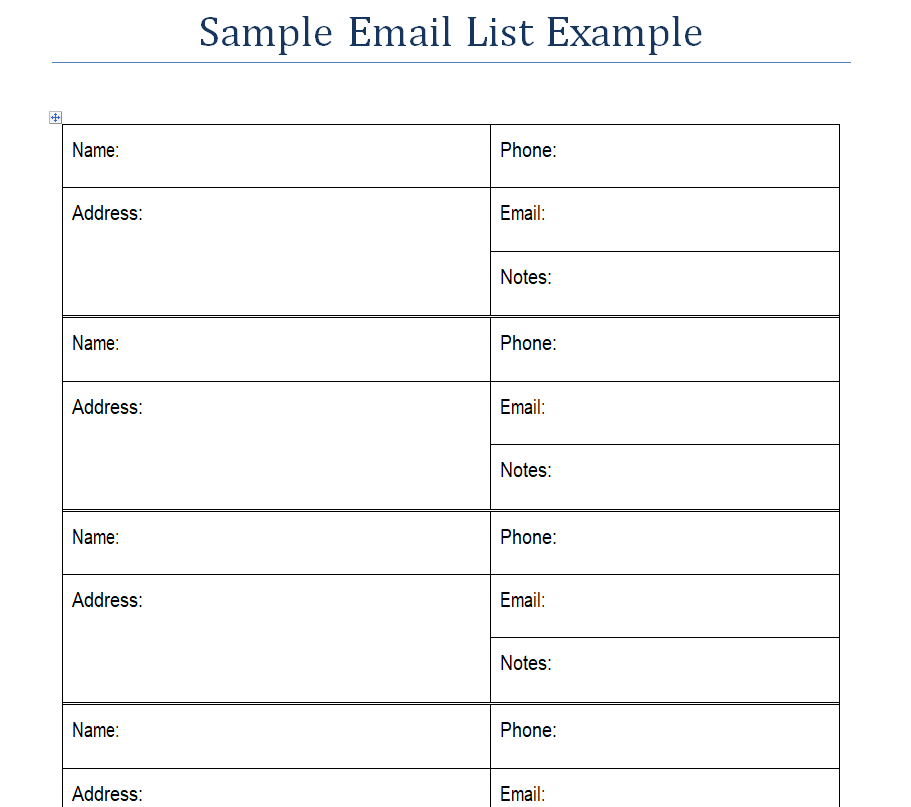
Sample Email List Example
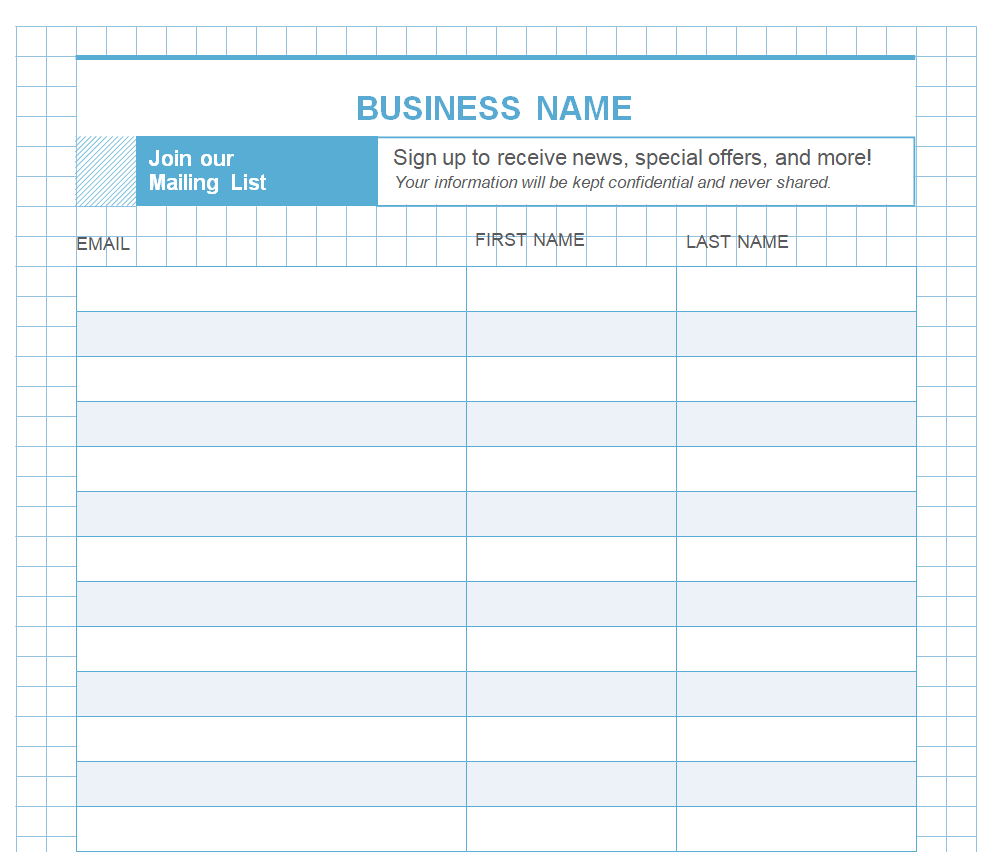
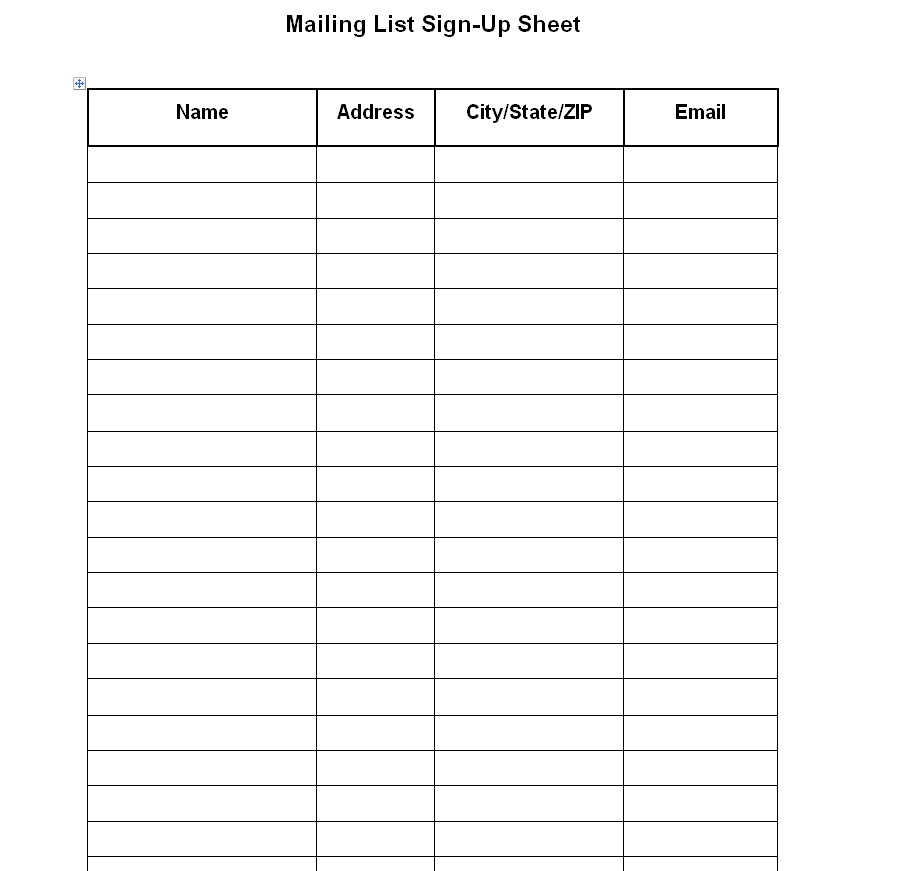
Mailing List Sign-up Sheet
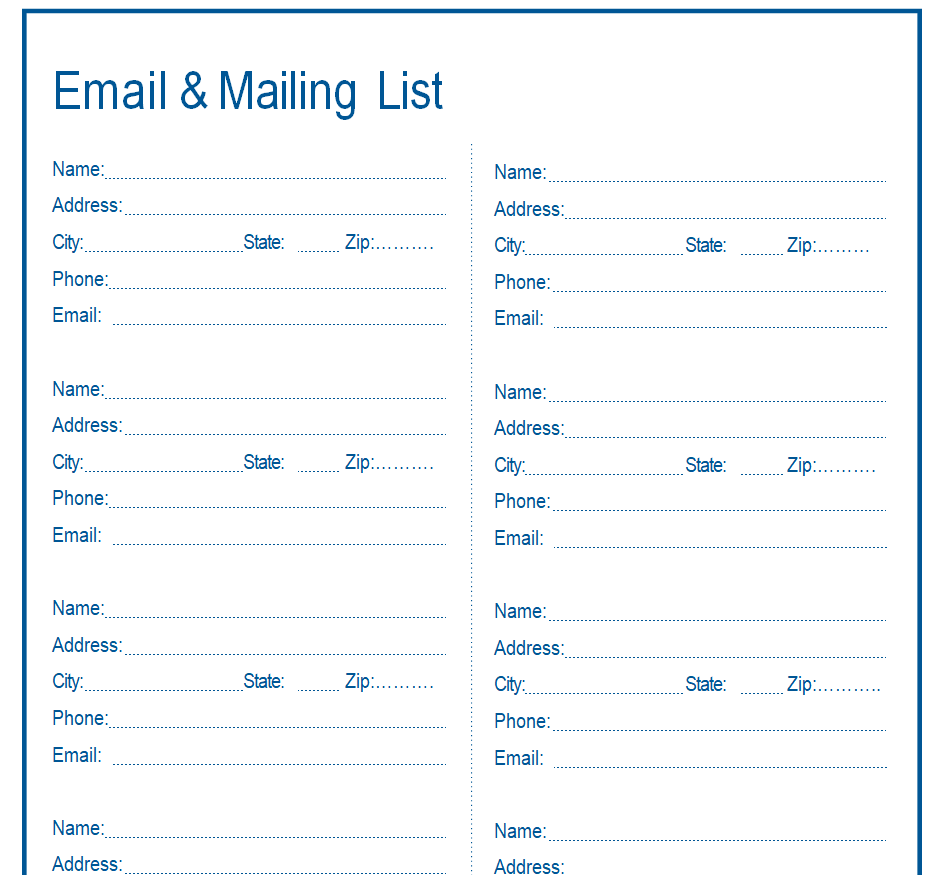
Customizable Email & Mailing List
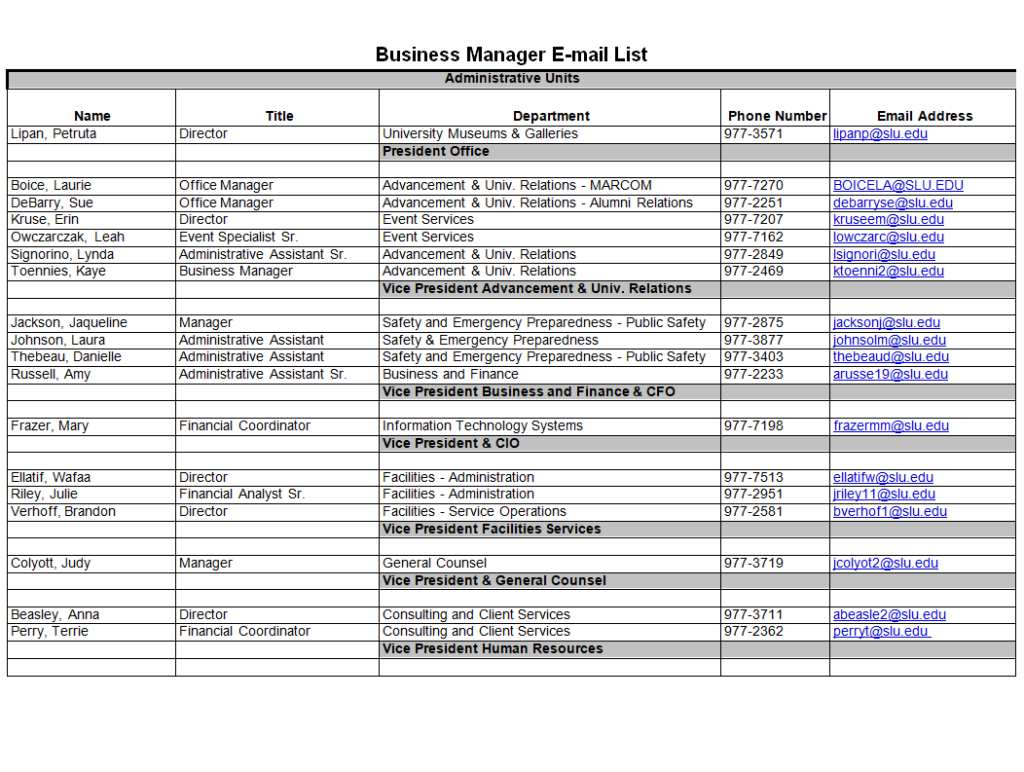
Business Manager's Email List Format
Excel Email List Sheet Template
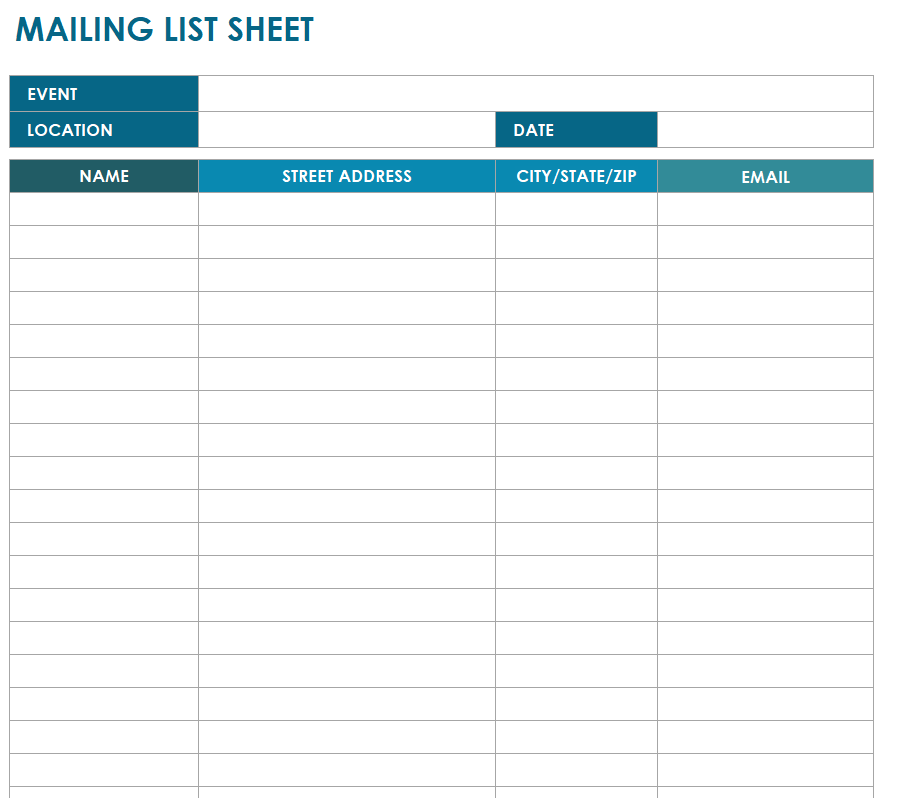
External Staff Email List Template
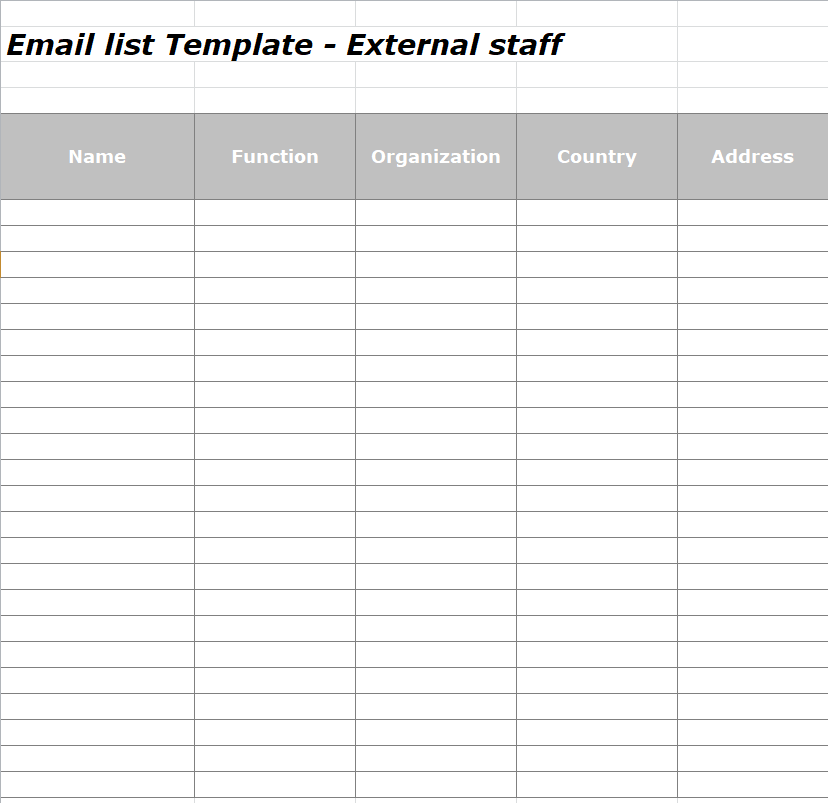
Professional Email List Format
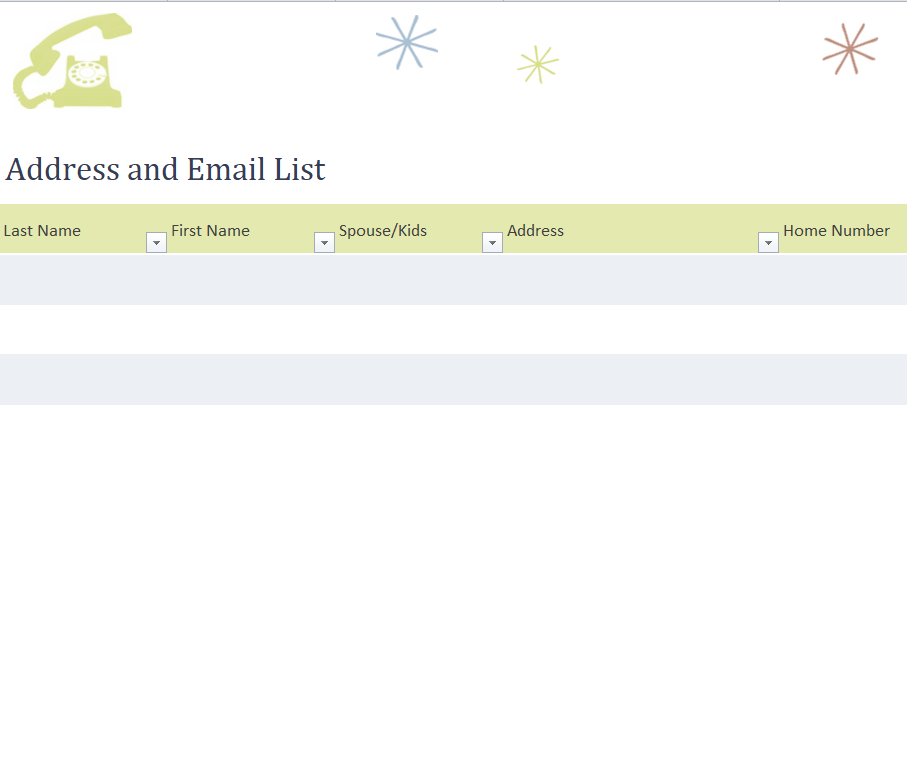
Customer Mailing List Template in EXCEL
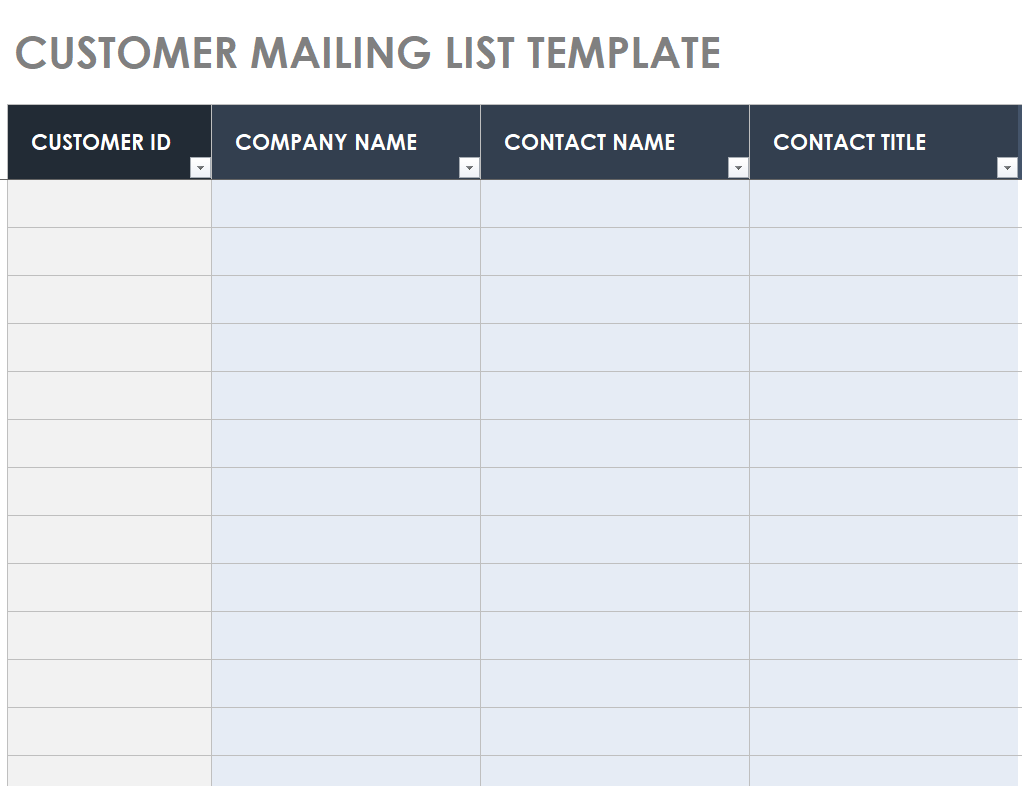
Detailed Email List Template in XLSX Format
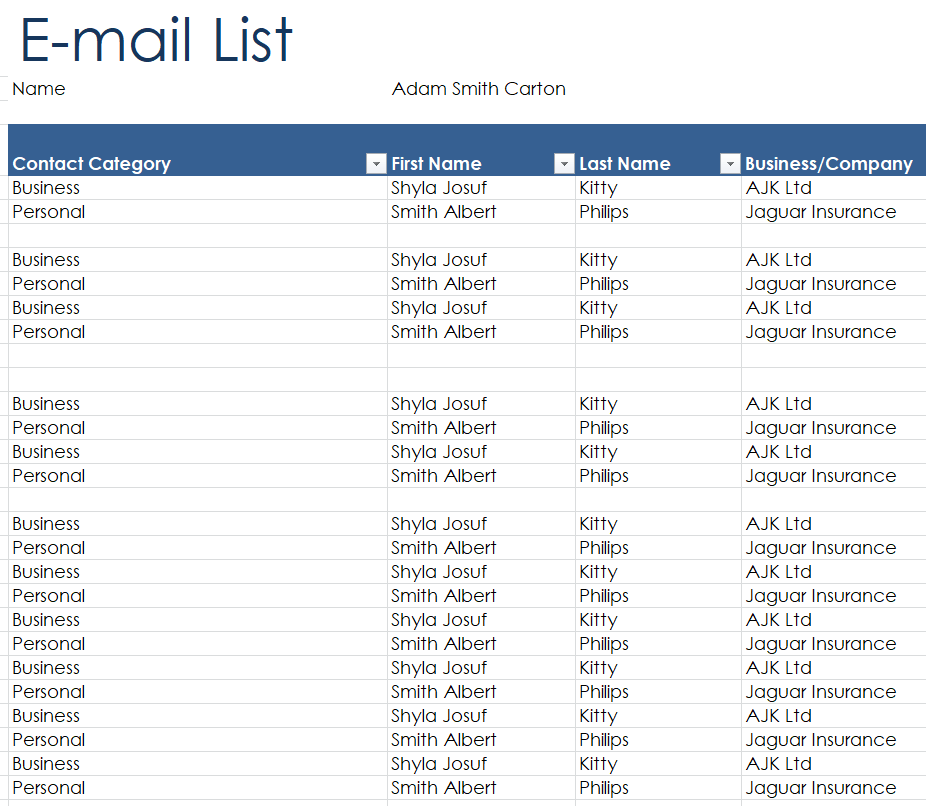
Choose the purpose before the columns
Decide what the list is for before copying addresses into it. A project contact directory supports coordination among known participants. A newsletter list supports a particular subscription. An event register might be used for practical information about one booking.
Mixing those purposes can make it unclear why someone is being contacted. Give the file a descriptive name and identify the person responsible for keeping it current. Record the source of each entry where that helps you understand its intended use.
Keep different purposes separate when their audiences or communication preferences differ, rather than treating every available address as part of one general mailing list.
Keep a small set of useful contact fields
Start with a name, email address and a relevant grouping such as organization, event or interest. Add other details only when they support the list’s purpose.
A free-text notes field can easily accumulate unnecessary personal information, so give it a narrow use or leave it out. Keep one address in each address field so that sorting and reviewing remain straightforward.
Where two people share an address, preserve their identities rather than assuming they are the same contact. Use consistent column labels and explain any abbreviations.
A simple list that colleagues understand is easier to maintain than a large register whose fields have different meanings to different users.
Resolve duplicates with context
Two rows containing the same address may be duplicates, but check their context before deleting either one. The rows could record different events or preferences. Decide which fields should identify a contact and which should describe their relationship to a particular list.
When merging records, preserve the relevant source and current preferences. Do not select the newest row automatically if it is less complete or its meaning is unclear. Work on a copy when making a large cleanup so you can compare the result with the original.
Afterward, check a few merged records manually, including contacts with shared names or more than one address.
Combining two event registration lists
Imagine a community group that has run two workshops. Several people attended both, while others supplied a new address at the second event. The coordinator first keeps a copy of each source, then compares the fields they share.
Names alone are not used to merge people. The coordinator checks matching addresses and reviews the associated workshop entries so that attendance history is not lost. A separate field records which practical updates each contact should receive.
Before the next message is prepared, the current list is checked against corrections received since the workshops. This example shows why a useful contact register needs context as well as addresses.
A large combined file would be less helpful if nobody could tell which entries were current or what communication they supported.
Make preference changes visible to the next user
A list is only current if changes reach the version that people actually use. Establish how corrections, removal requests and changes of contact details will be recorded.
Give the person managing the next communication a reliable current source rather than several exported copies with similar filenames. Where a mailing platform manages preferences, understand its approved import and suppression process before uploading a spreadsheet.
A locally saved list should not accidentally reintroduce someone who has already asked to stop receiving that communication. This is an operational reason to keep a clear update process, as well as checking the requirements that apply to your particular use.
Review entries before sharing or importing
Check for obvious spacing errors, incomplete addresses and columns that have shifted during copying. Review names and group labels as well as the email field. A plausible-looking address is not proof that it belongs to the intended person.
If importing a list into another system, compare the destination fields with the source headings before confirming the import. Test the process using a small appropriate set first when the system allows it. Keep the working file in an approved location with suitable access.
When sharing with a colleague, provide the minimum information needed for their task rather than sending every field in the master register.
Give the list a realistic maintenance routine
Choose an update rhythm that fits the activity. An event list may need a final check before practical instructions go out. An ongoing contact directory needs a clear route for corrections when roles change.
Record the last review date and who performed the review if that helps colleagues judge whether a file is current. Archive superseded working copies according to the organization’s process so that people can find the right one.
The point is to make a small set of reliable contacts usable, not to keep adding rows indefinitely. Remove fields that create work without helping anyone make a communication decision.
A handover note can be shorter than the spreadsheet
When someone else takes over the list, explain its purpose, where the current copy lives, which fields are maintained and how preference changes arrive. Identify any unfinished cleanup work rather than making the file appear more complete than it is.
Note whether another system is the authoritative source for particular details. For example, an event platform might own registration status while the spreadsheet is used only for planning. That distinction prevents a colleague from treating an old export as the current record.
Keep this guidance close to the working process, and update it when the way the list is used changes.
A final check before using the template
- Identify the communication purpose and owner.
- Keep one address per address field.
- Review duplicates against their context.
- Check current corrections and preferences.
- Match import columns before transferring records.
- Share only the information needed for the task.
Related templates
For collecting initial event registrations, use sign-up sheet templates.
For acknowledging a completed membership step, keep that document separate with membership certificate templates.
When contacts need practical information about an upcoming event, prepare the schedule with event itinerary templates.
Frequently asked questions
Can an email list template be used as a mailing list?
It can organize the underlying records, but sending and managing a mailing list may require a suitable platform and a clear preference process. Check what the spreadsheet controls and what the platform controls before importing or contacting people.
Which is better for a contact list, Word or Excel?
Word can suit a short printable directory. Excel is often more convenient for sorting and reviewing a larger set of records. Choose according to the maintenance task, and test the downloaded file rather than judging only its preview.
Should I delete every repeated email address?
Review the associated information first. A repeated address may reflect more than one registration or a shared contact. Merge only when you understand which details should be retained and how the combined record will be used.
What should go in a notes column?
Keep notes relevant to the list’s stated purpose and avoid collecting unrelated personal details. A clear category or status field may be easier to maintain than unrestricted notes. Explain any field whose intended use might be unclear.
How do I stop colleagues using an old copy?
Keep the current source in a clear approved location, name exported copies consistently and explain their purpose. Give corrections a defined route so the next person preparing a message knows which version and preferences to use.
You can also browse more options in the Other Templates category.
