
A product-announcement email should help the right reader understand what is new, why it matters to them and what they can do next. These new product announcement email templates provide starting structures for a launch message without requiring you to begin with a blank page.
The six downloadable examples below include different announcement styles and previews. Adapt the wording to the actual product and audience. A current customer, a prospective buyer and a trade partner may need different information even when the product is the same.
Confirm the facts before polishing the sales language. Product name, availability, price basis, relevant conditions and the destination of the main link should agree with the offer readers will actually find. A persuasive sentence is not useful if it promises something the launch cannot deliver.
Choose the main message for this audience
State the change in plain language and explain the relevant benefit without making unsupported claims. A feature description and a benefit are related but different: one says what the product does, while the other explains why that matters in the intended use.
Avoid presenting every feature as equally important. If the message concerns an update to an existing product, make clear what changed and whether any customer action is needed. Remove sample claims, customer numbers or endorsements that do not describe your actual product.
Make the subject and opening work together
Use a subject that identifies the announcement accurately. The opening should deliver on it quickly rather than leading through several paragraphs of generic excitement. A preview line can add useful context instead of repeating the subject word for word.
Avoid fake reply markers, invented scarcity or a deadline that has not been agreed. A launch email can sound enthusiastic while remaining precise about availability.
If there is an early-access or waiting-list stage, explain it rather than making the message look like an immediate purchase invitation.
Launching a new size of an existing product
A small business introduces a new size of a reusable bottle. Existing customers receive a concise message explaining the size, the relevant use case and when it is available.
A trade partner receives a different note with the product reference and a route to obtain ordering details. Neither message copies an unverified claim about being the best product on the market.
Before sending, the team checks that the linked page shows the correct size and availability. If stock is delayed, the message is revised to describe the actual next step rather than leaving a purchase promise that cannot yet be fulfilled.
6 downloadable examples and previews
Use the preview to compare the layout, then choose the download button for the actual file. Extract ZIP packages before opening them. Check the file format and contents before editing; a preview is not itself an editable document. Keep a blank original and save completed versions with clear filenames.
Get the FREE Templates Here
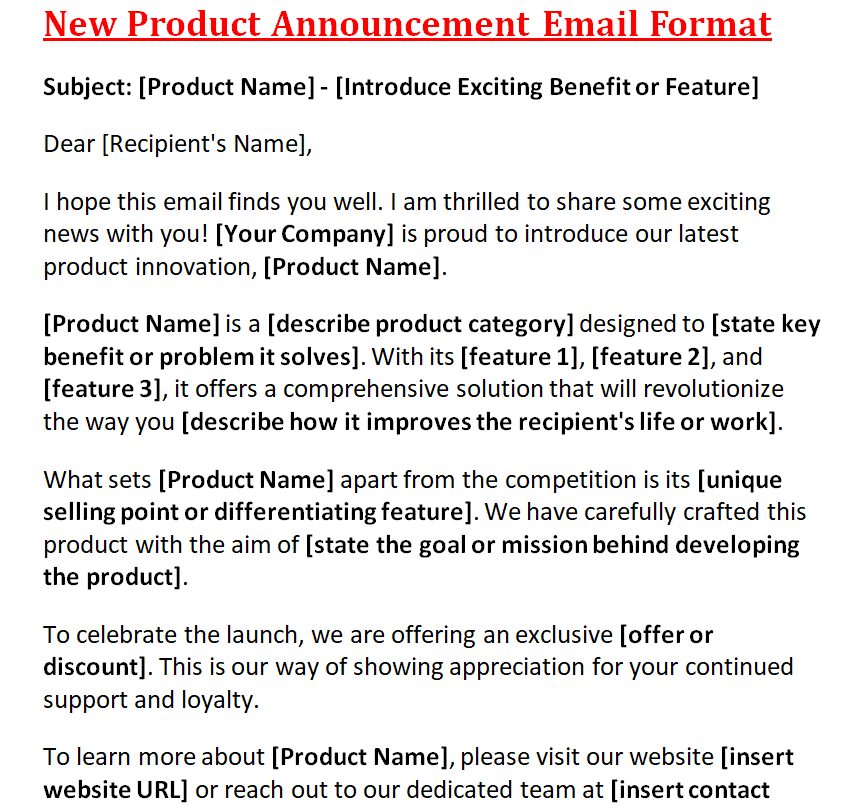
New Product Announcement Email Format
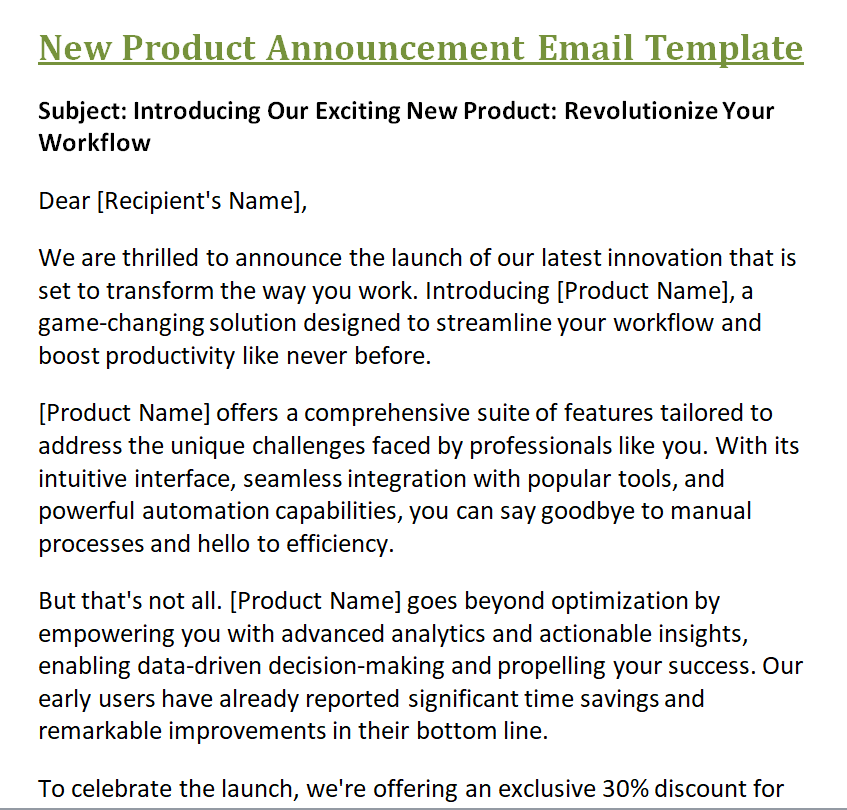
New Product Announcement Email Template
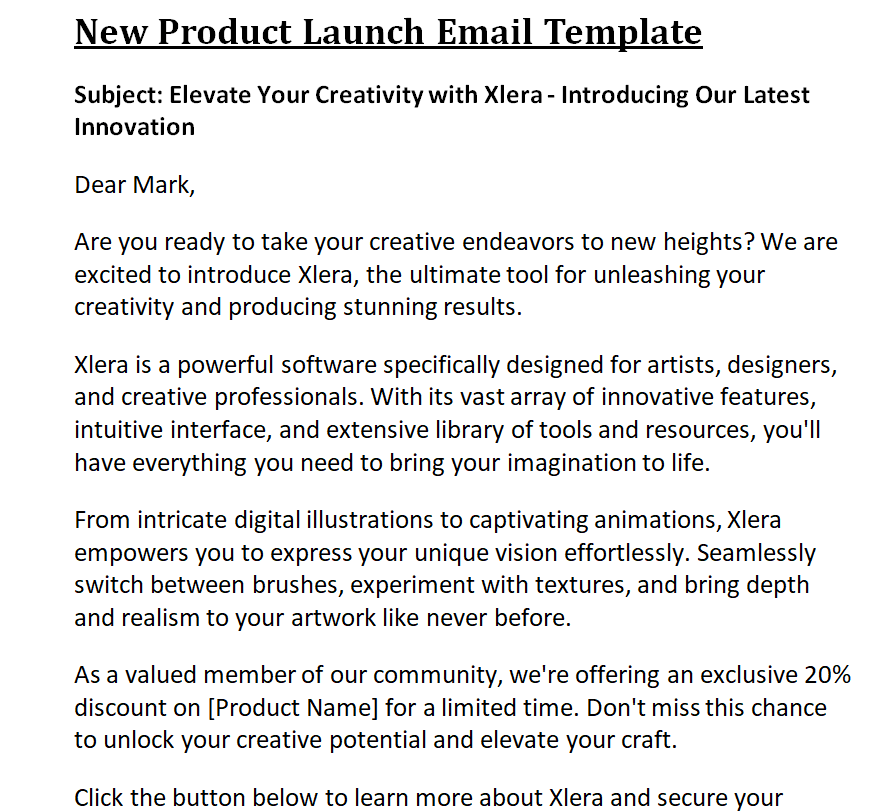
New Product Launch Email Template in MS WORD
More FREE Product Announcement Templates Below
New Product Announcement Email Example
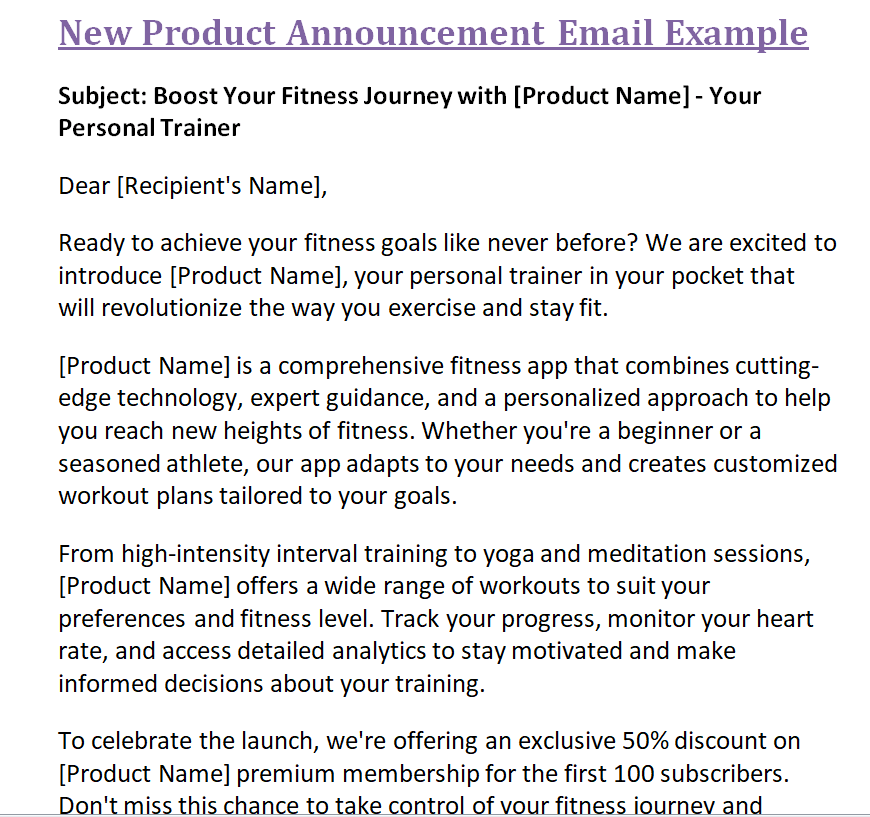
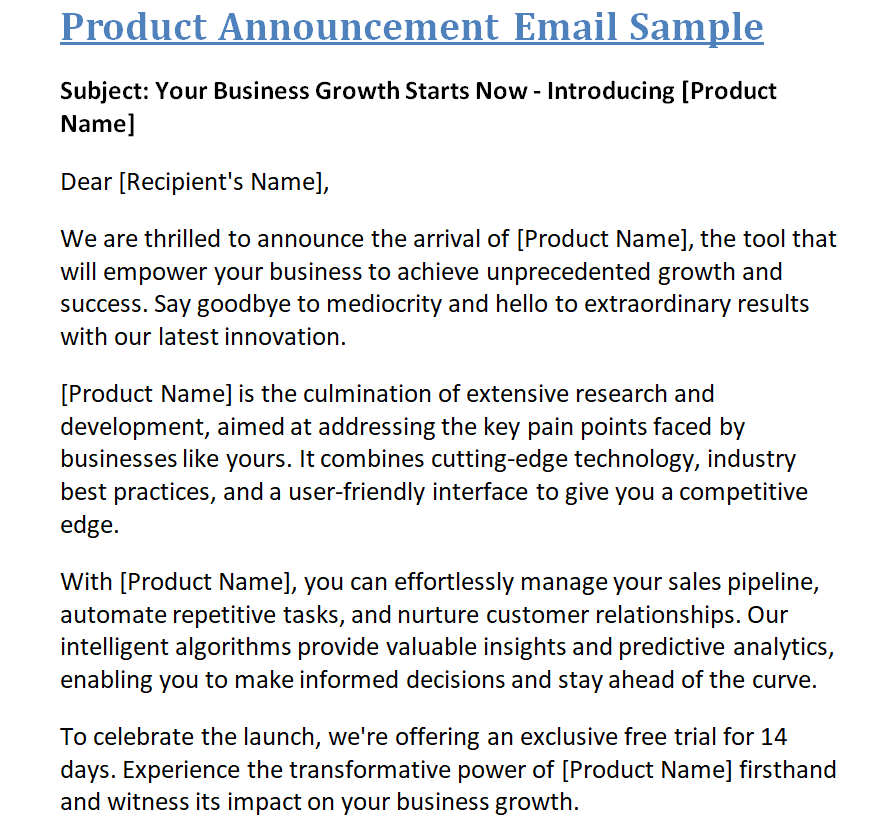
Simple Product Announcement Email Doc Sample
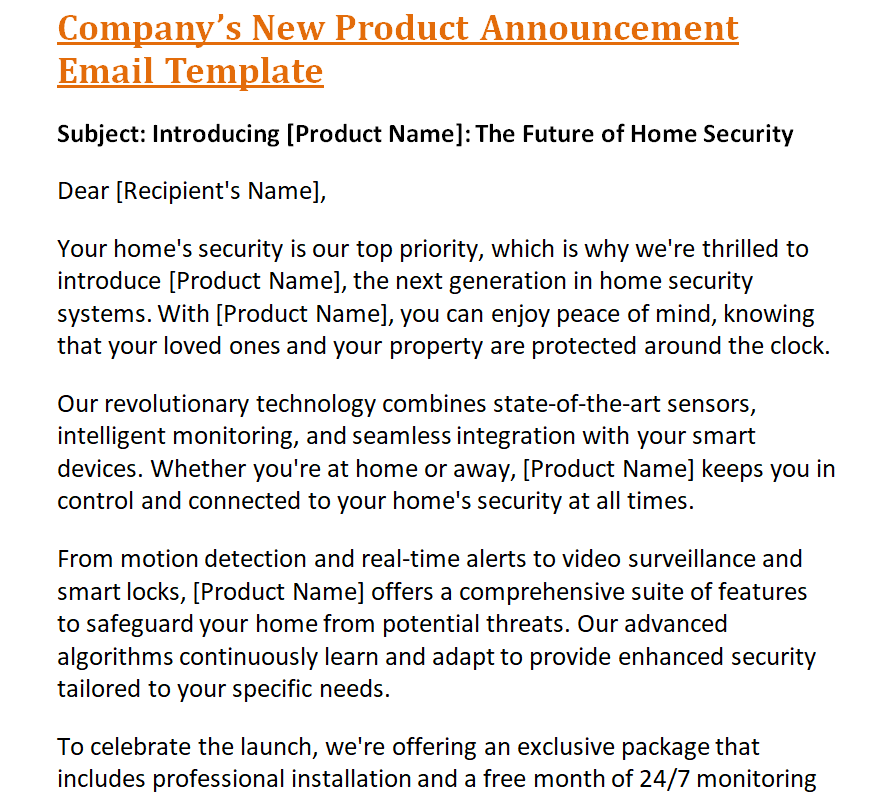
Company’s New Product Announcement Email Word Template
How Do You Announce a New Product in Email?
Announcing a new product in an email requires a strategic approach that captivates your audience, showcases the value of your offering, and compels them to take action. Here, we will explore the essential elements to consider when crafting an engaging and effective new product announcement email.
1- Compelling Subject Line:
Grab your recipients’ attention with a subject line that piques their curiosity or highlights the key benefit of your new product. Make it concise, intriguing, and personalized if possible.
2- Engaging Introduction:
Begin your email with a captivating introduction that immediately communicates the value and relevance of your new product. Clearly state what problem it solves, how it improves their lives, or what unique features it offers. Use a conversational tone and focus on the benefits rather than technical details.
3- Highlight Key Features:
After setting the stage, delve into the core features and functionalities of your new product. Clearly outline what sets it apart from existing solutions and how it addresses specific pain points of your target audience. Use bullet points, subheadings, or short paragraphs to enhance readability.
4- Show, Don’t Just Tell:
Incorporate visual elements to showcase your product. Include high-quality images or videos that demonstrate its use, highlight its design, or present real-world scenarios. Visuals can significantly enhance engagement and make your email more memorable.
5- Social Proof and Testimonials:
Boost credibility and build trust by including snippets of positive customer reviews or testimonials. This social proof validates the effectiveness and value of your new product, making it more appealing to potential customers.
6- Call-to-Action (CTA):
Clearly communicate the next steps you want your recipients to take. Whether it’s making a purchase, signing up for a demo, or subscribing to updates, ensure that your CTA stands out and is easily actionable. Use persuasive language and urgency, such as limited-time offers or exclusive access, to drive immediate action.
7- Personalization and Segmentation:
Whenever possible, personalize your emails by addressing recipients by name and tailoring the content to their specific needs. Segment your audience based on demographics, past interactions, or interests, and craft targeted messages that resonate with each segment.
8- Mobile-Optimized Design:
With the increasing use of mobile devices, ensure that your email is mobile-friendly. Optimize it for different screen sizes to provide a seamless experience across devices. Use a clean layout, easy-to-read fonts, and clickable CTAs for improved usability.
9- Follow-Up and Nurture:
A product announcement email is just the beginning of your customer journey. Follow up with additional emails to nurture leads, provide more information, or offer special promotions. Create an email sequence that builds upon the initial announcement and keeps your brand top of mind.
10- Analyze and Iterate:
Track the performance of your product announcement emails using metrics like open rates, click-through rates, and conversion rates. Analyze the data to understand what resonates with your audience and iterate on your approach for future product launches.
By carefully considering these elements, you can craft a product announcement email that engages your audience, effectively communicates your product’s value, and drives the desired actions. Remember, authenticity, relevance, and a customer-centric approach are key to successfully announcing your new product and generating excitement within your target market.
Give the reader one primary next step
Choose the action that fits the launch stage: view the product details, request information, book a demonstration or place an order where appropriate. Use a clear link label and check the destination.
The page should describe the same product and offer, and any promised download or booking route should work for the intended audience. Additional links can be useful, but they should not compete with the main action without a reason.
Keep essential information understandable even if an image does not load.
Review the message as a real recipient
Check the subject, sender identity, links, dates, prices and display on a small screen. Remove unapproved draft notes and sample contact information. Use the appropriate permission and mailing process for the audience, and respect the applicable unsubscribe and privacy arrangements.
Coordinate the email with product readiness and the team handling enquiries. If a launch detail changes, review the scheduled message and its destination together. A corrected landing page does not help if the email still promises the earlier offer.
Before scheduling the announcement
- Confirm the product facts and intended audience.
- Use an accurate subject and direct opening.
- Test the main link and the offer at its destination.
- Review the scheduled message if availability or terms change.
Build a short launch fact sheet first
Write down the approved product name, the audience, the change being announced, the availability date, price basis, main action and contact for questions. Use that as a reference when adapting the email, page copy and any related assets.
It does not need to be a large document. Its value is giving the people preparing the launch one consistent set of facts. If a fact changes, identify which messages depend on it.
Keep an approval owner so that an uncertain claim is resolved by the right person rather than rewritten repeatedly by everyone involved. A consistent source of facts leaves more room for natural wording without creating conflicting promises.
Related templates
Keep customer-facing prices consistent with the announcement. price list templates.
Confirm the details after an order has actually been agreed. order confirmation templates.
Keep billing records distinct from the launch message. invoice formats.
Frequently asked questions
What should a product-announcement email include?
Identify what is new, why it matters to the intended reader, relevant availability information and a clear next step. Include only claims and offer details that have been appropriately confirmed.
Should every customer receive the same wording?
Not necessarily. Adapt the information to the audience and relationship, while keeping the underlying product facts and offer consistent.
How many calls to action should I use?
Choose a primary action that fits the launch stage. Supporting links may help, but avoid making the main next step difficult to identify.
Can I announce a product before it is available?
Yes, if the message clearly describes the actual stage, such as a preview or waiting list. Do not imply immediate availability when that is not the offer.
Do the templates guarantee a response or sales?
No. A template helps organize the message. Results depend on the product, audience, offer, delivery and other factors that the file cannot establish.
You can also browse more options in the Email Templates category.
