
Invoice Formats. A clear invoice format tells a customer what they are paying for, how the amount was calculated, and when payment is due. The collection below includes invoice layouts and source resources to compare before preparing your own bill. Choose the structure around your transaction: a service invoice needs a useful description of work, while a product invoice usually needs quantities and unit prices.
Start with the customer's purchasing process. If the buyer requires a purchase-order number, project code, or particular billing contact, place that information where it is easy to find. A visually attractive invoice still causes delays if the accounts team cannot match it to the order.
Browse the previews and resource links, or use the guide below to choose the right layout.
What to include
Seller and customer. Use the correct trading names and billing contact details. Distinguish the delivery address from the billing address where they differ.
Invoice reference and dates. Give the invoice its own unique reference. Show the issue date and a clearly stated due date or agreed payment term.
Line items. Describe the actual goods or services, including quantities, units, and unit prices where relevant. Group unrelated work into separate lines rather than hiding everything under miscellaneous charges.
Totals and payment details. Show the subtotal, applicable adjustments, any tax information required for your circumstances, and the amount due. Verify payment instructions against your approved records before sending.
How to customize the format
- Confirm the order, delivery record, or agreed scope before selecting a layout.
- Enter the seller, buyer, reference, dates, and descriptions, then calculate each line independently.
- Reconcile the subtotal and final balance, including any deposit already received.
- Export a read-only copy for the customer and retain the editable version with the supporting order.
Worked example
For an illustrative service bill, list design work as 3 hours at 40 units of currency per hour: the line total is 120. Add a separately agreed printing charge of 30 to reach a subtotal of 150. If a deposit of 50 has already been received, show that deduction explicitly so the remaining balance is 100 before any other applicable adjustments.
Choose the right version
Use a simple service layout for time or milestone charges, a product layout for quantities and units, and a recurring layout for repeat billing periods. A spreadsheet can calculate totals; a word-processing file offers flexible descriptions. A PDF is convenient for sharing the completed invoice.
Editable files, calculations, and shared copies
Choose a spreadsheet when the task depends on repeated rows, totals, or filtering. Use an editable document when explanatory wording and page layout matter more than calculations. A PDF may be convenient for a finalized copy, but it is not automatically fillable. A ZIP is a container; inspect its contents before deciding which application you need.
When adapting a spreadsheet, test a few representative entries and check the totals independently. Adding a row or moving a column can leave a formula pointing at the wrong range. Keep dates and numbers in a consistent format. If you share a completed copy, retain a separate blank master so the next version does not accidentally include a previous customer's or participant's details.
Common mistakes to avoid
An invoice requests payment; it does not by itself confirm that the customer has paid. Do not reuse invoice numbers, overlook deposits, or leave copied bank details unchecked. Local tax-invoice requirements vary, so confirm the required fields for the business and transaction before issuing the document.
Related documents for the next step
Use an order confirmation to agree the items before preparing the invoice. See order confirmation templates.
Match physical shipments to a delivery note when reconciling quantities. See delivery note templates.
Summarize billed or recognized sales consistently in a sales report. See sales report formats.
Previews and linked resources
The collection includes file links and external source pages. File type is shown on direct-file buttons; external pages may offer paid options or additional steps. Some reference images have no editable file attached.


Business Invoice Format


Blank Invoice Format


Excel Invoice Format


Download two customizable templates
These original downloads are hosted on Templates Front. Each ZIP contains the template files and instructions described below.
Service invoice
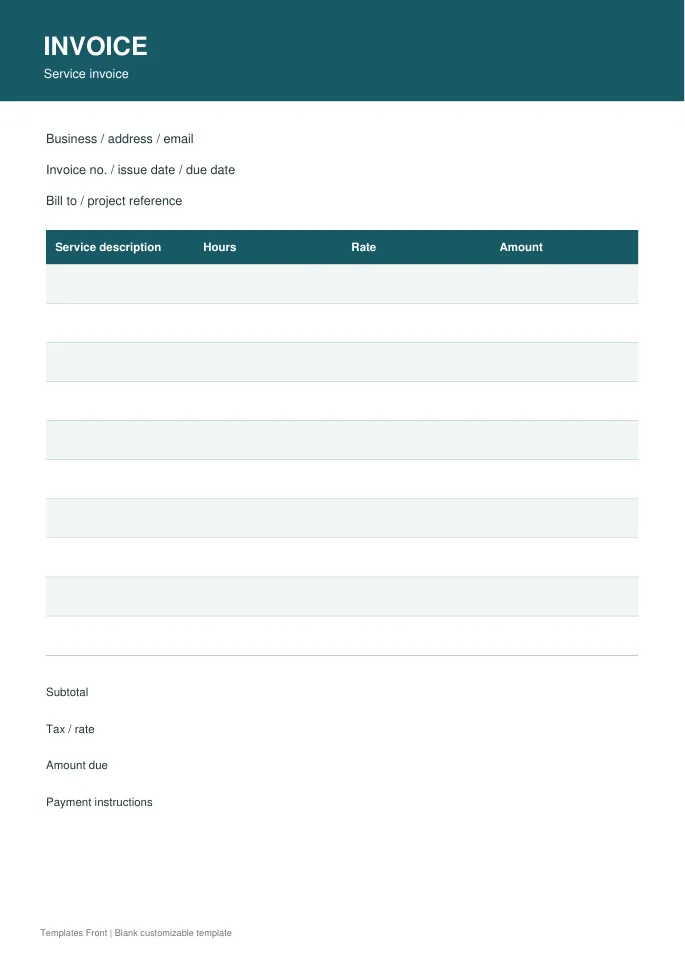
Printable PDF and editable HTML document. Open the HTML in a browser, click the text to edit, then print or save. Tables do not calculate automatically.
Product invoice
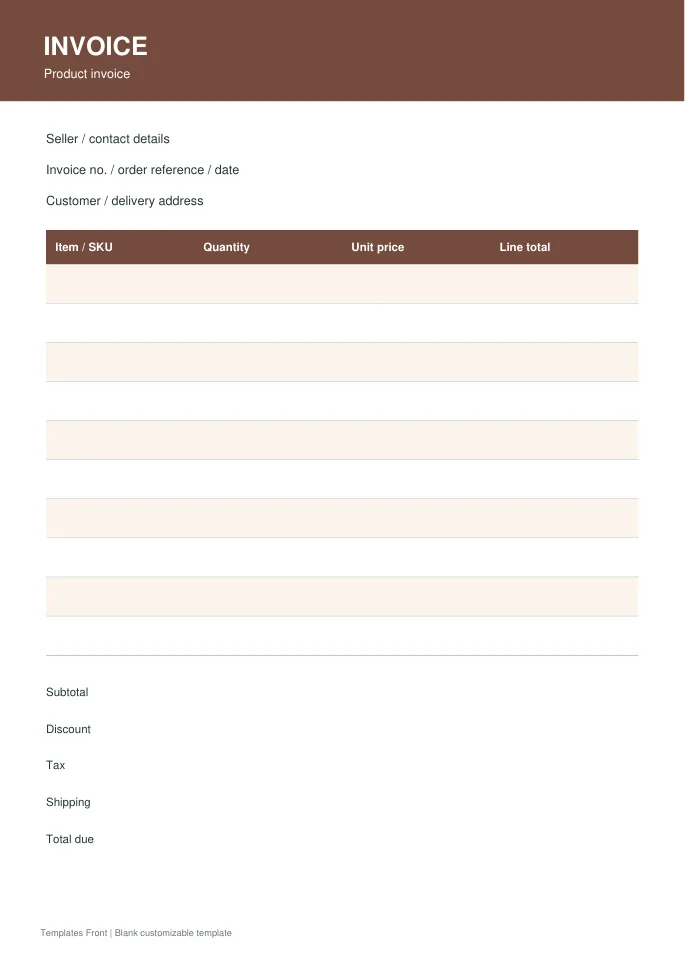
Printable PDF and editable HTML document. Open the HTML in a browser, click the text to edit, then print or save. Tables do not calculate automatically.
Frequently asked questions
What is the difference between an invoice and a receipt?
An invoice states an amount requested or due. A receipt records a payment that has actually been received.
Can I edit a PDF invoice?
Some PDFs contain fillable fields; others are fixed layouts. Use the original editable file where available rather than assuming every PDF can be changed.
Should an invoice show a purchase-order number?
Include it when the customer provides or requires one. It helps the customer match the bill to the authorized purchase.
How do I tell a downloadable file from a source page?
The buttons distinguish file links from external source pages. A source page may contain a download, a paid listing, or further information. Check its file type, availability, and usage terms before relying on it. A preview by itself does not promise an editable file.
