
Smoke Fonts and Smoky Text Effects. Smoke fonts and smoky text effects can create dramatic display lettering for posters, music artwork, titles, or event graphics. These are different resource types: an installable font changes typed characters, while a text-effect file may require editing layers in a design application. Check the package before choosing it for a project.
Use decorative smoky lettering for a short title, then pair it with readable supporting text. Fine smoke details often disappear at small sizes. A striking headline is less useful if the audience cannot read the event name or distinguish similar characters.
Browse the previews and resource links, or use the guide below to choose the right layout.
Details to check before choosing a layout
Resource type. Identify whether the download contains font files, artwork, or a layered text effect. Do not assume every preview represents an installable typeface.
Character coverage. Test the exact words, numbers, and punctuation you need. A display font may have a limited character set.
Contrast. Compare the title against the actual background. Smoke textures need separation from busy photography.
License. Read the included or creator-provided terms for the intended use, including any commercial use or redistribution limits.
A practical preparation workflow
- Write the final title before evaluating the decorative effect.
- Check the file type, compatible application, and license at the source.
- Apply the effect to a short headline and use a simpler face for details.
- Review the exported artwork at the size and background used in the final project.
An example in practice
For a fictional evening concert poster, smoky lettering can emphasize the event name while the date, venue, and ticket information remain in a plain typeface. Test the image on a phone screen. If the title becomes hard to read, reduce the texture or increase its separation from the background.
Which format fits the task?
Outlined smoke lettering can feel different from dense, cloudy letters. A restrained effect may work on an album title, while a dramatic effect can dominate a poster. Choose around the length of the words and the final viewing size.
Test the exact text before exporting
Installable fonts, layered effects, and flattened previews need different workflows. Identify the resource before opening it, retain the included license, and test the actual text rather than a convenient demonstration word. Missing characters, substituted fonts, and unusually wide letters can change the layout considerably.
Keep an editable source with live text where practical, and review the exported output separately. If a printer or collaborator needs font files, check that the license permits sharing them. Providing a finalized image or appropriately prepared output may be more suitable than distributing the original font package.
Checks that prevent confusion
Do not confuse a smoke illustration with a complete alphabet. Avoid distributing font files with a project unless the license permits it. A flat image cannot offer the same text editing as an actual font or layered source.
Related documents for the next step
Try a smoky display title within a movie poster layout. See movie poster psd templates.
A CD cover provides another setting for short decorative lettering. See cd cover templates.
Coordinate a music graphic with a suitable DJ logo design. See dj logo templates.
Previews and linked resources
The collection includes file links and external source pages. File type is shown on direct-file buttons; external pages may offer paid options or additional steps. Some reference images have no editable file attached.
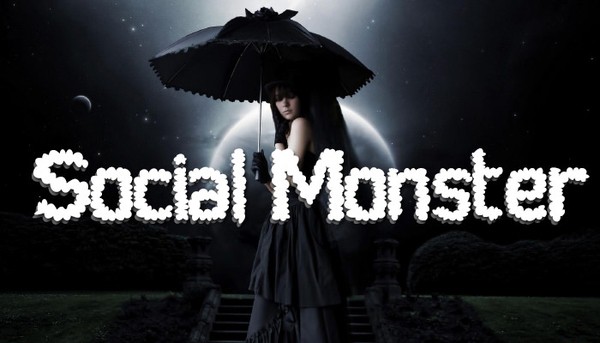
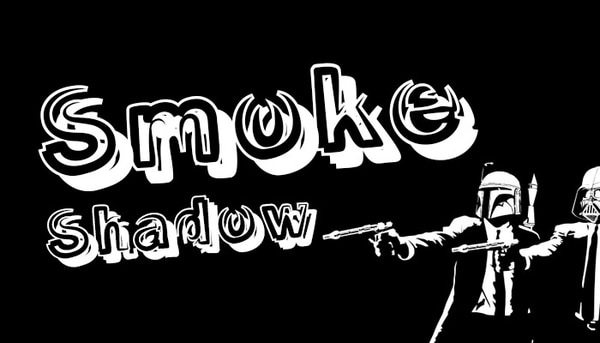
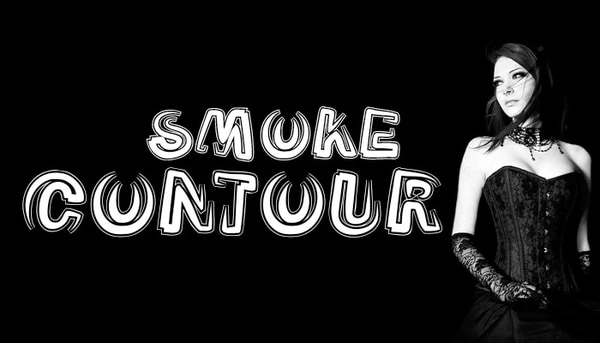
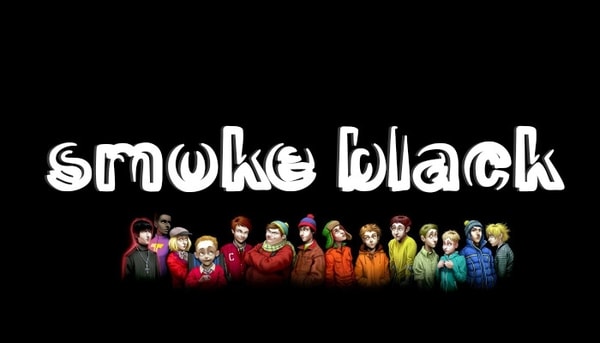
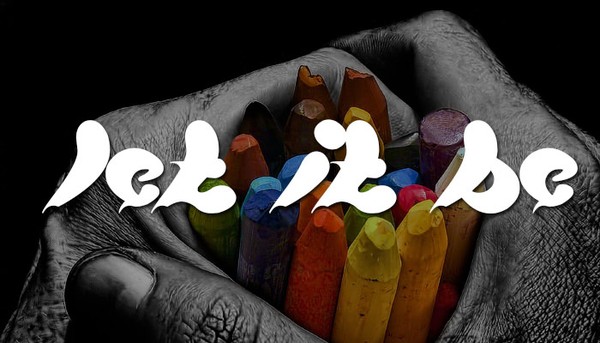
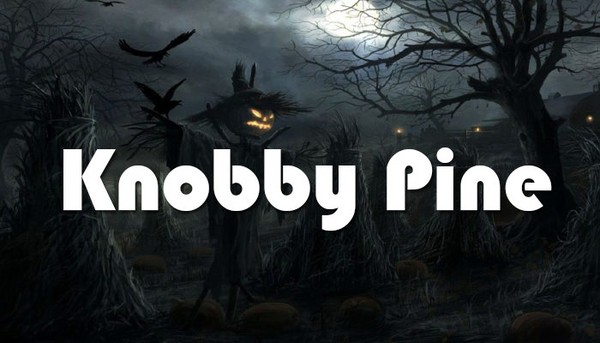
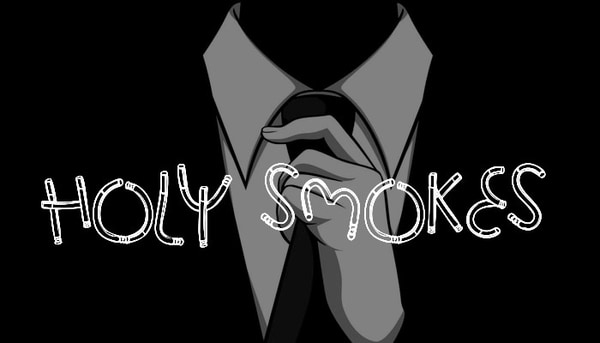
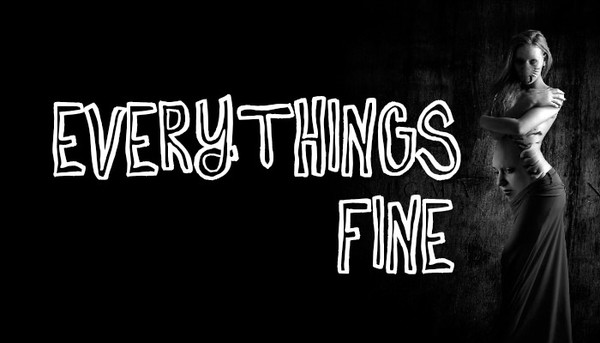


Best Smoky Fonts

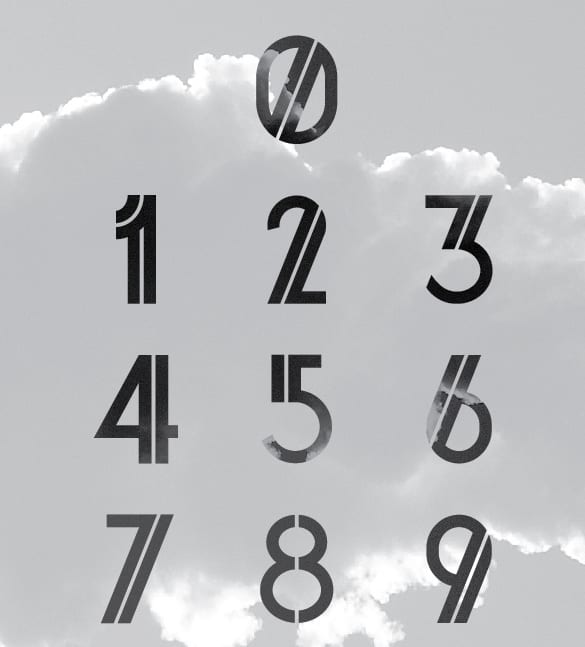
Smoke Text Effects

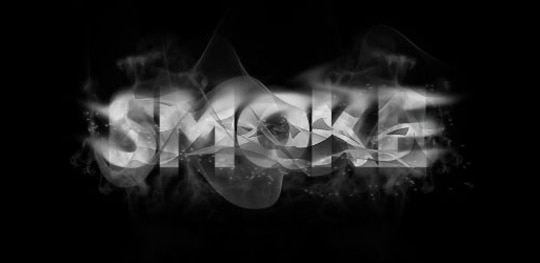
Smoke Fonts Free


Download two customizable templates
These original downloads are hosted on Templates Front. Each ZIP contains the template files and instructions described below.
Haze display title
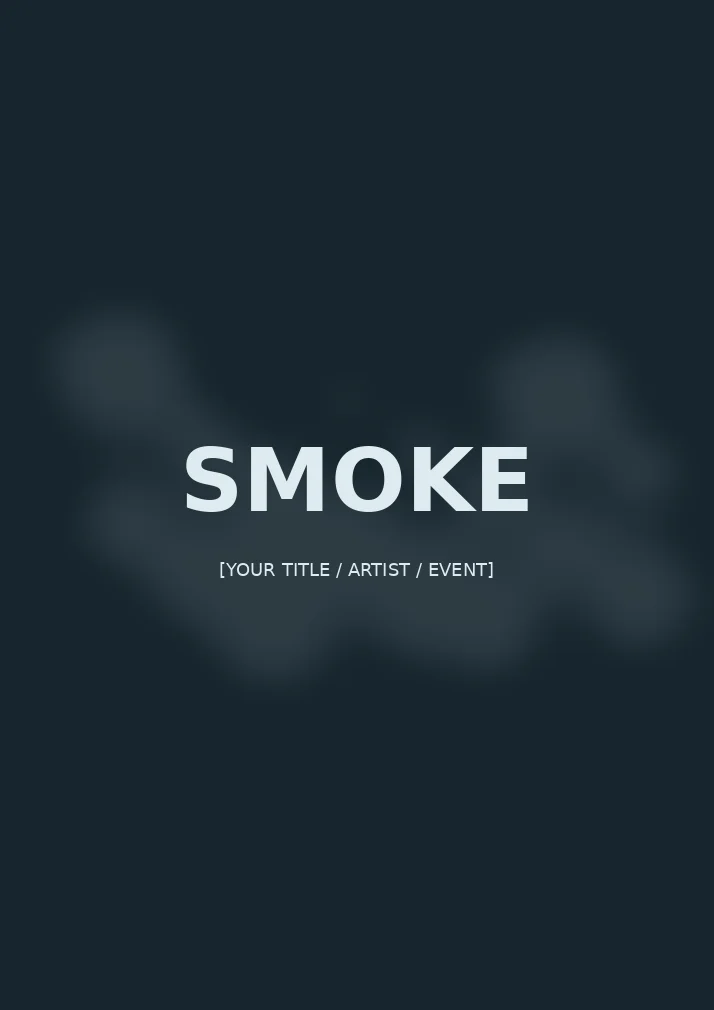
Editable SVG smoke-style title composition and printable PDF. Change the lettering in a vector editor. This is a text-effect design template, not an installable font.
Vapor outline lettering

Editable SVG smoke-style title composition and printable PDF. Change the lettering in a vector editor. This is a text-effect design template, not an installable font.
Frequently asked questions
Is every smoke resource a font?
No. Some are text effects, images, or layered design files. Check the package description and contents.
Can I use a downloaded font commercially?
That depends on its license. Verify the terms for the exact resource rather than relying on the word free in a collection title.
Are smoke fonts suitable for body text?
They are generally easier to use for short display titles. Use readable supporting text for longer information.
How do I tell a downloadable file from a source page?
The buttons distinguish file links from external source pages. A source page may contain a download, a paid listing, or further information. Check its file type, availability, and usage terms before relying on it. A preview by itself does not promise an editable file.
