
News Blogger Templates. News Blogger templates organize headlines, story images, category links, and article pages for a publication built on Blogger. The right layout makes recent reporting easy to discover without forcing readers through crowded sidebars or oversized banners. The previews below are starting points for comparing news-style themes and their source pages.
Choose a theme around the amount of reporting you can maintain. A small local publication may need a lead story and a short latest-news list. A larger magazine may benefit from separate category sections. Empty blocks make a site look unfinished, so do not choose a complex front page simply because the demo contains many stories.
Browse the previews and resource links, or use the guide below to choose the right layout.
What to include
Headline hierarchy. Decide which story is the lead and how secondary headlines appear. Test long headlines as well as the short titles commonly used in demonstrations.
Categories and navigation. Keep the main sections limited to topics you publish regularly. Check that a reader can reach the relevant category and return to the home page.
Article presentation. Look for readable body text, clear author and date placement, sensible image captions, and a layout that handles paragraphs, lists, and quotations.
Mobile and supporting content. Check the menu, image widths, search, and any advertisement areas on a narrow screen. Important content should remain readable without horizontal scrolling.
How to customize the format
- List the publication's core sections and identify the article types that the theme must display.
- Back up the existing theme and test the candidate on a separate test blog before replacing a live design.
- Load representative articles with real headlines, images, captions, and links instead of judging only the demo.
- Check the home page, category view, individual article, search, and mobile navigation before adopting the layout.
Worked example
A community news blog could use Local News, Schools, Business, and Events as its main sections. Place one lead report at the top, followed by recent stories in date order. A school event should have its own article with a clear date and location, rather than being embedded permanently in the theme's demonstration banner.
Choose the right version
A newspaper layout emphasizes many headlines. A magazine layout gives images more space. A personal news blog may work better with a single article feed. Compare the reading experience after inserting your own content; the same template can feel very different with longer headlines and fewer images.
Evaluate the reader journey, not just the demo
A demonstration is designed to look complete. Test the layout with your own article lengths, image shapes, and navigation labels. Check the path from the home page to a detail page and back. Empty sections, unreadable menus, and oversized images are easier to notice with realistic content than with a polished sample.
Keep a recoverable copy of the existing setup before trying a new design. Use a separate test environment where possible and confirm the platform, package contents, license, and available maintenance information at the source. A screenshot alone does not establish compatibility or ongoing support.
Common mistakes to avoid
A Blogger theme and a WordPress theme are not interchangeable. Do not assume a legacy download supports every current feature, or that images in a demo are licensed for reuse. Remove demonstration links, unused widgets, and placeholder advertising before making the design public.
Related documents for the next step
For a companion printed publication, compare Microsoft Word magazine templates. See microsoft word magazine templates.
Promote a film-news feature with a movie poster design where appropriate. See movie poster psd templates.
If the site also publishes deals, compare the different requirements of coupon website templates. See coupon website templates free.
Previews and linked resources
The collection includes file links and external source pages. File type is shown on direct-file buttons; external pages may offer paid options or additional steps. Some reference images have no editable file attached.


Best News Blogger Templates
 View source and availability
View source and availability

Blogger News Templates


News Blogger Themes


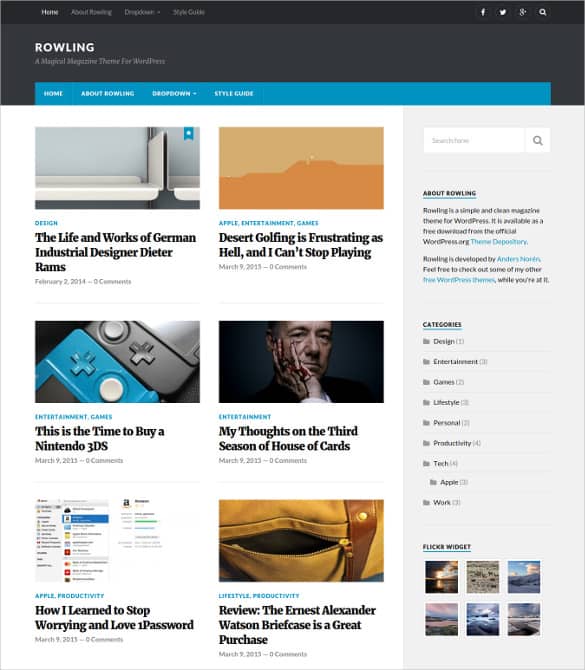

Download two customizable templates
These original downloads are hosted on Templates Front. Each ZIP contains the template files and instructions described below.
Editorial news Blogger theme
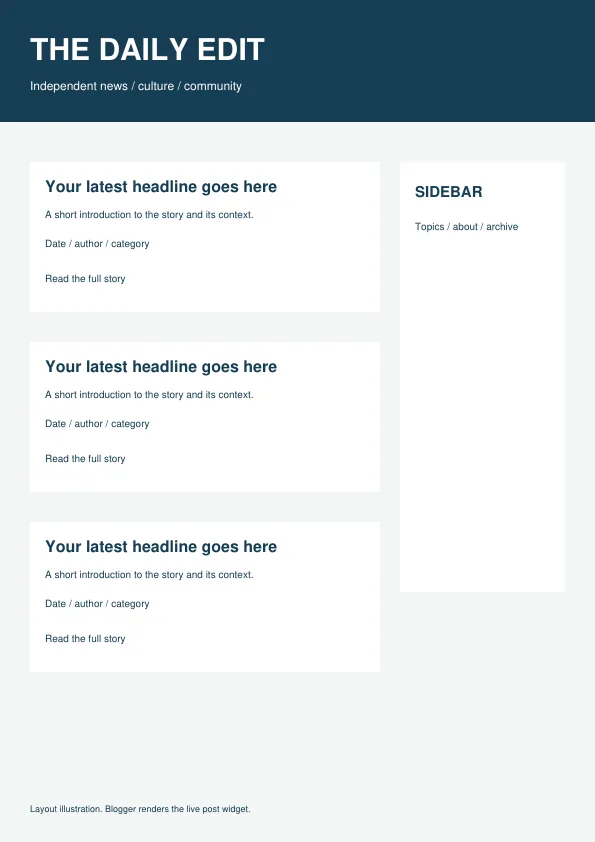
Responsive Blogger XML theme with a built-in Blog widget. The preview is a layout illustration; your live posts and widgets determine the final rendering. Back up your current theme and test this XML in a test blog before using it on a live blog.
Magazine news Blogger theme
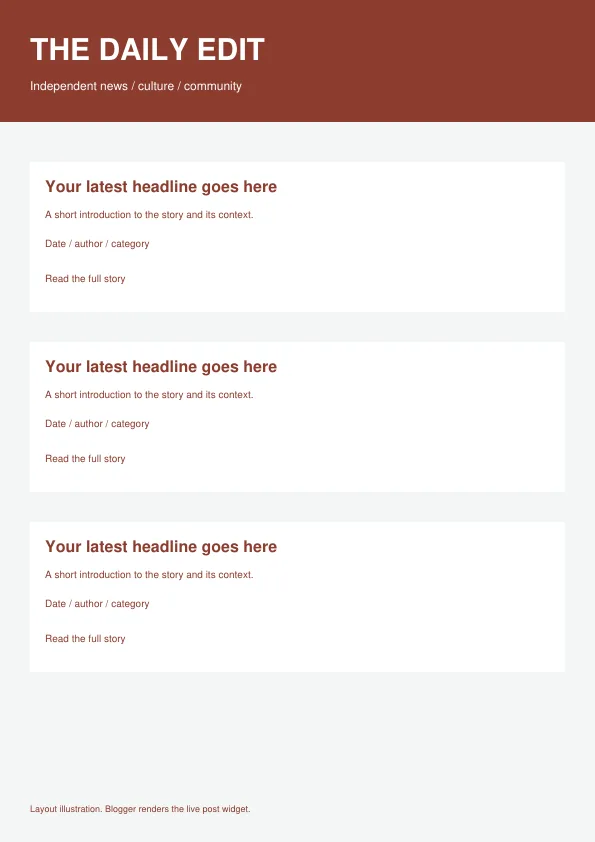
Responsive Blogger XML theme with a built-in Blog widget. The preview is a layout illustration; your live posts and widgets determine the final rendering. Back up your current theme and test this XML in a test blog before using it on a live blog.
Frequently asked questions
Can a Blogger template be installed on WordPress?
A Blogger theme is designed for Blogger. Use a theme made for the platform you run rather than renaming or uploading an incompatible package.
Are all the linked themes free?
Source pages may offer different licenses or paid options. Check the specific creator's terms and the package contents before downloading.
Will changing the theme improve rankings automatically?
A theme can improve navigation and readability, but useful reporting, clear organization, and reliable site operation still need separate attention.
How do I tell a downloadable file from a source page?
The buttons distinguish file links from external source pages. A source page may contain a download, a paid listing, or further information. Check its file type, availability, and usage terms before relying on it. A preview by itself does not promise an editable file.
