
Offer Letter Formats. An offer letter presents the proposed terms of a role to a selected candidate and explains how to respond. A useful format makes the job title, employer, proposed start date, compensation basis, and any stated conditions easy to find. It should reflect the actual offer rather than generic promises copied from a sample.
Gather the approved terms before writing. The hiring manager and the person authorizing compensation should agree what is being offered. If a separate contract or policy document provides detailed terms, identify it clearly and check that the documents do not contradict one another.
Browse the previews and resource links, or use the guide below to choose the right layout.
Build the document around its purpose
Candidate and position. Use the candidate's correct name and the approved job title, department, reporting line, and work location.
Start and working arrangement. State the proposed start date and the agreed arrangement clearly. Do not leave a sample's remote-work or probation wording unchanged.
Compensation. Record the approved amount, currency, pay period, and any conditions attached to benefits or incentives.
Response and conditions. Explain the acceptance method, response date, and any clearly identified conditions that apply to the offer.
Prepare and review your version
- Collect the approved role and compensation details.
- Draft the offer using clear terms and identify related documents.
- Check dates, amounts, conditions, and the candidate's name.
- Obtain the required approval, send through the employer's process, and retain the response.
Putting the layout to work
We are pleased to offer you the position of [Job title] with [Organization], with a proposed start date of [Date]. The offered compensation is [Amount and pay period]. Please review the attached terms and respond by [Date] using [Method]. State any actual conditions separately and precisely.
Adapt the layout to the situation
A short cover letter can accompany detailed terms. A conditional offer must make its conditions clear. An internal role offer should align with the employee's existing arrangements and any approved changes.
From a sample to an issued document
Keep the blank master separate from the completed version. Replace every bracketed placeholder and read the result as a whole; a correct name at the top does not prevent an old name remaining in a later paragraph. Check attachments and referenced dates together. If approval or a signature is required, complete that process before describing the document as issued or agreed.
An editable document is useful for revising wording, while a fixed PDF can preserve the reviewed layout for sharing. Neither file extension establishes authority, acceptance, or authenticity. The person issuing or agreeing to the document must check the facts and use the process appropriate to its purpose.
Before sharing the finished version
Do not promise benefits that have not been approved or copy legal-effect claims from an unrelated jurisdiction. An offer, acceptance, and employment contract can have significant consequences, so the issuer should review the complete terms for the circumstances.
Related documents for the next step
Use a certificate of employment for factual employment verification. See free certificate of employment.
A promotion letter records an approved change for an existing employee. See promotion letters.
A resignation letter can help coordinate departure from a previous role. See resignation letter formats.
Previews and linked resources
The collection includes file links and external source pages. File type is shown on direct-file buttons; external pages may offer paid options or additional steps. Some reference images have no editable file attached.


Download two customizable templates
These original downloads are hosted on Templates Front. Each ZIP contains the template files and instructions described below.
Full-time employment offer
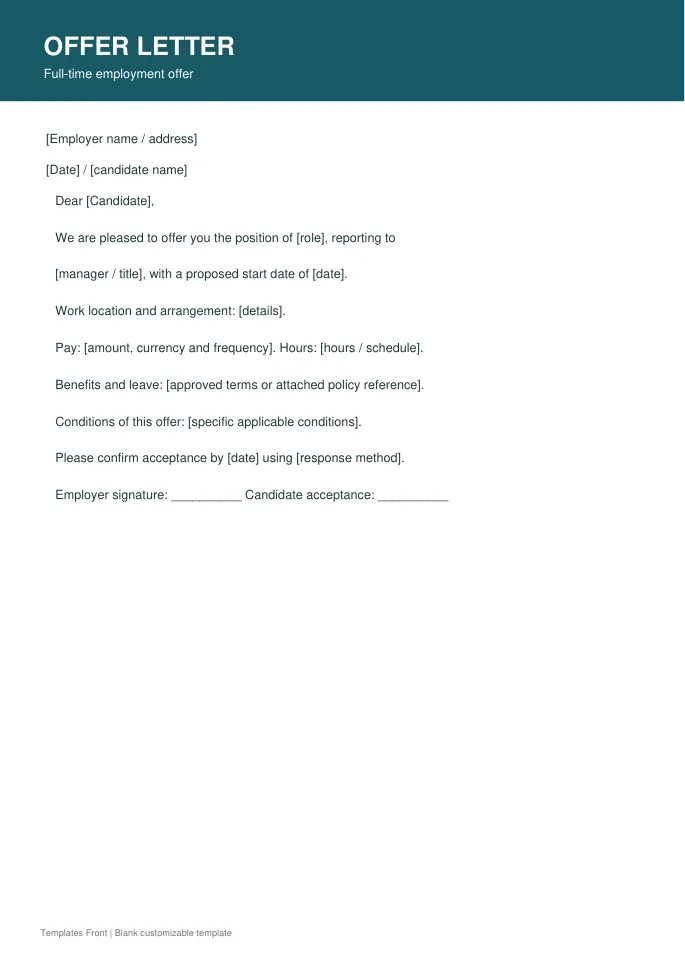
Printable PDF and editable HTML document. Open the HTML in a browser, click the text to edit, then print or save. Tables do not calculate automatically.
Internship offer
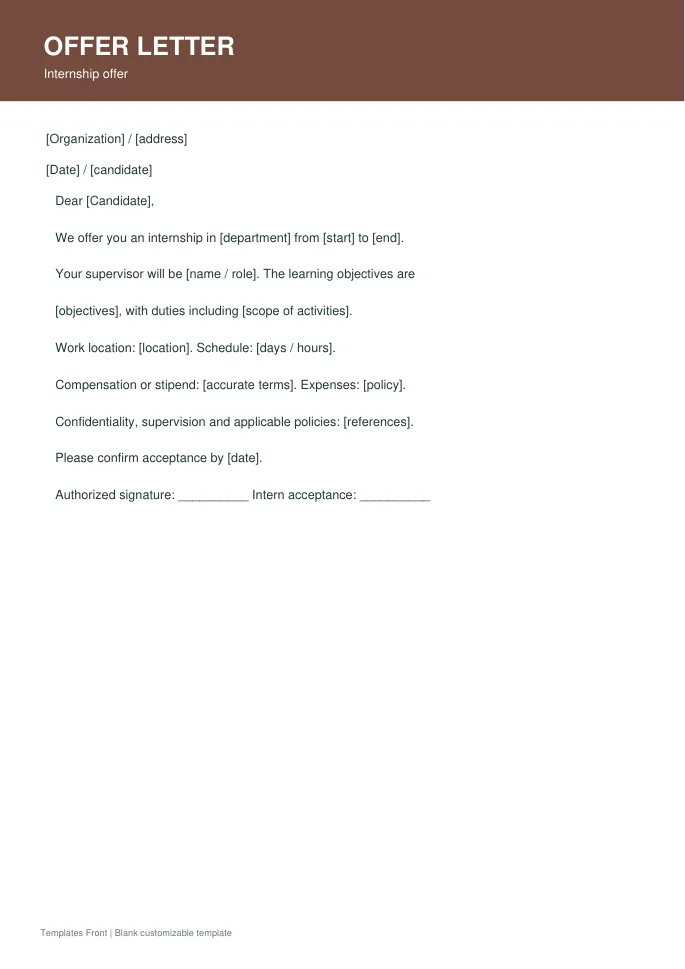
Printable PDF and editable HTML document. Open the HTML in a browser, click the text to edit, then print or save. Tables do not calculate automatically.
Frequently asked questions
Should the salary be annual or monthly?
Use the approved pay basis and label it clearly, together with the currency and any relevant conditions.
Can an offer letter have conditions?
State actual approved conditions explicitly and have the employer review the wording.
Is it the same as a certificate of employment?
No. An offer presents proposed terms; an employment certificate confirms employment facts.
How do I tell a downloadable file from a source page?
The buttons distinguish file links from external source pages. A source page may contain a download, a paid listing, or further information. Check its file type, availability, and usage terms before relying on it. A preview by itself does not promise an editable file.
How to use these offer letter templates
Using a ready-made offer letter layout saves time and helps you avoid missing important details. Follow these simple steps to confirm a job offer and its main terms in writing.
- Preview the options above and pick the layout that suits your needs.
- Download the file in the format you prefer.
- Replace the sample details with your own information.
- Check every field carefully before you share or print it.
- Save a copy so you can reuse the offer letter next time.
Tips for customising your offer letter
A few small changes make a template feel like your own. Therefore, review each section before you finish.
State the role and start date
Name the job title, department and the planned start date. The candidate then knows exactly what is offered.
Summarise pay and benefits
Outline the salary, working hours and key benefits. Keep it accurate and consistent with your policies.
Add an acceptance deadline
Give a clear date for the reply and a place to sign. This keeps the hiring process on schedule.
For related resources, see our resignation letter templates and certificate of employment templates. You can also browse more options in the Samples category.
Common mistakes to avoid with offer letter templates
Even a good template can cause problems if it is used carelessly. Watch out for these common issues.
- Leaving sample text or placeholder names in the final file.
- Skipping a final proofread before you send or print it.
- Using an outdated version instead of the latest copy.
- Forgetting to back up the edited file in a safe place.
Frequently Asked Questions
Are these offer letter templates free to use?
Yes, you can download and adapt them for personal or business use. However, always check the source link for any extra terms. If you plan to share the file widely, review those terms first.
Which file format should I choose?
Choose the format that matches the software you already use. Word and PDF files are easy to open on most devices. In addition, editable files let you change details without redesigning the page.
Can I edit the offer letter after downloading?
Yes, editable versions can be changed in a few minutes. Simply open the file and replace the sample text. Then save it under a new name so the original stays unchanged.
How do I make sure the offer letter fits my situation?
Start by listing the details you must include. Next, compare them with the sections in the template. Finally, add or remove fields until it matches your needs.
Final thoughts
Good preparation makes any document easier to finish. Take a few minutes to review the details, and your offer letter will look clear and professional.
