
A rental balance should be explainable one transaction at a time. Rental ledger templates help organize charges, payments and adjustments so that a property manager or tenant can see how the recorded balance was reached. The sheet is useful only when its entries can be matched to the underlying records.
The downloadable examples below offer different layouts for individual tenancies, properties and payment histories. Compare the previews before choosing a file. A running ledger, a payment receipt and a statement sent to a tenant have related purposes, but they do not replace one another.
The guidance here concerns organizing and checking records. Use the actual agreement and applicable requirements to establish charges, payment allocation and other obligations; a downloaded ledger should not create new terms simply because a column appears in the example.
30 downloadable templates and previews
Compare the previews for layout and available fields, then use the download button for the actual file. Check the package contents before editing, because the collection includes different layouts and file types.
Extract ZIP packages first, keep a blank original and save your working copy with a clear name. A preview image is a reference for the layout rather than the editable document.
Rental Ledger Template Excel (FREE)
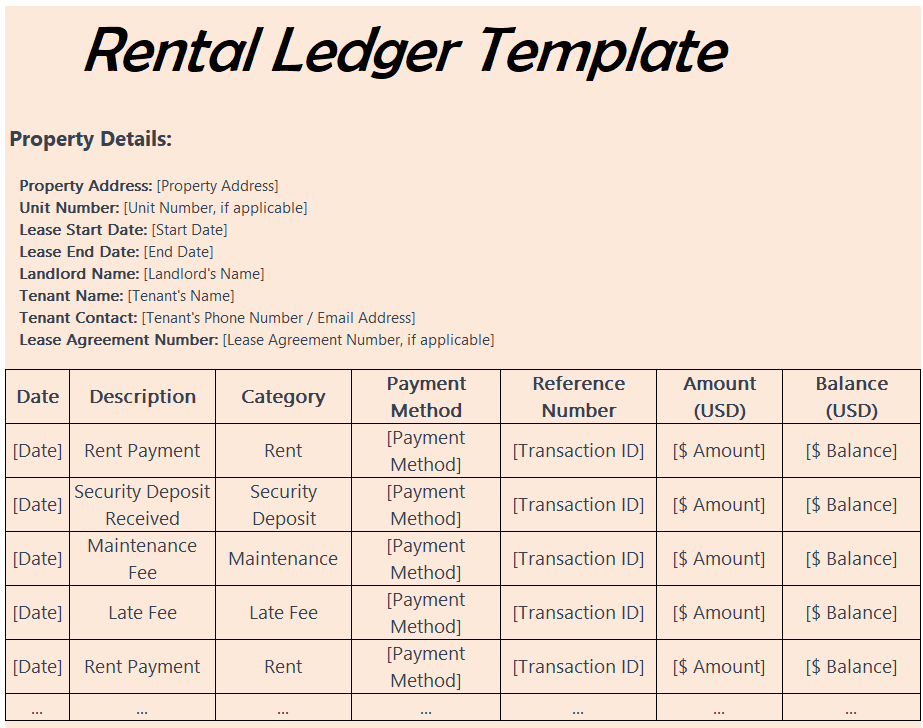
File Size: 10 KB
Lease Ledger Template
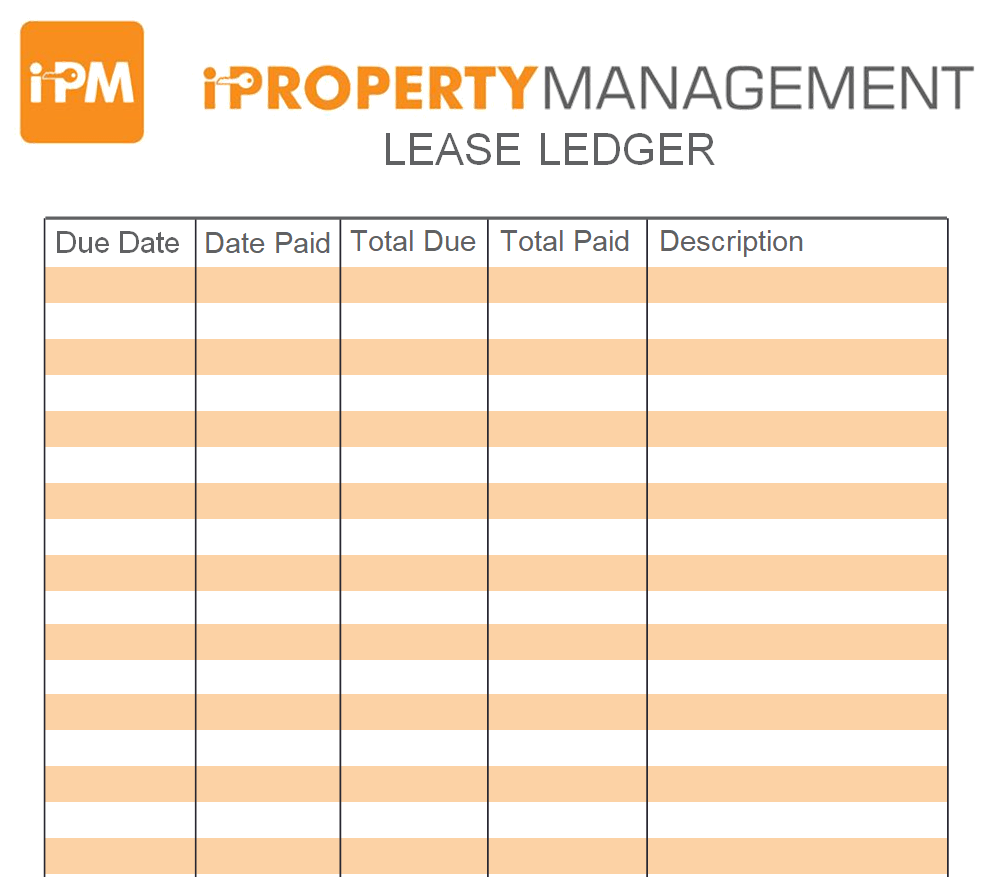
File Size: 14 KB
Owner's Rent Payment Ledger Template
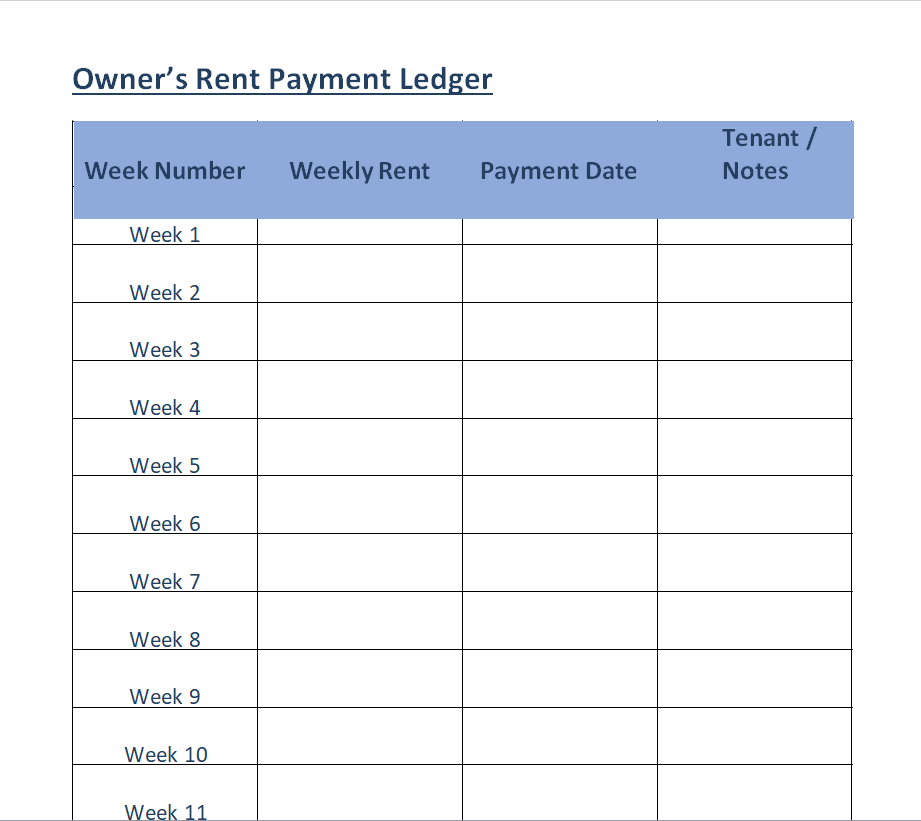
File Size: 09 KB
Rental Ledger Template WORD
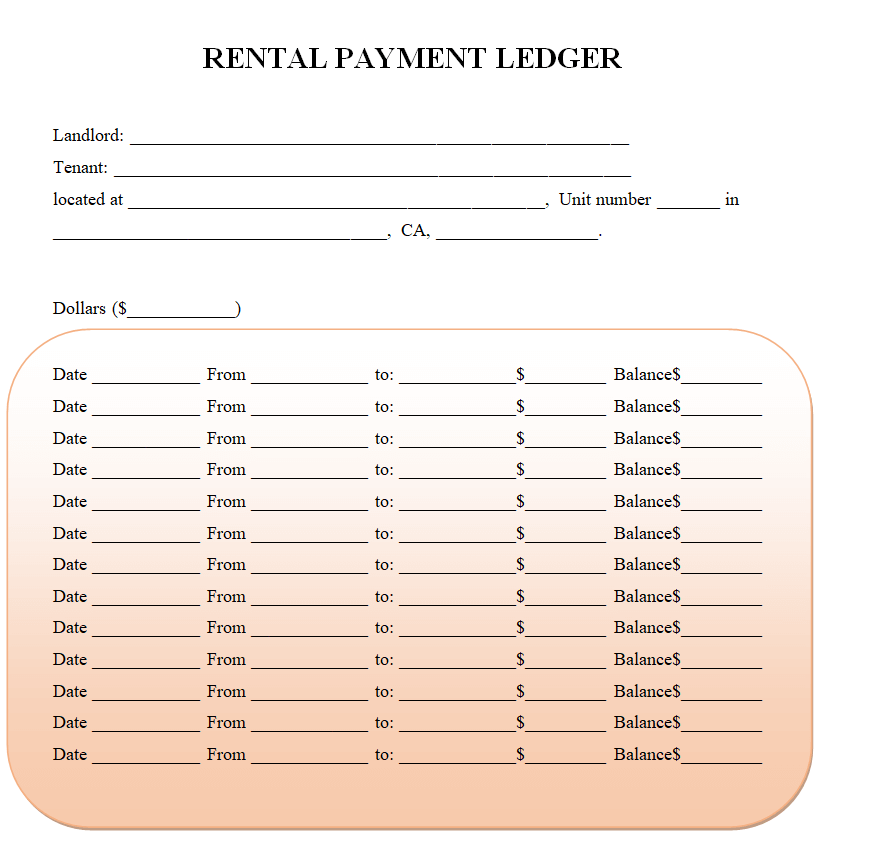
File Size: 06 KB
Sample Tenant Ledger Sheet
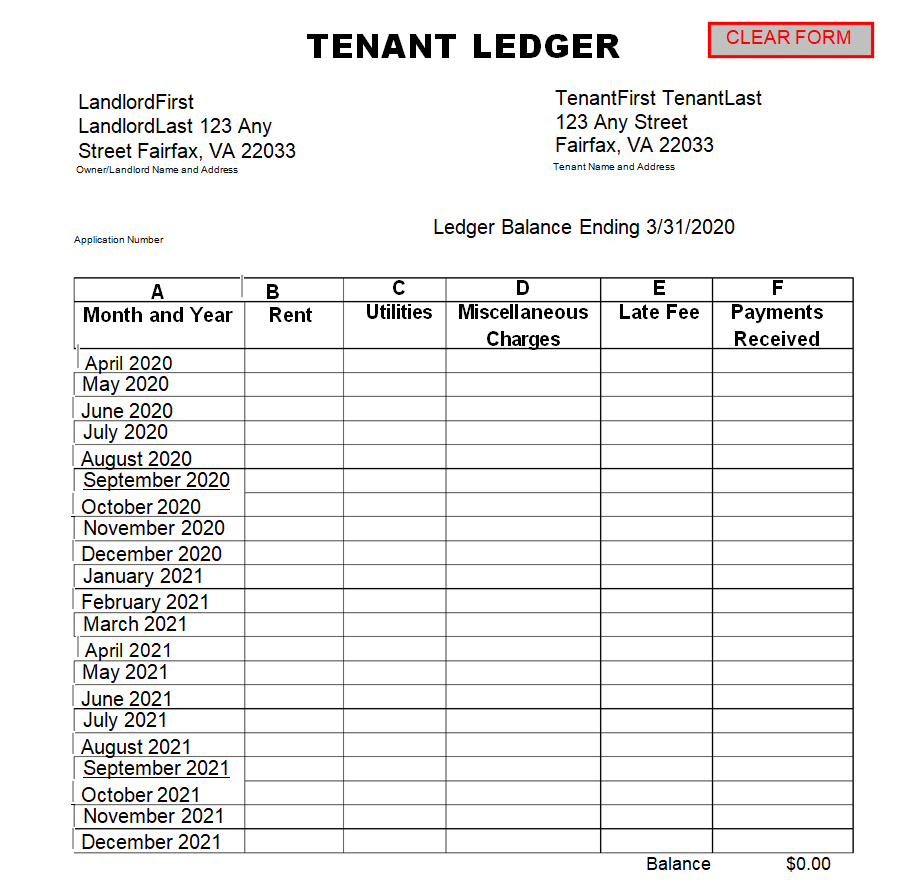
File Size: 06 KB
Rent-to-Own Payment Ledger Template
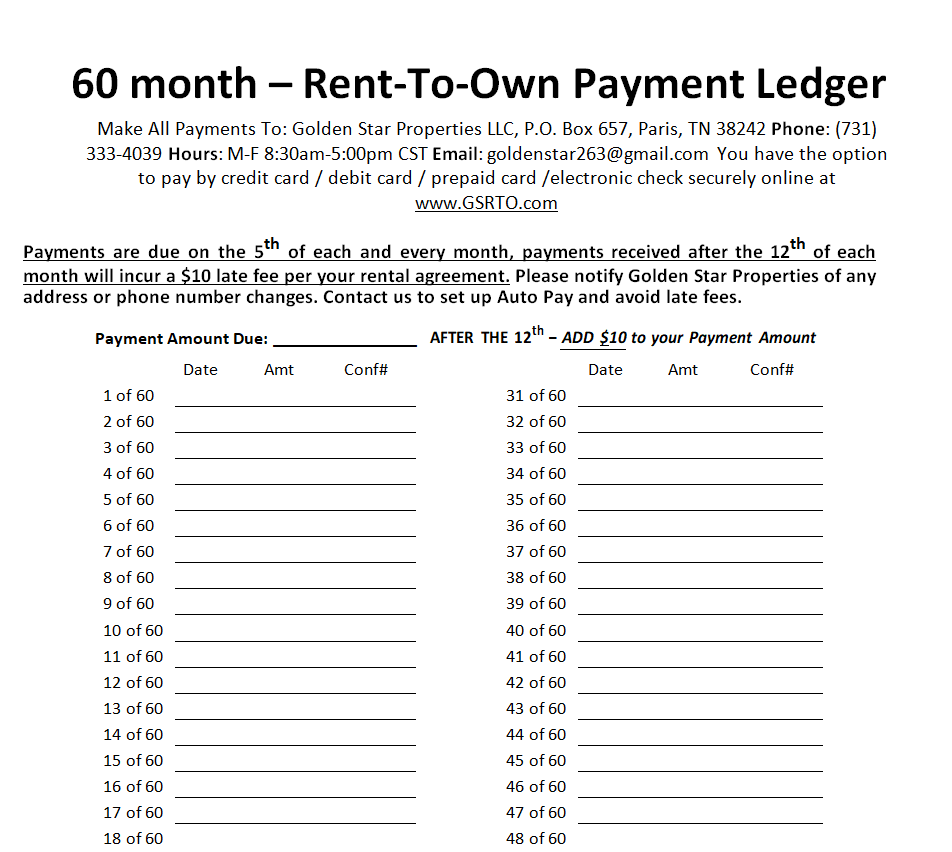
File Size: 05 KB
Rental Income & Expenses Ledger Template
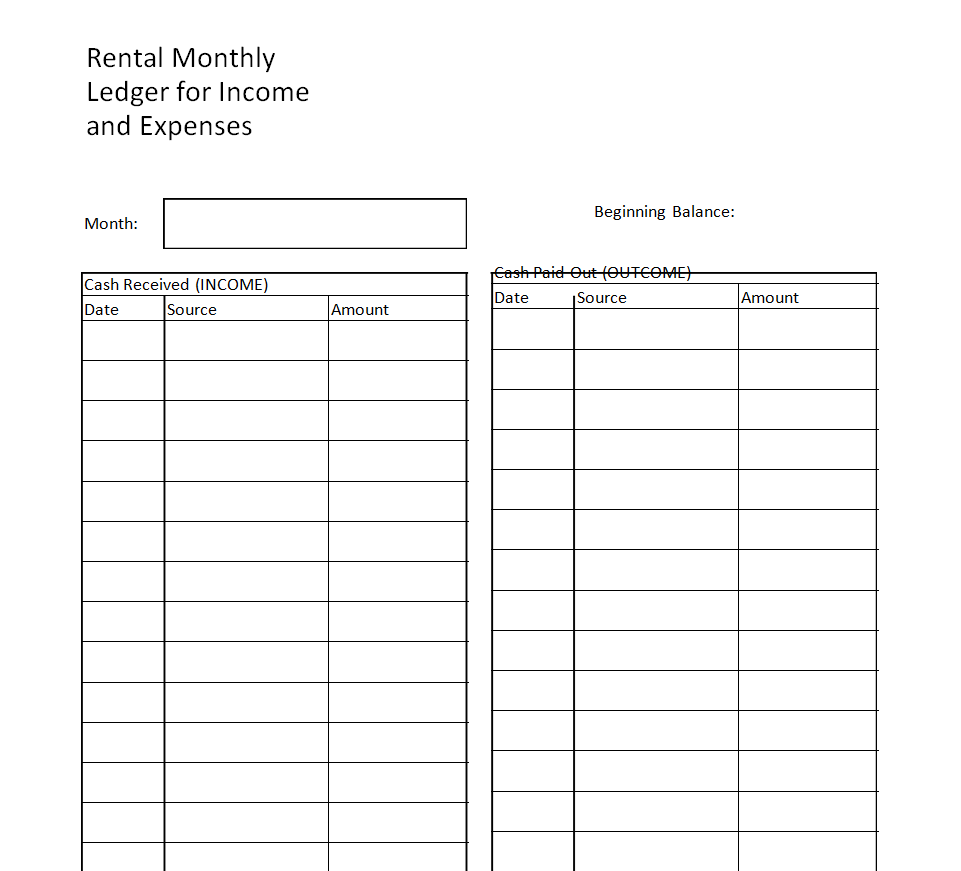
File Size: 08 KB
Handy Rent Payment Ledger Template
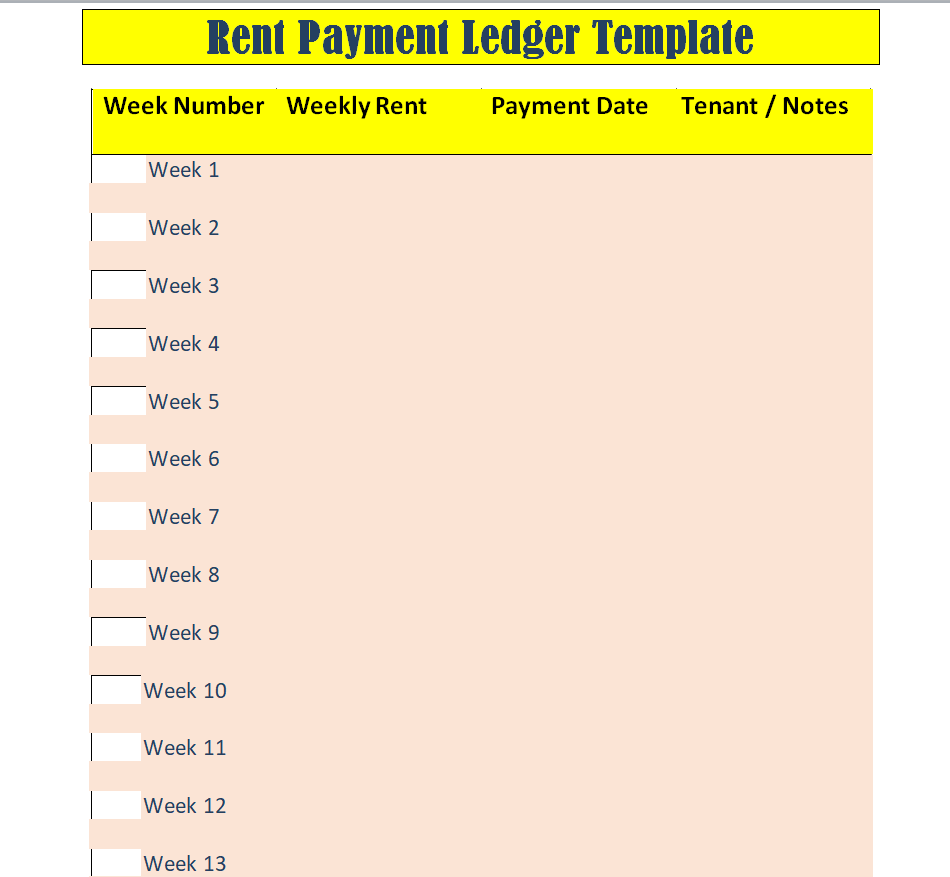
File Size: 07 KB
Customizable Sample Rental Ledger
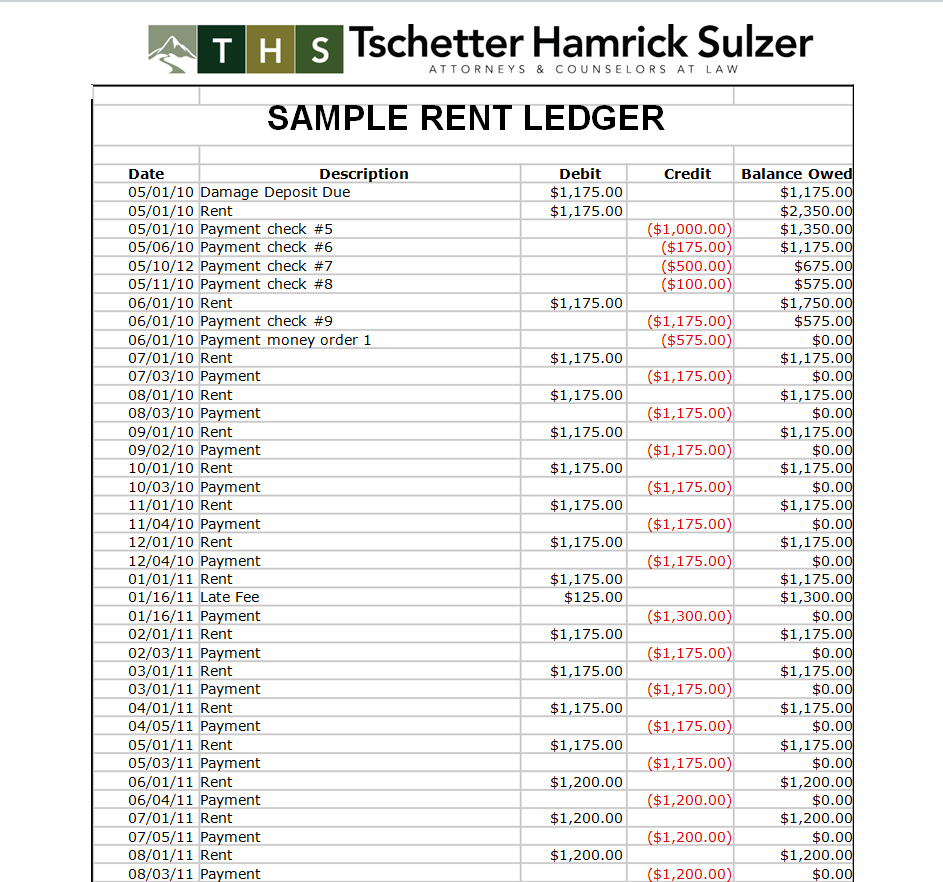
File Size: 59 KB
Property Manager's Rental Ledger Example
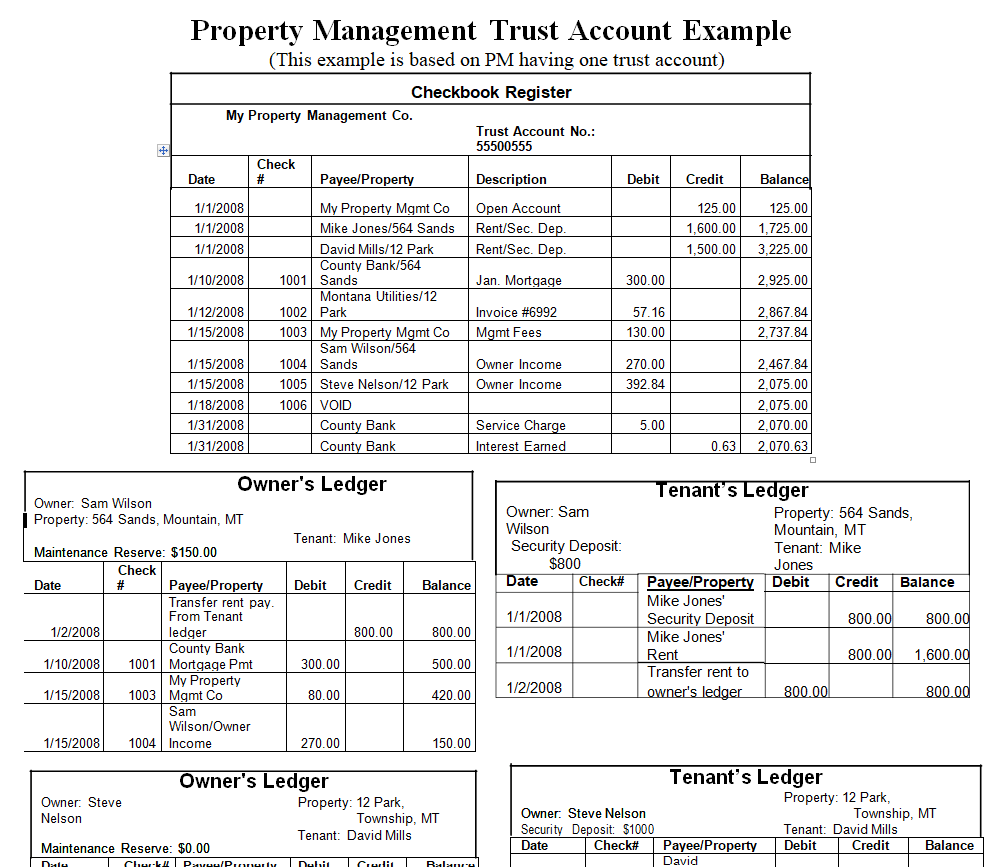
File Size: 14 KB
Blank Rent Ledger Word Template Free
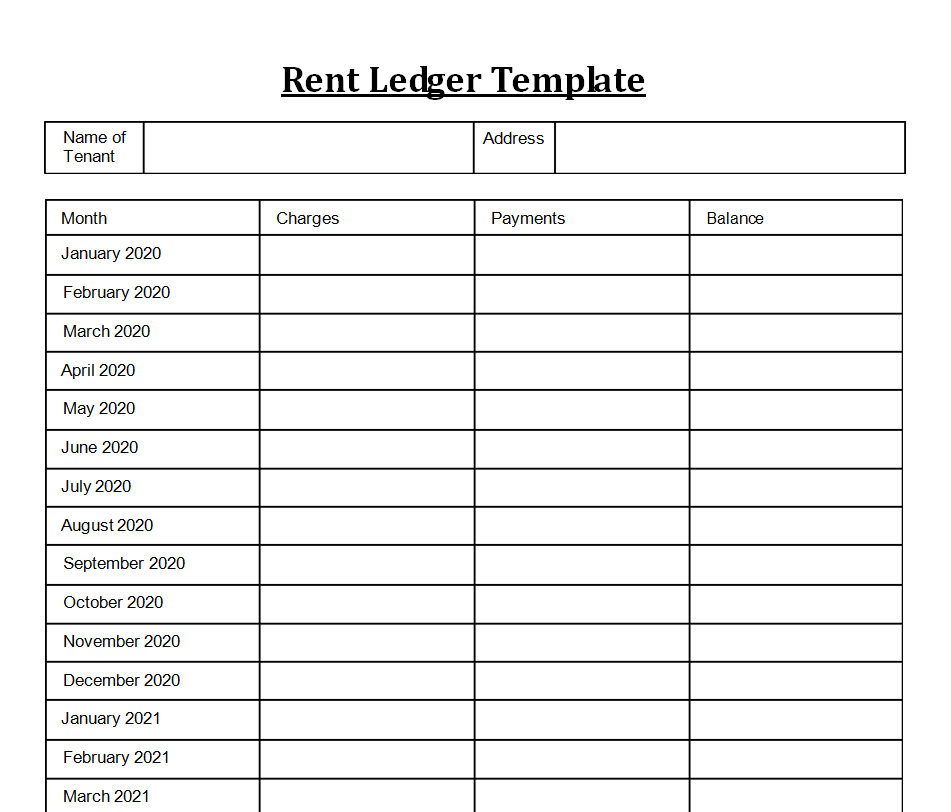
File Size: 07 KB
Sample Lease Ledger Template
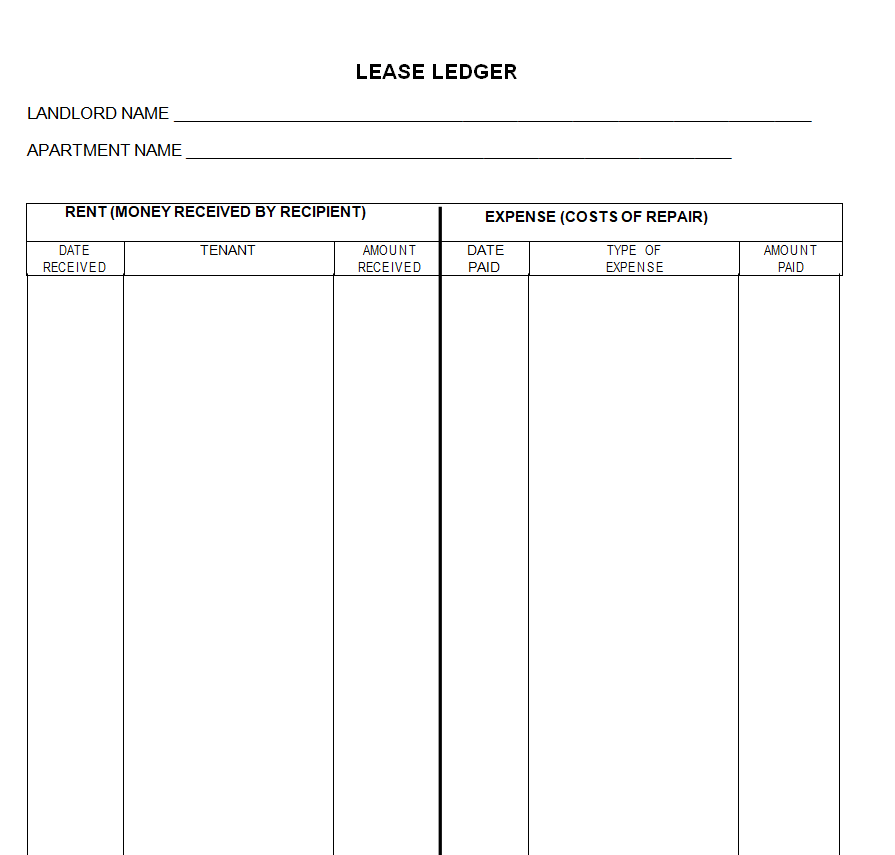
File Size: 08 KB
Fillable Rental Ledger Document
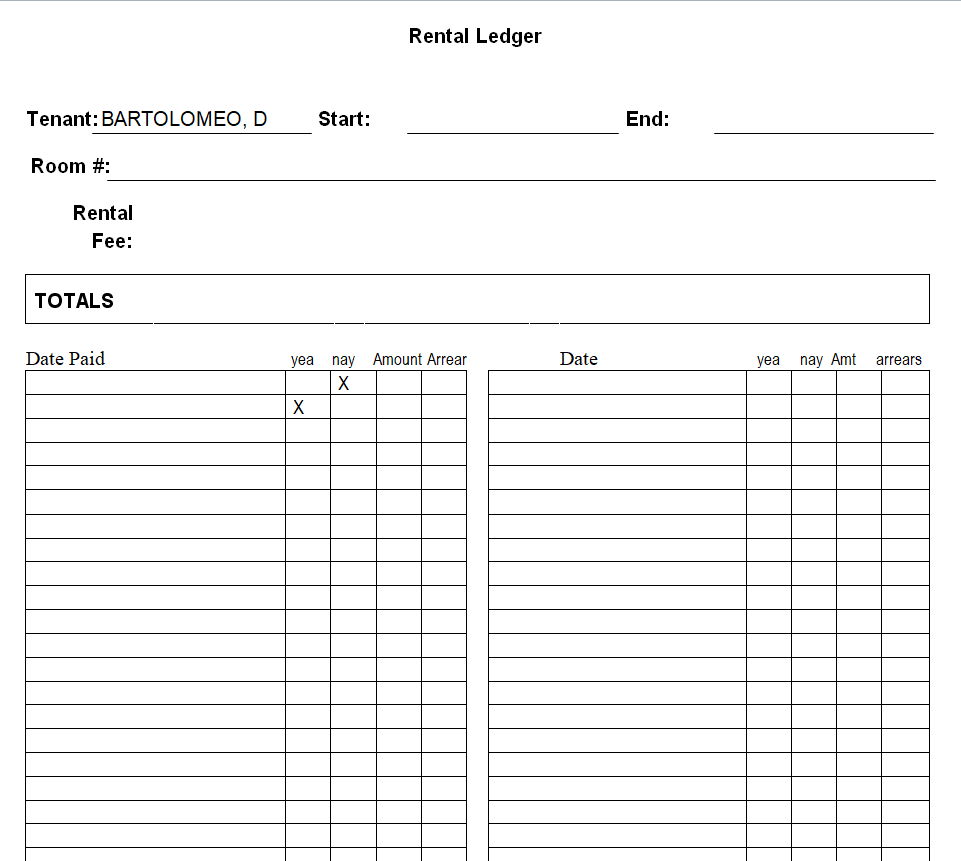
File Size: 12 KB
Basic Rental Ledger Template
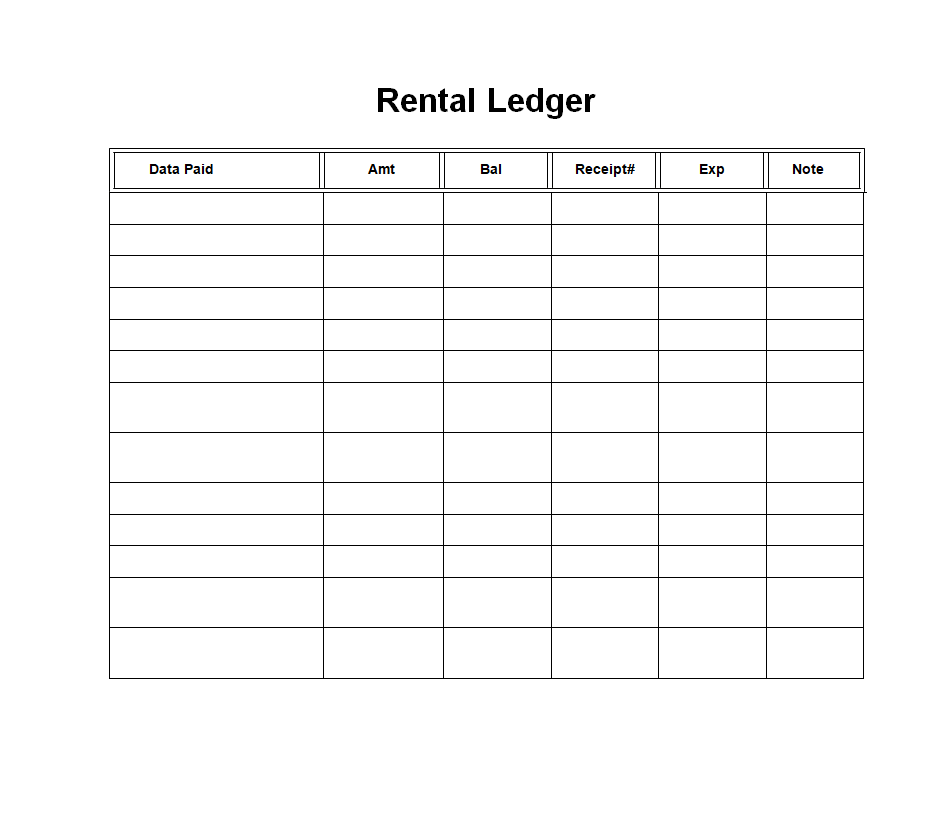
File Size: 12 KB
Landlord's Rental Ledger Form Sample
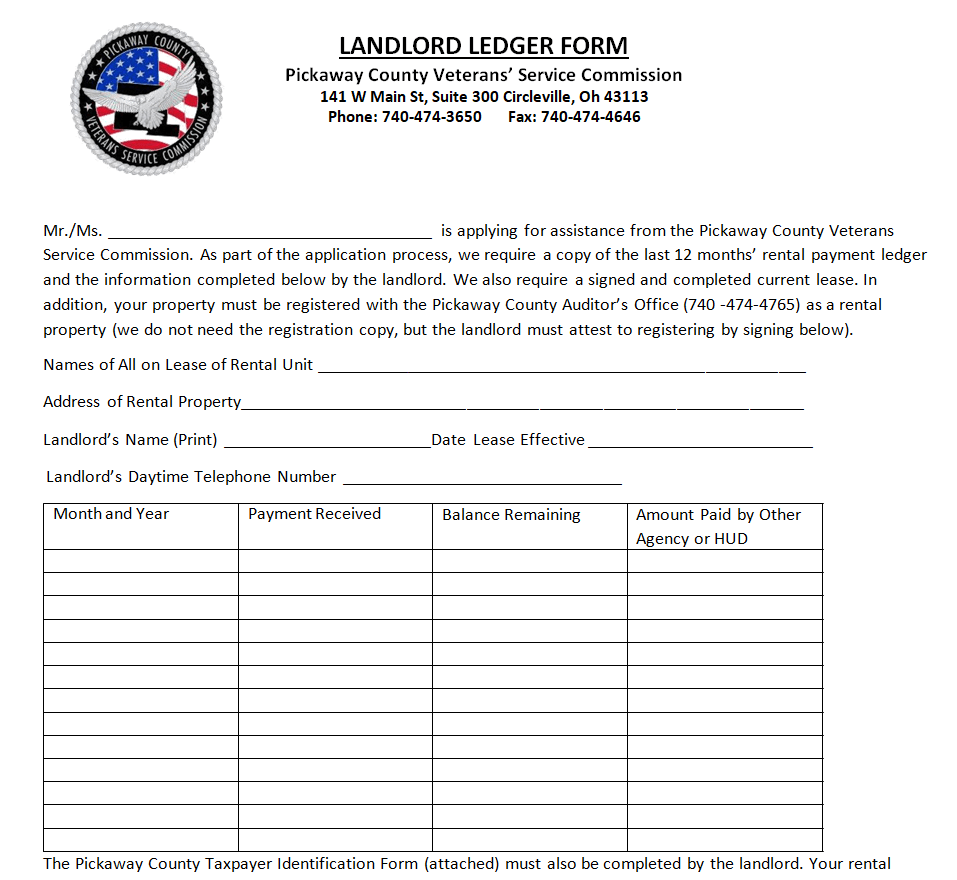
File Size: 18 KB
Detailed Example Rent Ledger
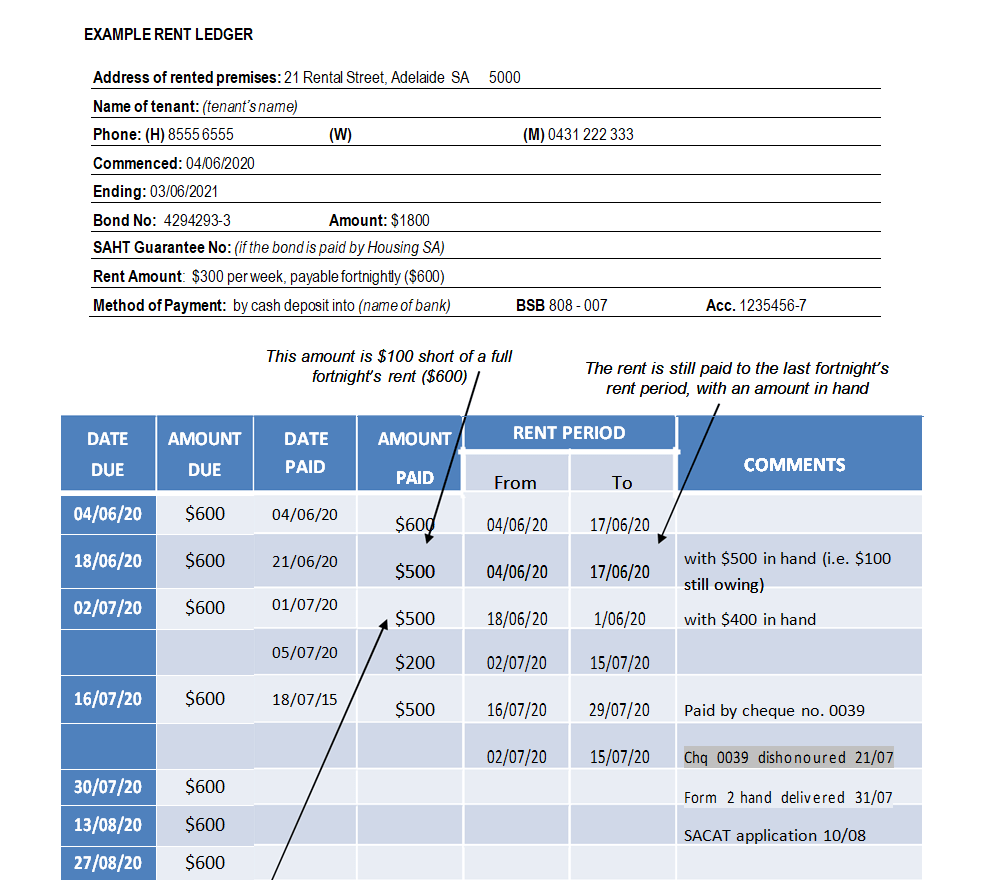
File Size: 48 KB
Rental Ledger Template in DOC Format
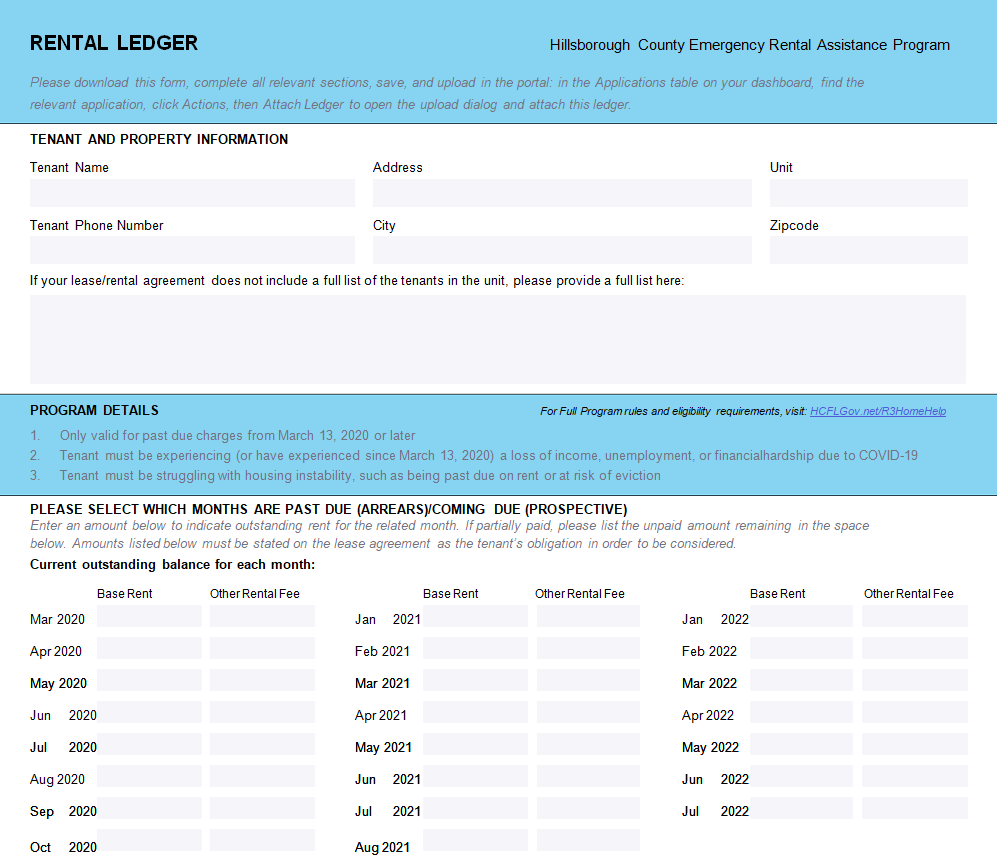
File Size: 09 KB
Monthly Rental Ledger Template
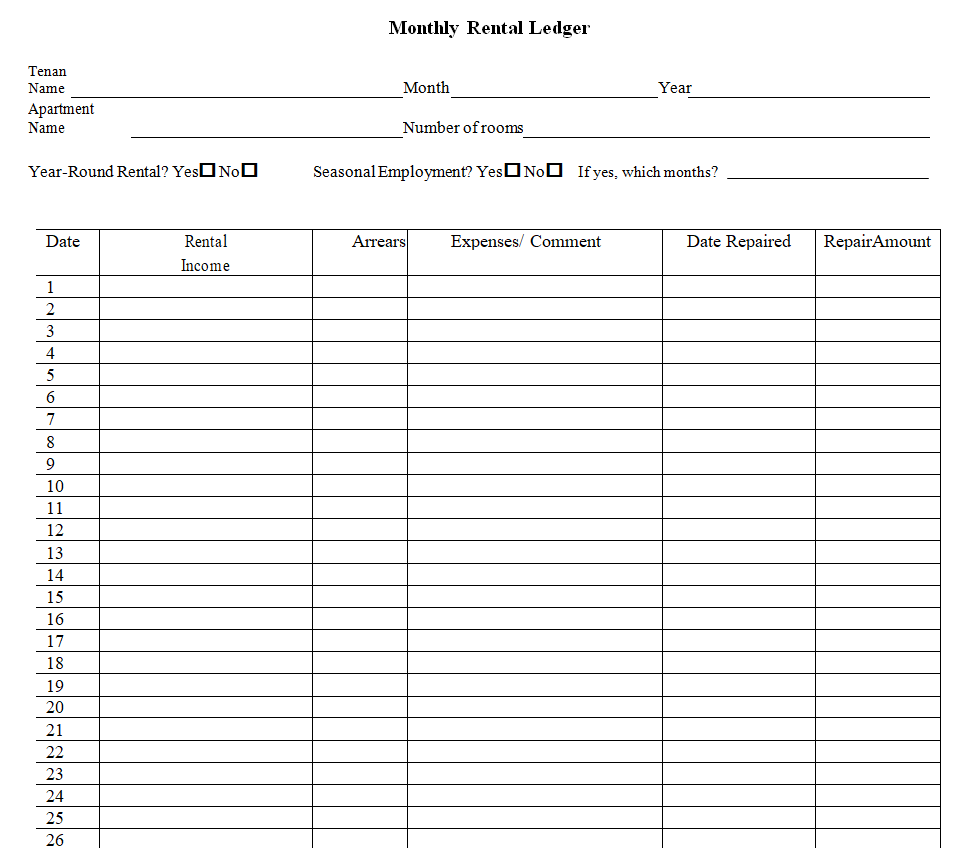
File Size: 09 KB
Rental Ledger Template EXCEL
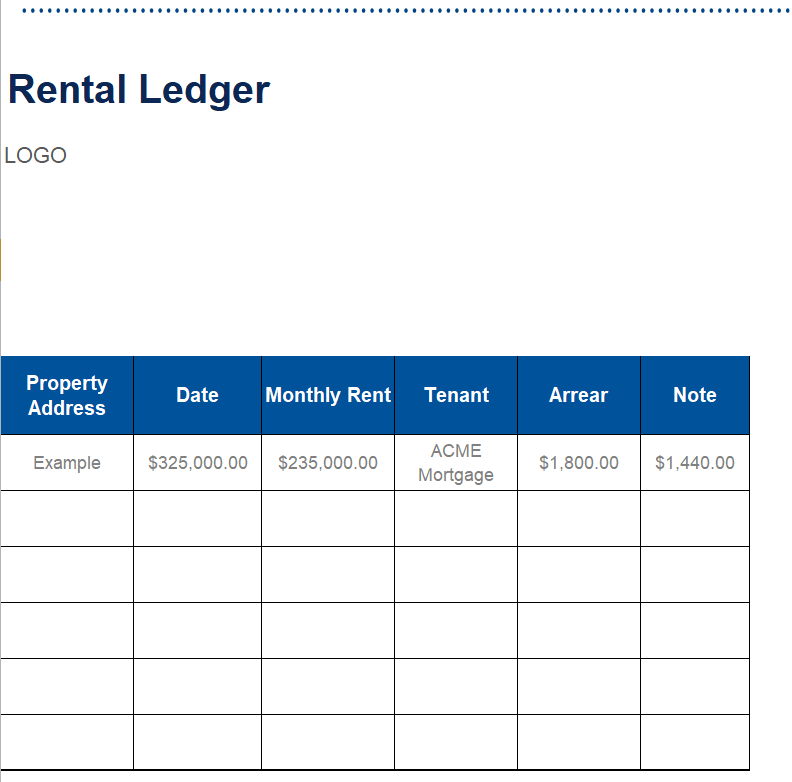
File Size: 19 KB
Lease Rental Income Ledger Template WORD
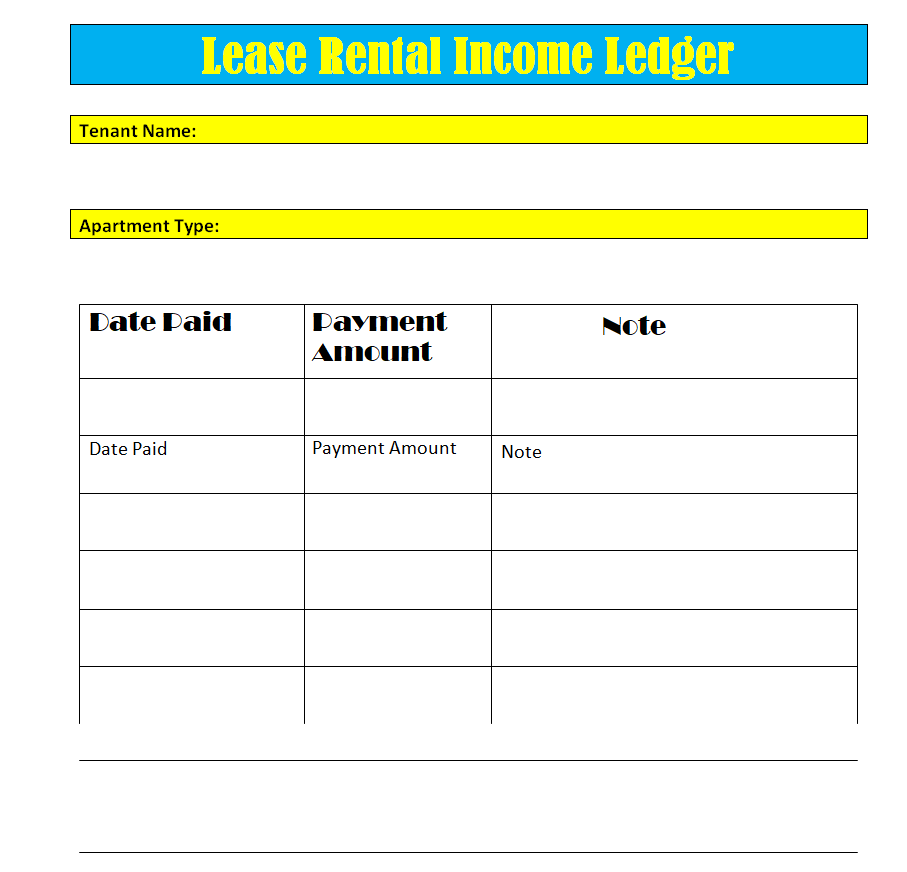
File Size: 06 KB
Simple Tenant Ledger Sheet in WORD
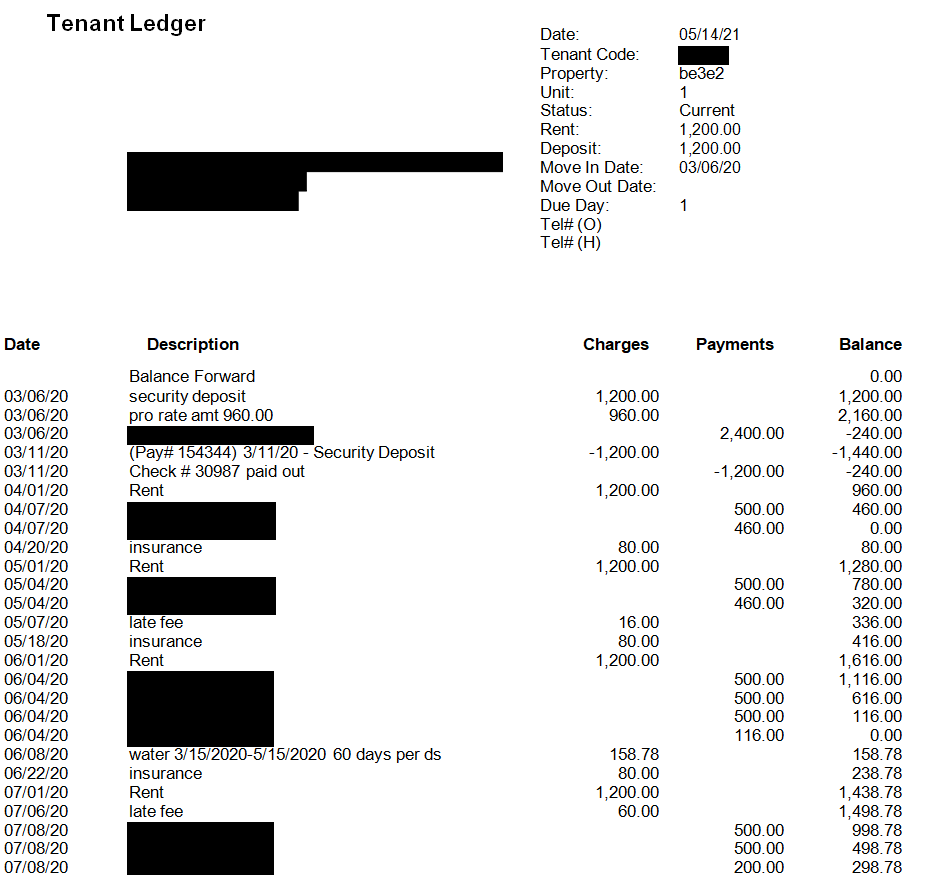
File Size: 11 KB
Practical Rental Ledger Template
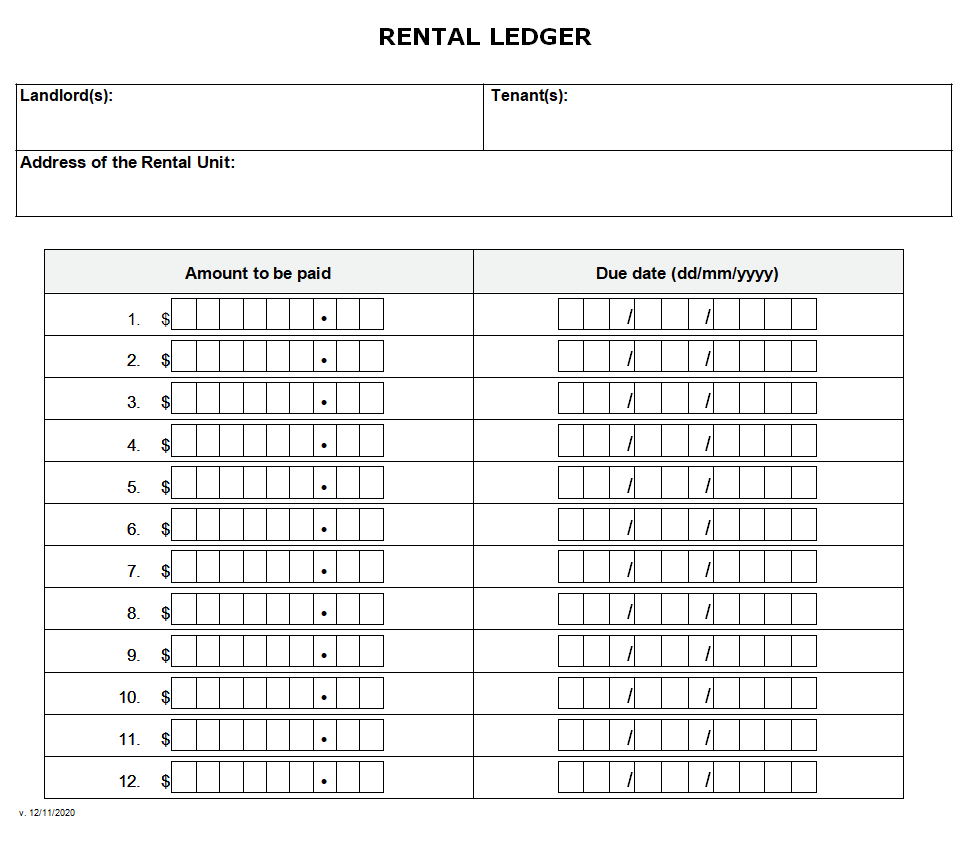
File Size: 19 KB
Rent Payment Ledger Printable
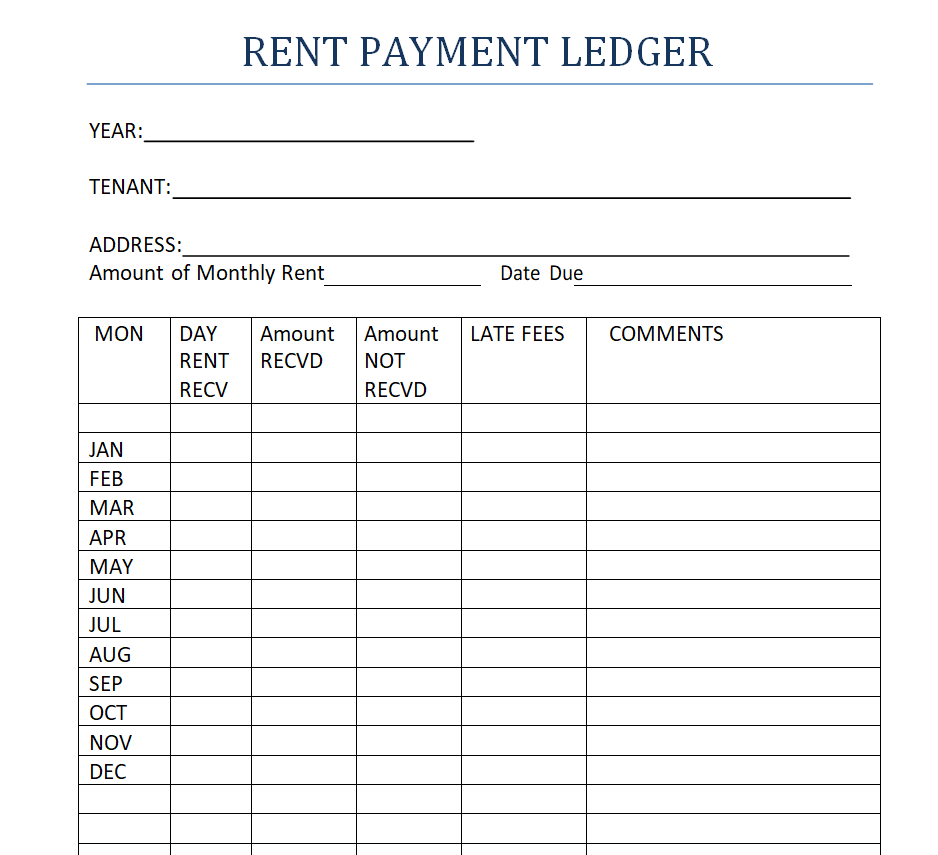
File Size: 05 KB
International Lease Ledger Template
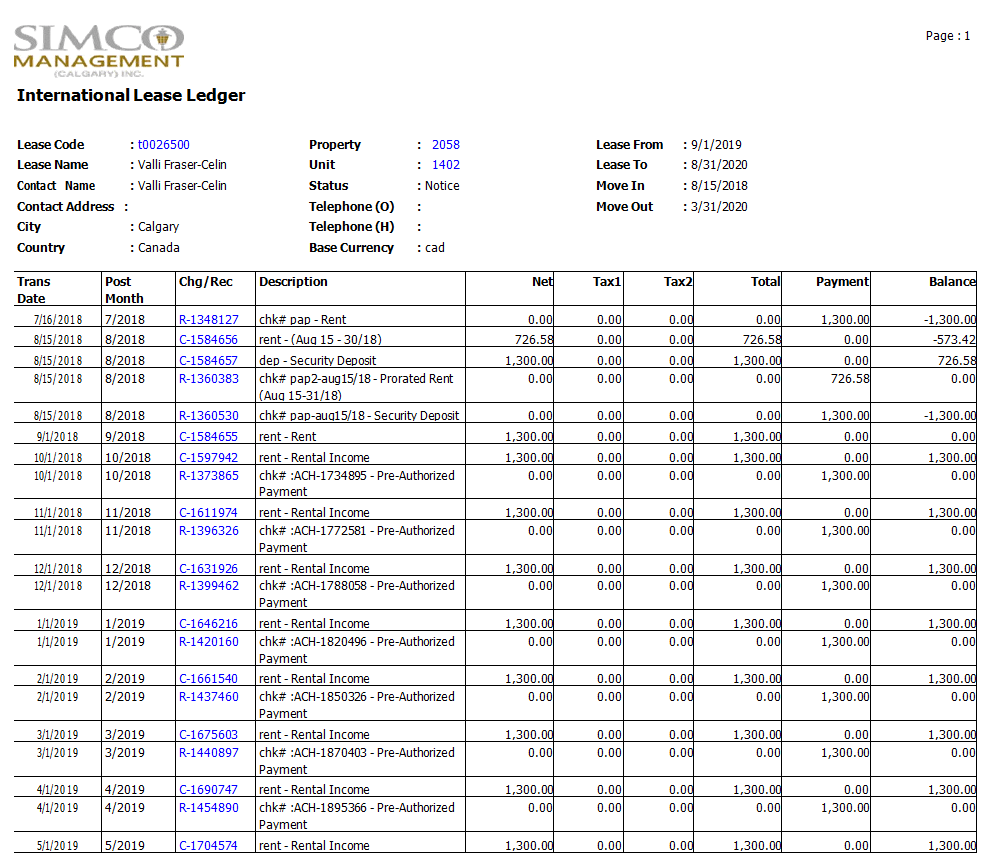
File Size: 22 KB
Single Property Rent Ledger Template
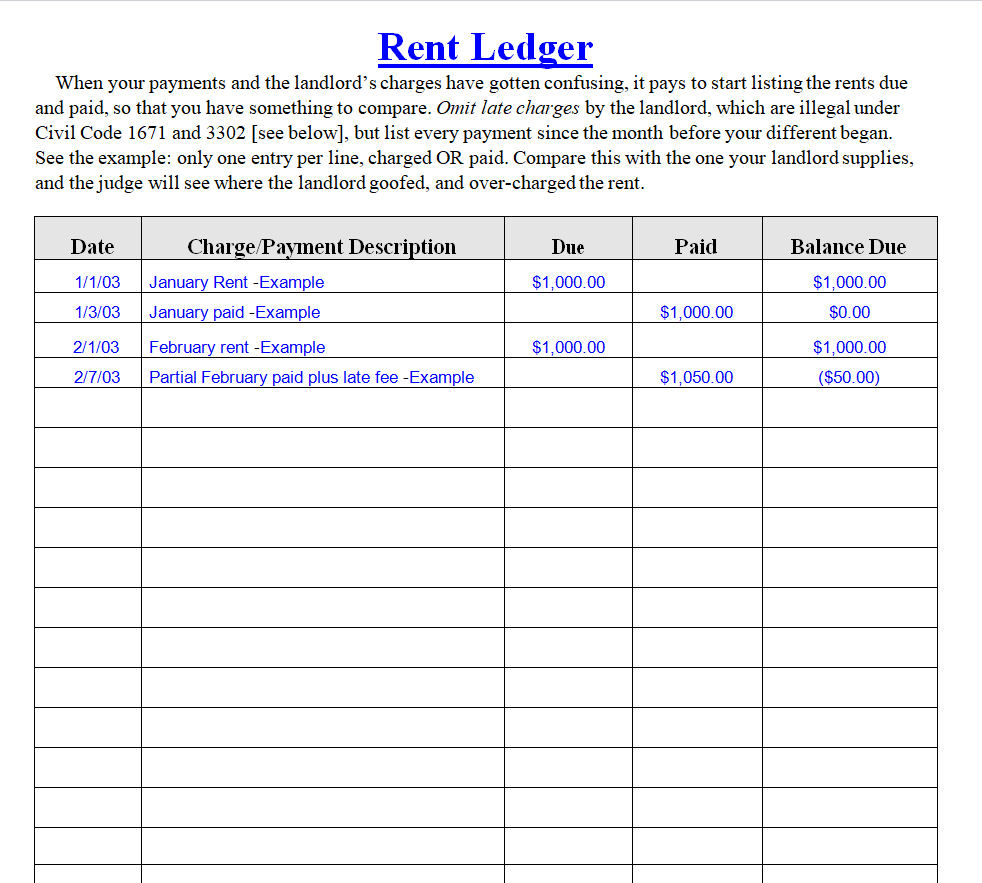
File Size: 04 KB
Lessor's Lease Ledger Register Template
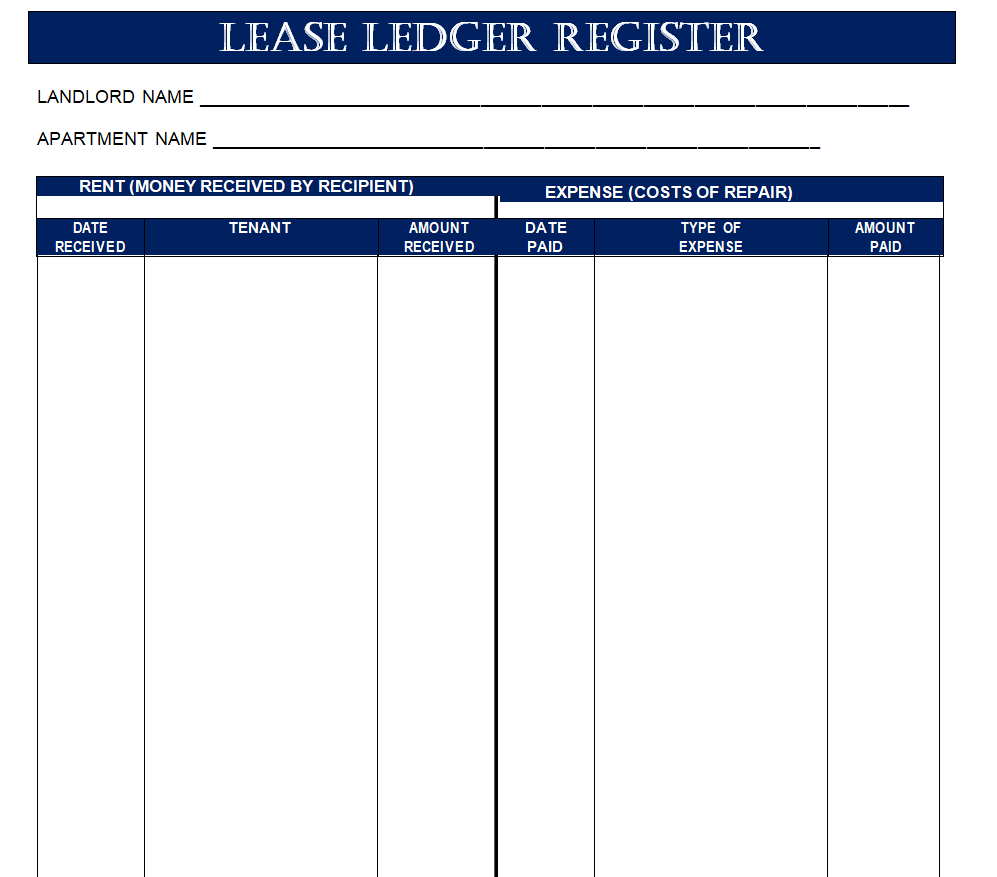
File Size: 08 KB
Tenant Rental Ledger Sample in MS WORD
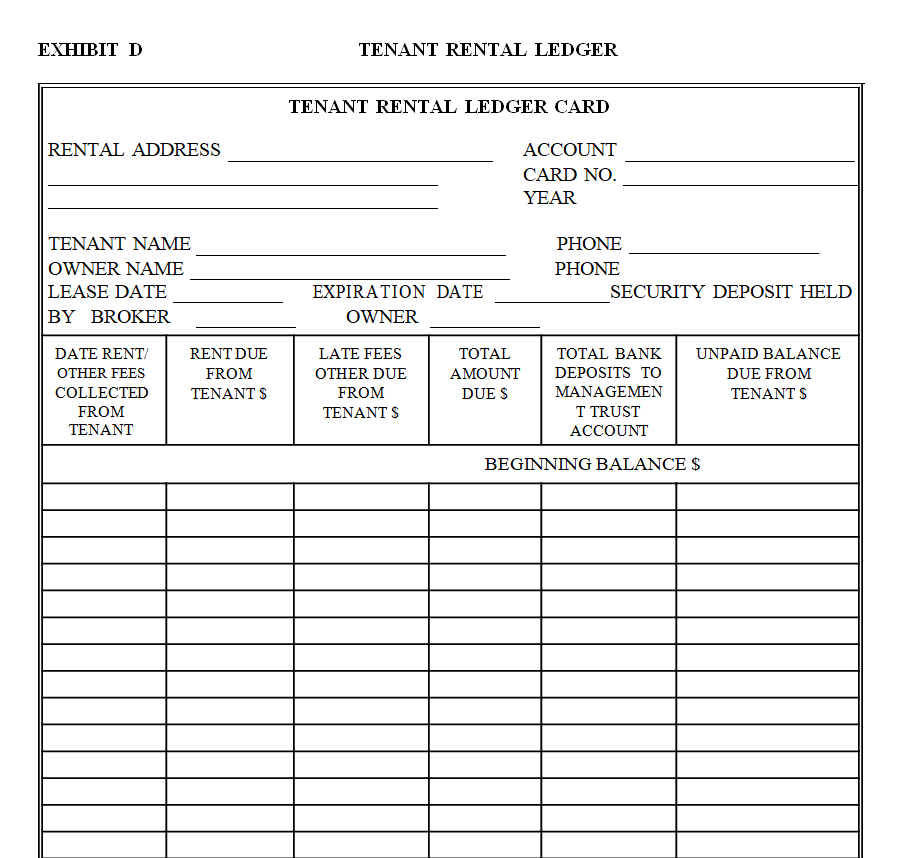
File Size: 05 KB
Excel Rental Ledger Template
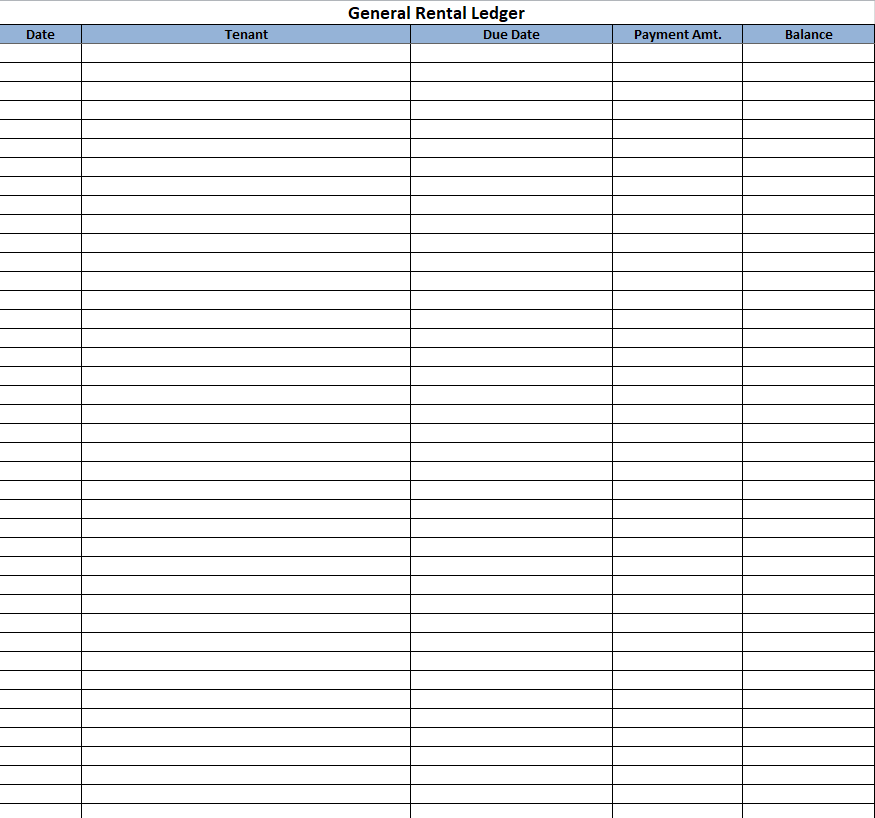
File Size: 12 KB
Fillable Rental Ledger Template
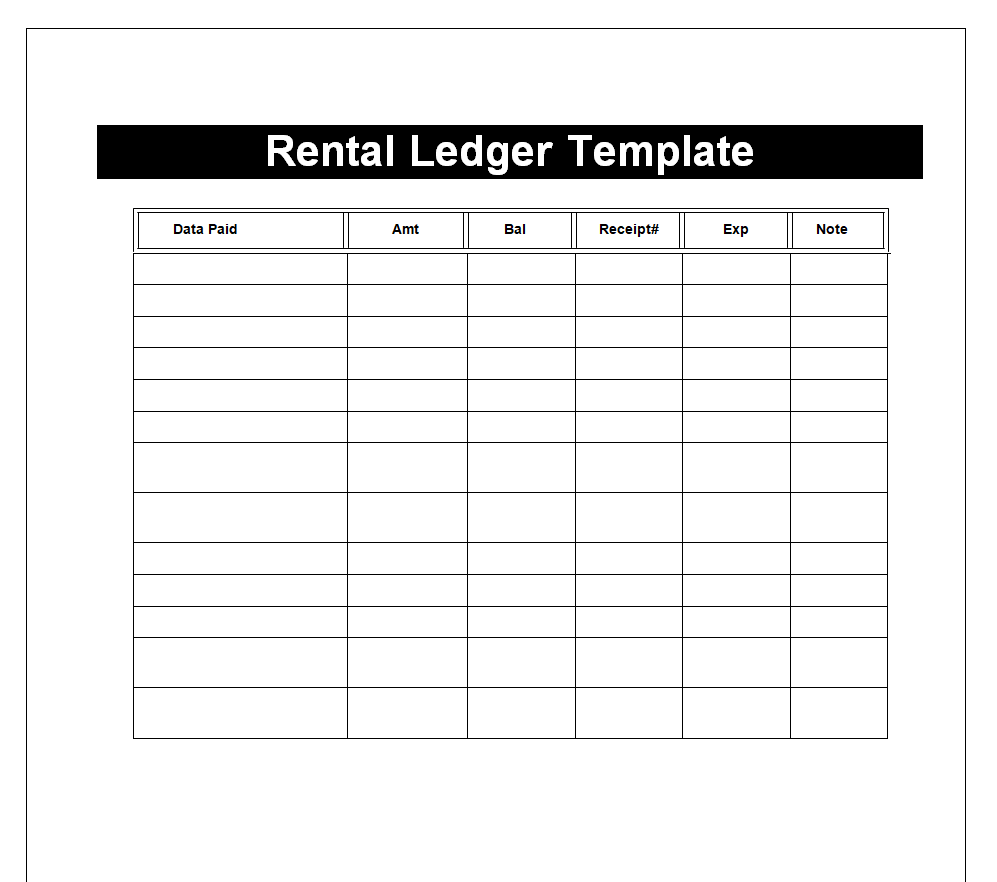
File Size: 12 KB
Tenant's Rental Ledger Format
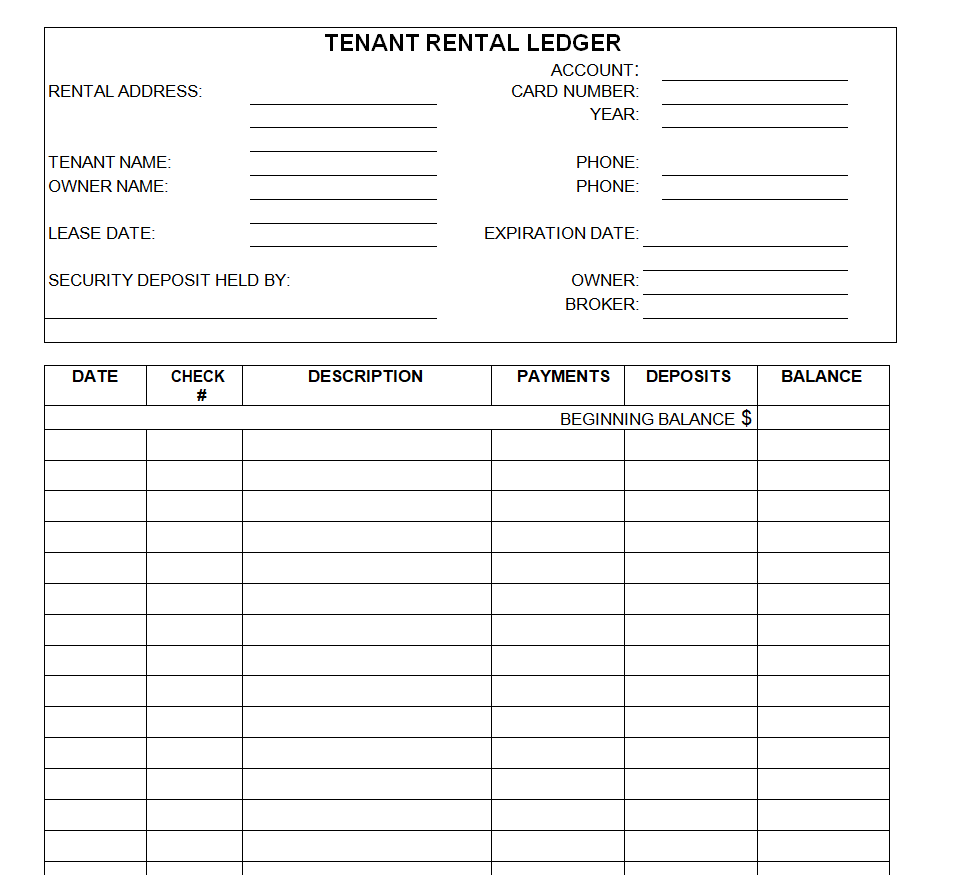
File Size: 22 KB
Identify the account and the period clearly
Give the ledger a stable property or unit reference and identify the tenancy or account it covers. A street address alone may not distinguish several units or successive tenants. State the reporting period and the date through which the balance has been checked.
Keep personal details proportionate to the record’s use and access arrangements. If a property has several accounts, use a consistent approach so staff do not combine transactions belonging to different occupiers.
Save the working file where the responsible person can maintain it, and identify the current copy before sharing a statement or answering a balance question.
Use a consistent meaning for charges and payments
Read the column headings and any formulas before entering live transactions. Establish whether charges increase the amount owed and payments reduce it, and keep that convention consistent. Separate transaction date, relevant rental period and reference when those distinctions matter.
Do not enter the same payment once as a transfer and again as a receipt without understanding how the system treats those entries. Describe adjustments clearly and keep their supporting approval or explanation.
A short ledger with consistent signs is easier to check than a detailed sheet in which similar entries sometimes increase and sometimes reduce the balance.
Make the opening balance traceable
An opening figure needs a source. Check it against the prior closing record or another reviewed account position and identify its date. Do not use an unexplained number merely to make later totals match.
If the earlier period is still being reconciled, keep that uncertainty visible through the organization’s process rather than presenting the balance as final. For an account beginning with no amount owed, record that position clearly.
A blank opening cell can mean something different from a verified zero. When moving to a new workbook, preserve enough history or references to explain how the carried-forward amount was established.
Following a balance through three entries
In a simplified fictional example, an account starts with 1,000 currency units owed. An authorized charge of 500 is added, and a payment of 700 is recorded against the account. With the stated convention, the resulting amount owed is 800.
The useful check is not just the arithmetic. The opening figure needs its source, the charge needs its basis and the payment needs a transaction reference.
If the payment has not yet been allocated or confirmed under the working process, the ledger should show that status rather than making the account look fully reconciled.
The example illustrates a basic running balance only; it does not establish which charges or allocation rules apply to a real tenancy.
Allocate receipts using the agreed process
A payment may relate to a particular period, several charges or an arrangement that needs clarification. Record the amount received and its transaction reference, then apply the appropriate allocation process. Keep unallocated or unresolved amounts distinguishable from completed entries.
The ledger should reflect the actual position rather than invent a convenient split. If a payment is corrected, reversed or refunded, follow the approved accounting approach and retain the relationship with the original transaction.
Avoid silently overwriting a posted amount when that would remove the history needed to understand the account.
Reconcile the running balance with supporting records
Compare entries with payment records, issued receipts and the authorized charges for the period. Check the opening balance, additions, reductions and closing figure as a connected sequence. A formula can add the entered numbers correctly while the ledger still contains a missing or duplicated transaction.
Review references and dates as well as totals. If an unexplained difference appears, investigate it before sharing the balance as settled.
Keep a brief record of the review and any unresolved item so that another person does not repeat the same investigation or assume that a visible total has already been verified.
Choose a working layout that can be maintained
A single-account ledger can be straightforward, while a multi-property register needs reliable account identifiers and a clear way to separate views. Choose the simplest layout that supports the work.
Test a copy with fictional transactions before using a downloaded spreadsheet, including a part payment and a correction. Check any formulas after inserting rows or changing headings. With a Word layout, confirm that the table expands and prints legibly.
Keep archived periods distinguishable from the current working record. A useful ledger should make a balance easier to explain without requiring the person who designed the sheet to be present.
Prepare a readable account explanation
When sharing information from a ledger, identify the account, period, currency and balance date. Use clear descriptions for the entries relevant to the question, and include appropriate references so they can be checked. Avoid sending a master workbook containing unrelated tenants’ records.
If the explanation depends on an unresolved transaction, say what still needs checking and who will follow it up. Keep the issued version and its relationship to the underlying ledger clear.
This helps both sides discuss a specific entry rather than exchanging screenshots of different totals with no common reporting date.
A final check before using the template
- Check the account and reporting dates.
- Trace the opening balance to its source.
- Use consistent charge and payment signs.
- Match transactions to supporting references.
- Investigate missing or repeated entries.
- Test formulas after structural edits.
Related templates
For a separate document requesting payment for goods or services, compare invoice templates.
Keep a property’s contents record separate from its payment history using inventory templates.
When account administration changes hands, document open items with handover report templates.
Frequently asked questions
Is a rental ledger the same as a rent receipt?
A ledger records the account over time. A receipt acknowledges a particular payment. Keep the references connected where appropriate, and check that the payment is recorded consistently in the ledger and the issued receipt.
What does an opening balance mean?
It is the account position carried into the period being recorded. Identify the date and source, and distinguish a verified zero from a missing figure. An opening balance should not be an unexplained adjustment used to force a later total.
Can one workbook cover several properties?
It can if the layout reliably separates accounts and supports the intended access arrangements. Use stable identifiers and check that filters or summaries do not combine unrelated records. A separate account view is often useful when explaining an individual balance.
Should the template decide late fees or allocation rules?
No. A template organizes information. Use the actual agreement, approved process and applicable requirements to establish charges and allocation. Remove fields or sample wording that could imply terms that do not belong to the real account.
How do I check a spreadsheet ledger?
Test a copy with a small fictional sequence, then compare the expected balance with the workbook result. Review signs, ranges and references after edits. Reconcile the real entries with supporting records before treating the closing balance as verified.
You can also browse more options in the Other Templates category.
