
Home and Equipment Inventory Lists. An inventory list is most useful when it answers a practical question: what do you own, where is it, and how would you identify it again? These home and equipment inventory examples focus on recording belongings, tools, and office assets. They are different from a sales-stock ledger, which needs frequent quantity updates and reorder calculations.
Use a room-by-room list before a move, an equipment register when assigning laptops, or a tool inventory before a workshop handover. A photograph can help identify an item, but the written record should still include a clear description and a unique reference. Store purchase evidence separately and point to it from the list.
Browse the previews and resource links, or use the guide below to choose the right layout.
What to include
Item reference. Give each asset a consistent code so similar devices do not become confused. Record a serial number separately; a model name alone rarely identifies one particular item.
Location and custodian. Name the room, storage area, or person responsible. Update this entry when equipment moves rather than creating a second record for the same asset.
Purchase and condition. Record the purchase date, known purchase cost, and current condition. Keep estimated replacement values separate from original costs, and date any estimate.
Supporting evidence. Add a reference to photographs, receipts, warranty information, or service records. Keep private documents in a controlled folder rather than a publicly shared spreadsheet.
How to customize the format
- Walk through one room or equipment category at a time and identify every item before entering values.
- Assign unique references, then record identifying details directly from the item or its documentation.
- Compare the completed list with the physical items and ask another person to check high-value entries.
- Save a dated copy and update the working register after purchases, disposals, transfers, or repairs.
Worked example
A home-office entry might read: HO-014; monitor; make and model recorded; serial number recorded separately; upstairs office; purchased 12 March; condition good; receipt reference R014. If the monitor is moved into a shared office, change its location and custodian on the existing line. This preserves its history without counting it twice.
Choose the right version
A household inventory is usually grouped by room. An office asset register works better by custodian or asset code. A workshop tool list may need storage bins and inspection notes. Select the layout that supports the way you will actually check the items.
Editable files, calculations, and shared copies
Choose a spreadsheet when the task depends on repeated rows, totals, or filtering. Use an editable document when explanatory wording and page layout matter more than calculations. A PDF may be convenient for a finalized copy, but it is not automatically fillable. A ZIP is a container; inspect its contents before deciding which application you need.
When adapting a spreadsheet, test a few representative entries and check the totals independently. Adding a row or moving a column can leave a formula pointing at the wrong range. Keep dates and numbers in a consistent format. If you share a completed copy, retain a separate blank master so the next version does not accidentally include a previous customer's or participant's details.
Common mistakes to avoid
Do not mix purchase cost, resale value, and replacement estimates in one unexplained column. Avoid treating a home inventory as a guarantee of insurance coverage; a recipient may require particular evidence or a different form. For equipment, record returns as carefully as issues.
Related documents for the next step
For products that are bought and sold repeatedly, use our stock-focused inventory list templates. See inventory list templates.
When equipment changes hands, include the asset register in a handover report. See free handover report templates.
If items leave your premises, a delivery note helps record what was dispatched. See delivery note templates.
Previews and linked resources
The collection includes file links and external source pages. File type is shown on direct-file buttons; external pages may offer paid options or additional steps. Some reference images have no editable file attached.
Business Inventory Checklist

Equipment Inventory List

Supply Inventory List

Company Inventory List


Home Inventory List Examples


Download two customizable templates
These original downloads are hosted on Templates Front. Each ZIP contains the template files and instructions described below.
Room-by-room home inventory
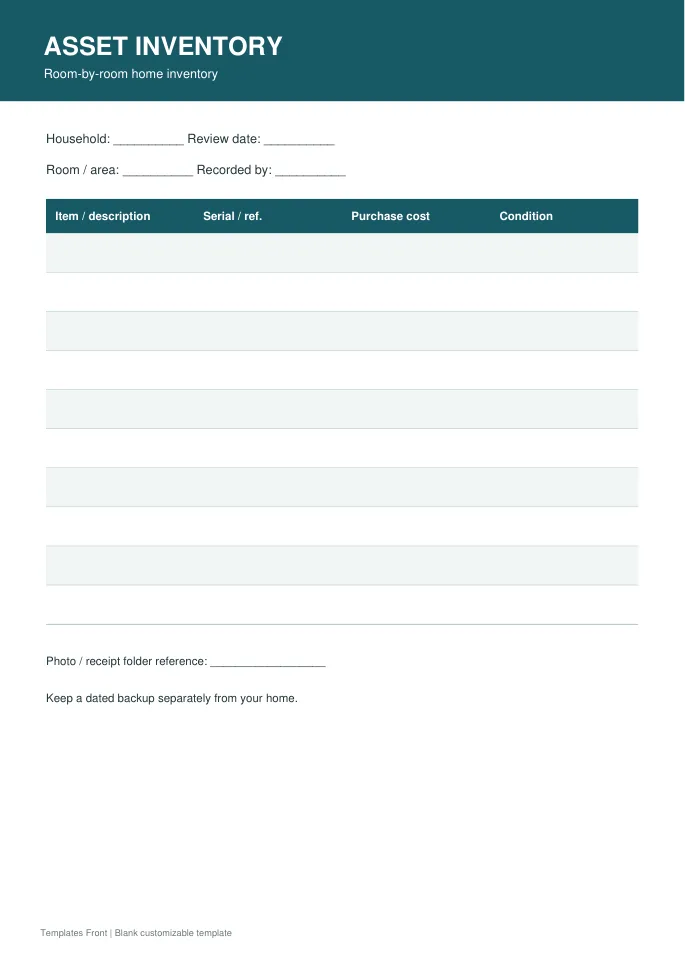
Printable PDF and editable HTML document. Open the HTML in a browser, click the text to edit, then print or save. Tables do not calculate automatically.
Equipment custody register
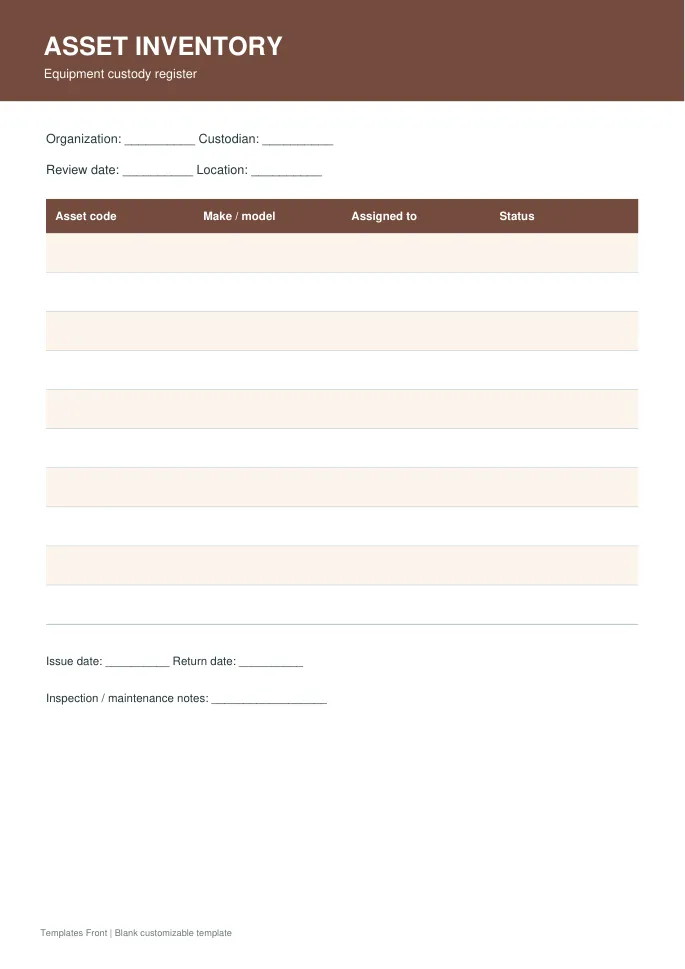
Printable PDF and editable HTML document. Open the HTML in a browser, click the text to edit, then print or save. Tables do not calculate automatically.
Frequently asked questions
How often should a home inventory be updated?
Update it after significant purchases, disposals, or moves, and review it periodically against the belongings you still own.
Should I include serial numbers?
Include them where available, especially for electronics and equipment. Do not publish a register containing identifying or personal information.
Is this the same as a stock-control spreadsheet?
No. This page focuses on possessions and assets. A stock-control sheet tracks quantities received, issued, sold, and available.
How do I tell a downloadable file from a source page?
The buttons distinguish file links from external source pages. A source page may contain a download, a paid listing, or further information. Check its file type, availability, and usage terms before relying on it. A preview by itself does not promise an editable file.
