
DJ Logo Templates and Design Resources. A DJ logo gives a performer, producer, or music project a consistent visual identity across artwork, event posters, social profiles, and stage material. Choose a design that keeps the artist name readable in both a small profile image and a large event graphic. The collection below includes design resources and source listings, which may have different licenses and file types.
Decide whether the identity should emphasize the name, a monogram, or a separate symbol. A complex emblem may look impressive in a large mockup but disappear in a playlist thumbnail. Test the actual stage name and the places it will be used.
Browse the previews and resource links, or use the guide below to choose the right layout.
What to include
Artist name. Check the exact spelling and capitalization used publicly. Avoid adding a tagline that makes the main name difficult to read.
Symbol and lettering. Use a mark that supports the musical identity without relying on generic equipment icons.
Versions. Plan a full logo, a compact version, and a one-color version where needed.
Deliverables. Check for editable source artwork and the image exports required for print and digital use.
How to customize the format
- List the main uses and write the artist name exactly as it will appear.
- Compare designs at profile-image and poster sizes.
- Customize the approved source and test it on light and dark backgrounds.
- Confirm usage rights and keep a consistent set of approved files.
Worked example
A performer with a long stage name might use the full wordmark on posters and a simple initial-based symbol for small profile images. The two versions can share the same typography and color treatment. This is more coherent than using unrelated logos for every platform.
Choose the right version
A wordmark highlights the stage name. A monogram is compact. A badge can suit merchandise but may need simplification for small screens. Choose the form based on the actual name and output.
Check the source file and final output
A preview shows the appearance of one example; it does not reveal which parts of the source are editable. A layered design may separate text and artwork, while a JPEG or PNG is usually flattened. Before investing time in a layout, check the supplied format, application compatibility, fonts, and any assets that must be obtained separately.
Keep an editable master and make separate exports for each intended output. For print, confirm the printer's actual specification and inspect a proof at finished size. For a digital image, review it on the screen and background where it will appear. Check the creator's license for the intended use rather than assuming a visible preview includes all rights to the design.
Common mistakes to avoid
Do not assume a marketplace preview is a free download or an exclusive identity. Avoid using unlicensed symbols, tiny details, or fonts that cannot be reproduced consistently.
Related documents for the next step
Apply the same identity to CD cover artwork. See cd cover templates.
Smoke-style display lettering can support selected music graphics. See free smoke fonts (smoky style).
Use a poster layout for a music film or performance screening. See movie poster psd templates.
Previews and linked resources
The collection includes file links and external source pages. File type is shown on direct-file buttons; external pages may offer paid options or additional steps. Some reference images have no editable file attached.


Download two customizable templates
These original downloads are hosted on Templates Front. Each ZIP contains the template files and instructions described below.
Waveform wordmark
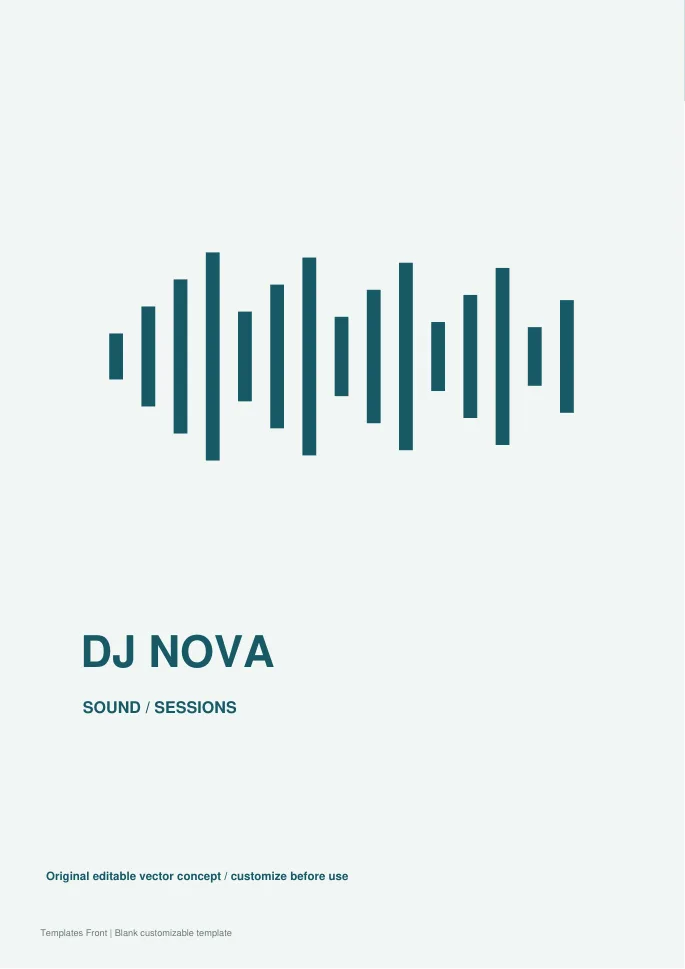
Editable SVG artwork and printable PDF. Open the SVG in a vector editor and replace sample text / photo placeholders.
Vinyl badge identity
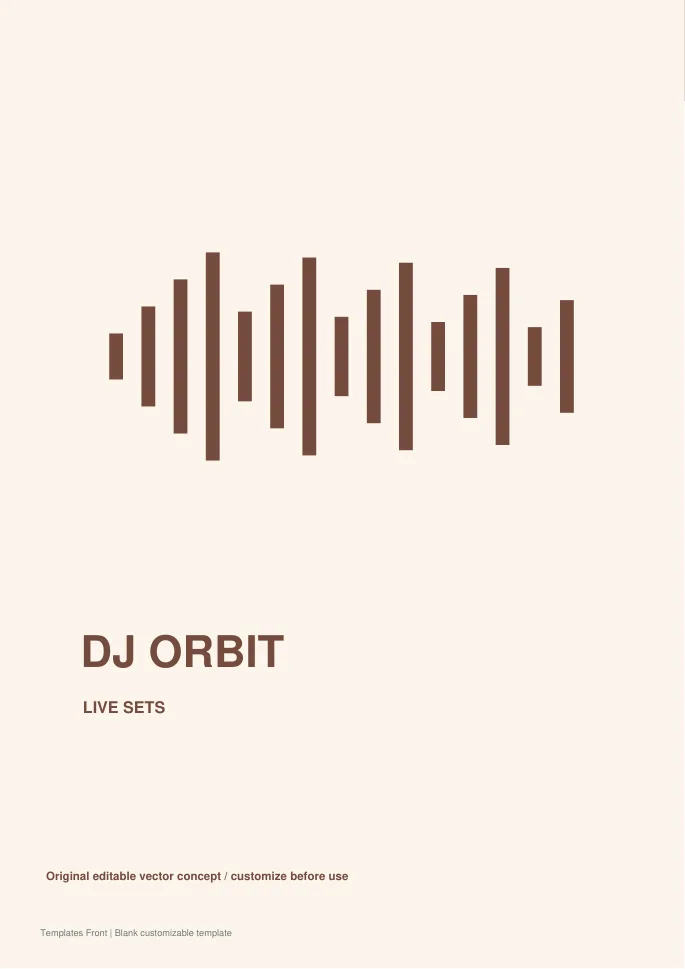
Editable SVG artwork and printable PDF. Open the SVG in a vector editor and replace sample text / photo placeholders.
Frequently asked questions
Do logo previews include editable files?
Only if the source package supplies them. A preview image is not proof that editable artwork is included.
Can I use a stock logo on merchandise?
Check the exact license and any restrictions on that use.
Should I keep more than one version?
A full and compact version can be useful if both follow the same approved identity.
How do I tell a downloadable file from a source page?
The buttons distinguish file links from external source pages. A source page may contain a download, a paid listing, or further information. Check its file type, availability, and usage terms before relying on it. A preview by itself does not promise an editable file.
How to use these dj logo templates
Using a ready-made logo layout saves time and helps you avoid missing important details. Follow these simple steps to build a recognisable identity for a DJ or music brand.
- Preview the options above and pick the layout that suits your needs.
- Download the file in the format you prefer.
- Replace the sample details with your own information.
- Check every field carefully before you share or print it.
- Save a copy so you can reuse the logo next time.
Tips for customising your logo
A few small changes make a template feel like your own. Therefore, review each section before you finish.
Reflect your music style
Choose shapes and fonts that match your genre. Bold styles suit club nights, while softer ones suit lounge sets.
Keep it readable at small sizes
Your logo will appear on social profiles and flyers. Test it at a tiny size before you finish.
Prepare light and dark versions
Save variants for different backgrounds. This keeps your branding consistent everywhere.
For related resources, see our builder logo templates and movie poster templates. You can also browse more options in the Samples category.
Common mistakes to avoid with dj logo templates
Even a good template can cause problems if it is used carelessly. Watch out for these common issues.
- Leaving sample text or placeholder names in the final file.
- Skipping a final proofread before you send or print it.
- Using an outdated version instead of the latest copy.
- Forgetting to back up the edited file in a safe place.
Frequently Asked Questions
Are these dj logo templates free to use?
Yes, you can download and adapt them for personal or business use. However, always check the source link for any extra terms. If you plan to share the file widely, review those terms first.
Which file format should I choose?
Choose the format that matches the software you already use. Word and PDF files are easy to open on most devices. In addition, editable files let you change details without redesigning the page.
Can I edit the logo after downloading?
Yes, editable versions can be changed in a few minutes. Simply open the file and replace the sample text. Then save it under a new name so the original stays unchanged.
How do I make sure the logo fits my situation?
Start by listing the details you must include. Next, compare them with the sections in the template. Finally, add or remove fields until it matches your needs.
Final thoughts
Good preparation makes any document easier to finish. Take a few minutes to review the details, and your logo will look clear and professional.
