
Sign-Up Sheet Templates. A sign-up sheet records who wants to attend, volunteer, book a slot, or contribute to an activity. A useful template collects only the details needed to organize that task. Clear column labels and enough writing space matter more than decorative elements when people are completing the sheet quickly.
Choose between an open attendance list, a limited-slot booking sheet, and a task-based volunteer list. These are different workflows. A time-slot sheet needs capacity controls, while a volunteer sheet needs the role and commitment made by each person.
Browse the previews and resource links, or use the guide below to choose the right layout.
What to include
Activity and date. Identify the event or task at the top so the sheet is not confused with another session.
Participant name. Leave enough space for legible entries. Decide whether a signature is actually necessary.
Contact or selection. Collect a contact route only if needed. For a public sheet, consider whether contact details should be gathered privately.
Slot or responsibility. Specify the time, role, item, or commitment being selected. Show limits clearly to reduce duplicate bookings.
How to customize the format
- Define the purpose and the minimum information needed.
- Prepare clear column labels and adequate rows or slots.
- Explain how to sign up and who to contact if a place changes.
- Transfer the entries into the organizer's controlled record and store the original appropriately.
Worked example
A workshop sheet could offer two sessions with ten places each. Participants enter their name under the chosen session, while contact details are collected through a separate private process. A volunteer sheet for the same event might instead list setup, registration, and cleanup roles with their times.
Choose the right version
Use a numbered list for simple attendance, a timetable for appointments, and a role matrix for volunteers. The form should make the next action obvious without a long explanation.
Editable files, calculations, and shared copies
Choose a spreadsheet when the task depends on repeated rows, totals, or filtering. Use an editable document when explanatory wording and page layout matter more than calculations. A PDF may be convenient for a finalized copy, but it is not automatically fillable. A ZIP is a container; inspect its contents before deciding which application you need.
When adapting a spreadsheet, test a few representative entries and check the totals independently. Adding a row or moving a column can leave a formula pointing at the wrong range. Keep dates and numbers in a consistent format. If you share a completed copy, retain a separate blank master so the next version does not accidentally include a previous customer's or participant's details.
Common mistakes to avoid
Avoid publicly collecting unnecessary personal details, leaving slot limits unclear, or using an attendance sheet as if it proved consent to unrelated activities.
Related documents for the next step
Build the sessions around an event itinerary. See event itinerary templates.
Confirm membership separately before issuing a membership certificate. See membership certificate templates.
Use a fundraiser order form when participants are actually ordering products. See free fundraiser order form templates.
Previews and linked resources
The collection includes file links and external source pages. File type is shown on direct-file buttons; external pages may offer paid options or additional steps. Some reference images have no editable file attached.

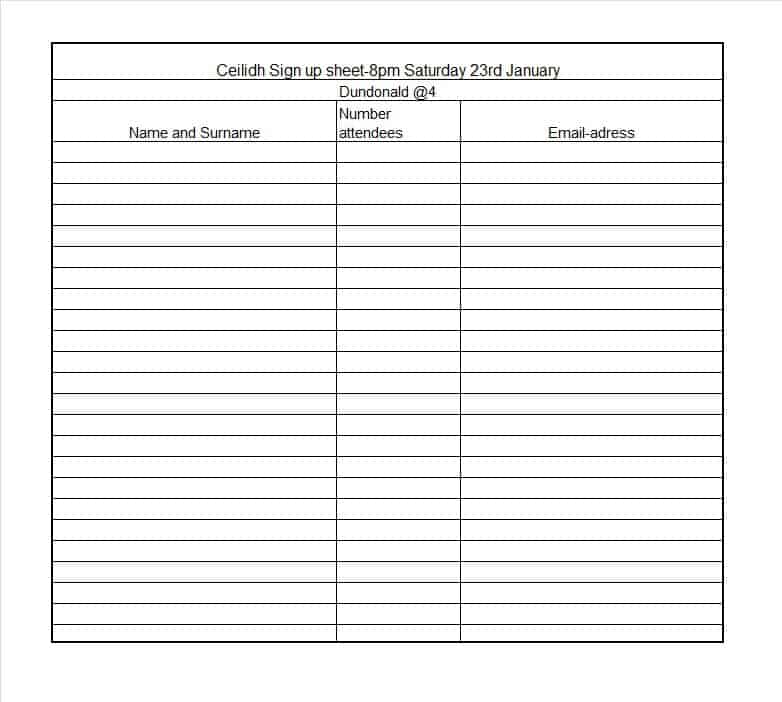


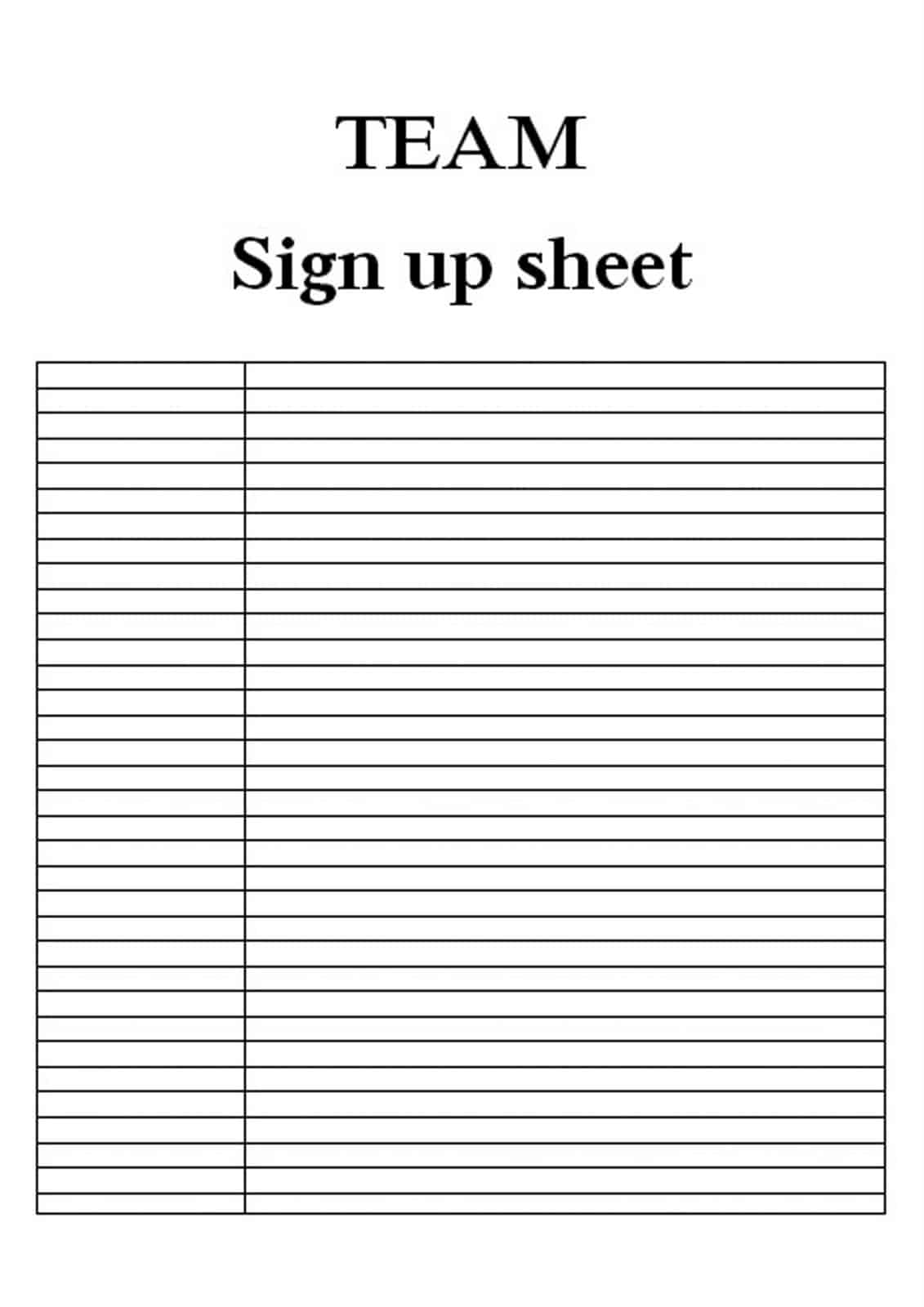


Download two customizable templates
These original downloads are hosted on Templates Front. Each ZIP contains the template files and instructions described below.
Volunteer task sign-up
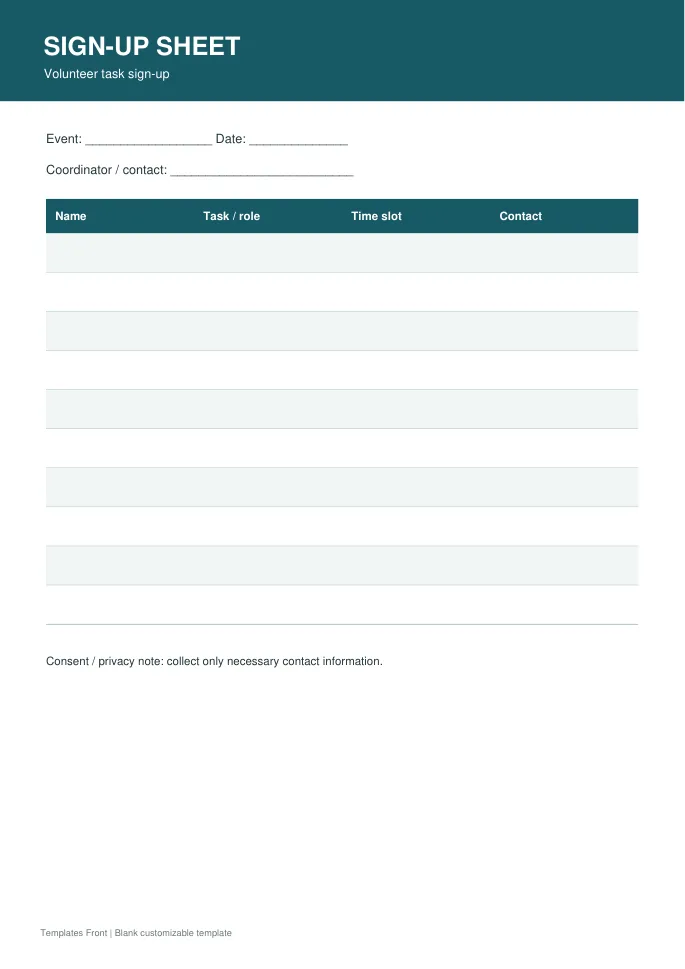
Printable PDF and editable HTML document. Open the HTML in a browser, click the text to edit, then print or save. Tables do not calculate automatically.
Timed appointment sign-up
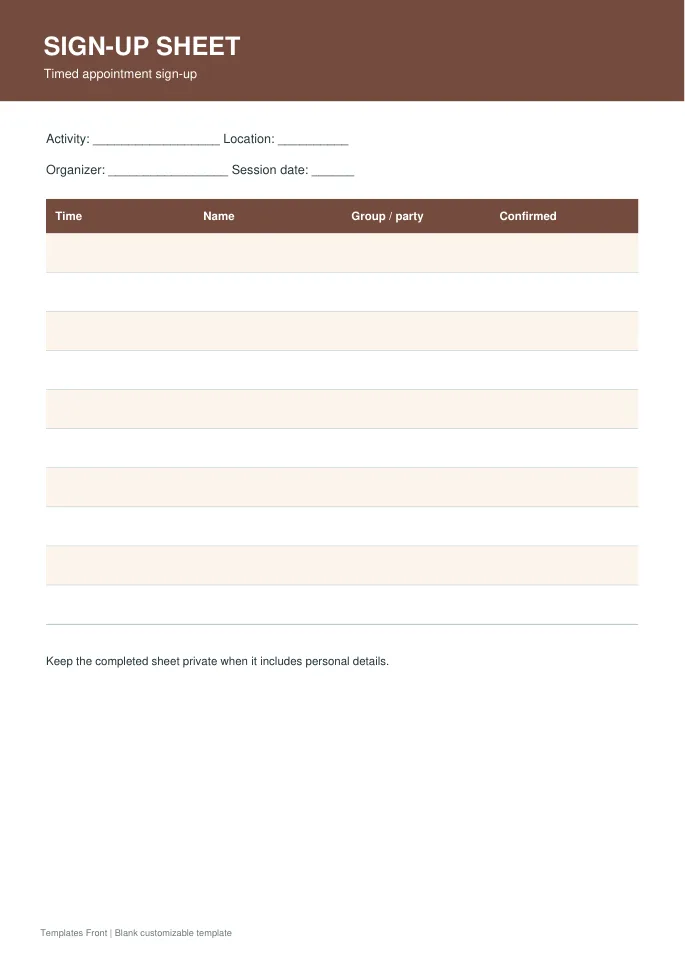
Printable PDF and editable HTML document. Open the HTML in a browser, click the text to edit, then print or save. Tables do not calculate automatically.
Frequently asked questions
What columns should a sign-up sheet have?
Use the activity details, name, and any necessary slot or role. Add contact information only when it is needed and appropriately collected.
Can it manage limited spaces?
Yes, show the available places clearly and use a process that prevents conflicting entries.
Is signing up the same as checking in?
No. A person may register and not attend. Use a separate attendance check if that distinction matters.
How do I tell a downloadable file from a source page?
The buttons distinguish file links from external source pages. A source page may contain a download, a paid listing, or further information. Check its file type, availability, and usage terms before relying on it. A preview by itself does not promise an editable file.
How to use these sign-up sheet templates
Using a ready-made sign-up sheet layout saves time and helps you avoid missing important details. Follow these simple steps to collect names and time slots for events, volunteers or classes.
- Preview the options above and pick the layout that suits your needs.
- Download the file in the format you prefer.
- Replace the sample details with your own information.
- Check every field carefully before you share or print it.
- Save a copy so you can reuse the sign-up sheet next time.
Tips for customising your sign-up sheet
A few small changes make a template feel like your own. Therefore, review each section before you finish.
Add clear columns
Include name, contact details and time slot columns. Participants then know what to fill in.
Set a limit and deadline
State how many spots are available and when sign-ups close. This keeps planning simple.
Display it where people will see it
Print it for a notice board or share the file digitally. Easy access leads to more sign-ups.
For related resources, see our event itinerary templates and delivery schedule templates. You can also browse more options in the Samples category.
Common mistakes to avoid with sign-up sheet templates
Even a good template can cause problems if it is used carelessly. Watch out for these common issues.
- Leaving sample text or placeholder names in the final file.
- Skipping a final proofread before you send or print it.
- Using an outdated version instead of the latest copy.
- Forgetting to back up the edited file in a safe place.
Frequently Asked Questions
Are these sign-up sheet templates free to use?
Yes, you can download and adapt them for personal or business use. However, always check the source link for any extra terms. If you plan to share the file widely, review those terms first.
Which file format should I choose?
Choose the format that matches the software you already use. Word and PDF files are easy to open on most devices. In addition, editable files let you change details without redesigning the page.
Can I edit the sign-up sheet after downloading?
Yes, editable versions can be changed in a few minutes. Simply open the file and replace the sample text. Then save it under a new name so the original stays unchanged.
How do I make sure the sign-up sheet fits my situation?
Start by listing the details you must include. Next, compare them with the sections in the template. Finally, add or remove fields until it matches your needs.
Final thoughts
Good preparation makes any document easier to finish. Take a few minutes to review the details, and your sign-up sheet will look clear and professional.
