
A goal such as “improve delivery” leaves a lot of work unexplained. Business action plan templates help turn that goal into specific steps: what changes, who takes responsibility, when the work is due, and how the team will know it helped.
The useful part is the agreement behind those entries, rather than the appearance of the table.
This collection includes 30 downloadable action plan examples, with previews for comparing their layouts. There are compact plans for a single priority and more detailed examples for departmental, development, recovery and project work. Some are reference documents rather than blank forms, so check the contents of the downloaded package before choosing one for day-to-day use.
Start with the decision you need to carry out. A small business owner might need a one-page plan for reducing dispatch errors; a manager coordinating several departments may need separate milestones and dependencies. The sections below show how to make either version specific enough to use in a real progress meeting.
Worked example: fewer packing mistakes
Consider a hypothetical shop that has recorded several incorrect items in recent deliveries. The owner first asks the dispatch lead to review the affected orders and classify the errors. That produces a short baseline instead of a guess about the cause.
The next action is to trial a two-person check on one product range for a week, with a simple record of mistakes found before dispatch. A third action compares the trial with the earlier records and notes any additional time required.
Only then does the owner decide whether to expand the change. Each row has an owner, an output and a review point. The plan does not promise that a checklist alone will solve the problem: it creates a way to test the proposed improvement.
If the trial exposes confusing product labels, the team can add a separate labeling action with its own responsibility and cost decision.
| Vague entry | Action with an observable output |
|---|---|
| Improve dispatch | Classify recent packing errors and report the findings. |
| Train staff | Demonstrate the revised check to the afternoon shift. |
| Review success | Compare trial results with the recorded baseline. |
Begin with a result you can observe
Choose a bounded outcome before listing activities. “Improve customer experience” could describe dozens of unrelated projects. “Reduce orders returned because of incorrect packing during the next eight weeks” gives the team a narrower problem to investigate.
Record the current position, the desired change, the measurement period and the source of the figures. If the baseline is uncertain, make checking it an early action rather than inventing a number.
A measurable result does not always need a percentage: an approved procedure, a tested process or a completed handover can also be evidence. Write down what counts as completion so that different people do not use different definitions at the final review.
Build each row around a deliverable
An action should describe work someone can finish. Replace “marketing” with “prepare two campaign options for approval,” or “training” with “demonstrate the revised packing check to the afternoon shift.” Assign a named owner who can coordinate the work, even when several colleagues contribute.
Add the intended output, the due date and any approval needed. Where a row contains several unrelated outputs, split it into smaller actions. This makes it easier to see which part is blocked.
Keep routine reminders out of the main plan unless they are necessary to deliver the result; otherwise the important changes disappear inside a long list of everyday duties.
Give dependencies somewhere to live
A deadline is less useful when the action cannot start until another decision is made. Note dependencies beside the affected task: supplier information, spending approval, access to a system or completion of an earlier test.
Identify who will obtain the missing input and the date it is needed. For a small plan, a short notes column is enough. For a larger one, give related tasks clear references so the sequence can be followed.
Discuss the dependency with the person who controls it before committing to the date. An action plan should expose a resource conflict early enough for a decision, rather than quietly assume that people and equipment will be available.
30 downloadable examples and previews
Compare the level of detail before downloading. A completed example can show how actions are arranged, while a blank form may be easier to adapt for a live review.
The collection spans different business purposes and file types; check the package contents rather than assuming every preview is a blank editable plan. Use the download button for the file rather than saving the preview image.
Extract ZIP packages before opening their contents, and check the format before editing.
Corrective Business Action Plan Sample Form
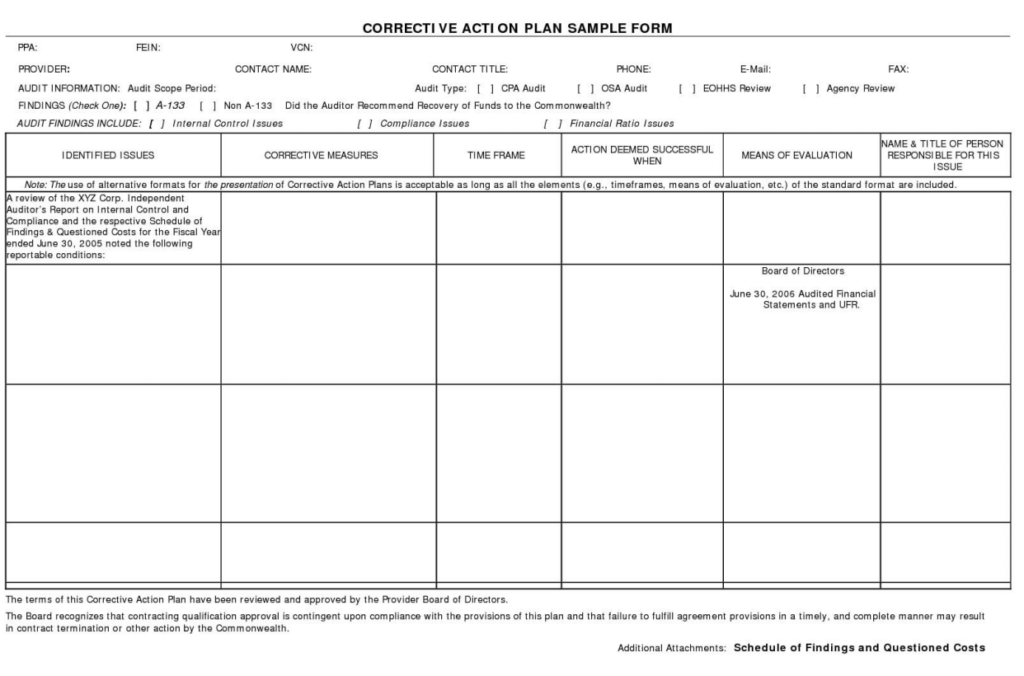
File Size: 124 KB
COVID-19 Business Recovery Action Plan Example

File Size: 829 KB
Special Age Friendly Business Action Plan Toolkit
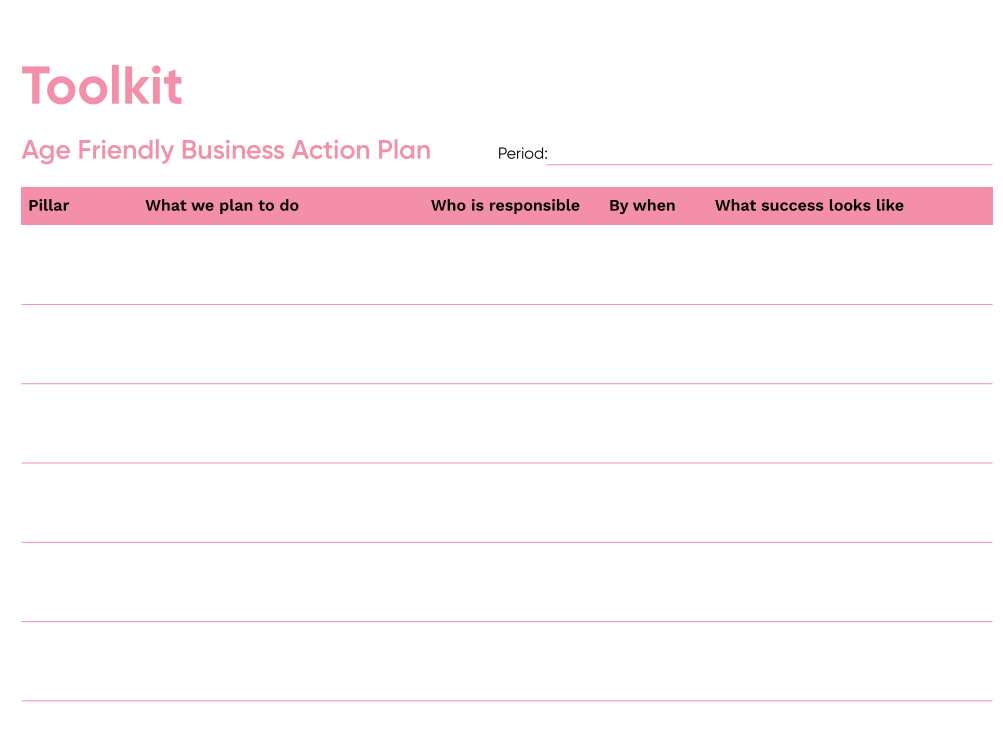
File Size: 688 KB
Business Action Plan Template
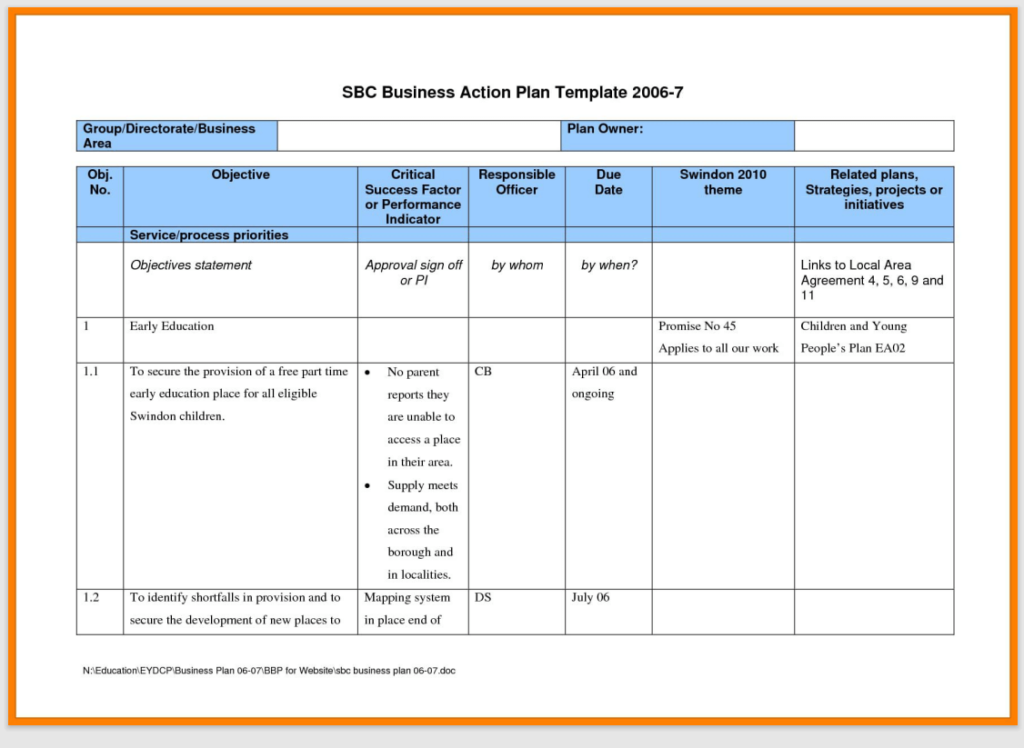
File Size: 110 KB
Multiple Business Action Plans Examples PDF

File Size: 04 MB
Printable Action Plan for Businesses
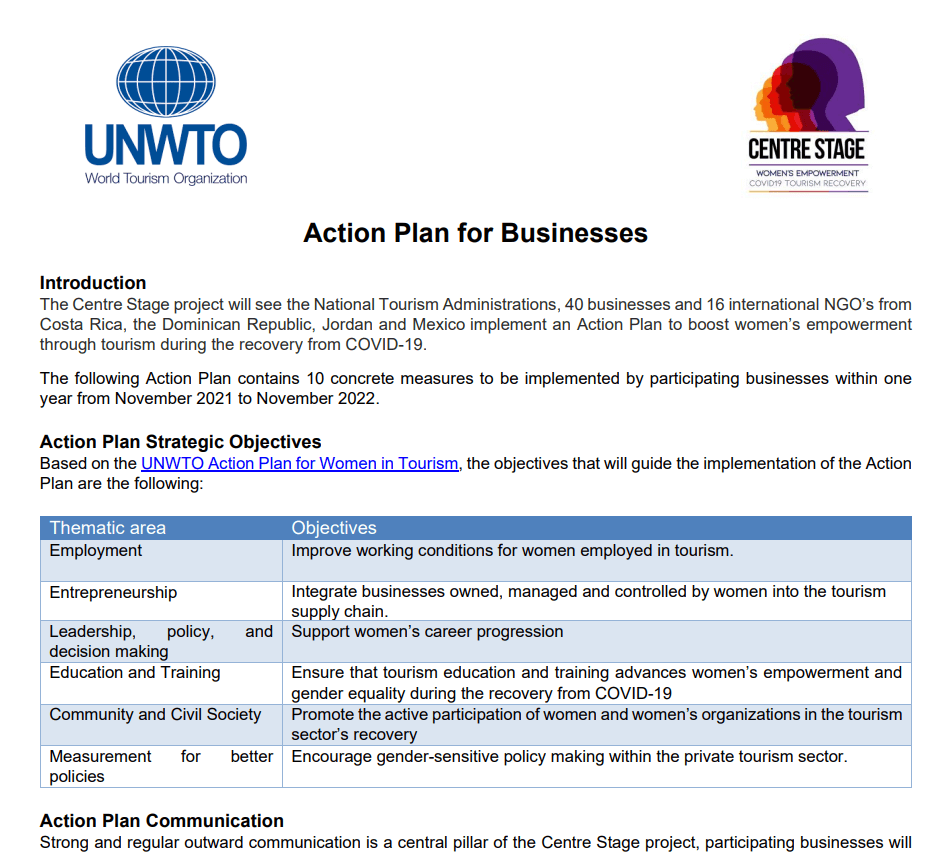
File Size: 126 KB
Sample Business Action Plan Template
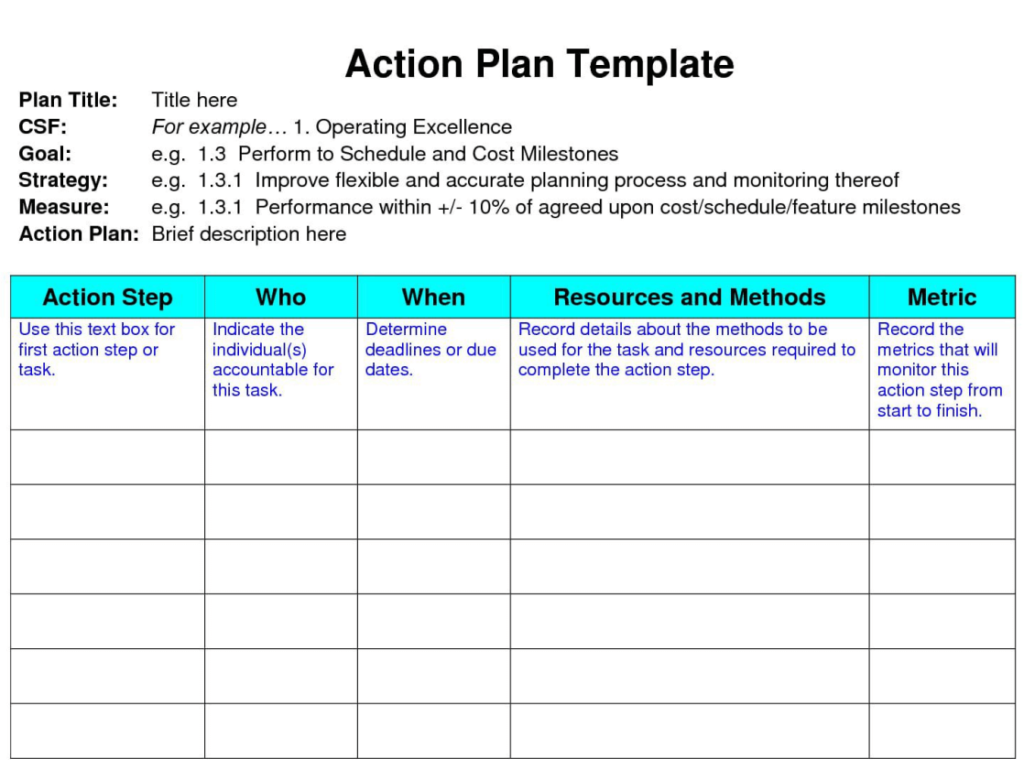
File Size: 118 KB
Company's Business Action Plan Example
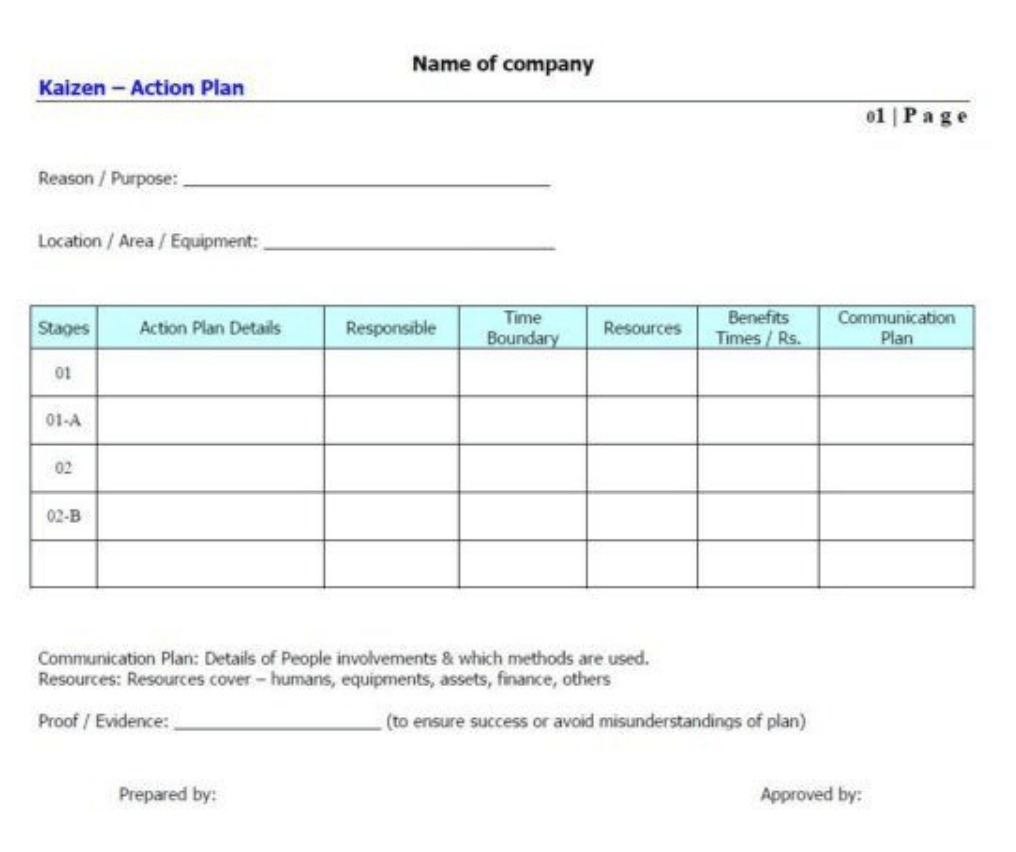
File Size: 20 KB
Online Business Disability Action Plan Example

File Size: 284 KB
Formal Business Action Plan PDF Example
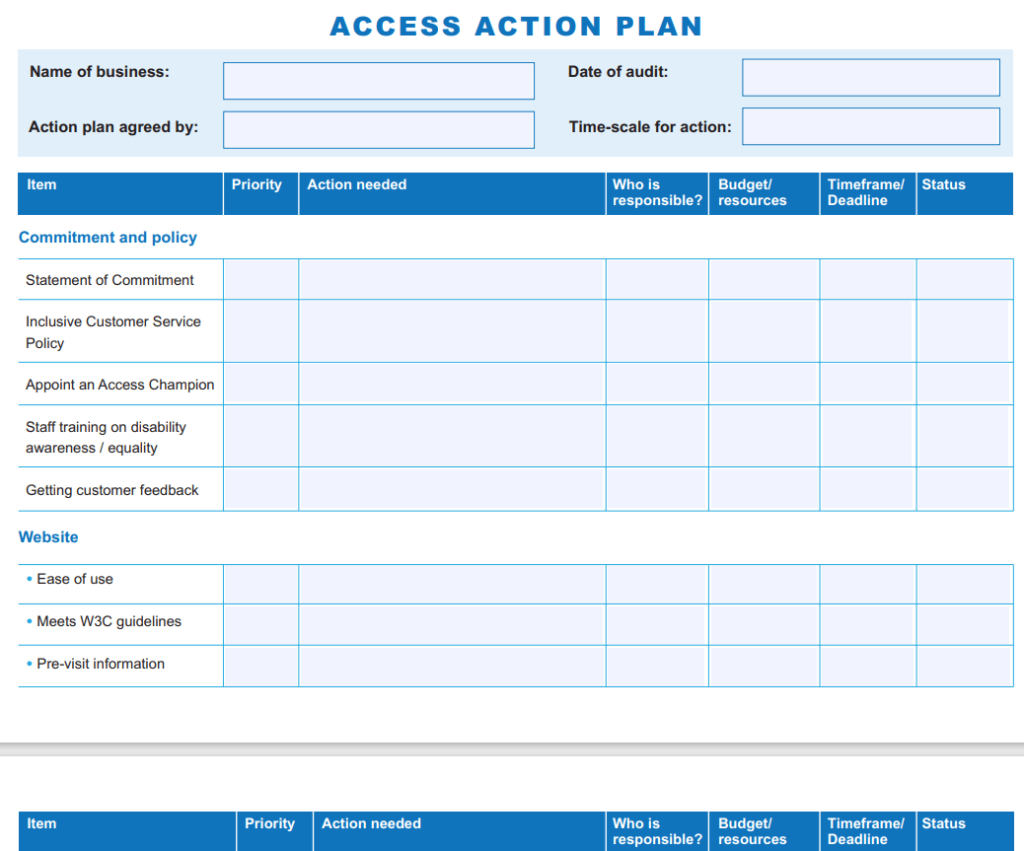
File Size: 210 KB
One Page Business Action Plan Example
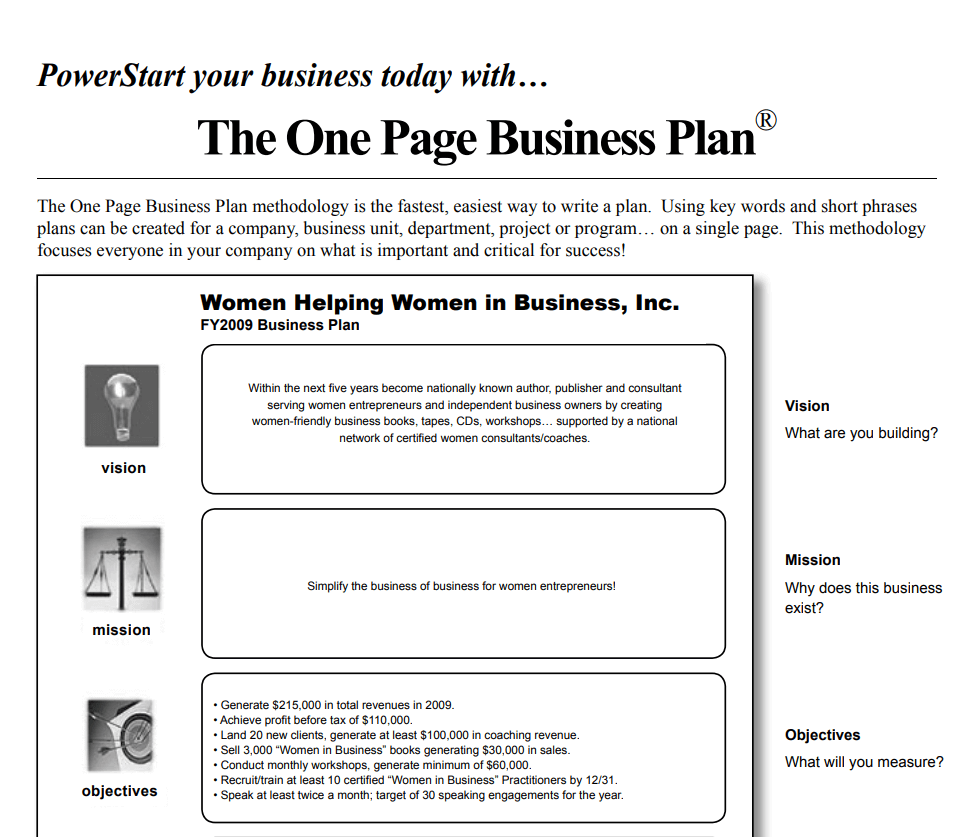
File Size: 145 KB
Business Water Savings Action Plan Example
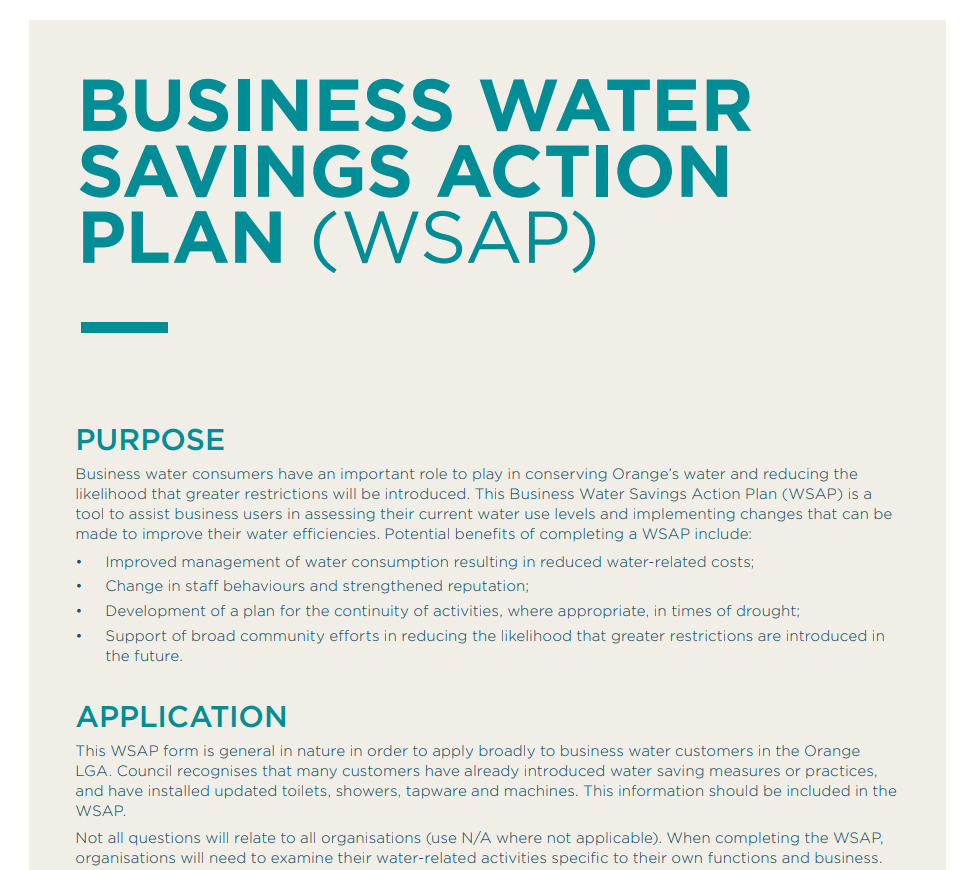
File Size: 86 KB
Business Resilience Action Plan Example in PDF

File Size: 01 MB
Fillable Business Action Plan Form PDF
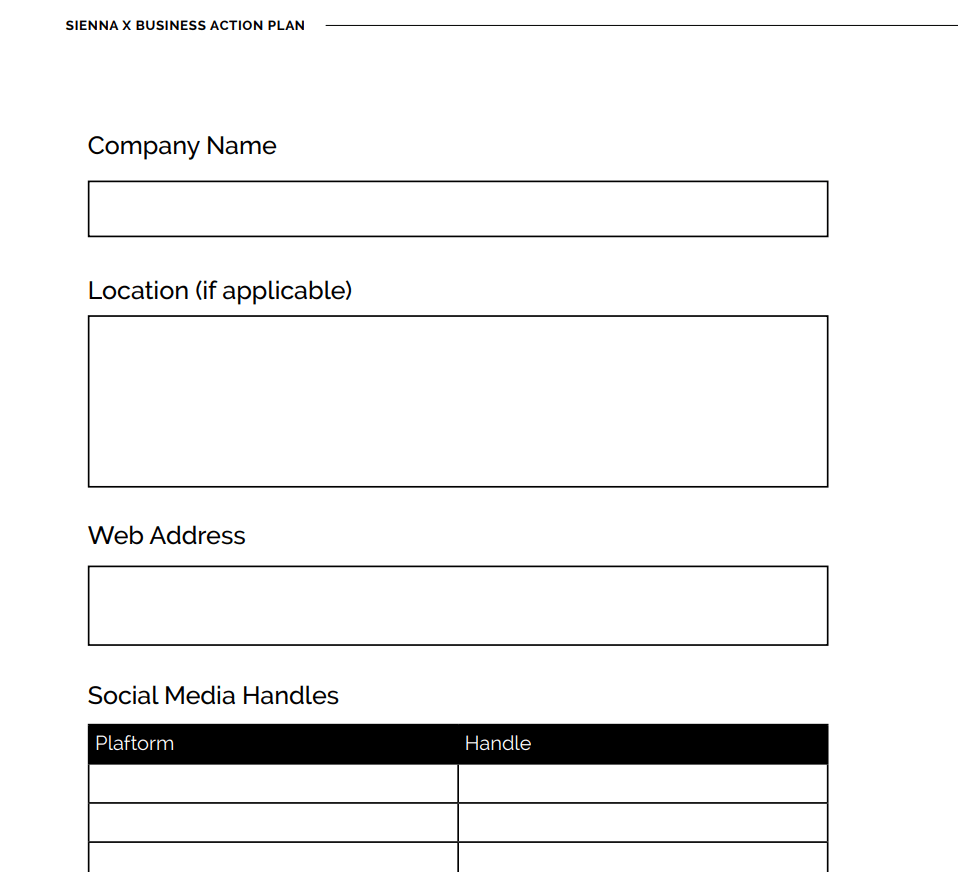
File Size: 168 KB
Small Business Action Plan Template
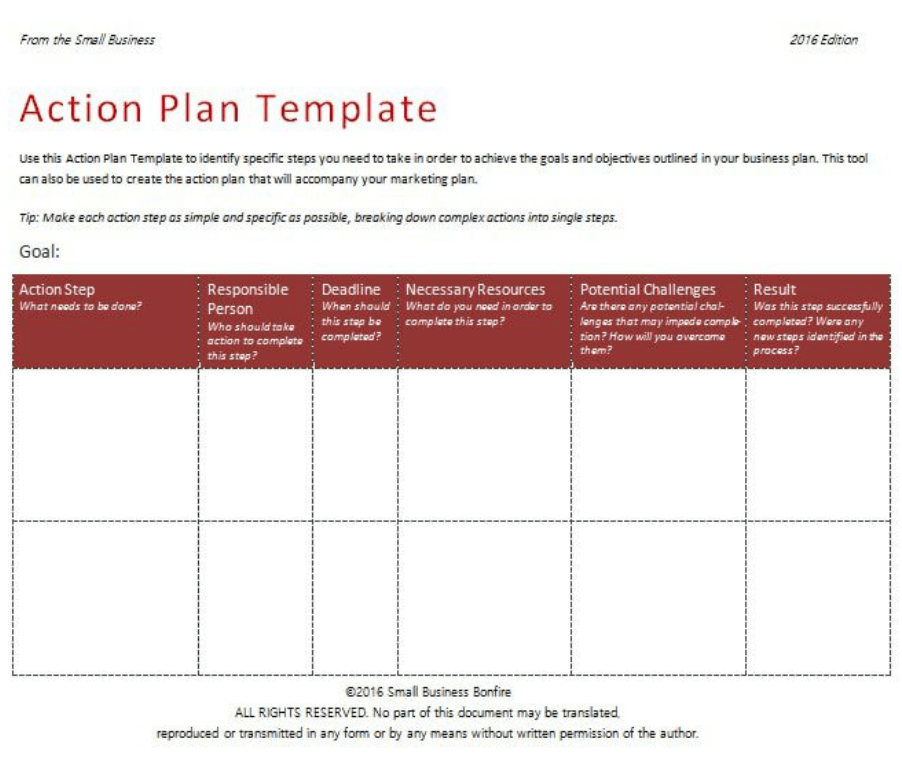
File Size: 43 KB
Business Survey Action Plan Example
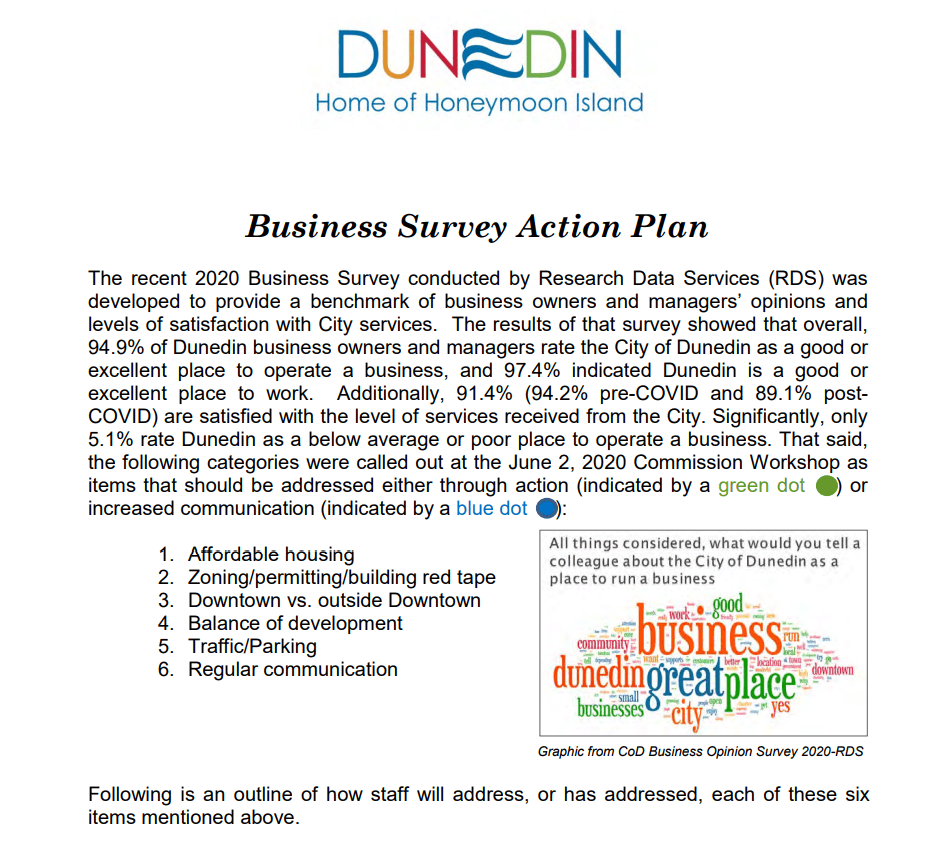
File Size: 01 MB
Entrepreneur's Business Challenge Action Plan Template
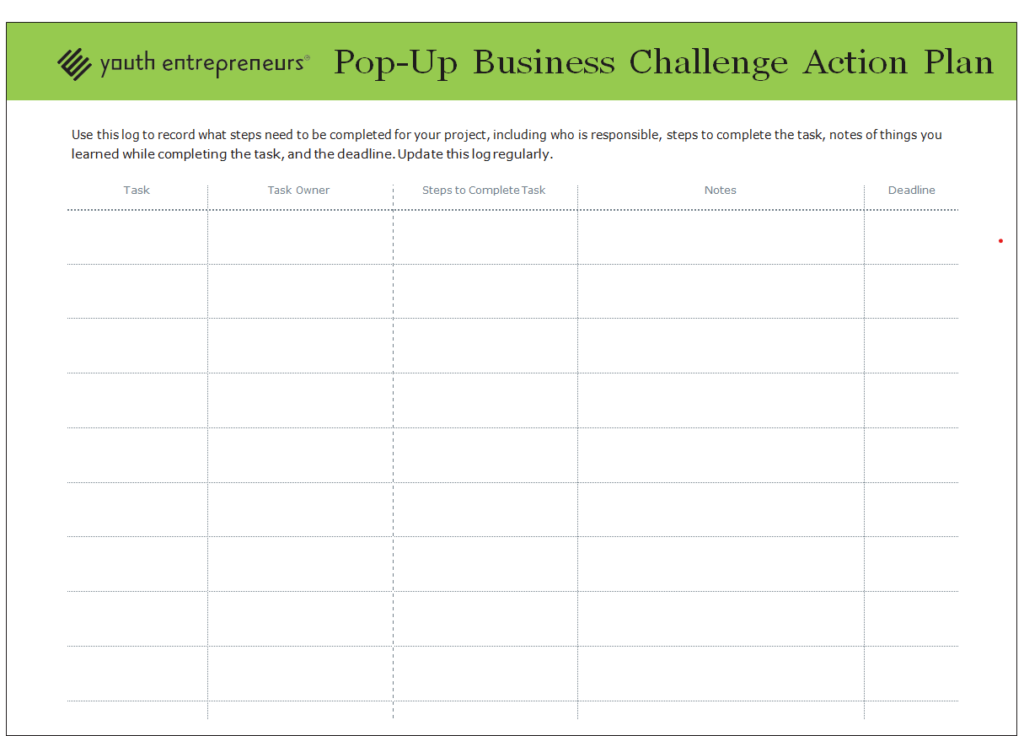
File Size: 19 KB
Formal Business Emergency Action Plan Template
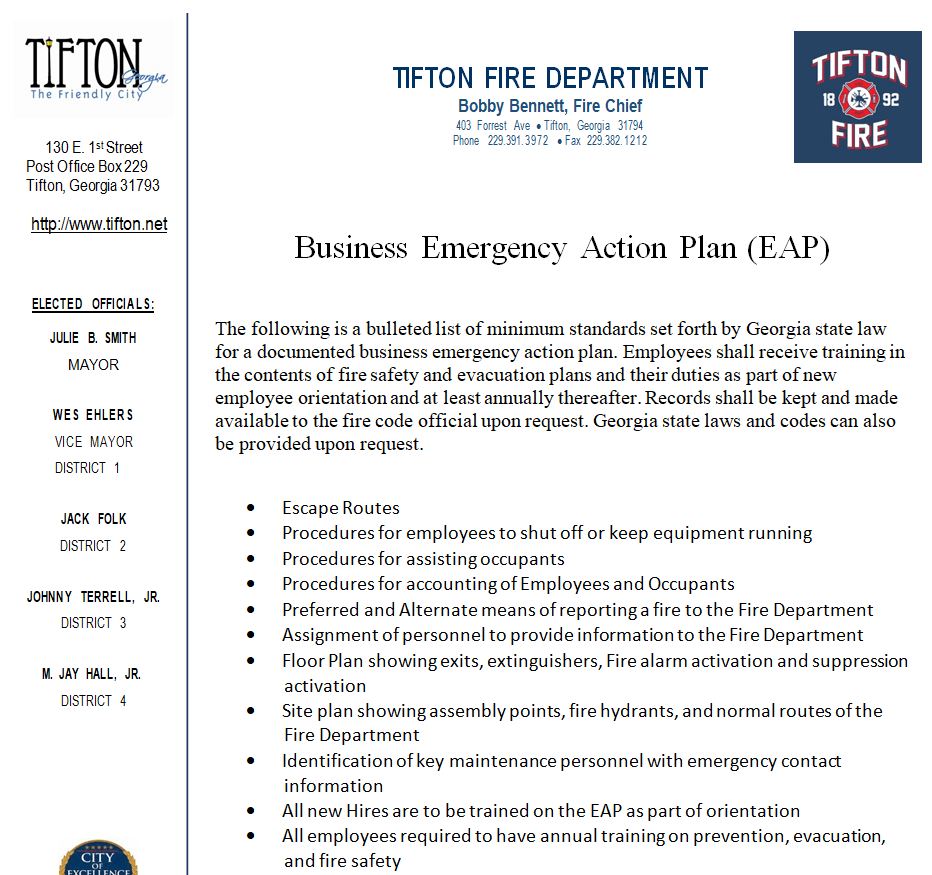
File Size: 50 KB
Business Action Plan Sample WORD
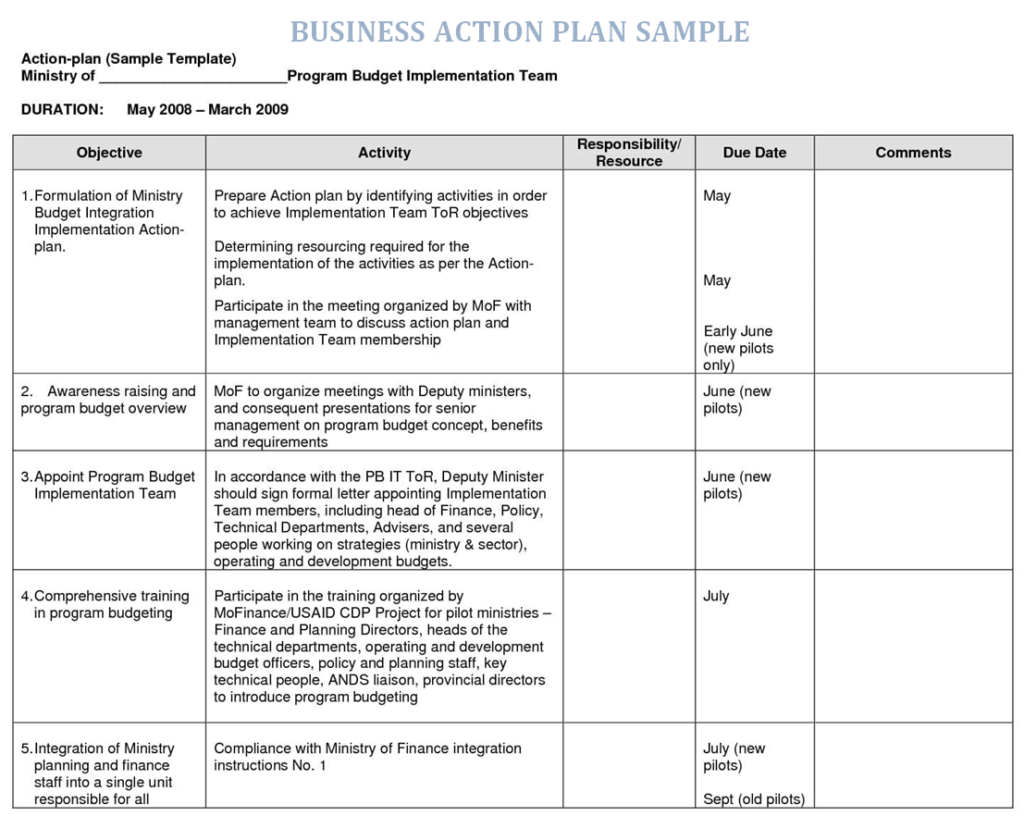
File Size: 212 KB
Practical Business Action Plan Word Template
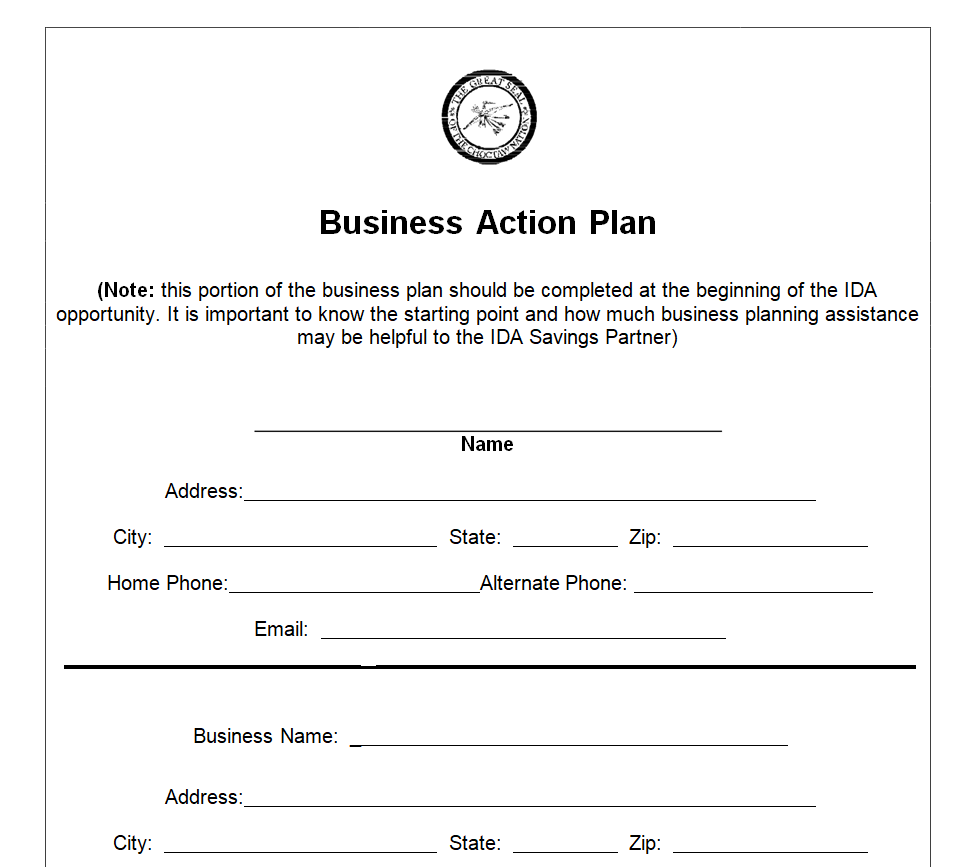
File Size: 50 KB
Prospective Business Action Plan Example
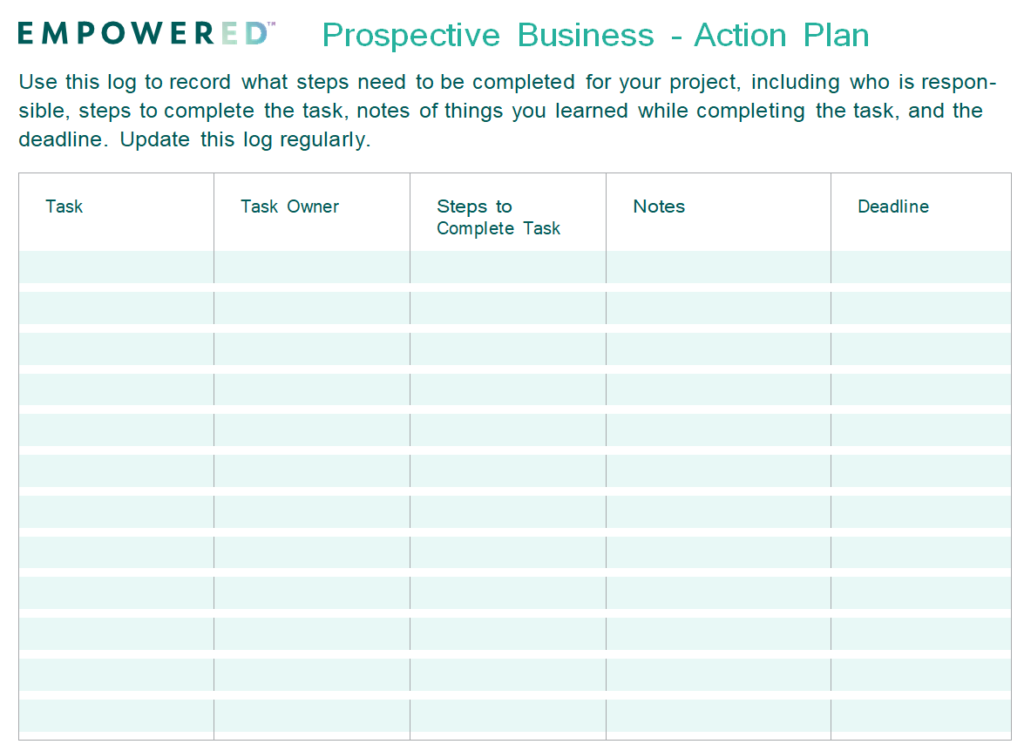
File Size: 22 KB
Standard Business Action Plan DOC Format
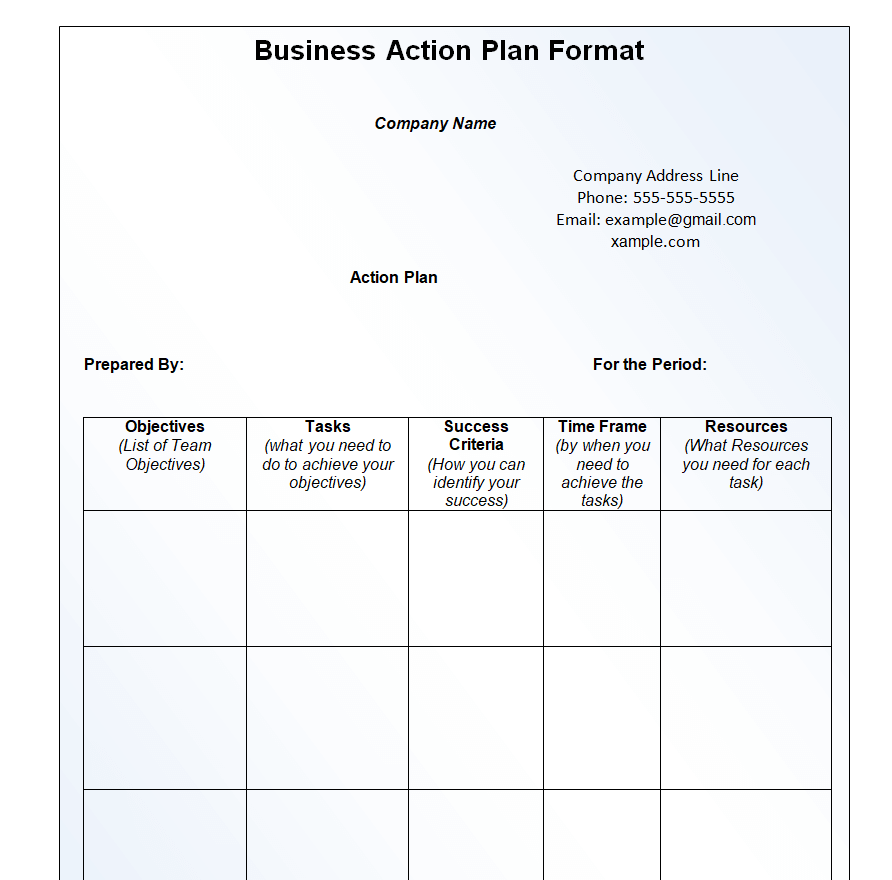
File Size: 17 KB
Business Action Plan Sheet Template EXCEL
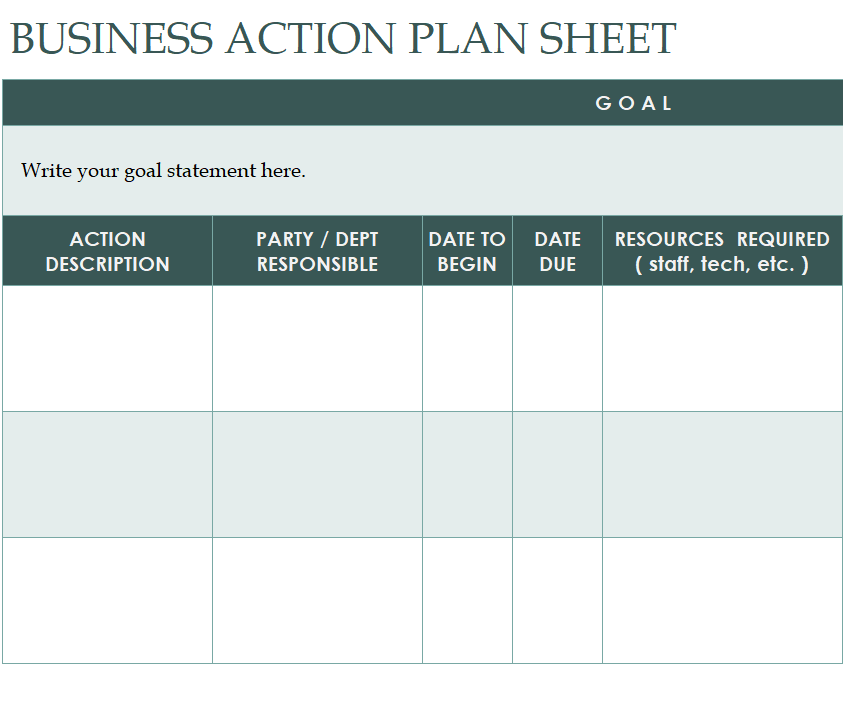
File Size: 14 KB
Business Action Plan Guideline Template
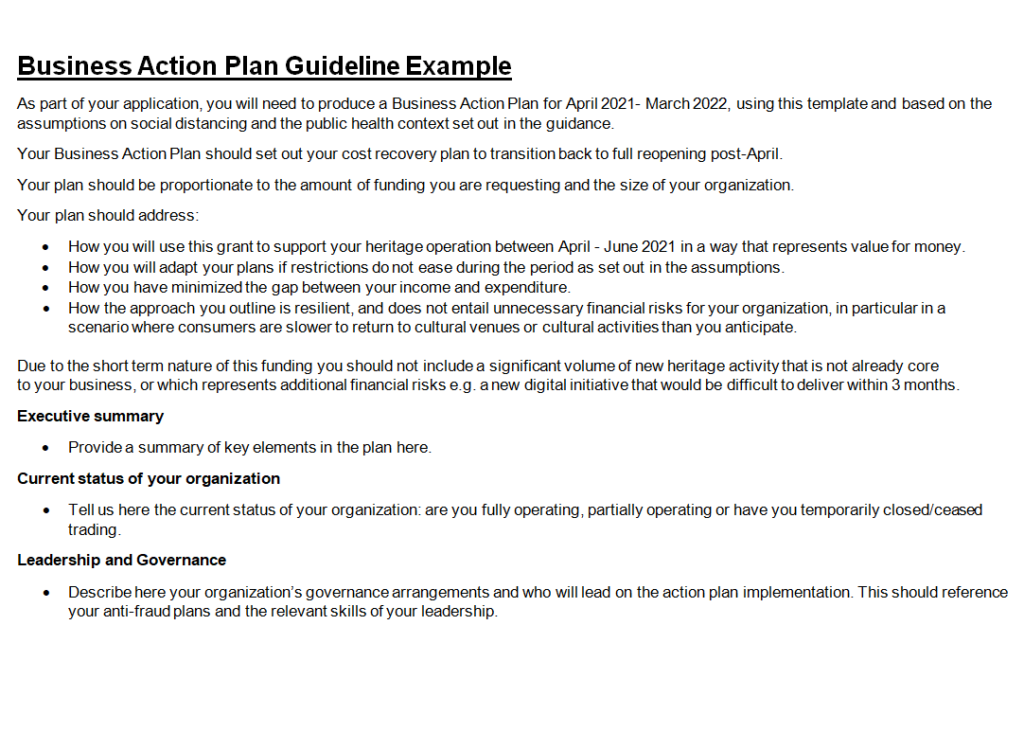
File Size: 17 KB
Business Merger Action Plan Template WORD
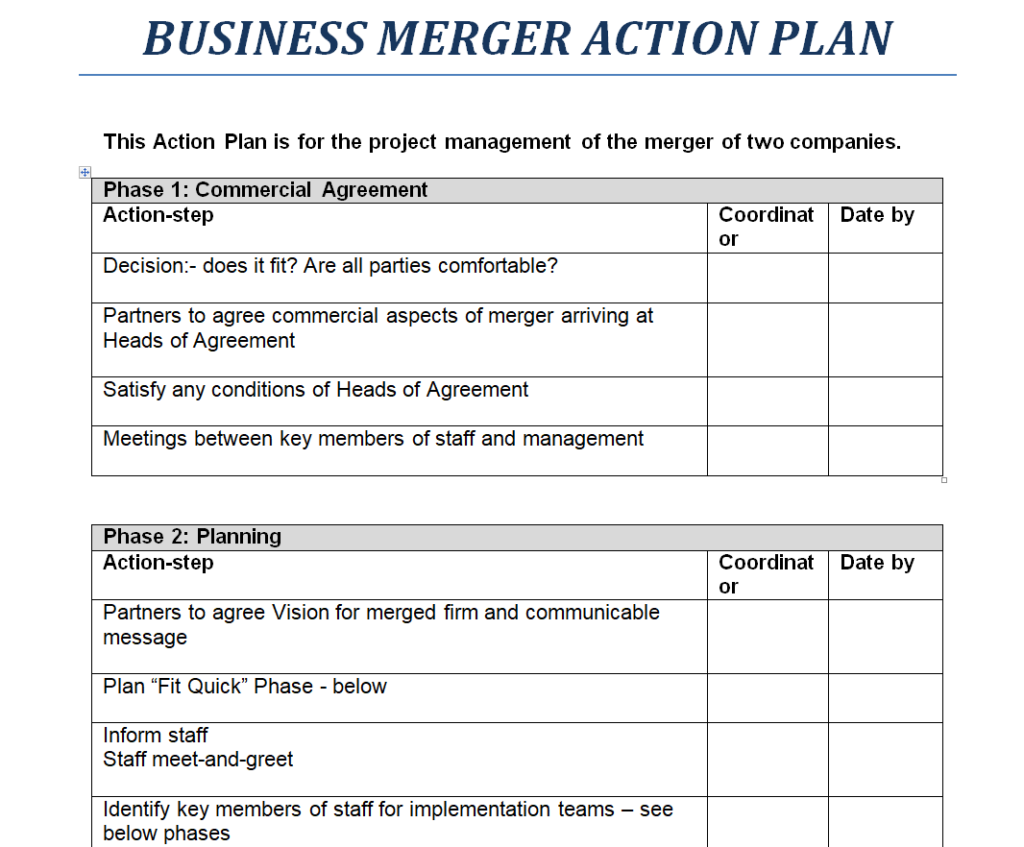
File Size: 22 KB
Professional Business Development Action Plan Template
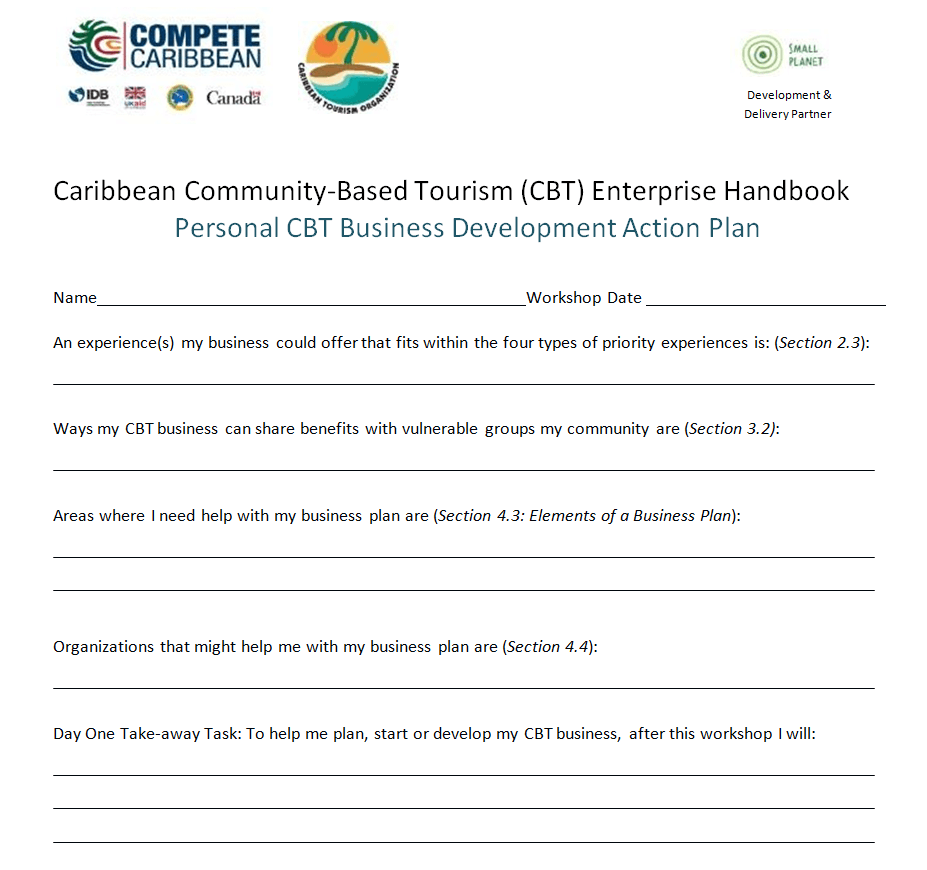
File Size: 24 KB
Editable Business Action Plan Example
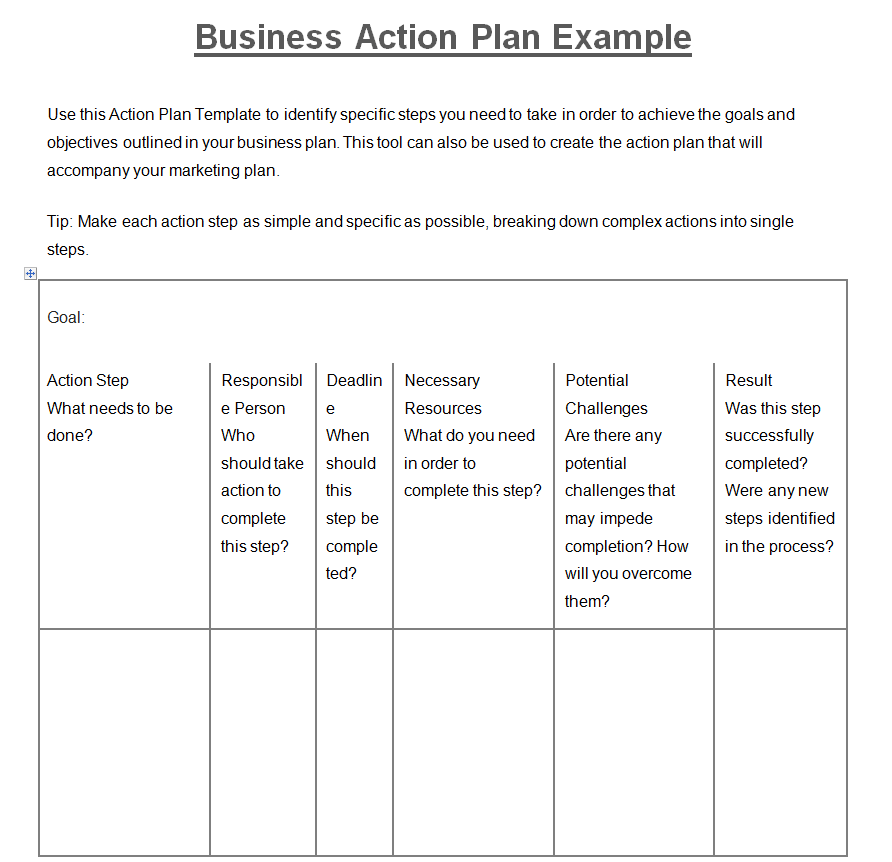
File Size: 11 KB
Simple Business Action Plan Example Template
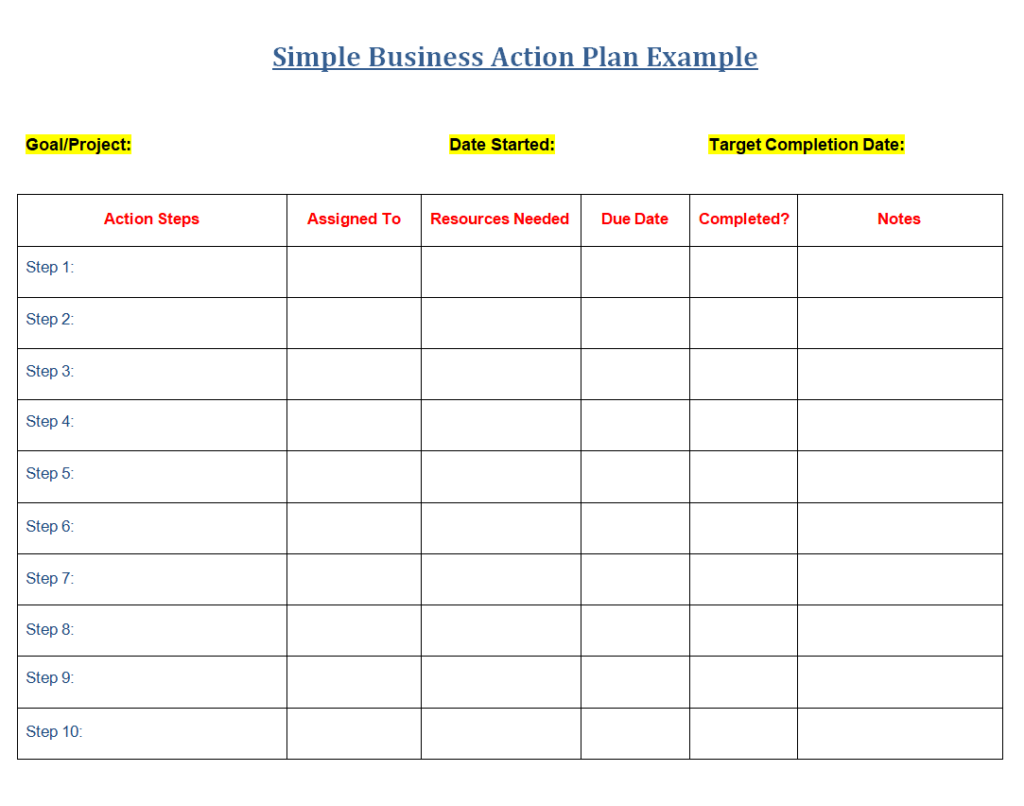
File Size: 13 KB
Draft Business Action Plan Template in MS WORD
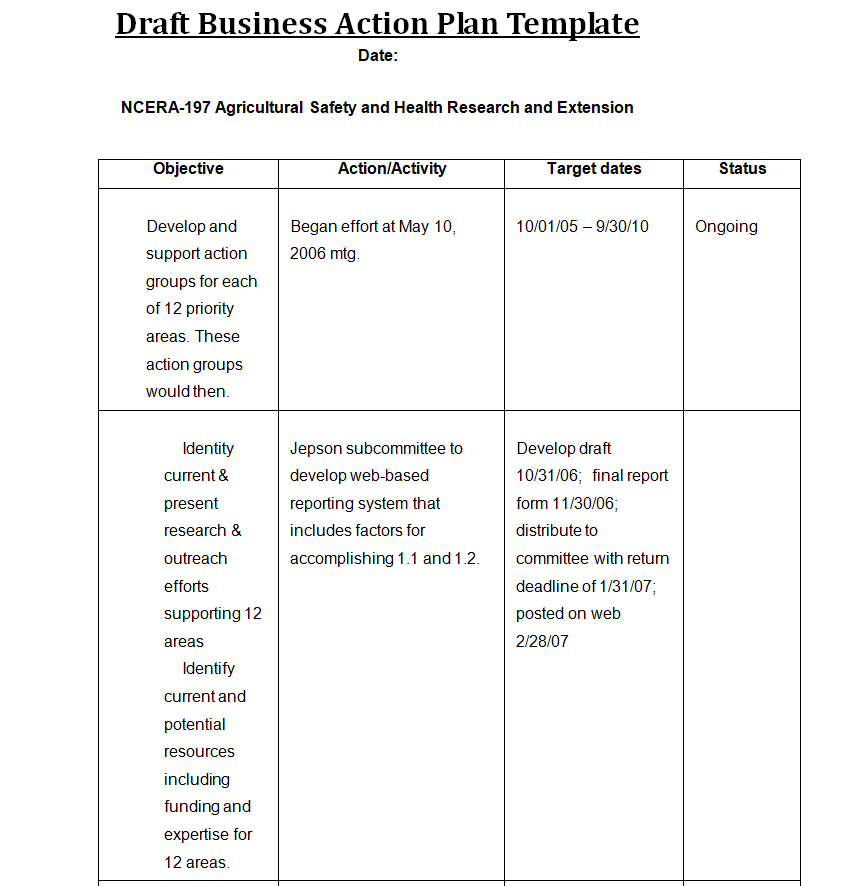
File Size: 18 KB
Detailed Business Project Action Plan Template
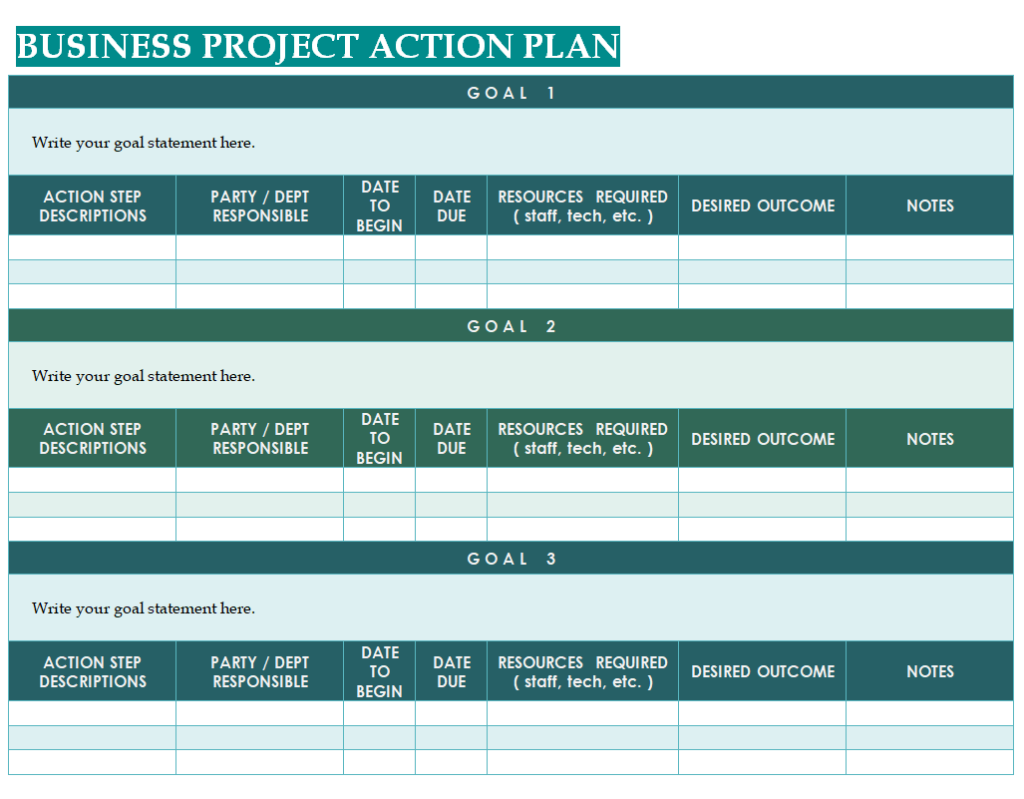
File Size: 15 KB
Review evidence rather than optimistic status labels
A green status marker can hide work that has not been tested. At a review, ask what changed since the previous meeting and where the evidence is stored.
A draft procedure is different from an approved procedure, and both differ from a procedure that staff have tried successfully. Record the current position in plain language, followed by the next action. When a deadline changes, keep a brief explanation and a revised commitment.
Repeated delays may show that the task is too broad, the owner lacks authority or another priority is consuming the same time. Use the review to resolve that issue instead of simply moving the date again.
Keep the plan small enough to maintain
The best working layout is usually the one the team will update consistently. A single priority may need only an outcome, five actions and a review date. Several workstreams may justify separate sections with a shared summary.
Avoid collecting details that nobody uses to make a decision. For example, a percentage-complete field can be misleading when a task has only a draft and an approval stage; a short stage description may be clearer.
Keep supporting evidence in an orderly folder and link or reference it from the plan. Archive superseded versions so that staff can distinguish the current commitments from last month’s discussion.
Choose between a reference example and a working template
Read a completed example to understand the logic, then remove assumptions that do not fit your business. An emergency plan, an accessibility plan and a sales action plan may share columns while addressing very different decisions.
Do not treat an official-looking example as approval for your own approach. Check names, reporting periods, approval roles and any instructions embedded in the file. For a Word document, test whether rows expand sensibly when you add your own text.
For a spreadsheet, review the relevant calculations after editing. With a PDF, confirm whether you can type into it or need a separate editable version before promising the team a convenient update process.
What to carry into the next review meeting
Send the current plan before the meeting and ask owners to update their own actions. Begin with overdue or blocked work, then review decisions that affect the next period.
Give completed actions a short evidence reference rather than deleting them immediately; this preserves the reason a milestone was accepted. End by confirming the few commitments that changed, including who will communicate them to people who were absent.
A meeting note should make the next step easier to understand, not repeat every conversation. If the team spends most of its time explaining the form itself, simplify the headings and test the revised layout at the following review.
A practical action-plan check
- State one outcome and identify the starting position.
- Use an observable deliverable for each action.
- Confirm that the owner has accepted the responsibility.
- Check dates against approvals and other dependencies.
- Record the evidence needed to close an action.
- Agree when the plan will next be reviewed.
Related templates
For dispatch improvements, connect the agreed actions with a realistic delivery timetable using delivery schedule templates.
If the priority concerns sales performance, gather a consistent starting picture with sales report templates.
When responsibility changes during the work, preserve the outstanding decisions with handover report templates.
Frequently asked questions
How is an action plan different from a business plan?
A business plan commonly explains the wider direction, market and operating approach. An action plan translates a chosen priority into assigned steps and review points. You may use several action plans to carry out different parts of a broader business plan.
Can a small business use a one-page action plan?
Yes. A one-page layout can work well when the goal and responsibilities are limited. Include enough space for the outcome, actions, owners, dates and current position. Move supporting detail elsewhere if the page becomes too cramped to update.
How often should the plan be updated?
Match the review interval to the pace of the work and the decisions involved. A short trial may need frequent checks, while a longer development initiative may use a different rhythm. Update important changes when they occur rather than waiting for a scheduled meeting.
What should happen to an overdue action?
Establish why it is late, what it affects and what decision is needed. Record the revised next step and an agreed date. If the action no longer supports the goal, close or replace it explicitly instead of leaving an unexplained overdue row.
Are all the downloads editable?
The collection includes different file types and example documents. Check the package and its contents before selecting a working version. A PDF preview does not establish that a form is fillable, and a reference example may need substantial adaptation.
You can also browse more options in the Other Templates category.
