
Sales Report Formats. A sales report turns transaction records into a useful summary for a defined period. It should state what the figures measure, which dates they cover, and how they compare with an appropriate reference. A report that mixes orders, invoices, and cash receipts without explanation can look precise while answering the wrong question.
Define the report before selecting a format. A sales manager may want performance by salesperson or product. An operations team may need orders awaiting fulfillment. A financial summary may use a different recognition basis. Label the measure so readers can interpret it correctly.
Browse the previews and resource links, or use the guide below to choose the right layout.
Details to check before choosing a layout
Reporting period. State the start and end dates and the basis used. Compare periods of similar length or explain the difference.
Sales measure. Define whether the figures represent orders, invoices, recognized sales, or another measure.
Breakdown. Group by product, customer, location, channel, or salesperson only where the source data supports it.
Comparison and commentary. Show an appropriate target or prior-period figure, then explain significant changes without claiming causes the data cannot establish.
A practical preparation workflow
- Identify the decisions the report is meant to support.
- Extract a consistent set of source records and remove duplicates.
- Reconcile totals and apply the same definitions to comparisons.
- Write concise commentary on exceptions and assign any follow-up actions.
An example in practice
If one month shows 120 orders and the next shows 150, the increase is 30 orders, or 25 percent relative to the first month. That does not automatically mean revenue or profit rose by 25 percent. Average order size, cancellations, returns, and pricing can change the interpretation.
Which format fits the task?
A daily report can highlight activity and exceptions. A weekly report can track progress toward a target. A monthly report can include product or channel comparisons and a short action plan.
Editable files, calculations, and shared copies
Choose a spreadsheet when the task depends on repeated rows, totals, or filtering. Use an editable document when explanatory wording and page layout matter more than calculations. A PDF may be convenient for a finalized copy, but it is not automatically fillable. A ZIP is a container; inspect its contents before deciding which application you need.
When adapting a spreadsheet, test a few representative entries and check the totals independently. Adding a row or moving a column can leave a formula pointing at the wrong range. Keep dates and numbers in a consistent format. If you share a completed copy, retain a separate blank master so the next version does not accidentally include a previous customer's or participant's details.
Checks that prevent confusion
Avoid mixing gross and net figures or comparing a partial month with a complete month without explanation. A large percentage increase from a tiny starting value needs context. Keep formulas and chart ranges aligned when adding rows.
Related documents for the next step
Invoice records can support a report when invoiced sales are the defined measure. See invoice formats.
Compare pricing changes against the approved price list. See free price list design templates.
Use inventory records to investigate stock-related sales constraints. See inventory list templates.
Previews and linked resources
The collection includes file links and external source pages. File type is shown on direct-file buttons; external pages may offer paid options or additional steps. Some reference images have no editable file attached.
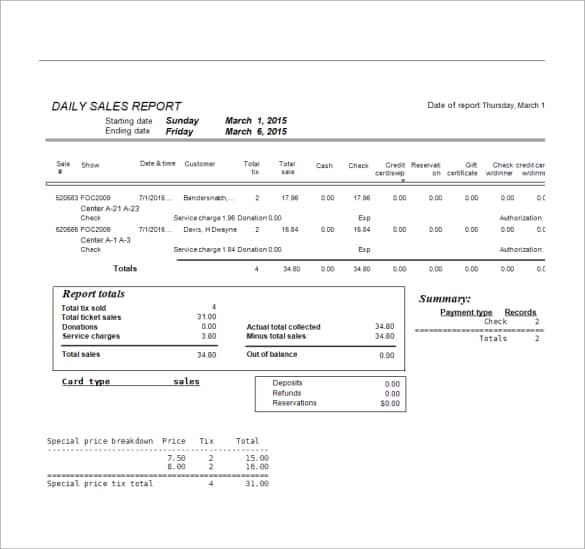
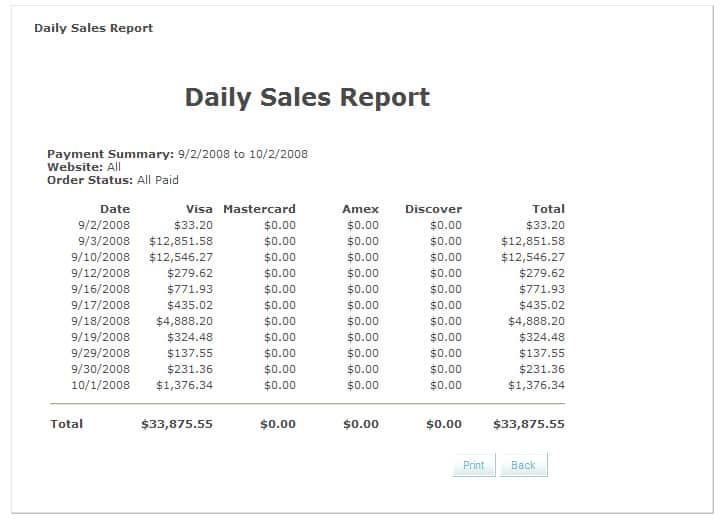
Daily Sales Report Formats
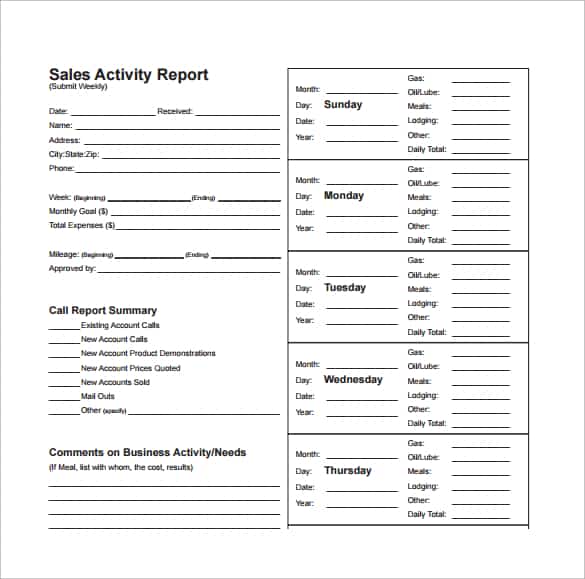
Weekly Sales Report Templates


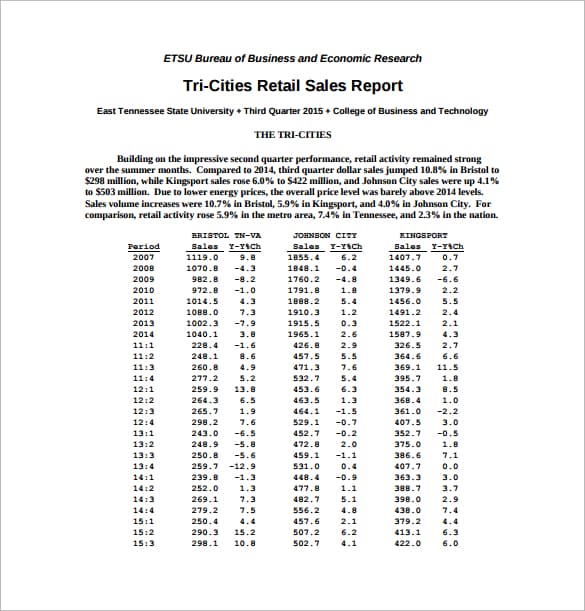
Monthly Sales Report Formats PDF


Download two customizable templates
These original downloads are hosted on Templates Front. Each ZIP contains the template files and instructions described below.
Monthly sales summary
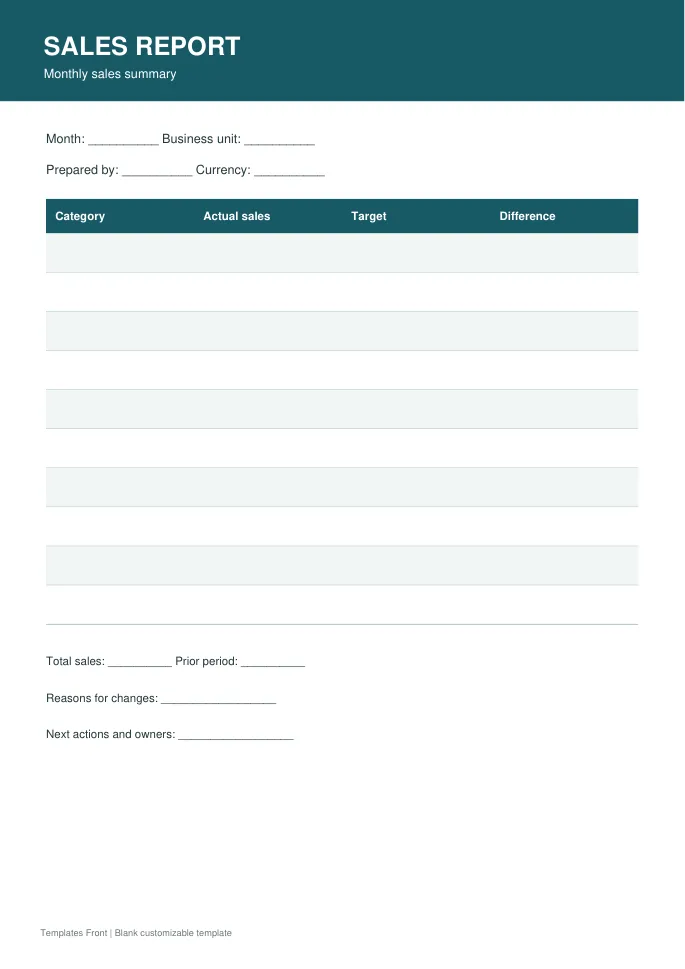
Printable PDF and editable HTML document. Open the HTML in a browser, click the text to edit, then print or save. Tables do not calculate automatically.
Sales pipeline review
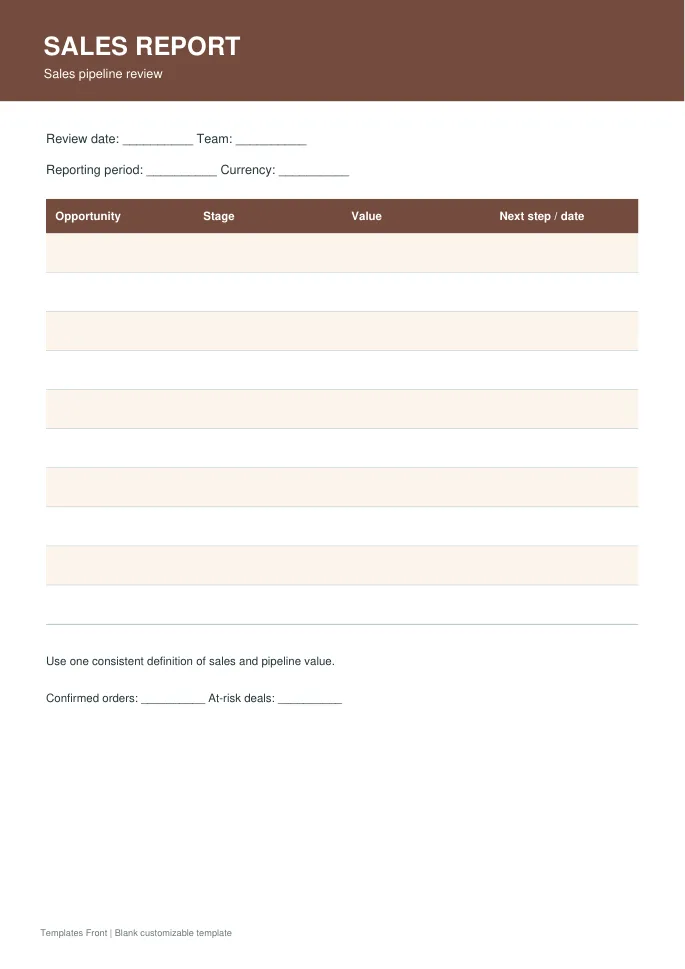
Printable PDF and editable HTML document. Open the HTML in a browser, click the text to edit, then print or save. Tables do not calculate automatically.
Frequently asked questions
Is sales revenue the same as cash collected?
No. The timing and meaning can differ. State exactly what your report measures.
Should returns be included?
Apply a clear and consistent treatment so readers understand whether figures are gross or net of returns.
How many charts are needed?
Use only charts that help answer the report's questions. Clear definitions and reconciled totals matter first.
How do I tell a downloadable file from a source page?
The buttons distinguish file links from external source pages. A source page may contain a download, a paid listing, or further information. Check its file type, availability, and usage terms before relying on it. A preview by itself does not promise an editable file.
