
“See you tomorrow” works only when both people already agree on tomorrow’s time and place. Appointment confirmation email templates help you put the actual arrangement in one short message, so the recipient can check it quickly and raise a problem before the appointment.
There are 8 downloadable email examples below, each with a preview. Use the closest match as a starting point, then replace its details with the confirmed booking. A friendly consultation, a formal interview and a meeting with an existing client can share the same essential information while sounding different.
The guide begins with the details that prevent confusion, followed by short sample wording for different situations. Keep the final email easy to scan on a phone. The purpose is to confirm a specific arrangement and make the next step clear, rather than turn a simple booking into a long explanation.
Put the arrangement where the reader will see it
Use a subject line that identifies the appointment and its date, such as “Consultation confirmed — 12 November.” In the opening, state the appointment type, date, start time and location or joining method. Add the expected duration if it has been agreed.
Use a month name when a numeric date could be misunderstood. For remote appointments, state the time zone rather than assuming the recipient uses yours. The message should remain understandable if it is forwarded to an assistant or reopened several days later.
A short block of labeled details often works better than hiding the essential arrangement in the middle of a welcoming paragraph.
Separate confirmation from a request for confirmation
Decide whether the booking is already agreed or still needs the recipient’s acceptance. “Your appointment is confirmed” describes a completed arrangement. “Please reply to confirm whether this time works” asks for a decision. Combining those statements without explanation can leave both parties waiting.
If you are offering a proposed time, describe it as a proposal and explain how long the slot can be held if that matters. If an appointment is confirmed but you need acknowledgment, say that directly.
Make any requested reply specific: confirming attendance, choosing an option or reporting an access requirement are different tasks and should not be buried in a vague closing line.
8 downloadable examples and previews
Choose the nearest scenario and review the downloaded wording before copying it into an email. Replace the sender, recipient, appointment date, time, time zone, location and contact route.
The text samples in the guide are additional illustrations; the buttons below lead to the original downloadable files. Use the download button for the file rather than saving the preview image. Extract ZIP packages before opening their contents, and check the format before editing.
Appointment Confirmation Email Format
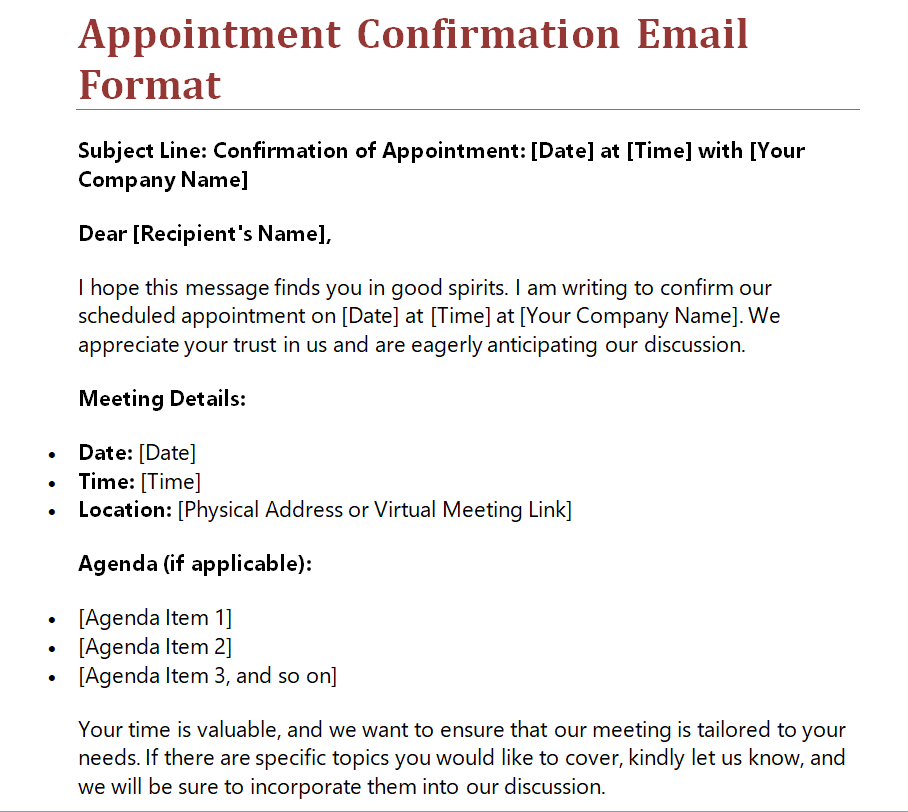

Simple Meeting Appointment Confirmation Email Template
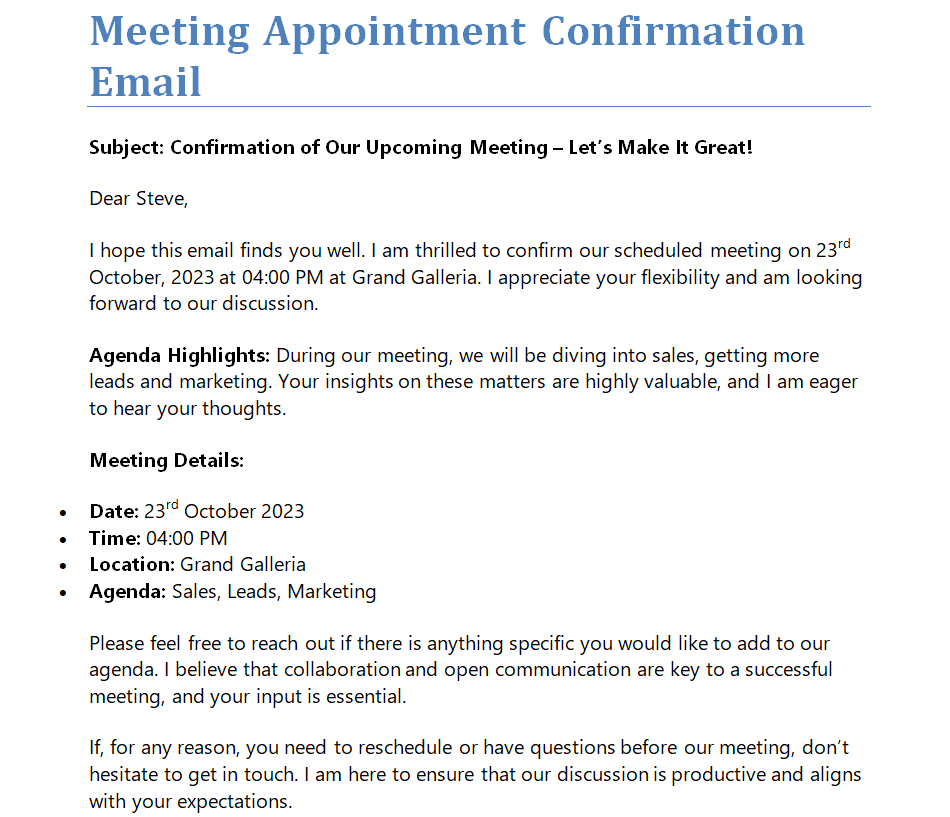
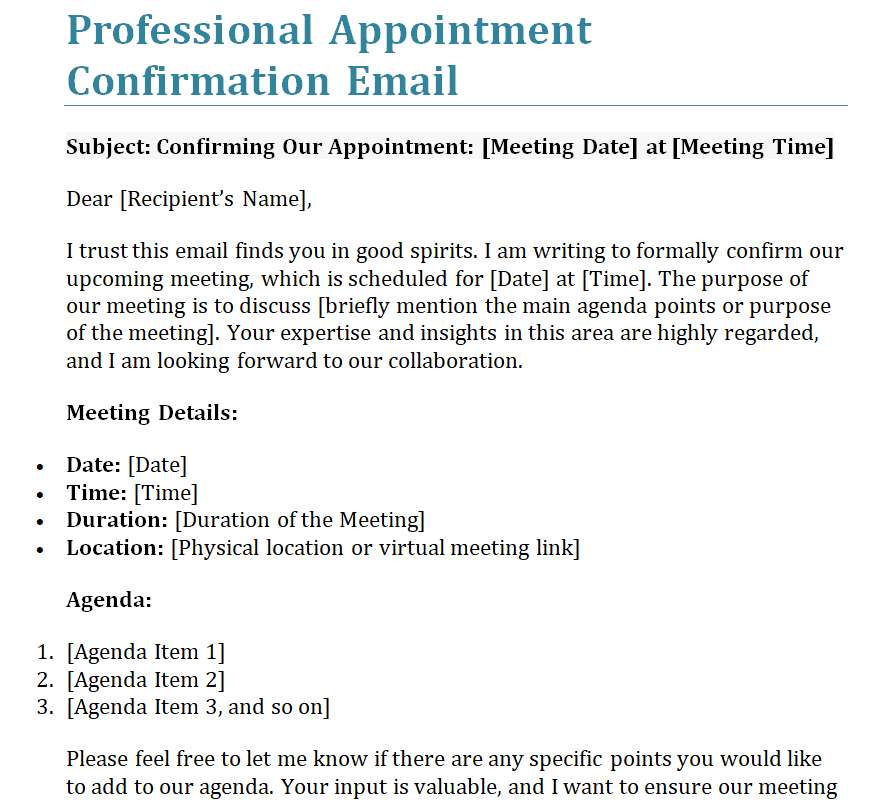
Professional Appointment Confirmation Email Example
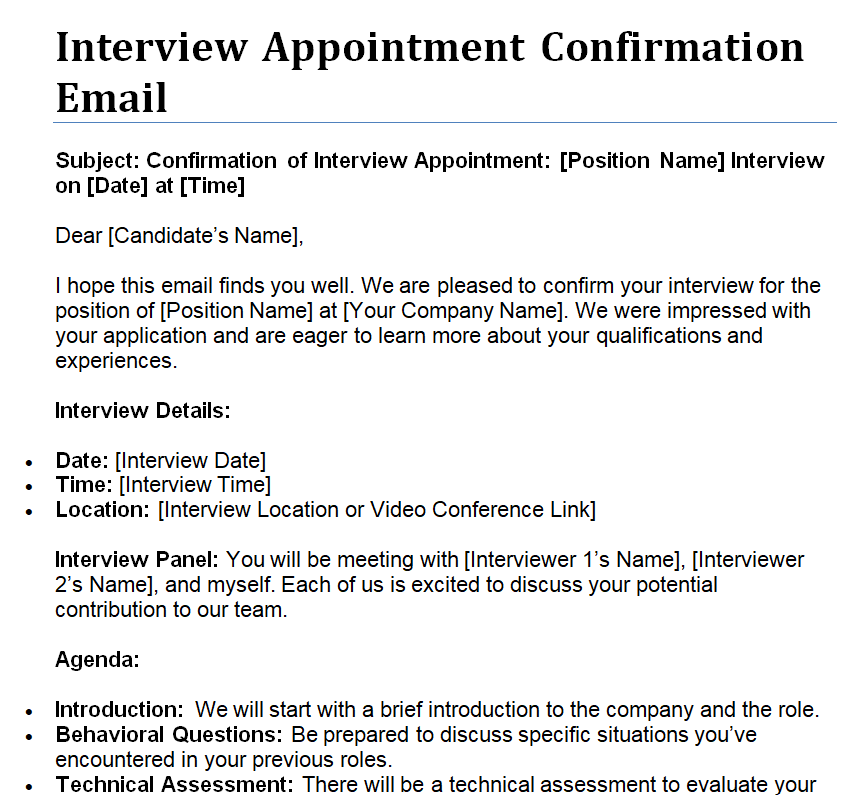
Interview Appointment Confirmation Email Word Template
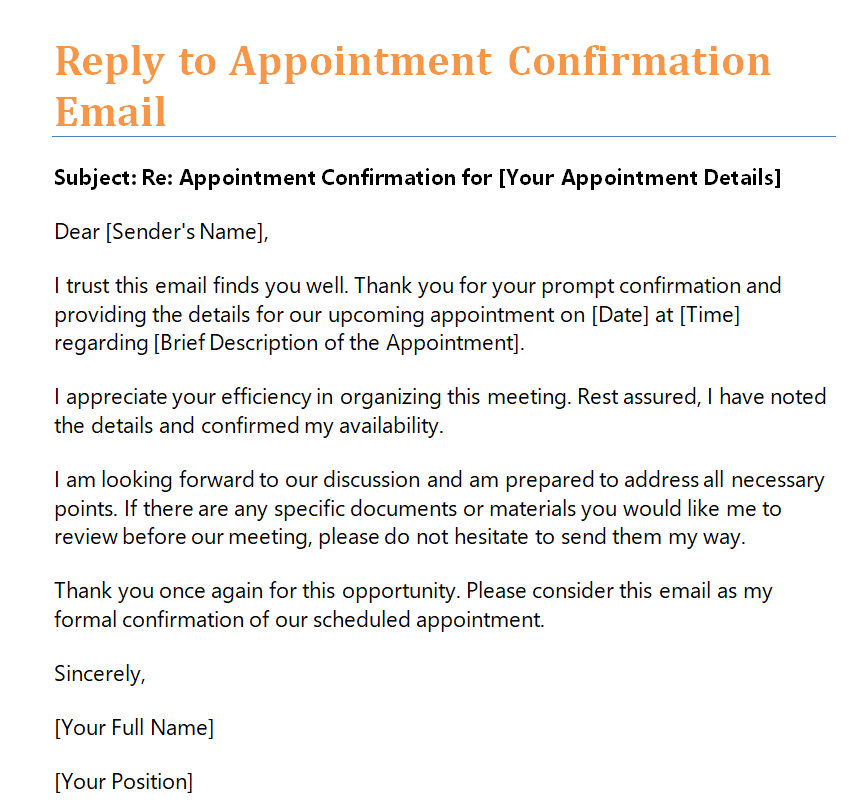
Reply to Appointment Confirmation Email Sample Doc
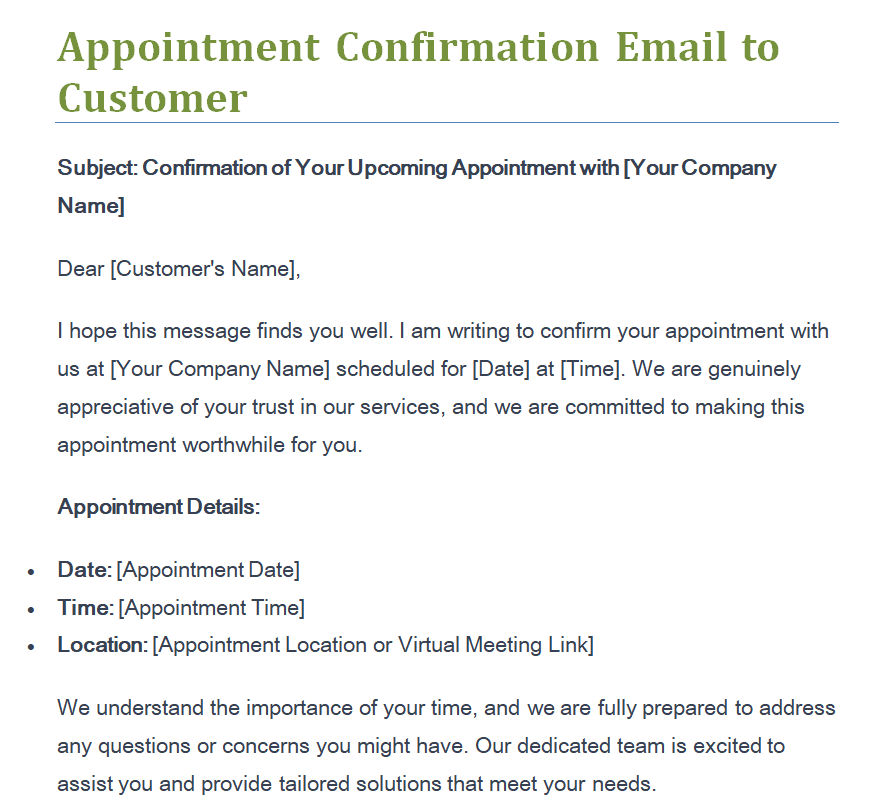
Editable Appointment Confirmation Email to Customer
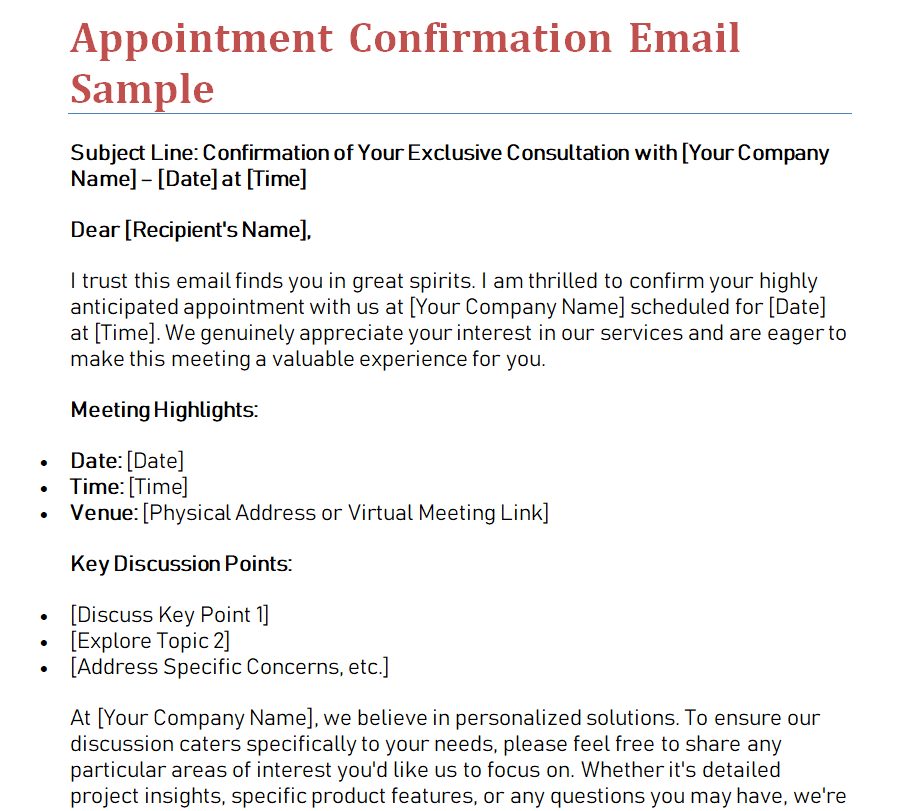
Appointment Confirmation Email Sample in MS WORD
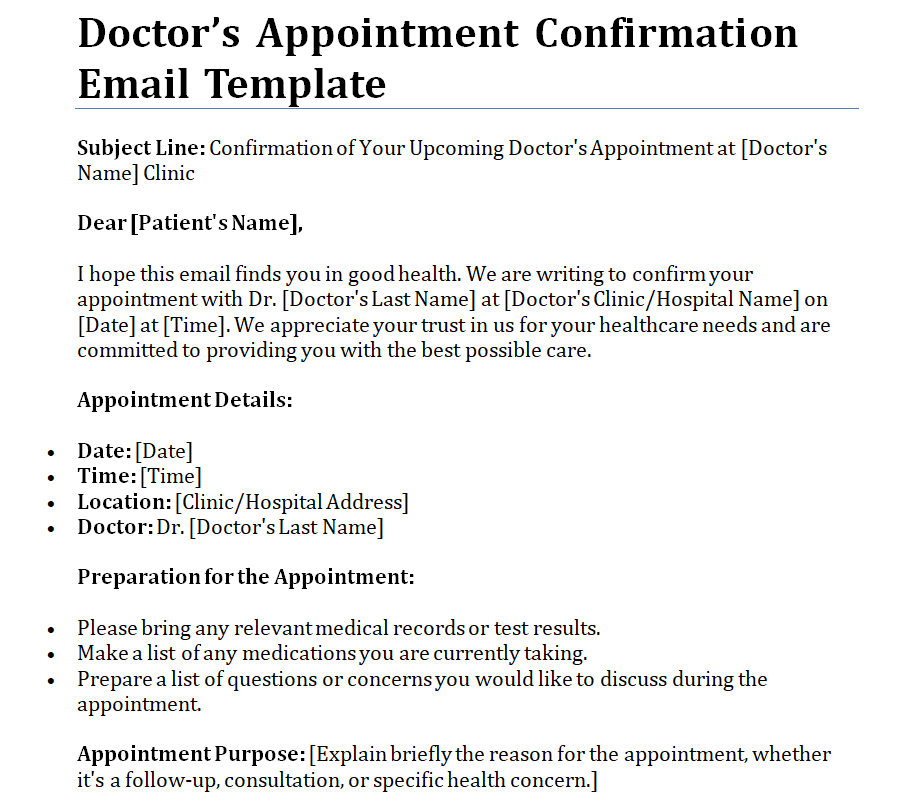
Doctor's Appointment Confirmation Email Template
Three short ways to confirm the same kind of booking
For an existing client, a direct version might read: “Hi Maya, our project review is confirmed for 12 November at 2:00 pm PKT. We have set aside 30 minutes.
Please use the meeting link below and send the revised brief beforehand if it is ready.” For a first consultation, add context: “Hello Daniel, I’m writing from the design team to confirm your consultation on 12 November at 2:00 pm PKT at our office.
Please bring your reference photos. Reply here if you need directions or a different time.” When the time is only proposed, change the opening: “Would 12 November at 2:00 pm PKT suit you for a 30-minute consultation?
Please reply before we finalize the booking.” These are illustrative text samples, separate from the downloadable examples. Their differences come from the booking’s status and the relationship, while the essential facts remain easy to locate.
Tailor the tone without changing the facts
For an established client, a warm opening can be enough: “Thanks, Maya — our review is booked for Thursday.” A first meeting may need your full name, role and organization so the recipient knows who is writing.
A formal interview may call for the interviewer’s name and an outline of the next step. Keep the degree of formality appropriate to the relationship, but preserve the practical details in every version. Avoid adding enthusiasm that sounds unnatural for the appointment.
A calm, courteous message is usually easier to trust than one packed with superlatives. Check the recipient’s name rather than relying on the greeting left inside the downloaded example.
Explain preparation in a short, separate paragraph
Include only the preparation needed for this particular appointment. A design consultation may require a brief or a few reference images; a document review may require the current draft. Tell the recipient what to bring or send, and by when, if timing affects the meeting.
Do not attach unrelated material just because it is available. For appointments involving personal information, use the organization’s appropriate channel and avoid placing unnecessary sensitive detail in the subject line. If no preparation is required, a brief sentence can remove uncertainty.
Keep directions, parking or access notes proportionate so the main booking details remain visible above the extra information.
Make changing the appointment straightforward
A confirmation should explain how to report a conflict. That might be replying to the email, calling a named contact or using an approved booking link. Test the route you provide and make sure it reaches someone who can act.
Include a cancellation or rescheduling deadline only when it reflects the actual arrangement; a template should not invent a policy or fee. If the appointment has changed, identify the new details explicitly and make clear which earlier arrangement they replace.
A changed time hidden inside an otherwise familiar message is easy to miss. For a significant change, ask for acknowledgment so you can establish whether the recipient has seen it.
Check the message against the calendar record
Before sending, compare the email with the actual booking rather than with your memory of the conversation. Check the recipient list, date, start time, time zone, duration and venue. For online appointments, open the joining link and confirm that it is the intended one.
Review any attachment names and remove outdated versions. If you also send a calendar invitation, keep its details consistent with the email. A polished message creates more confusion when its date differs from the invitation beside it.
After a change, update the records you control and note any external confirmation still required. This brief reconciliation is often more useful than another round of decorative editing.
The final minute before sending
- Compare the details with the confirmed booking.
- Check the recipient’s name and email address.
- Use a clear date and an explicit time zone.
- Test the venue directions or joining link.
- State any necessary preparation without unrelated attachments.
- Provide a working way to report a conflict.
When the recipient is in another time zone
Use an explicit time zone alongside the appointment time, and check any conversion before including a second local time. If the conversation spans a clock change, confirm the time for the appointment date rather than reusing a conversion from an earlier meeting.
For recurring appointments, establish how the schedule is intended to behave when local clocks change. Keep the email and calendar invitation consistent, and avoid adding several competing time references that make the reader calculate which one applies.
If there is still uncertainty, resolve it before describing the appointment as confirmed. A quick clarification now is easier than repairing a missed meeting later.
Related templates
For confirmations about a purchase rather than a meeting, use the different structure in order confirmation email templates.
When an appointment is part of a longer organized visit, outline the wider timetable with event itinerary templates.
For group appointments, keep the initial attendance list separate from individual confirmations using sign-up sheet templates.
Frequently asked questions
How long should a confirmation email be?
Use enough space to make the appointment and next step unambiguous. Many confirmations need only a short opening, a block of details and a brief closing. Add directions or preparation when needed, but keep the essential arrangement easy to find.
Should I ask the recipient to reply?
Ask when acknowledgment or another decision is useful. Say exactly what the reply should confirm. If no reply is needed, you can state that and still explain how to contact you if the arrangement is wrong or circumstances change.
Can I send a confirmation before the time is agreed?
You can send a proposed booking, but label it as a proposal. Make the requested response and next step clear. Calling an unaccepted suggestion a confirmed appointment can cause confusion about whether either party has actually committed to the time.
What should I write when an appointment is rescheduled?
Identify the new date and time and state that these replace the earlier arrangement. Include the venue or joining details again if needed. Update any calendar invitation you control and request acknowledgment when you need to know that the change has been received.
Can the same template work for different businesses?
The basic structure can transfer, but the details need adaptation. Review the sender identity, preparation instructions, contact route and any policy wording. Keep only statements that apply to the actual appointment, and check the organization’s approved process for sensitive information.
You can also browse more options in the Email Templates category.
