
A good purchase order leaves little room for the supplier to guess. It identifies what you want to buy, in what quantity, at which agreed price, and where the delivery should go. These purchase order templates in Excel provide different layouts for organizing that information before an order is sent.
The collection contains 31 examples with previews and downloadable files. Start with the fields your purchasing process needs, then choose a layout that accommodates them. A small one-off order may fit on one page; an order with specifications, delivery stages or multiple locations may need supporting details.
Keep a purchase order distinct from a quotation, invoice and delivery note. They describe different stages of a transaction. The useful work is making the references and quantities agree across those stages, rather than giving every document the same heading.
| Document | Main purpose |
|---|---|
| Quotation | Describes a proposed price and scope. |
| Purchase order | Records the buyer order details and reference. |
| Delivery note | Records the goods accompanying a dispatch. |
| Invoice | Records a billing request to reconcile with the agreement. |
Build the order around the supplier and delivery
Identify the buyer and supplier using the names and contact details that the parties actually use. Include a unique purchase order reference, issue date, billing information and delivery address. If someone else receives the goods, give the correct receiving contact and any agreed arrival arrangements. A supplier should not have to infer the destination from an old invoice. Where delivery is split, record the quantities and dates clearly rather than placing one ambiguous date above several different requirements. Confirm a changed address or contact through the appropriate purchasing process before releasing the order.
Describe the item well enough to check it on arrival
Use a recognizable item description and any relevant part code, model, size, specification or unit of measure. State whether quantity means individual units, packs, hours or another basis. Compare the description with the supplier quotation so that a similar product is not mistaken for the one you intended to order. Include an agreed substitution process where needed. If a drawing or specification forms part of the order, identify its current reference and revision. A vague line such as “materials as discussed” is difficult for another colleague to verify when the goods arrive.
Check the calculation without trusting the layout
Review unit prices, quantities, discounts, delivery charges and any applicable tax treatment against the actual agreement. Do not assume a downloaded spreadsheet contains formulas in every expected cell. Enter a few test lines and check the result independently, then remove those test entries. When extending a table, inspect the total range and references. Keep numbers and currency consistent, and distinguish a blank field from a genuine zero. A professional-looking total does not show whether a charge has been omitted or counted twice.
Give the order a clear approval and amendment trail
Use the approval process appropriate to your organization before sending an order. Record who prepared it, which reference was approved and what version the supplier received. If a quantity or specification changes later, identify the amendment and confirm how it affects the earlier order. Avoid silently replacing a shared file while the supplier is working from a previous copy. Store the supplier acknowledgment, receiving record and invoice alongside the purchase order reference. This makes an unanswered quantity or price difference easier to investigate without searching several unrelated email threads.
Example: ordering supplies for a small shop
A shop orders ten cartons of a product, with twelve units in each carton. The purchase order should state whether the price is per carton or per unit. The delivery note can then be checked against the ordered cartons and the invoice against the agreed price basis. If only eight cartons arrive, the receiving record should show the partial delivery rather than changing the original order quantity to match it. A later delivery can refer to the same purchase order while identifying what remains outstanding. This simple distinction preserves what was requested, what was received and what has been billed.
31 downloadable examples and previews
Use the preview to compare the layout, then choose the download button for the actual file. Extract ZIP packages before opening them. Check the file format and contents before editing; a preview is not itself an editable document. Keep a blank original and save completed versions with clear filenames.
Download Purchase Order Templates in Excel
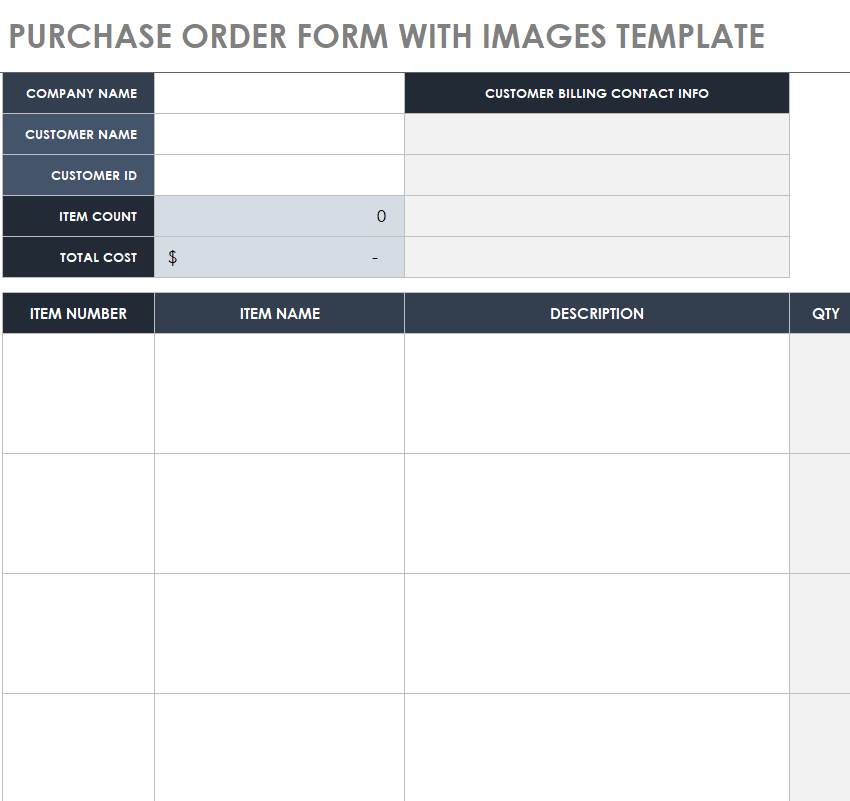
Purchase Order Form Template with Images
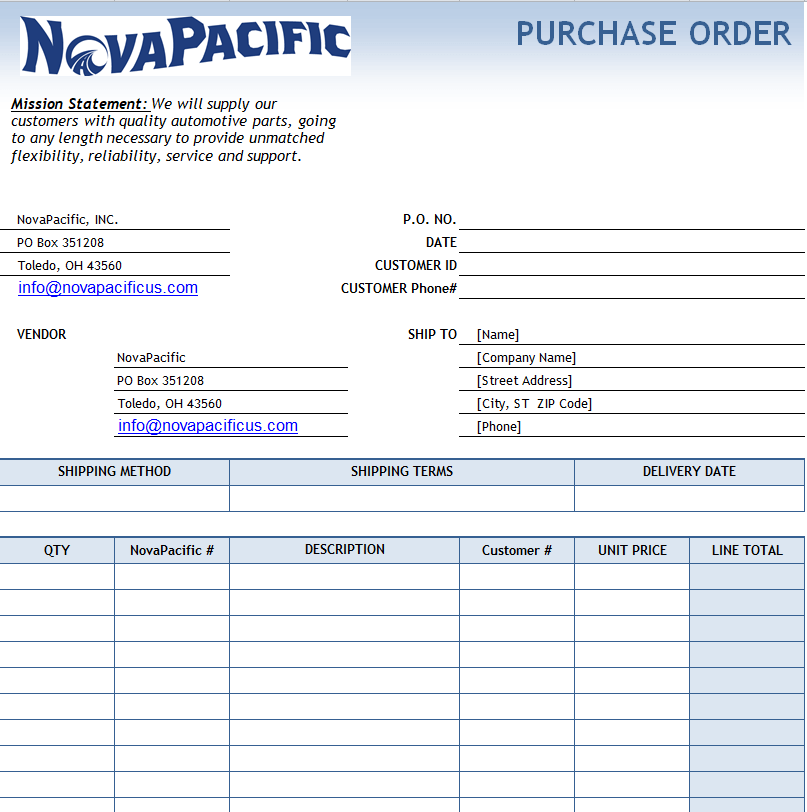
Official Purchase Order Template
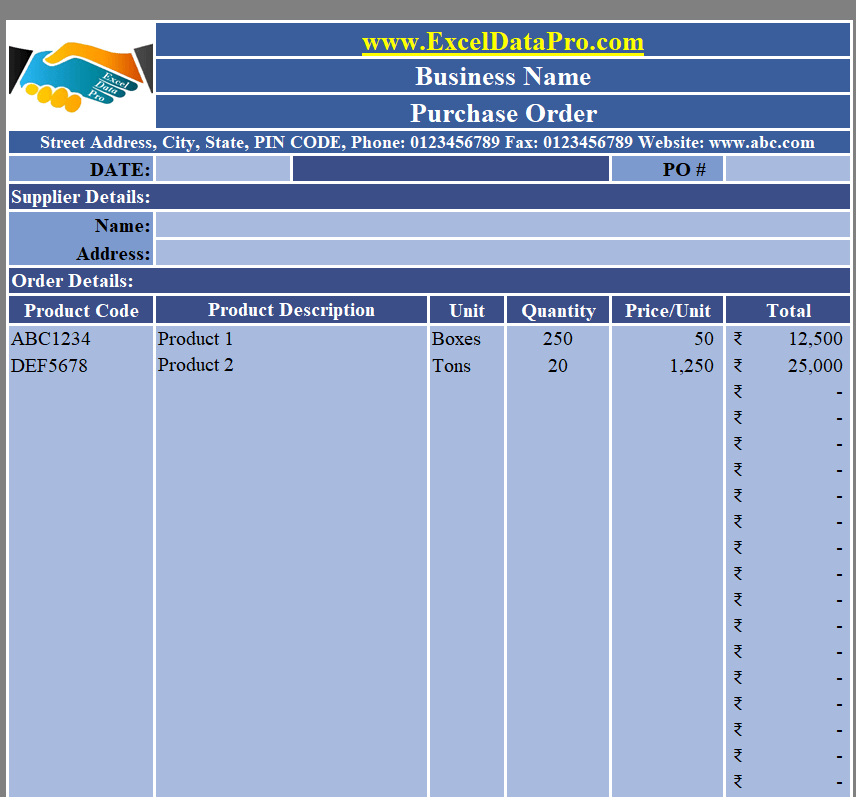
Business Purchase Order Template Excel
File Size: 26 KB
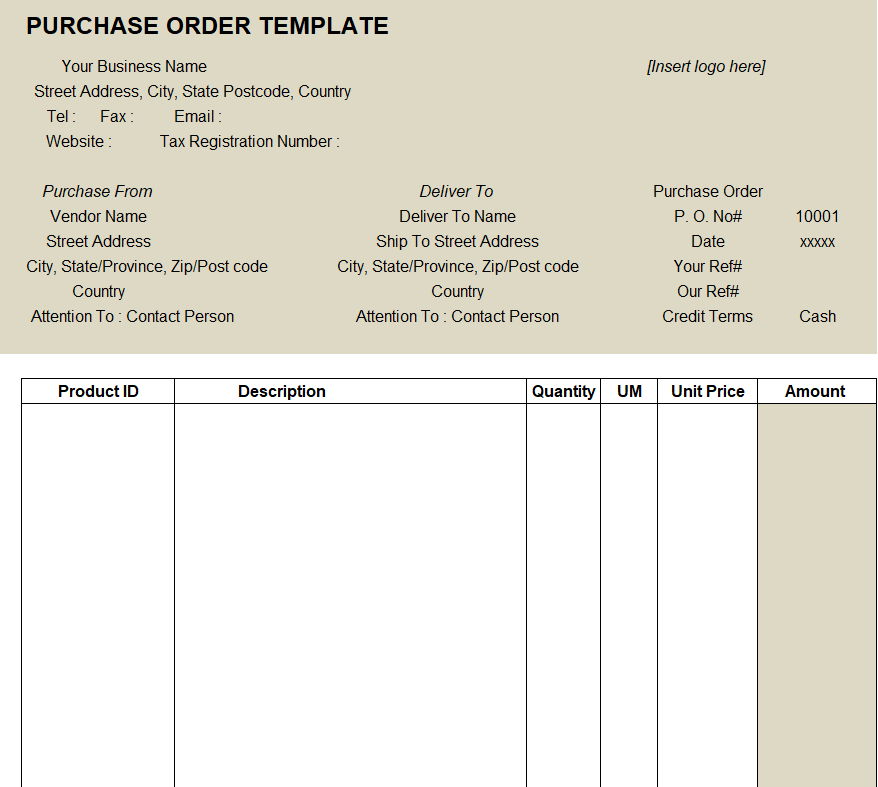
Blank Purchase Order Template
File Size: 15 KB
Professional Purchase Order Template in MS EXCEL
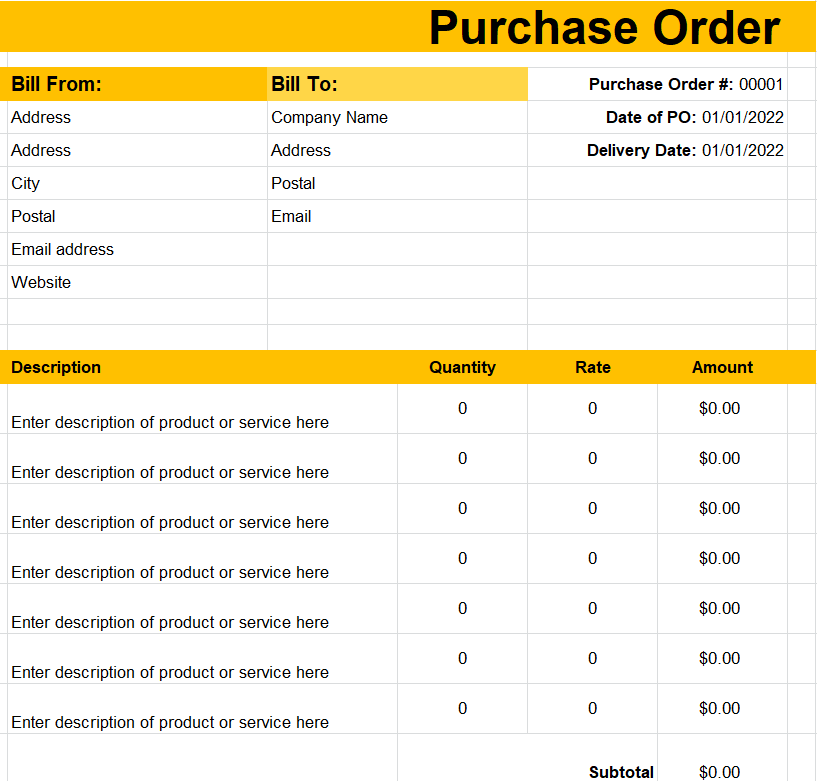
File Size: 145 KB
Fillable Purchase Order Template
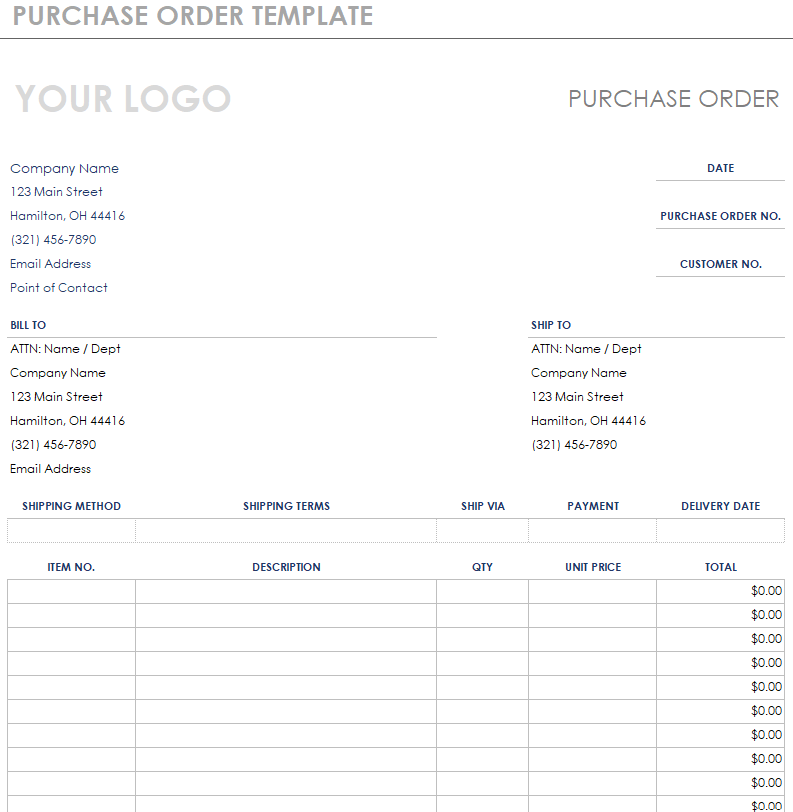
File Size: 49 KB
Standard Purchase Requisition Template
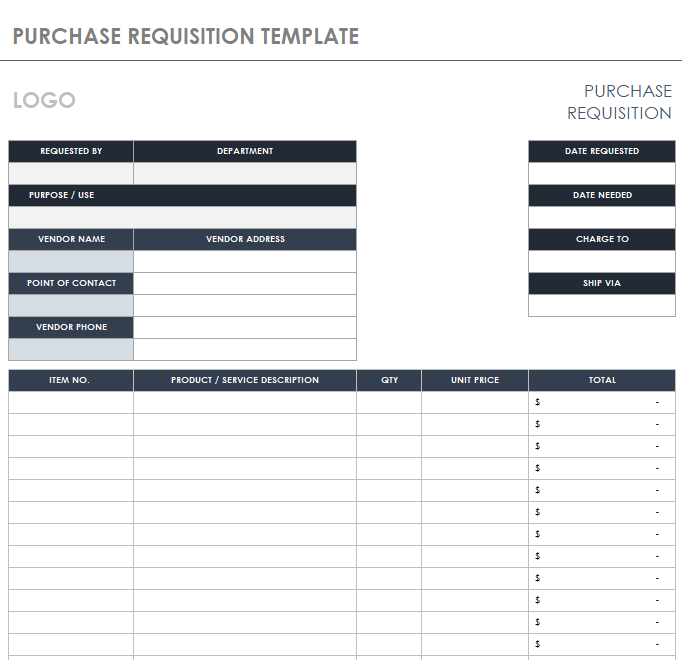
File Size: 351 KB
Simple Purchase Order Excel Template
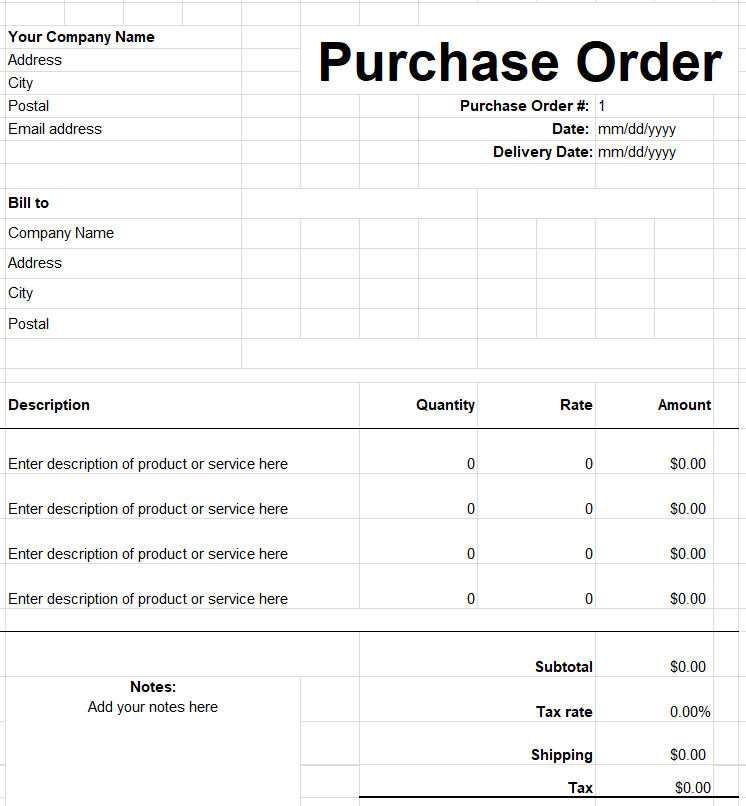
File Size: 146 KB
Organization’s Purchase Order Template
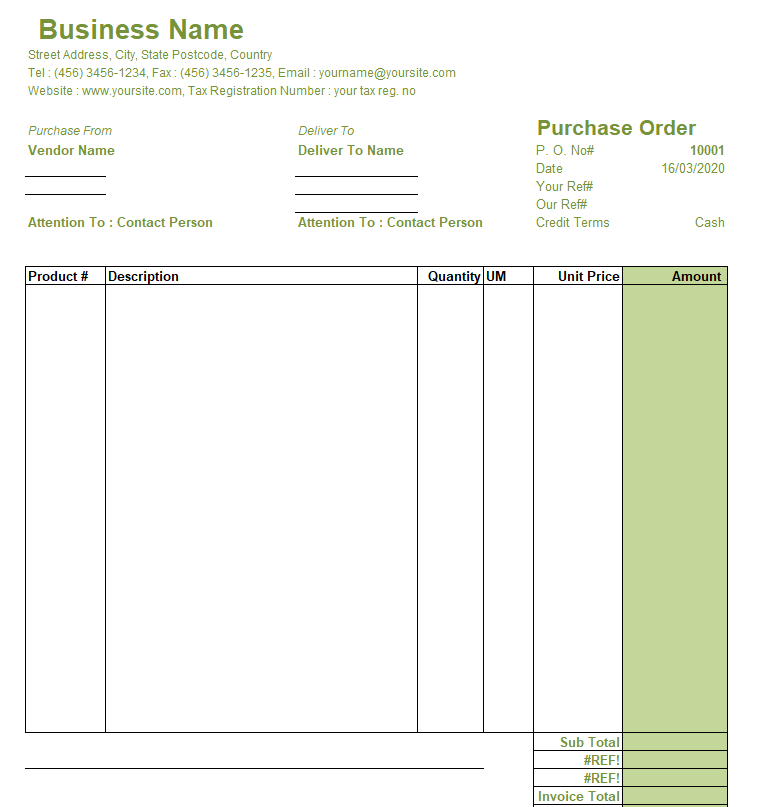
File Size: 15 KB
Company’s Purchase Order Template Excel
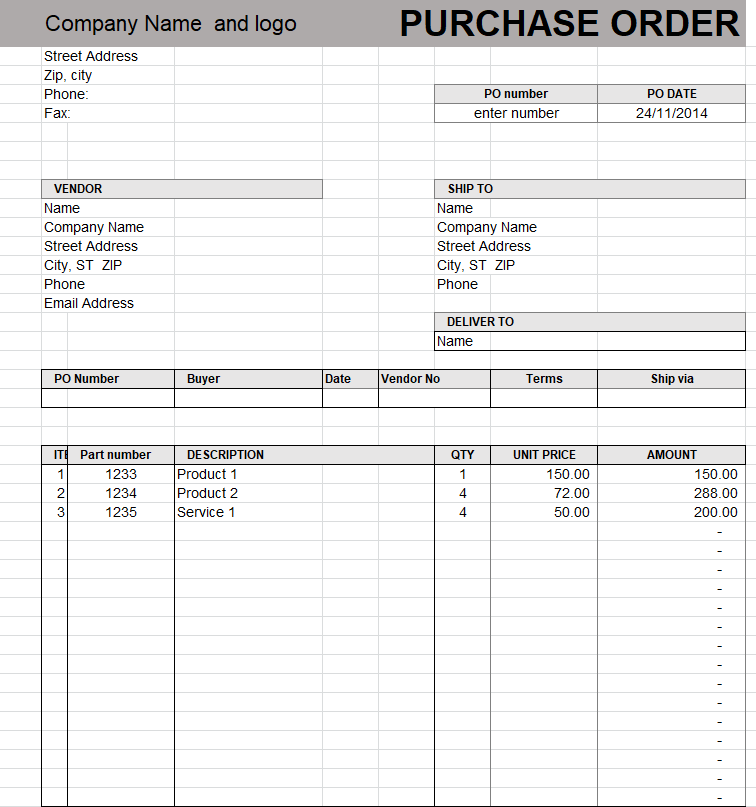
File Size: 11 KB
Purchase Order Checklist Template Excel
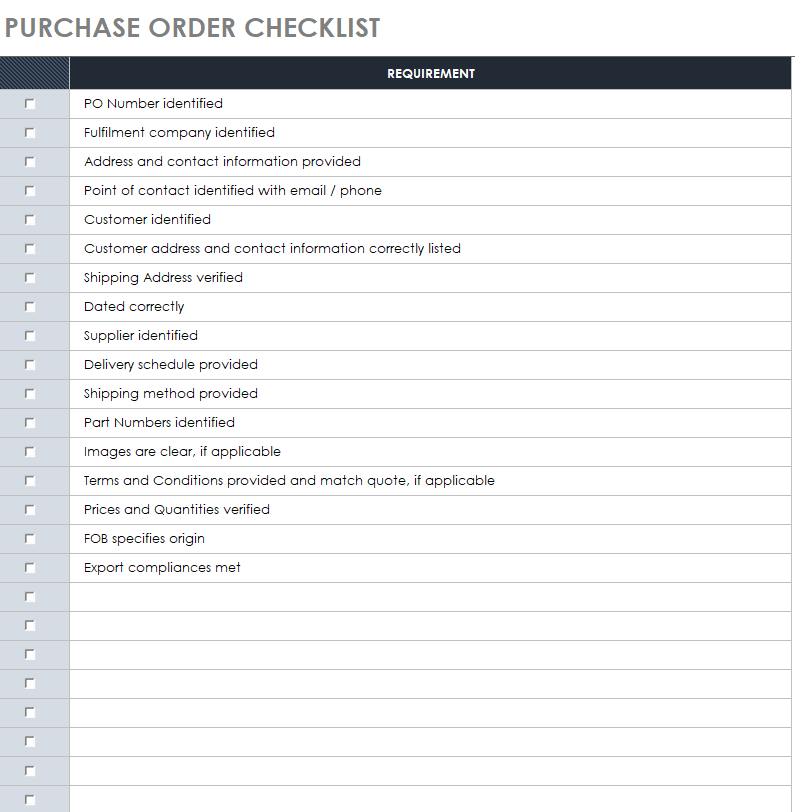
File Size: 46 KB
What is a Purchase Order?
A purchase order or PO is an official document issued by the buyer to initiate a purchase of products or procurement of materials or other goods. This formal piece of paper is an important document that is used by almost every type of business regardless of the size or nature of its operations. A standard purchase order includes the details of a particular order like item(s) name, quantity, price, etc.
This document is frequently used in business organizations, especially in small-scale businesses, as they have to procure materials or order goods quite often. As large-scale organizations often purchase goods in bulk, hence they are in less need of a purchase order but still, they have a purchase order template in place.
An organization can create a purchase order from scratch however using a pre-formatted purchase order template is always advised. There are a lot of different purchase order samples and templates available on the web that you can check out. However, the templates given here on this page are in excel format. The purchase order excel template is always helpful in creating a practical purchase order for your organization.
FREE Purchase Order Excel Templates
Fillable Purchase Order Excel Template
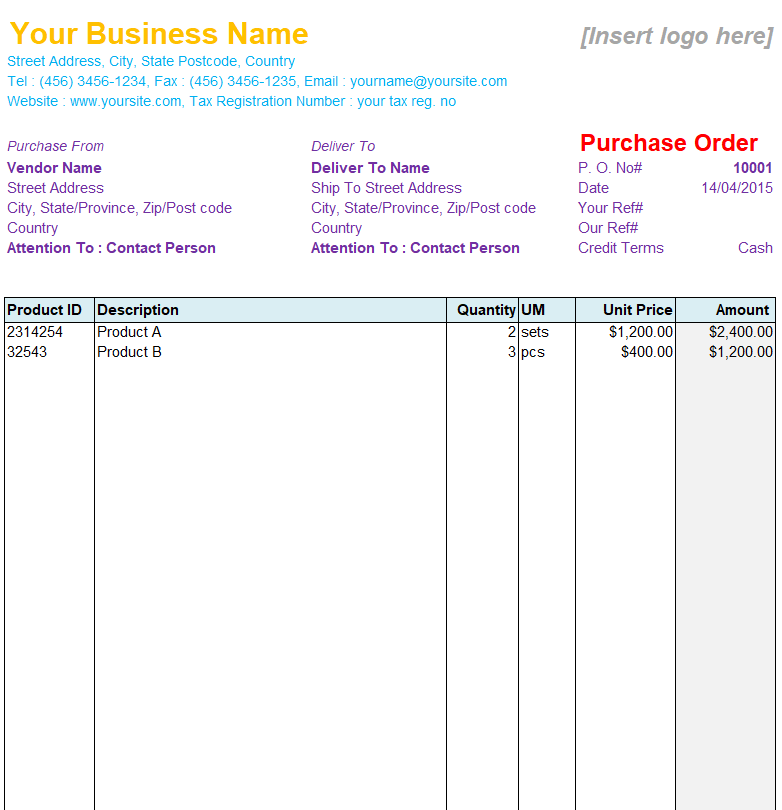
File Size: 21 KB
Blanket Purchase Order Template in XLSX Format
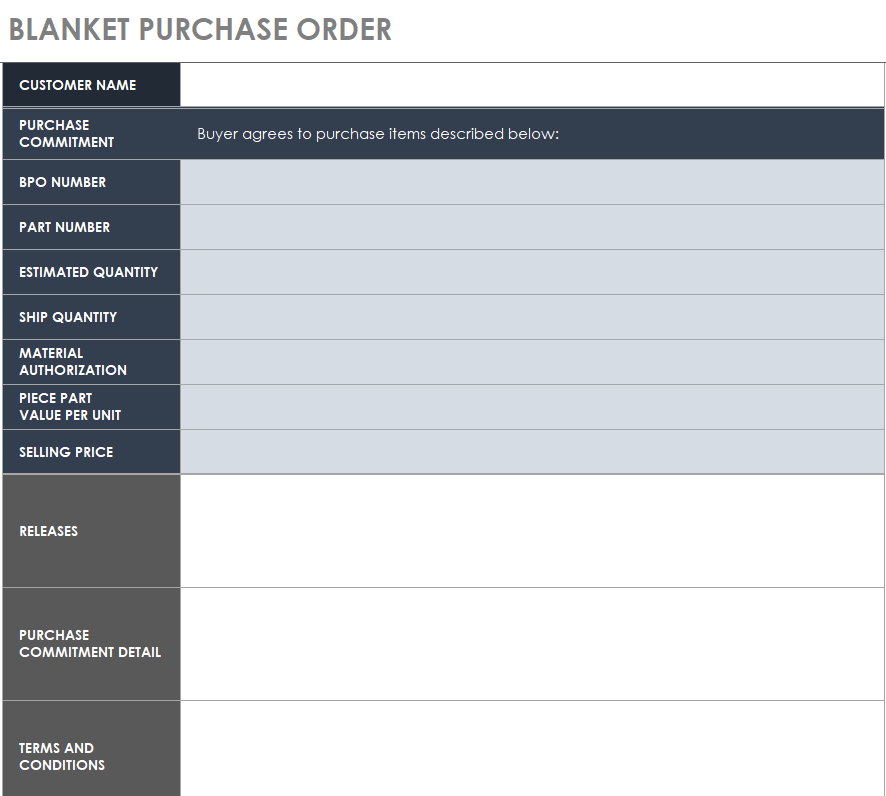
File Size: 40 KB
Special Purchase Order Sample
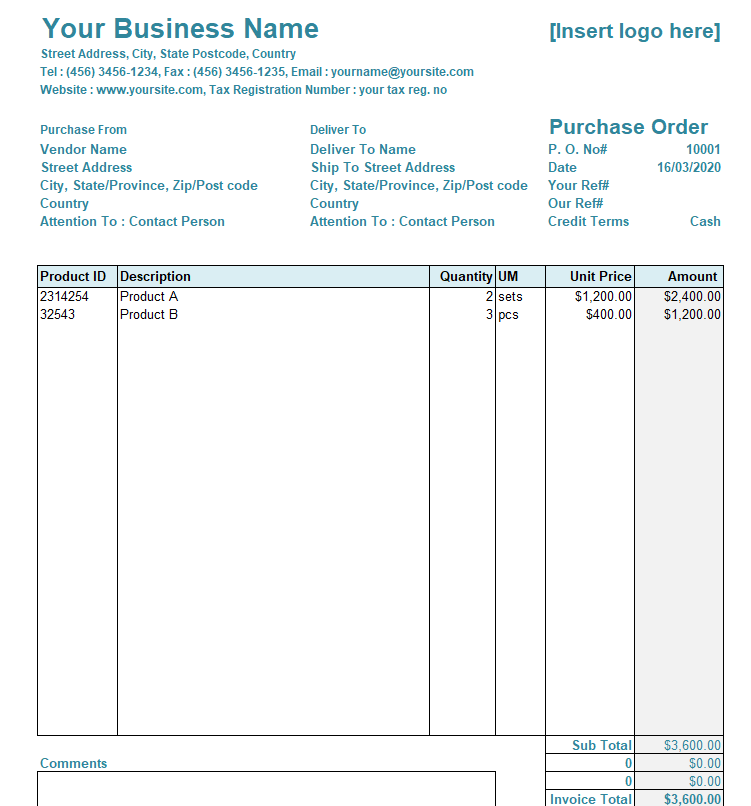
File Size: 16 KB
Digital Purchase Order Request Form Template
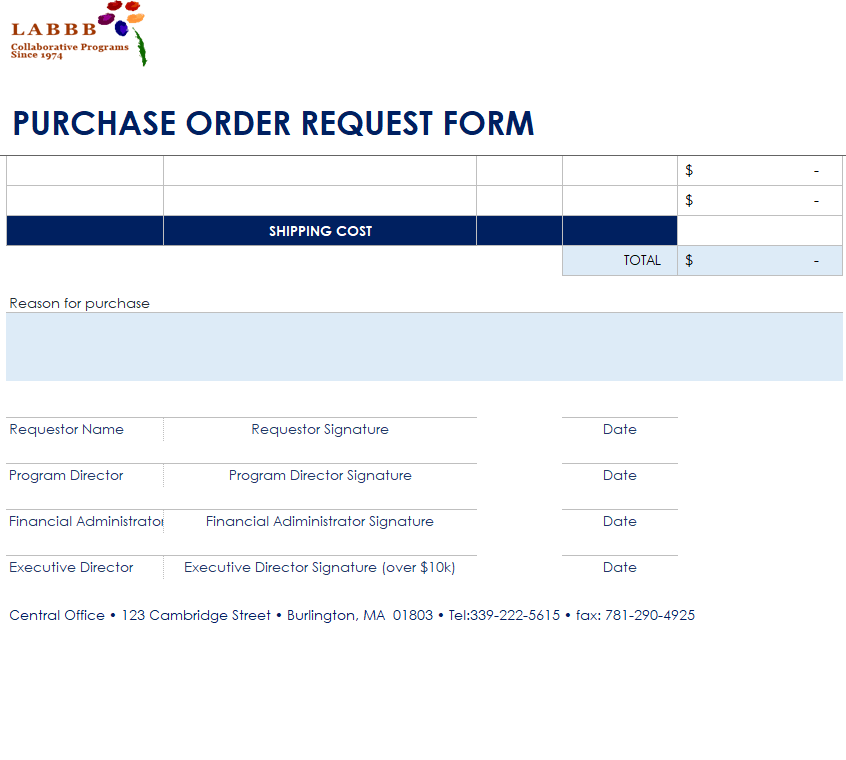
File Size: 19 KB
Blank Purchase Order Form Example
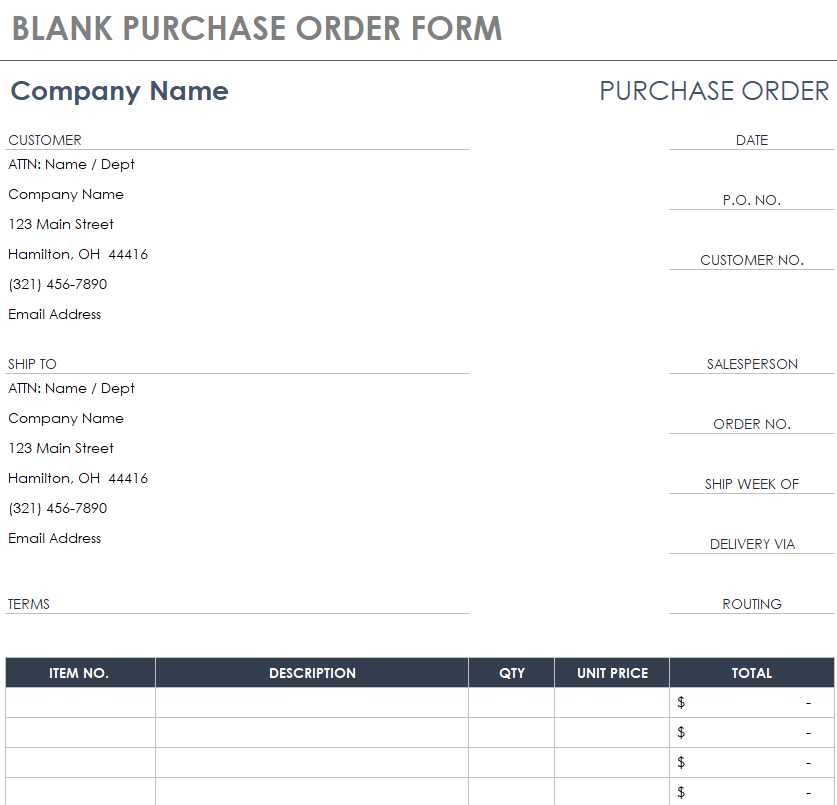
File Size: 42 KB
Standard Purchase Order Template
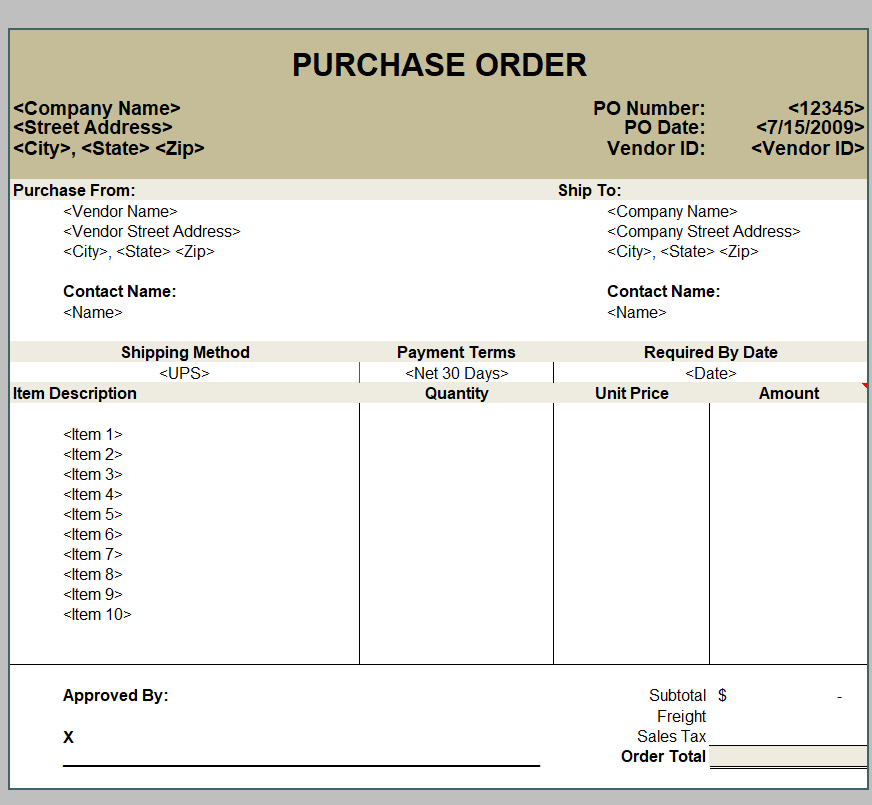
File Size: 12 KB
Purchase Order Tracking Format
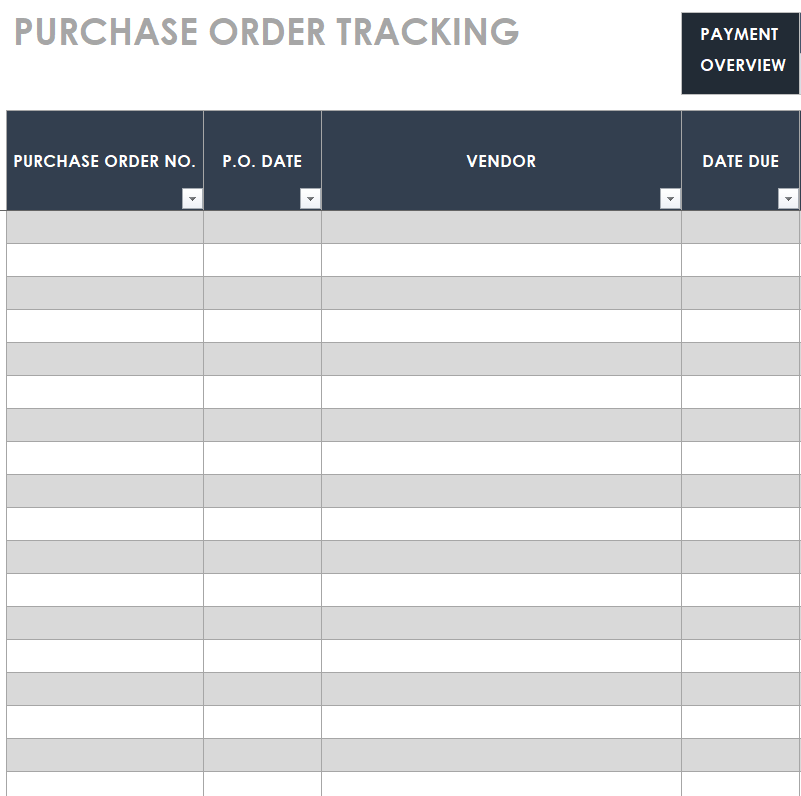
File Size: 20 KB
Local Purchase Order Template
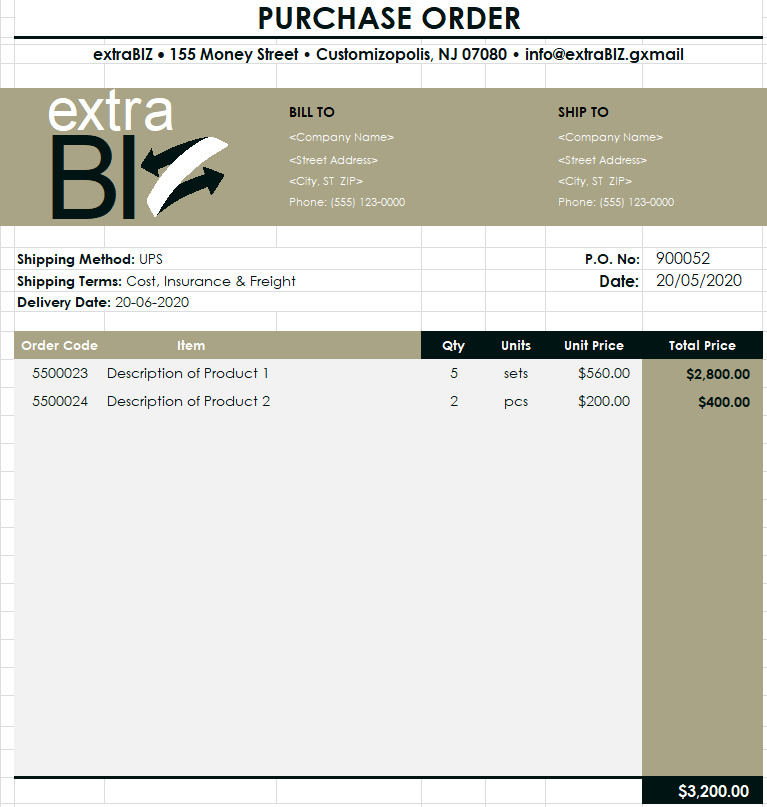
File Size: 35 KB
Formal Purchase Order Excel Template
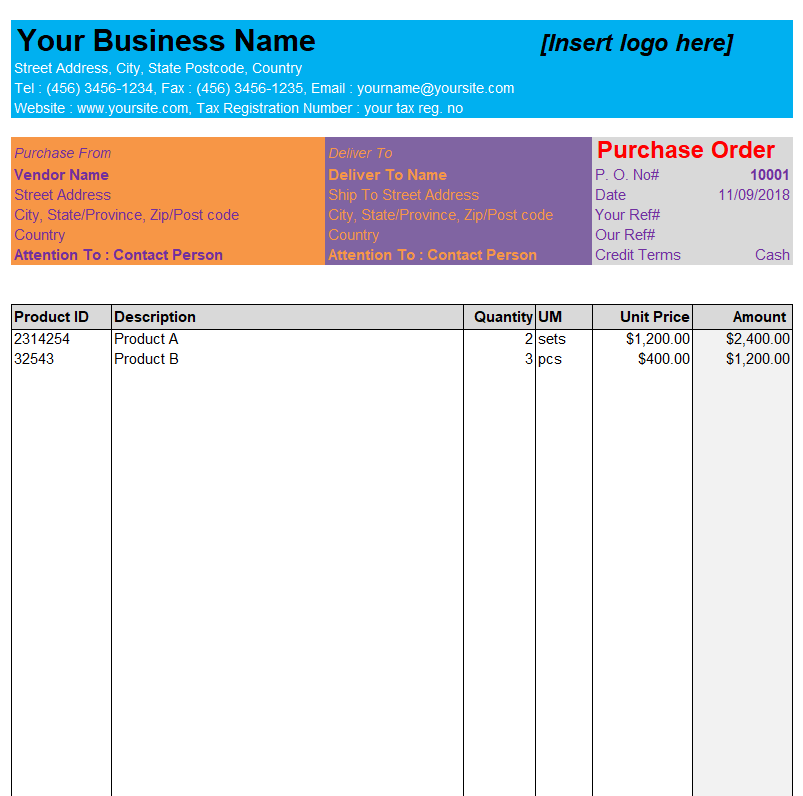
File Size: 16 KB
Handy Purchase Order Template Excel
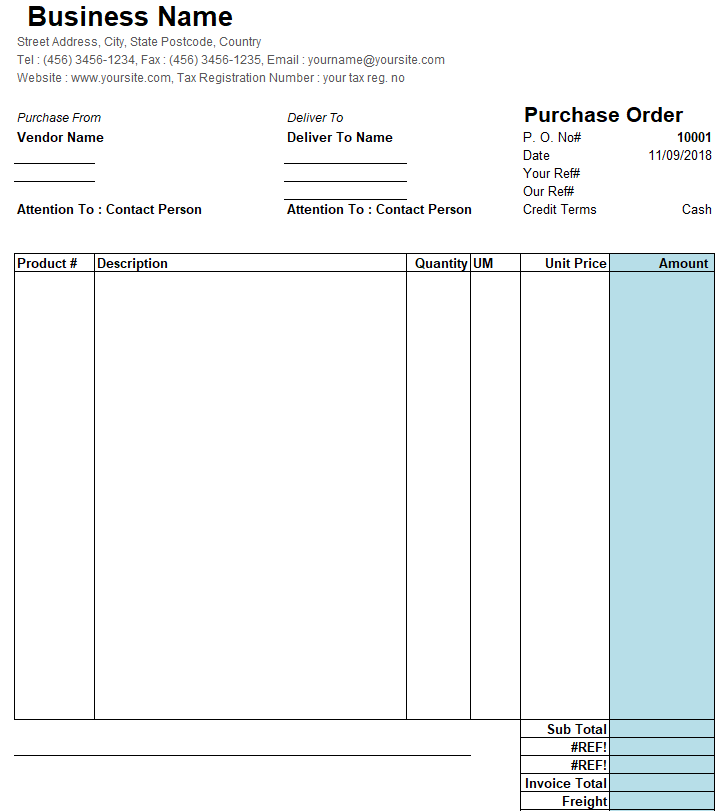
File Size: 15 KB
Process of a Purchase Order (PO)
Following is a list of the step-by-step breakdown of a purchase order:
- When the buyer decides to procure goods, he chooses a supplier or vendor.
- After selecting a vendor, the buyer sends them a purchase order. The PO contains a list of goods or materials that the buyer actually requires.
- When the vendor receives the purchase order, the next thing he will have to do is to confirm with the buyer whether or not he will be able to complete the order.
- After this confirmation, the purchase order becomes a legally binding contract. It means that the supplier should provide the required goods to the buyer in return for which the buyer should have to make the payment.
- Then the vendor delivers the required goods to the buyer and the buyer pays the amount of the order after receiving such goods.
- The seller is also required to mention the PO number on the packing slips for tracking purposes.
- The seller should also send a sales invoice that matches the PO number and other details of the order.
More Purchase Order Templates Excel
Small Business Purchase Order Template
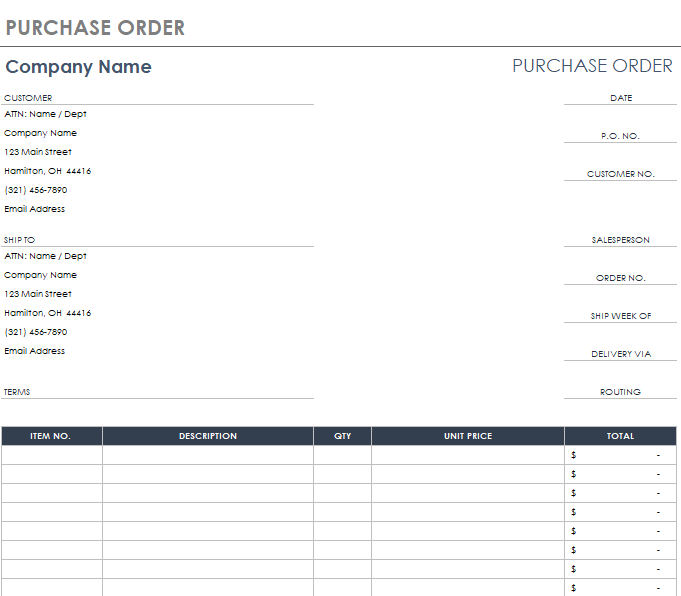
File Size: 124 KB
Modern Purchase Order Template MS Excel
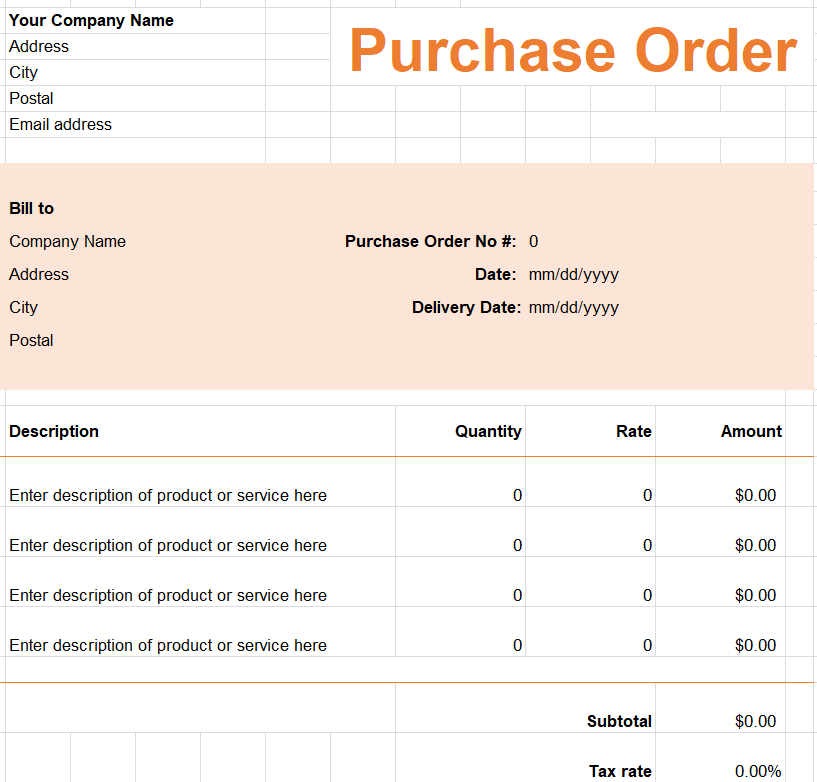
File Size: 146 KB
Entity’s Purchase Order Template
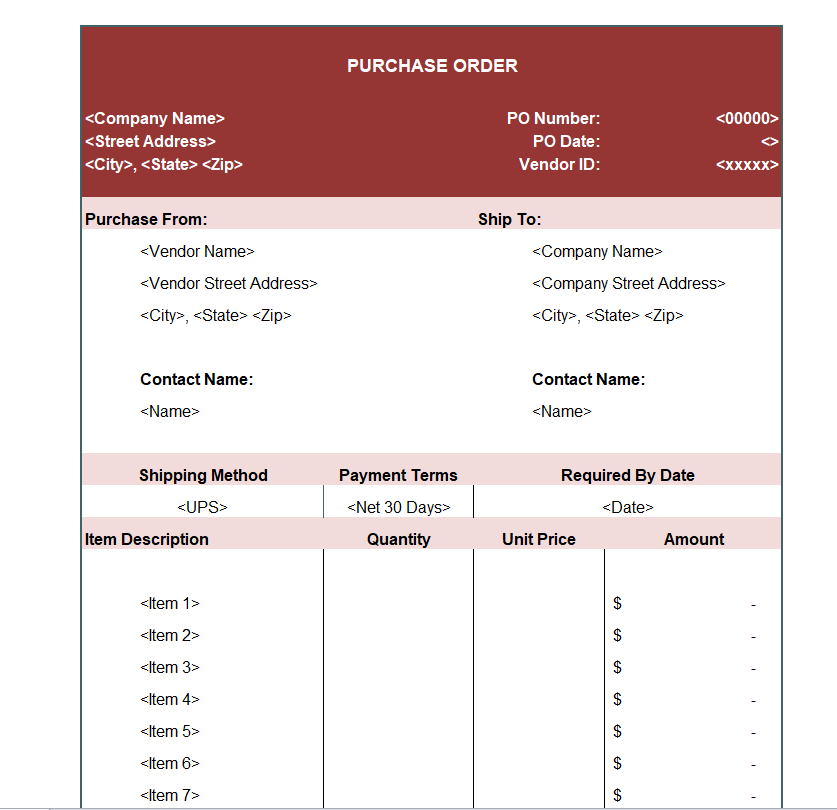
File Size: 11 KB
Institute’s Purchase Order Sample Excel Sheet
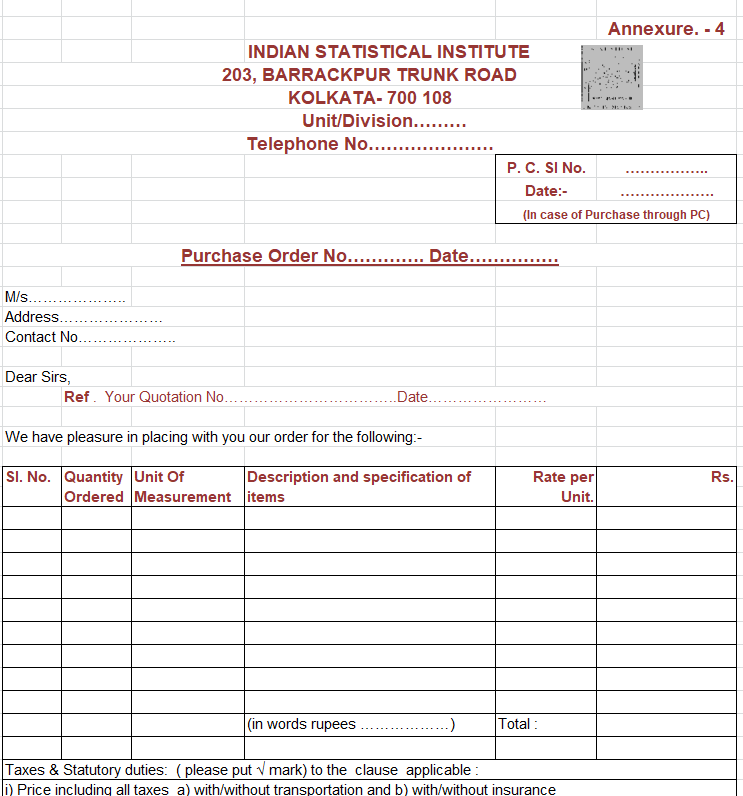
File Size: 33 KB
Free Download Purchase Order Excel Format
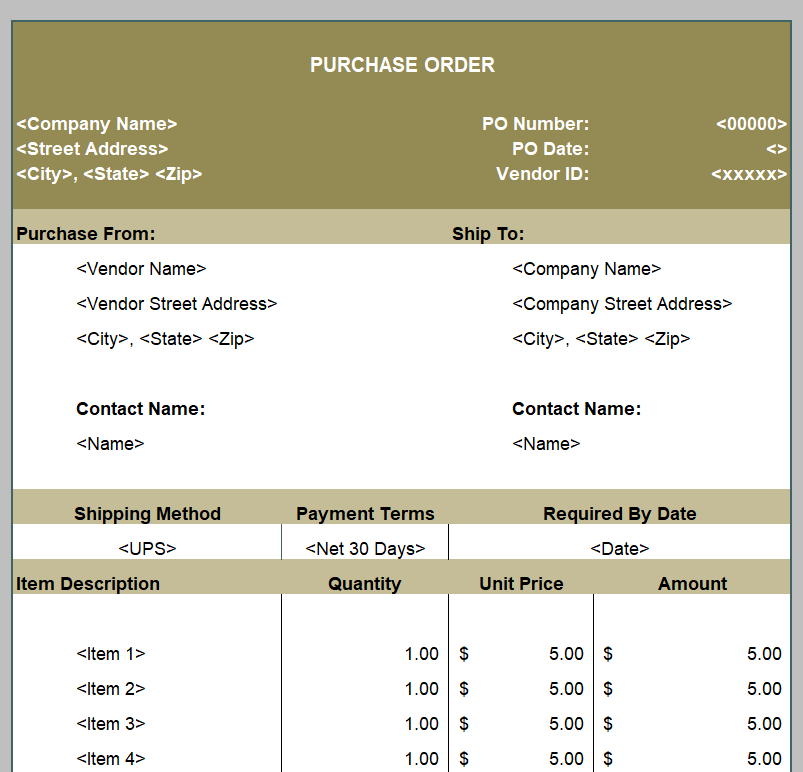
File Size: 07 KB
Printable Purchase Order Template
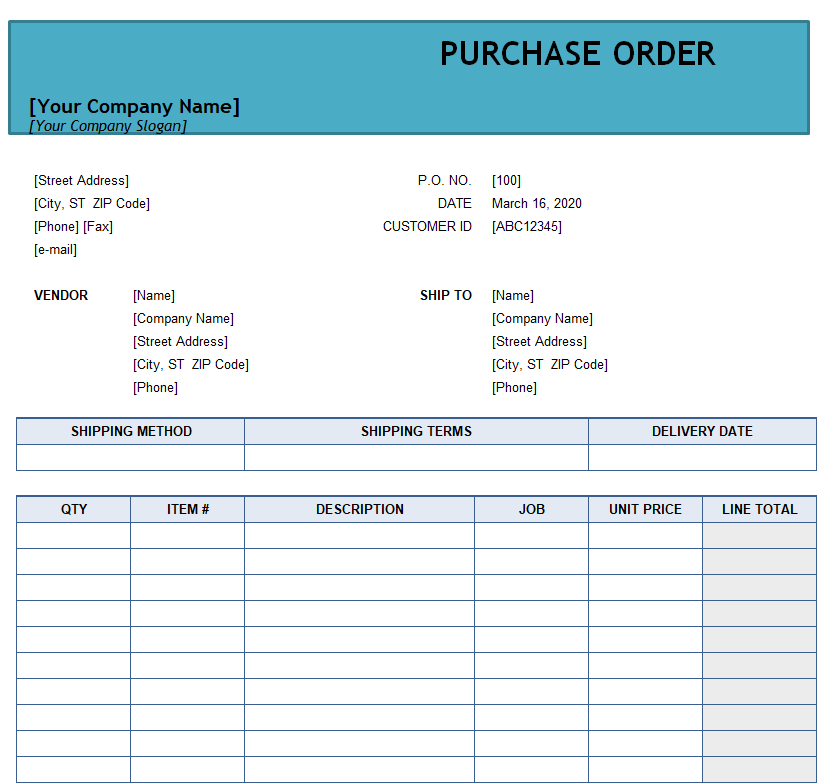
File Size: 13 KB
Editable Purchase Order Template in Excel
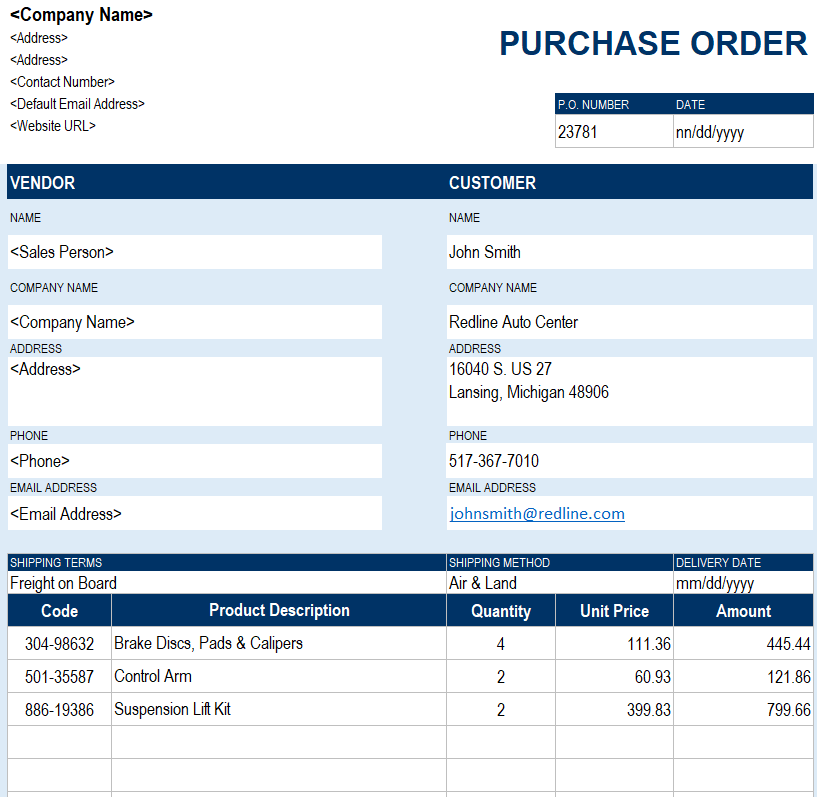
File Size: 21 KB
Materials Purchase Order Template
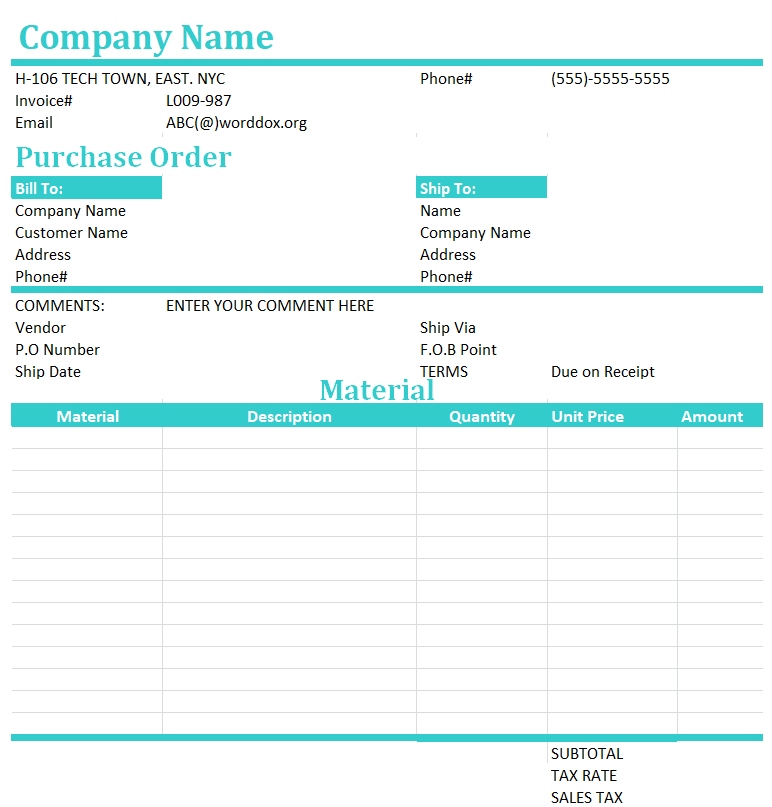
File Size: 11 KB
Draft Purchase Order Excel Sheet Sample
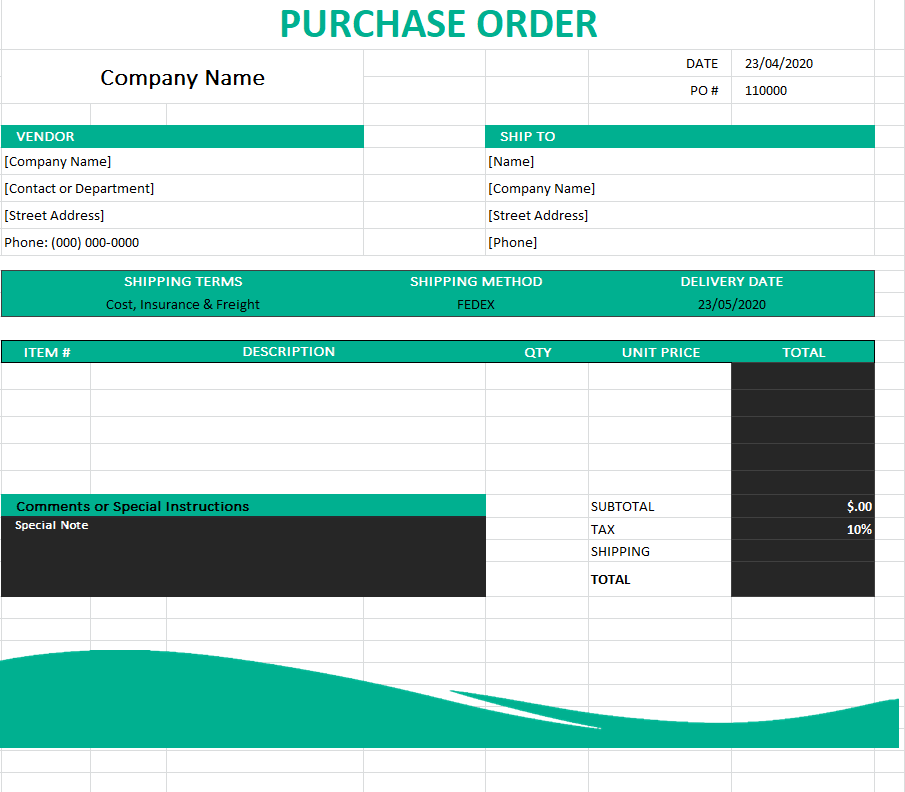
File Size: 19 KB
Special Purchase Order Template
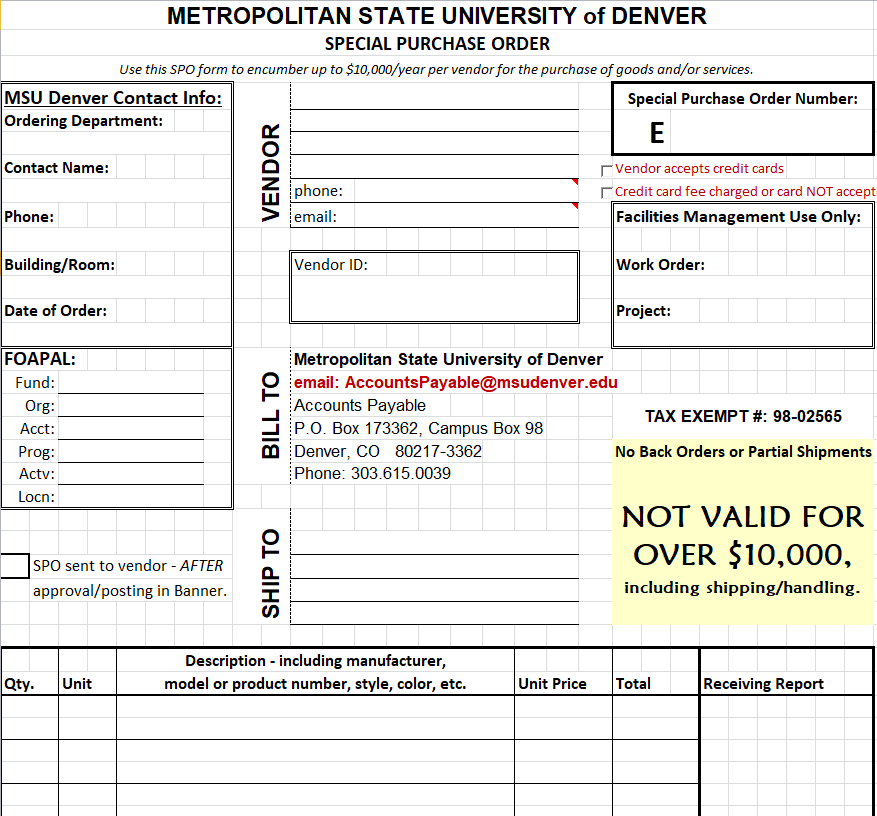
File Size: 24 KB
Basic Elements of a Purchase Order (PO) Template
A purchase order template must include all the necessary details and information in it. It should include the complete details of a particular order. In order to create a purchase order (PO) template, you should keep in mind the following basic elements in it:
Details of the Buyer:
Firstly, the purchase order should include all the necessary details and information of the buyer i.e., you or your business. It should include the official name of the business, registered address, email, contact number, etc. The purchase order document should also include the logo of the business and it should be drafted on the business letterhead.
Details of the Seller/Supplier/Vendor:
Similarly, a purchase order should also include the necessary details of the vendor like name, address, email, contact information, etc. This will help you keep track of your vendors and your orders i.e., which specific order is given to which supplier.
Number:
It is very important that every purchase order you create or issue should have a sequential number. It can be a number or an alpha-numeric sequence. It is very helpful in keeping a proper record of your purchase orders. Similarly, the supplier also mentions this number in the sales invoice which will make it easy for you to understand which invoice is related to which purchase order.
Description:
In your purchase order template, you should clearly mention what type of goods or materials you actually want from the supplier. You should provide some space in your purchase order sample to include a brief description of the goods or materials that you require. This description should include the number, size, dimensions, component name, brand, or any other alike details so as to avoid any misunderstanding or confusion.
Order Quantity:
You must mention the required quantity of each item in the purchase order template. You should do it carefully so that you can get the same what you actually want.
Pricing:
In your purchase order, you should also mention the price of each item separately and then add them to mention the total amount of the order in the end. It is important to calculate the total amount of orders both for your record and taxation purposes. It will give you a clear idea of how much tax will be applicable to the order.
Shipping Details:
Mention the complete shipping address if you want to receive the goods at some place other than your registered office e.g, a godown. Also, you can give special instructions to the vendor in case the goods or materials are of such a nature that they are required to be loaded or unloaded with great care.
Terms and Conditions:
In the end, the purchase order template should include the terms and conditions relevant to the purchase order. Such terms and conditions should only be included in the purchase order after the mutual agreement of both parties. This mainly includes the payment terms, return and refund policies, etc.
Before the order leaves your desk
- Compare the supplier and item details with the current quotation.
- Confirm quantity units, currency, delivery arrangements and the intended contact.
- Test totals after adding rows or changing the layout.
- Check the approved version and request a useful supplier acknowledgment.
Related records and useful next steps
Reconcile the supplier bill with the agreed order. invoice formats.
Record the goods actually dispatched and received. delivery note templates.
Keep the supplier acknowledgment tied to the correct order reference. order confirmation templates.
After adapting a workbook, check the results and relevant ranges. Microsoft provides guidance for investigating formula errors in Excel.
Frequently asked questions
Is a purchase order the same as an invoice?
No. A purchase order communicates the buyer order details; an invoice records a seller billing request. Compare their references and agreed terms instead of treating them as interchangeable forms.
Should every order have a unique number?
A consistent unique reference helps you connect approval, acknowledgment, delivery and billing records. Choose a numbering method that fits your existing purchasing process.
Can I add more rows in Excel?
Yes, when the workbook supports the change. Check formatting, formulas, total ranges and printed page breaks after inserting rows rather than assuming they expand correctly.
How do I record a partial delivery?
Keep the original ordered quantity identifiable and record the quantity received and still outstanding in the receiving records. Use the purchase order reference to connect the documents.
Are these files ready for every purchasing process?
No. Inspect the actual file and adapt its fields, approvals and terms to the transaction. A sample layout does not establish an agreed price or an authorization to buy.
