
Coupon Website Templates and Theme Resources. Coupon website templates organize offers, store pages, categories, and redemption links. A useful deal page tells visitors what the offer is, how to use it, and what conditions apply. The resources below include themes, listings, and related tools, so check the platform and package before choosing a design.
Plan the content workflow as carefully as the appearance. Someone must add offers, verify details, update expired deals, and correct broken destinations. A polished homepage does not help a visitor if its featured code has expired or its destination is unclear.
Browse the previews and resource links, or use the guide below to choose the right layout.
What to include
Offer details. Reserve space for the actual discount, code or redemption method, relevant dates, and conditions.
Store organization. Use clear store names and category navigation so visitors can compare related offers.
Status and maintenance. Plan how expired, withdrawn, or unverified offers will be distinguished from current ones.
Platform and source. Identify the platform, required components, license, and support information supplied by the creator.
How to customize the format
- Define the types of offers and the editorial process for keeping them current.
- Compare candidate layouts using realistic offers and long conditions.
- Test store pages, category pages, search, and redemption links in a separate environment.
- Remove demonstration offers and review the visitor journey before launching.
Worked example
A visitor looking for a stationery discount should be able to identify the store, see whether a code is needed, read the main conditions, and reach the intended destination. If the offer applies only to selected items, show that limitation before the click rather than burying it in an unrelated page.
Choose the right version
A store-directory design suits many merchants. A niche deal publication can focus on a smaller set of categories. A simple promotional site may need fewer features than a full coupon portal.
Evaluate the reader journey, not just the demo
A demonstration is designed to look complete. Test the layout with your own article lengths, image shapes, and navigation labels. Check the path from the home page to a detail page and back. Empty sections, unreadable menus, and oversized images are easier to notice with realistic content than with a polished sample.
Keep a recoverable copy of the existing setup before trying a new design. Use a separate test environment where possible and confirm the platform, package contents, license, and available maintenance information at the source. A screenshot alone does not establish compatibility or ongoing support.
Common mistakes to avoid
Do not assume a WordPress theme installs on Blogger or that a coupon plugin is a full website theme. Avoid advertising a premium listing as a free download. Disclose relevant commercial relationships appropriately and keep offer claims accurate.
Related documents for the next step
Compare news Blogger layouts for a different publishing platform and content model. See news blogger templates.
Price list layouts help present ordinary prices separately from promotions. See free price list design templates.
Discount request forms support individual pricing requests rather than public coupon listings. See sample discount request forms & templates.
Previews and linked resources
The collection includes file links and external source pages. File type is shown on direct-file buttons; external pages may offer paid options or additional steps. Some reference images have no editable file attached.


Top Coupon Website Templates


Free Coupon Website Templates


Download two customizable templates
These original downloads are hosted on Templates Front. Each ZIP contains the template files and instructions described below.
Deal card landing page
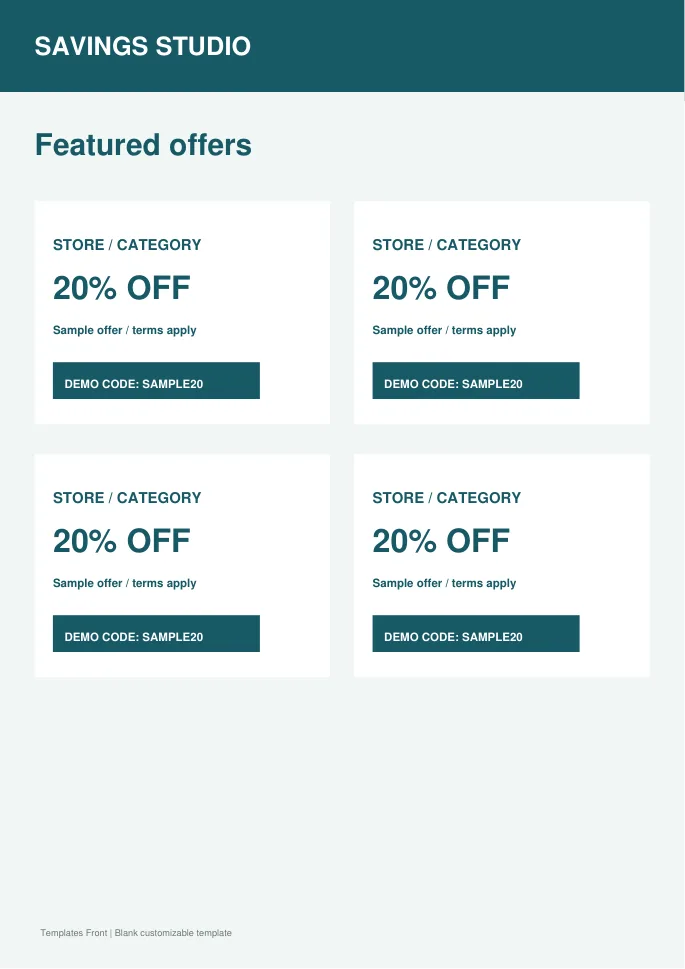
Responsive standalone HTML website layout plus PDF overview. Demo offers only; replace the sample stores, codes, conditions and destinations.
Category coupon directory
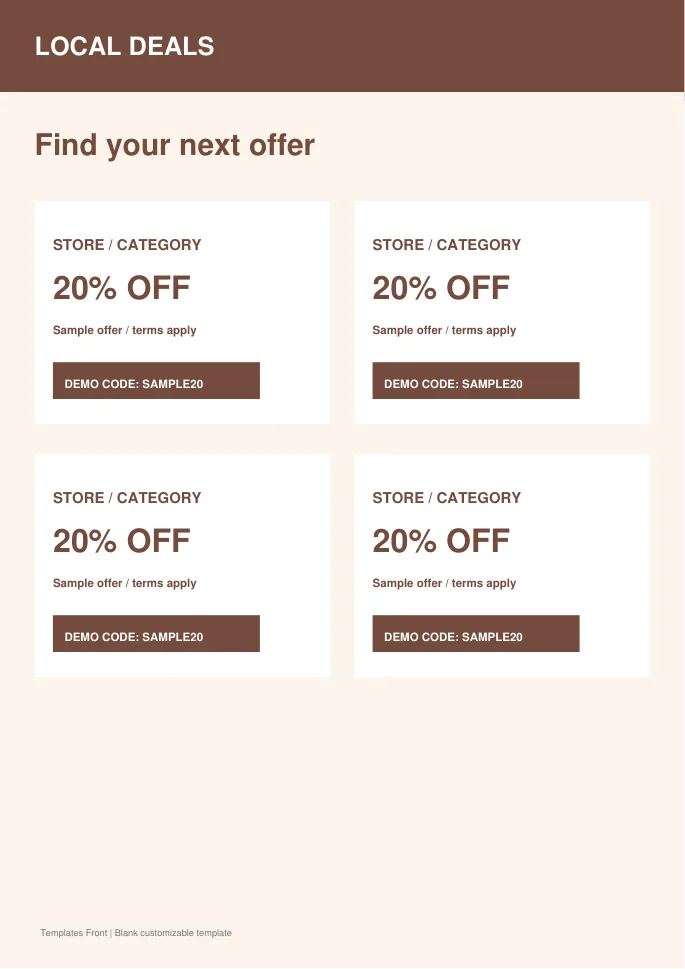
Responsive standalone HTML website layout plus PDF overview. Demo offers only; replace the sample stores, codes, conditions and destinations.
Frequently asked questions
Is a coupon plugin the same as a theme?
No. A theme controls presentation, while a plugin may add specific functionality. Check what the linked resource actually provides.
Are all the resources free?
No. Source listings can have different pricing and licenses.
How should expired offers be handled?
Use a clear maintenance process and visible status so visitors are not misled by outdated information.
How do I tell a downloadable file from a source page?
The buttons distinguish file links from external source pages. A source page may contain a download, a paid listing, or further information. Check its file type, availability, and usage terms before relying on it. A preview by itself does not promise an editable file.
