
Wedding Album Templates and Layout Resources. Wedding album templates help organize photographs into a coherent story of the day. A strong album is more than a series of attractive spreads: it has a beginning, a comfortable pace, and enough visual space for important moments. Choose a layout around the album supplier's specifications and the photographs you actually have.
Select the photographs before committing to the final page count. Group preparation, ceremony, portraits, reception, and closing moments into a sequence. A small set of strong images is usually easier to follow than many nearly identical frames on every page.
Browse the previews and resource links, or use the guide below to choose the right layout.
Build the document around its purpose
Album specification. Confirm the finished size, spread dimensions, binding, trim, and any supplier-provided safe areas.
Image selection. Use the approved photographs and retain the originals before cropping or color adjustments.
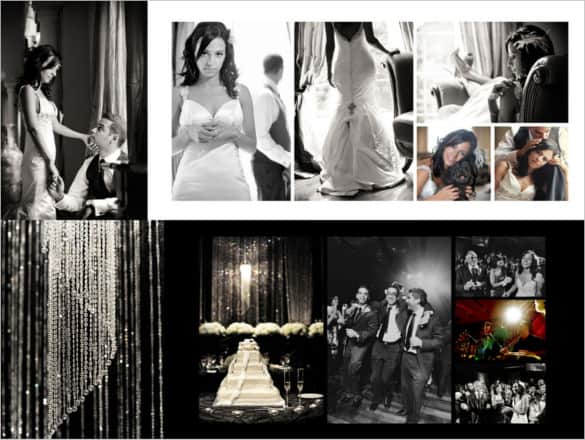
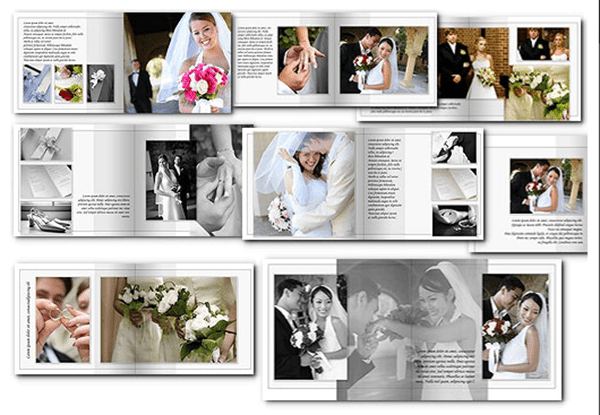
Spread rhythm. Mix a few image arrangements thoughtfully. Give major moments room rather than forcing every spread into the same grid.
Names and captions. Confirm spelling, date, and any captions. Keep text restrained and consistent with the couple's preferences.
Prepare and review your version
- Confirm the print supplier and album specifications.
- Select and sequence the approved images.
- Fit the photographs into the layout and review crops around faces and important details.
- Check a full exported proof with the couple before submitting for production.
Putting the layout to work
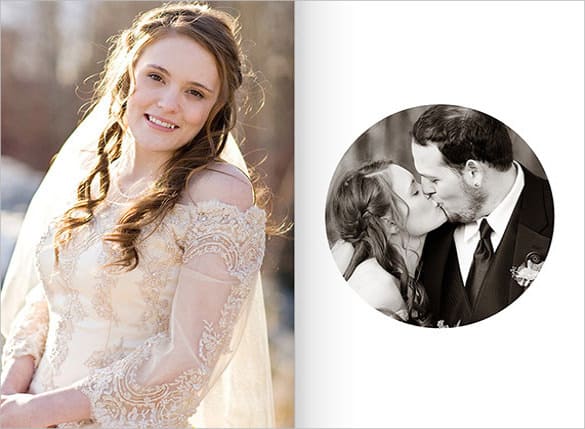
An album can open with a quiet preparation image, build toward the ceremony, give a full spread to a key portrait, and close with a reception or farewell photograph. If a face falls into the binding area, change the crop or spread rather than accepting the template's default placement.
Adapt the layout to the situation
A minimalist album uses fewer images per spread. A documentary album can include more small moments. A parent album may use a shorter selection while preserving the same visual identity.
Check the source file and final output
A preview shows the appearance of one example; it does not reveal which parts of the source are editable. A layered design may separate text and artwork, while a JPEG or PNG is usually flattened. Before investing time in a layout, check the supplied format, application compatibility, fonts, and any assets that must be obtained separately.
Keep an editable master and make separate exports for each intended output. For print, confirm the printer's actual specification and inspect a proof at finished size. For a digital image, review it on the screen and background where it will appear. Check the creator's license for the intended use rather than assuming a visible preview includes all rights to the design.
Before sharing the finished version
Do not assume every listed resource contains editable album pages; some are design services or portfolio pages. Avoid low-resolution images, excessive sharpening, and text too close to trim or binding areas.
Related documents for the next step
An event itinerary can help organize the wedding-day sequence. See event itinerary templates.
Create coordinated cover artwork for a disc or keepsake package. See cd cover templates.
A magazine-style layout offers another approach to a wedding keepsake. See microsoft word magazine templates.
Previews and linked resources
The collection includes file links and external source pages. File type is shown on direct-file buttons; external pages may offer paid options or additional steps. Some reference images have no editable file attached.





Download two customizable templates
These original downloads are hosted on Templates Front. Each ZIP contains the template files and instructions described below.
Four-photo story spread
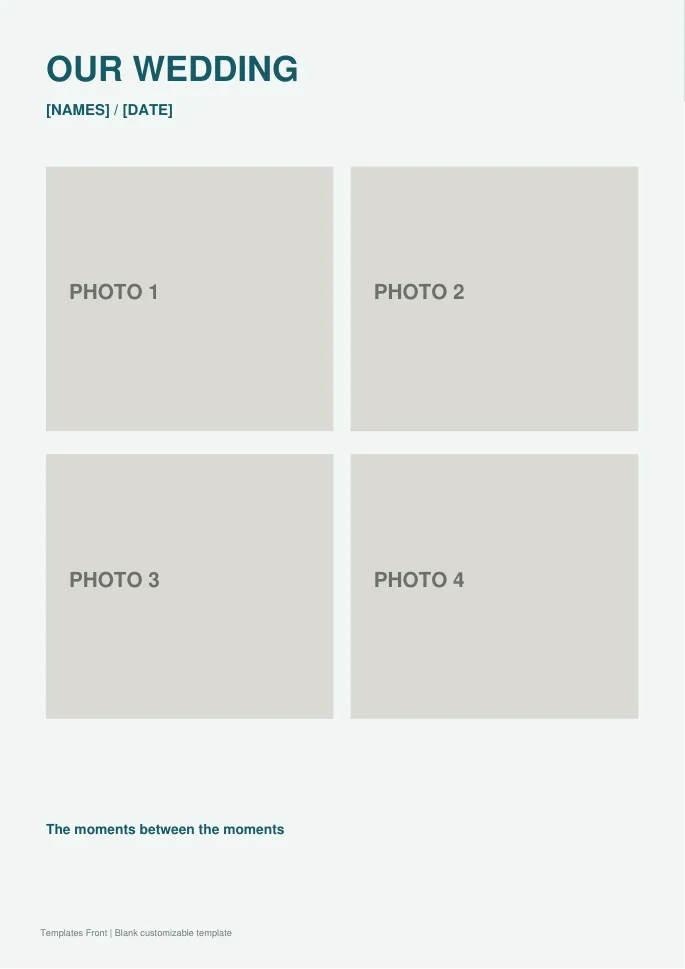
Editable SVG artwork and printable PDF. Open the SVG in a vector editor and replace sample text / photo placeholders.
Hero portrait album page
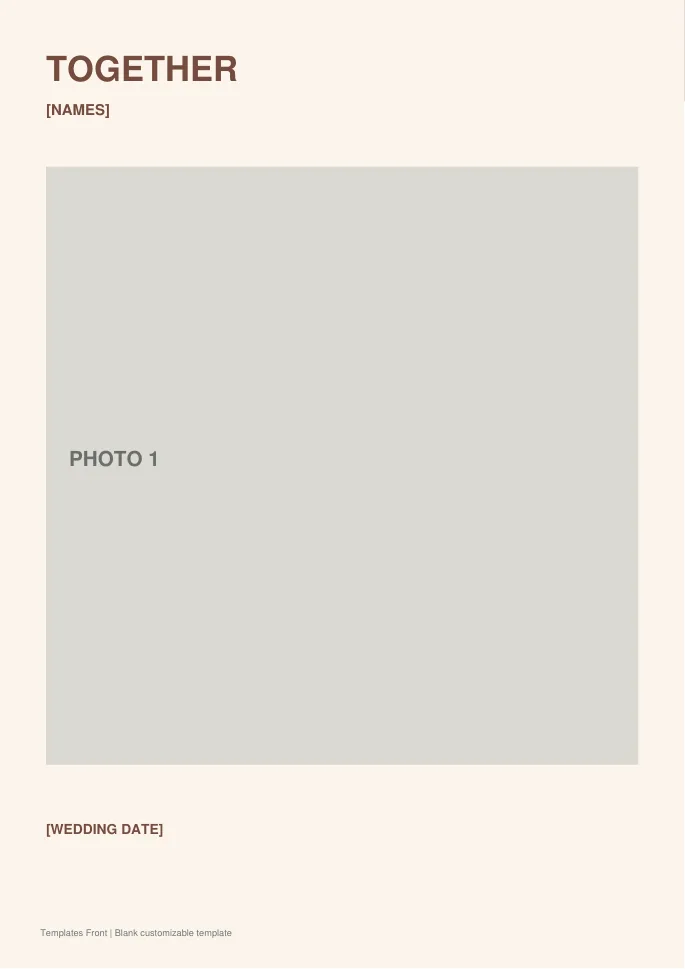
Editable SVG artwork and printable PDF. Open the SVG in a vector editor and replace sample text / photo placeholders.
Frequently asked questions
Can I use any template with any album supplier?
Check the supplier's exact dimensions and production requirements first. A visually similar size may still require adaptation.
How many images should be on each page?
Use the story and final viewing size to decide. Important photographs need more space than supporting details.
Should the couple review a proof?
Yes. Confirm image choices, crops, names, dates, and page order before production.
How do I tell a downloadable file from a source page?
The buttons distinguish file links from external source pages. A source page may contain a download, a paid listing, or further information. Check its file type, availability, and usage terms before relying on it. A preview by itself does not promise an editable file.
