
A project plan should make the next stage of work easier to coordinate. It connects the intended outcome with deliverables, owners, dates and dependencies. The project plan templates in Excel below offer different layouts, but the useful choice is the one that reflects how your project will actually be managed.
There are 14 downloadable examples with previews. Some layouts emphasize a schedule; others give more space to work packages or progress. Inspect the actual workbook before relying on formulas, linked sheets or a chart that looks automated in the preview.
Use the plan to expose uncertainty as well as to record commitments. A date based on an unconfirmed supplier response should not look as certain as a date already agreed with the responsible person. Clear assumptions make later changes easier to explain.
A small website-refresh project
The team agrees that completion means approved pages are live and the named owner has checked the key forms and links. The plan includes content, design, review and release tasks. Content approval is a dependency for final page assembly, so a late approval affects more than one row. The workbook records the person who will resolve it and the next decision date. A progress update explains that the design work is complete while content approval remains open; it does not hide that difference inside one overall percentage. A dated baseline lets the team discuss the change without losing the original plan.
Begin with the finish you are planning toward
Describe the result and the evidence that will show it is complete. Then identify the deliverables required to reach that result. Avoid beginning with a long list of activities before agreeing what those activities are meant to produce. For each deliverable, note the responsible owner and the person who will accept or review it. Keep exclusions visible where they prevent misunderstandings. A plan for a small internal improvement can be concise while still making the finish clear enough that different people do not apply different definitions of done.
Put dependencies ahead of attractive dates
Identify what must be available before a task can begin. Some work can happen in parallel, while other tasks depend on an earlier decision, delivery or approved output. Record those relationships before compressing the schedule to fit a preferred finish date. Estimate effort and elapsed duration separately when waiting or review time matters. A task can involve two hours of effort and still take several days to finish. Discuss assumptions with the people doing the work instead of treating every date in the sample as a suitable default.
14 downloadable examples and previews
Use the preview to compare the layout, then choose the download button for the actual file. Extract ZIP packages before opening them. Check the file format and contents before editing; a preview is not itself an editable document. Keep a blank original and save completed versions with clear filenames.
What is a Project Plan?
A project plan also includes the different levels or stages of a project, a communication plan, the involvement of key individuals, budgets, and estimated costs related to a project. The timeline of a project is also an important part of a project plan. It segregates the ultimate goal of a project into several small and easily achievable goals.
In this article, you will find some amazingly helpful project plan templates in excel. You can easily download and customize any of the given templates to use them as per your requirement. So, make sure to scroll down and check out these free project plan excel templates.
FREE Project Plan Templates Excel
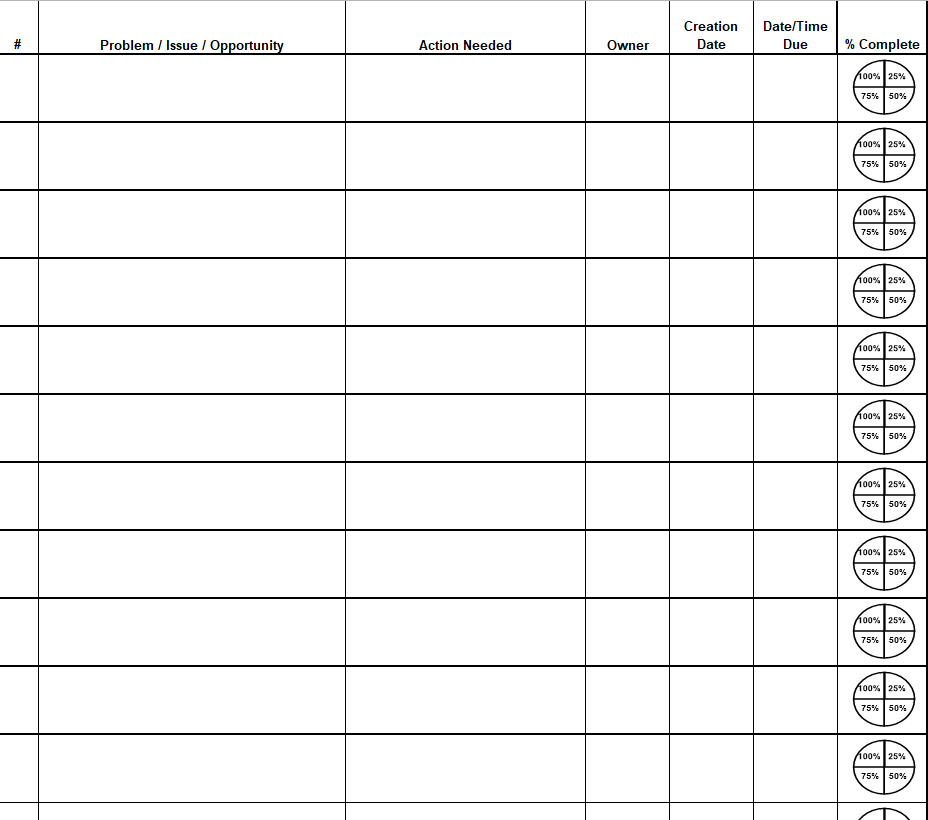
Blank Project Plan Template
File Size: 38 KB
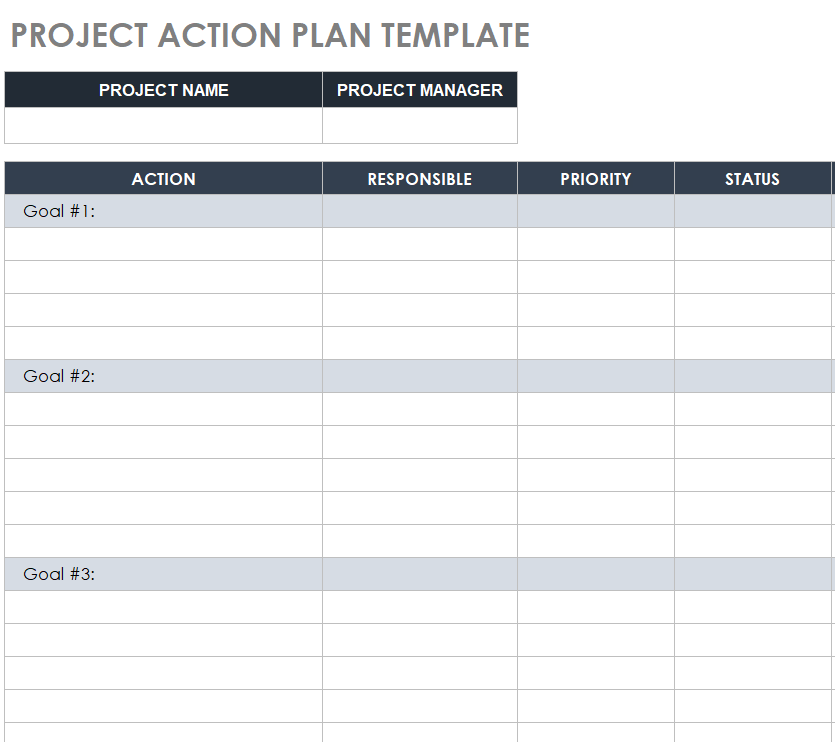
Editable Project Plan Excel Template
File Size: 327 KB
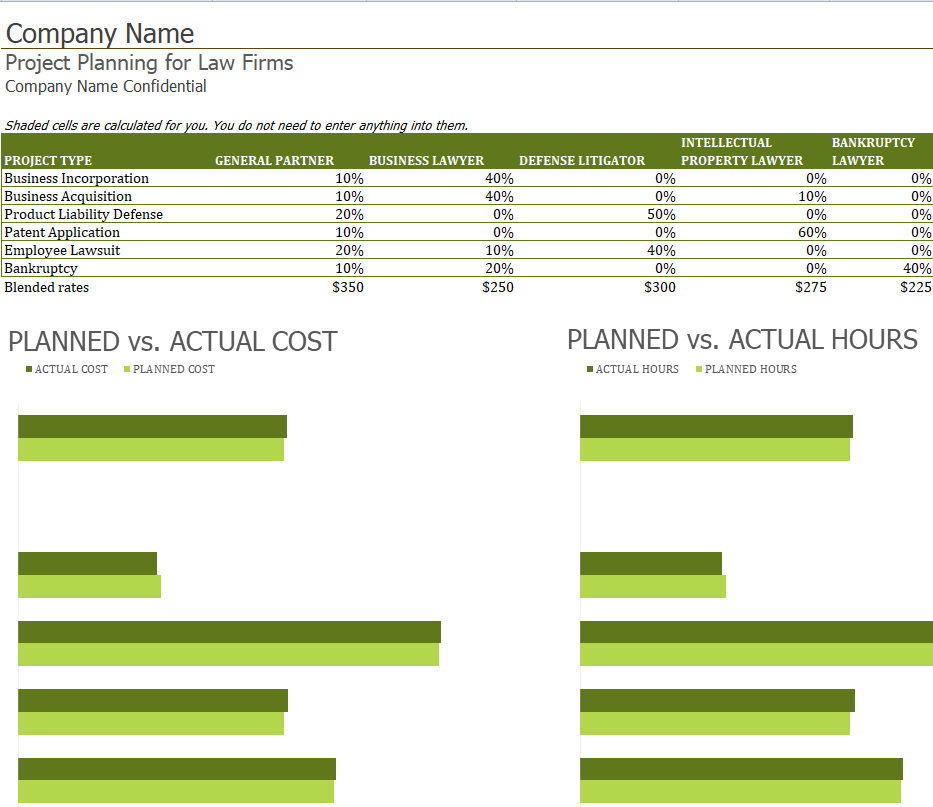
Law Firm’s Project Plan Template
File Size: 39 KB
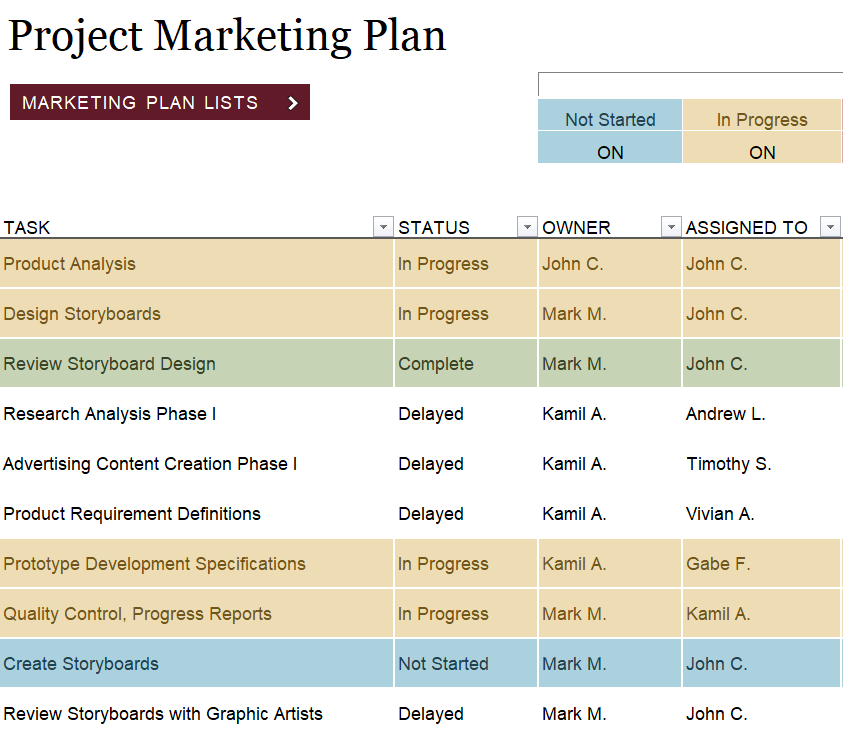
Professional Project Marketing Plan Template
File Size: 23 KB
Practical Project Plan Sample in MS EXCEL
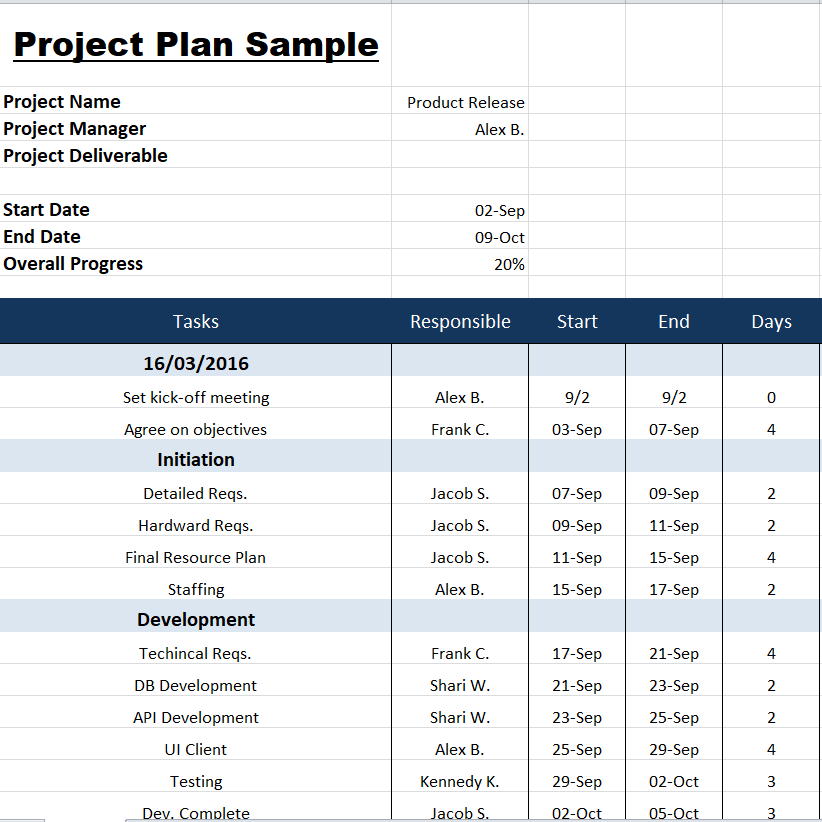
File Size: 14 KB
Project Implementation Plan Template
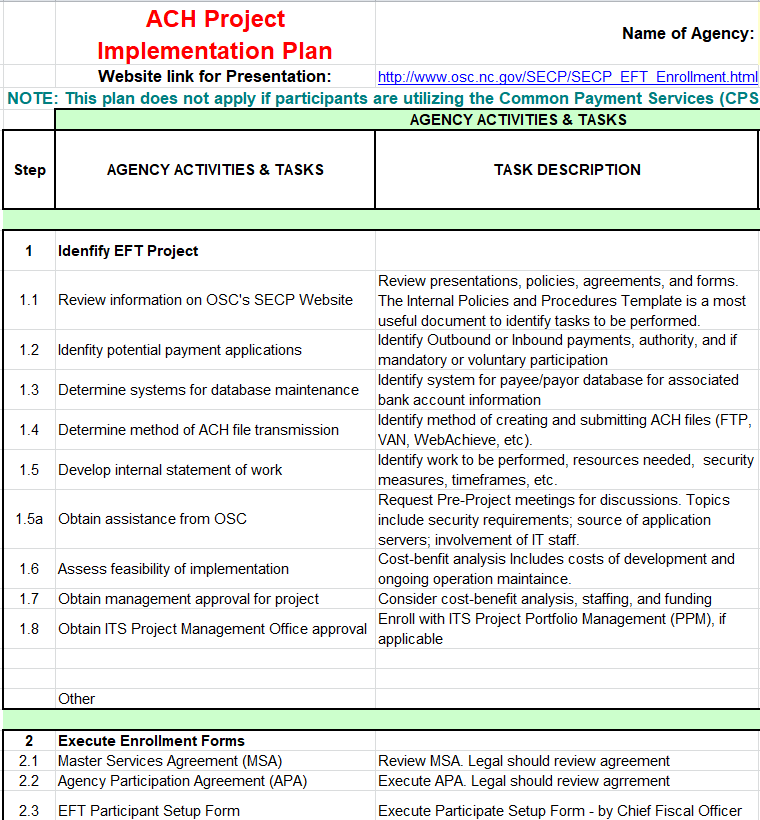
File Size: 123 KB
Fillable Project Plan Template in XLSX Format
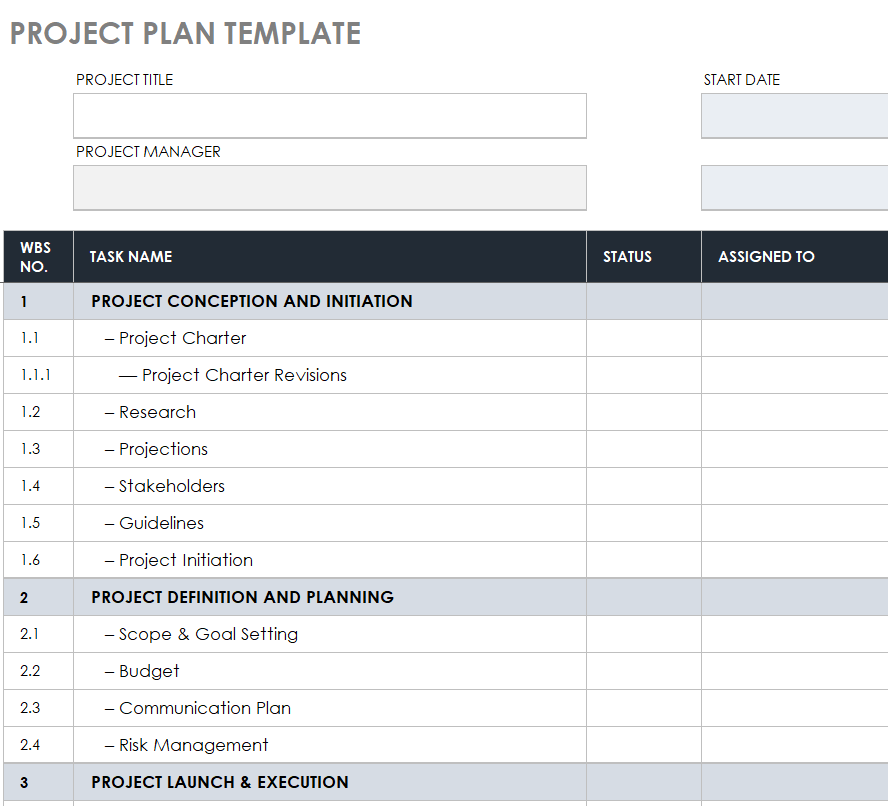
File Size: 497 KB
Why a Project Plan is Important?
Benjamin Franklin, one of the founding fathers of the USA, once said, “If you fail to plan, you are planning to fail”. This saying is true in every aspect of life be it war, politics, personal life, business, etc. The same is also true for project management. When you are working on a project blindly without any proper planning, the chances are high that you will be failed in carrying out and implementing the project in an effective way.
As mentioned earlier, a project plan is a vital component of carrying out the whole project. Especially in the case of a long-term complex project, preparing and planning for it in advance is quite an important thing to do. Following is a list of some benefits that will further explain the importance of a project plan:
- The presence of a project plan will help you keep track of the progress of a project.
- A proper project plan includes a detailed analysis of risks and uncertainties thus enabling you to take timely decisions to minimize those risks.
- A project plan also sets guidelines for the project teams on how to cooperate with each other in order to get better results and achieve the set goals.
- Having a project plan will help the teams and key personnel to have a clear idea of their roles and responsibilities. This will help them not to deviate from their assigned duties.
- Similarly, when the individuals have a clear understanding of their roles and duties, it gets easy for the project managers or team leaders to have a check on them.
- A project plan is a great way to improve communication and reduce the communication gap between the project managers and the stakeholders. The stakeholders include anyone directly or indirectly associated with a project like team members or investors.
- The project plan increases transparency and promotes accountability and evaluation. As and when the project progresses, its performance can easily be measured against the set goals and objectives as laid out in the project plan.
- The project plan also lays out the details of the resources to carry out the project under the subject. This includes the details like the resources that are available and the resources that will be required for the completion of a project.
- The project plan also helps you control your project costs as the project progresses. The project plan includes the budgeted or estimated costs of the project and if the actual costs are quite high than the estimated costs, you can easily ascertain the reasons right away.
- The project plan sets the actual timeline for the project. The time for completion of every stage or level of the project is set separately. Such a plan also sets out the deadlines for each stage as well as the whole project.
- The presence of an effective and well-defined project plan also helps you to set the standards of quality of work.
- Project plans are also flexible and can always be changed in accordance with the situation.
More Project Plan Excel Templates
Official Project Plan Template Free Download
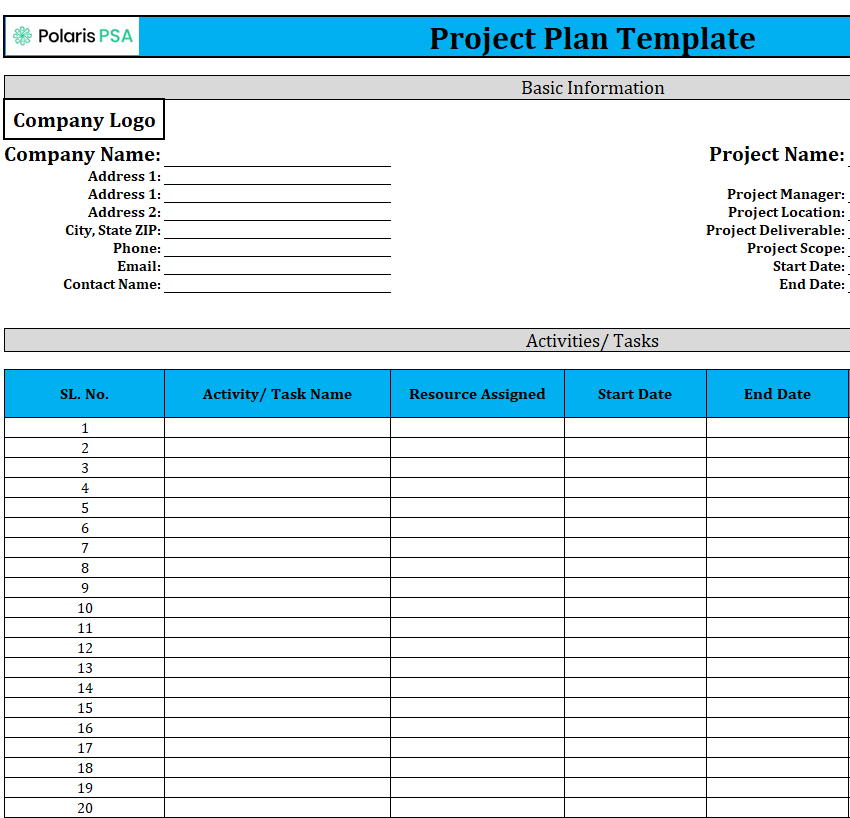
File Size: 16 KB
Organization’s Project Plan Template XLSX
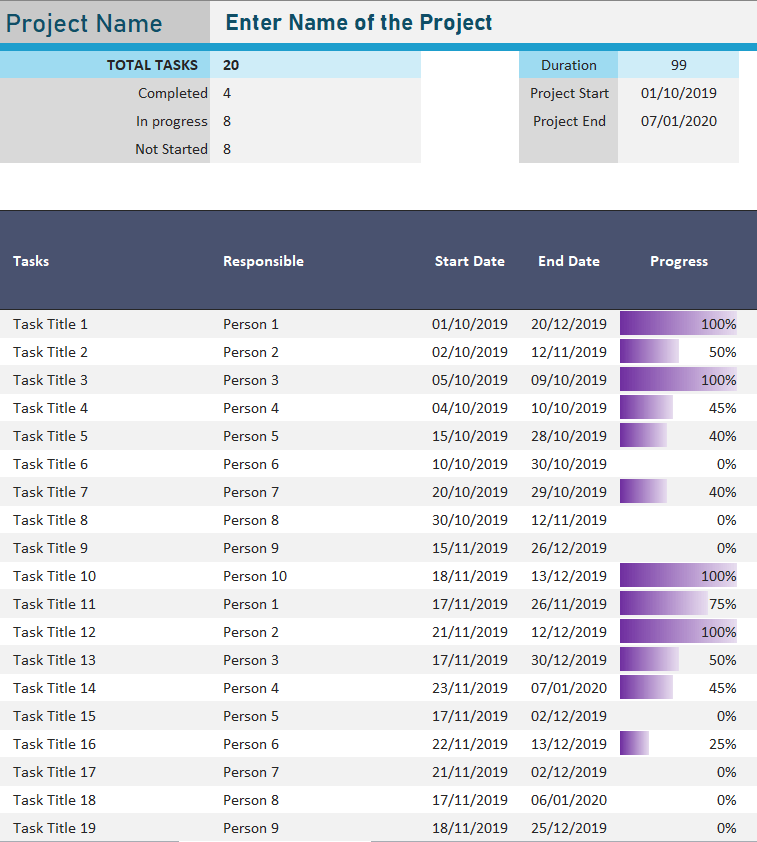
File Size: 134 KB
Detailed Project Planner Template in Excel
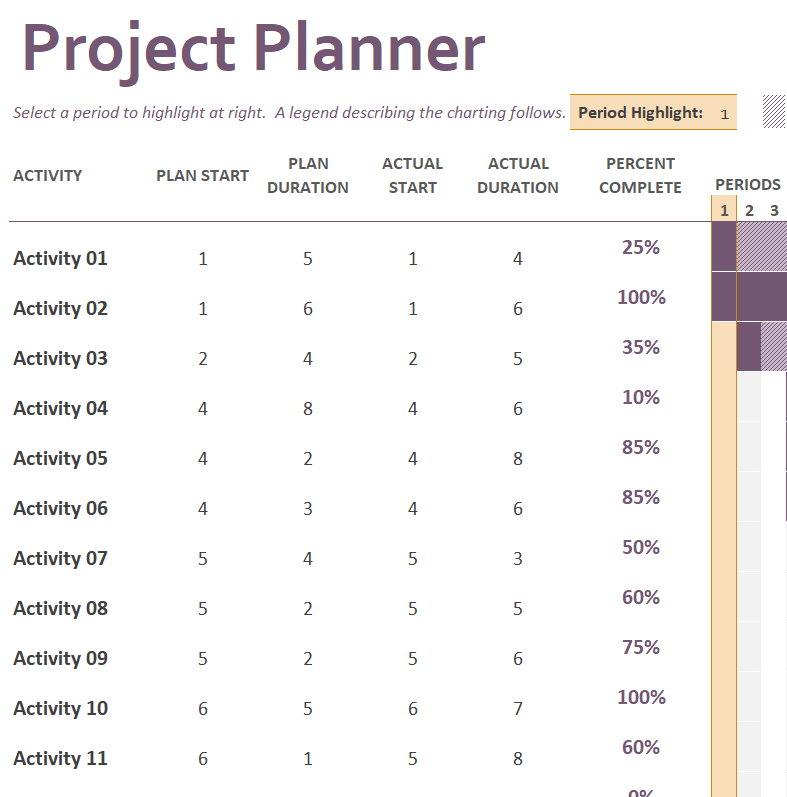
File Size: 10 KB
Formal Project Plan Excel Template
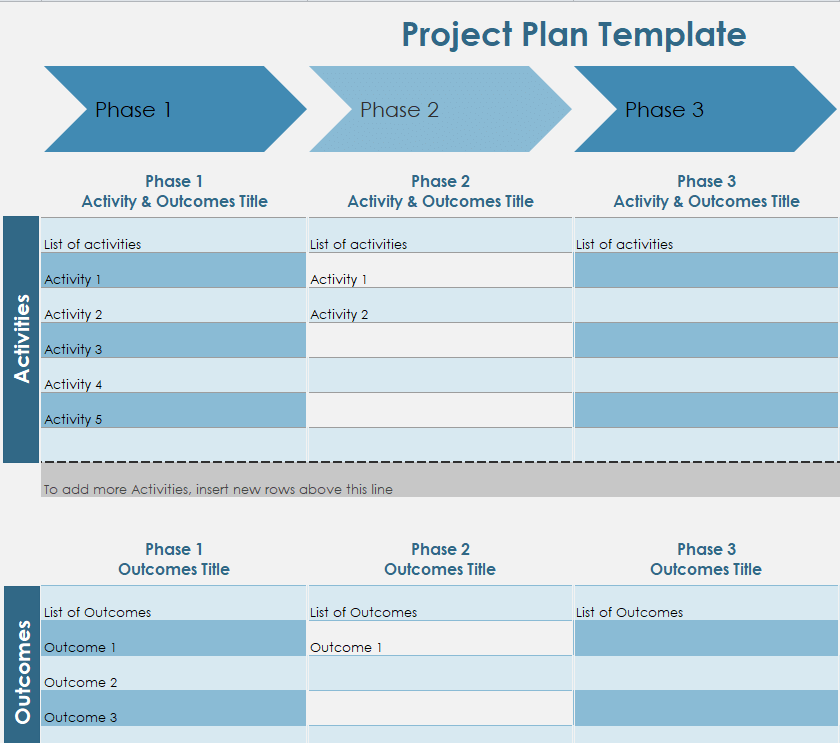
File Size: 18 KB
Example Sheet of Project Implementation Plan
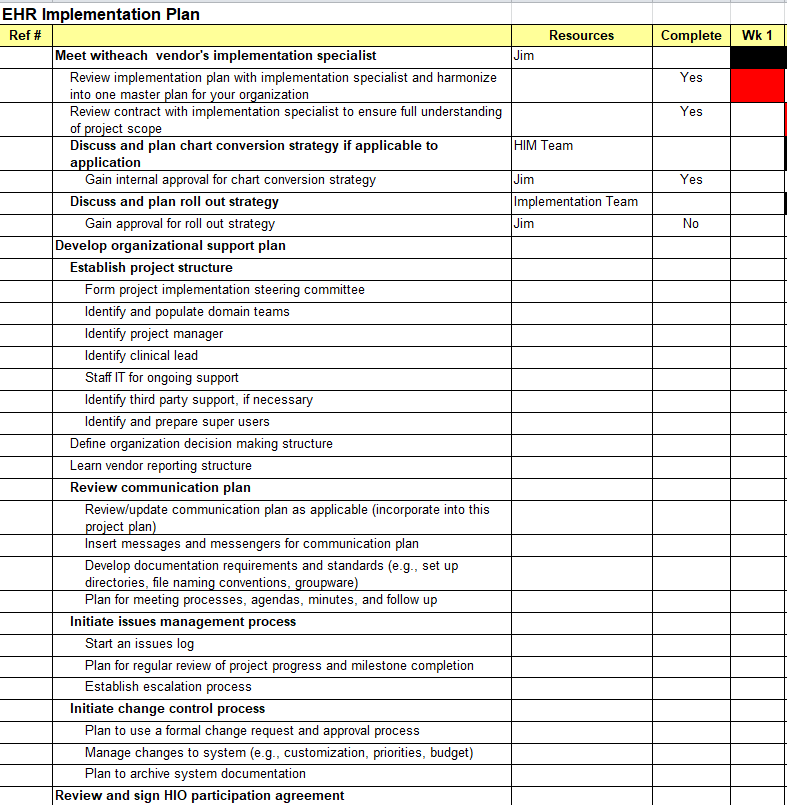
File Size: 590 KB
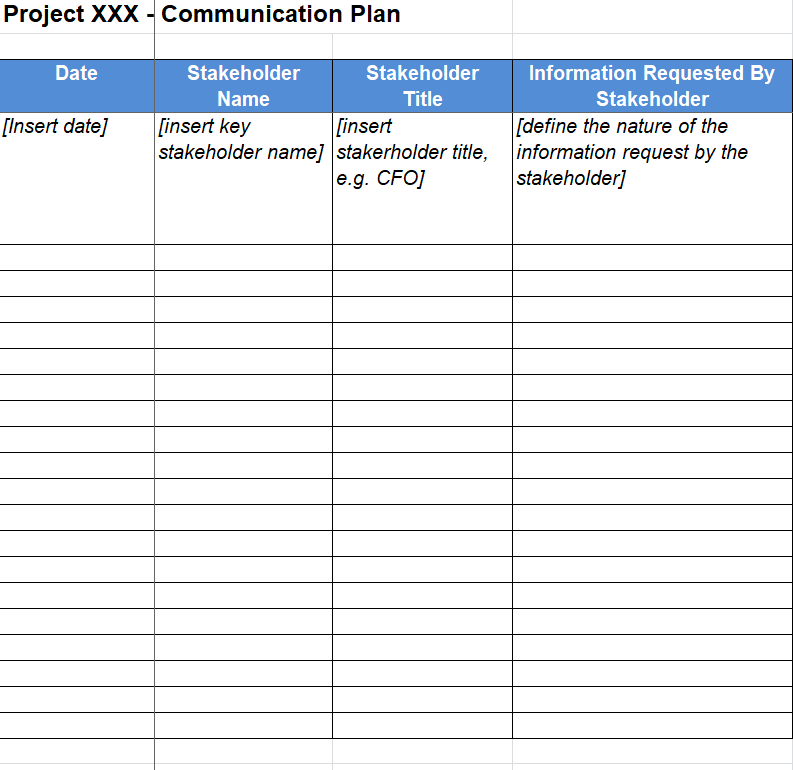
Project Communication Plan Format
File Size: 12 KB
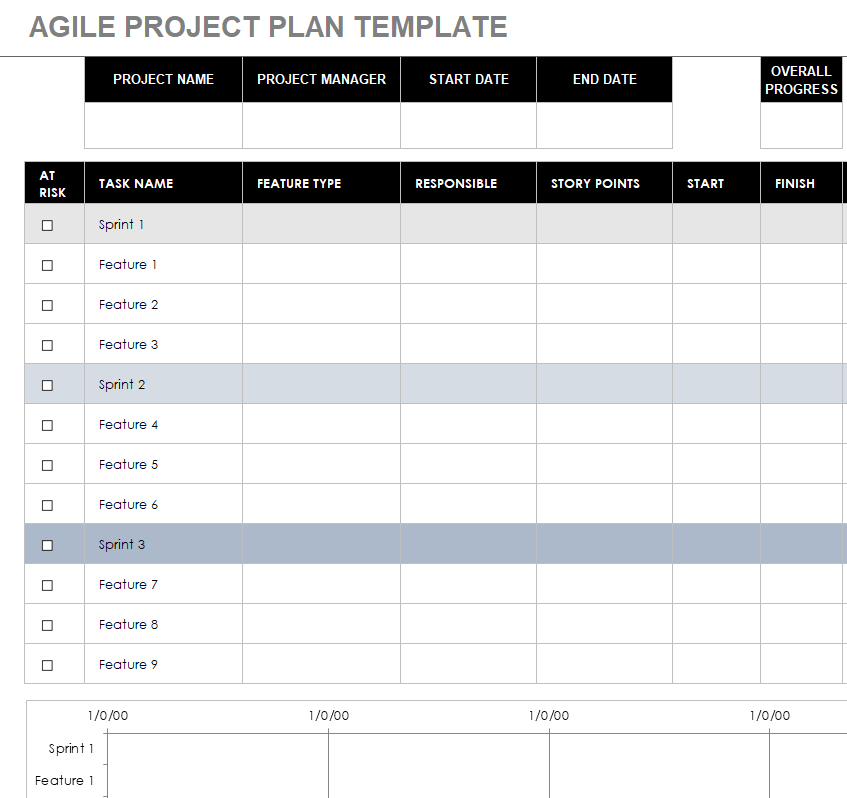
Project Plan Template Agile
File Size: 476 KB
Choose progress measures that explain the situation
A percentage can be useful when it has a meaningful basis, but “ninety percent complete” may hide a crucial unresolved issue. Record the current state, the remaining action and the responsible person. Keep blocked work distinct from work that is simply not due yet. A milestone can mark an agreed result without carrying every detailed task on the same sheet. Use a small, consistent status vocabulary. Too many colors and special labels can make the workbook harder for another person to interpret during an update.
Keep a dated baseline and a current working view
Once an appropriate plan is agreed, save a dated reference copy and maintain the current version deliberately. When a date changes, record the cause and any effect on dependent work. Do not overwrite the historical commitment merely to make the current sheet appear on time. Check formulas, chart ranges and printed pages after changing rows or dates. A downloaded workbook is a starting point, and a schedule remains a model of the work rather than a guarantee that every assumption will hold.
Questions for the weekly plan review
- Which deliverables changed, and who accepted the change?
- What is blocked by a missing decision, resource or input?
- Which dates are commitments and which are still assumptions?
- Do formulas and charts still describe the current rows and dates?
Related templates
Transfer current plans and unresolved issues at a handover. handover report templates.
Use a delivery schedule for the dispatches supporting the project. delivery schedule templates.
Keep the final completion record separate from the working plan. work completion certificate templates.
After adapting a workbook, check the results and relevant ranges. Microsoft provides guidance for investigating formula errors in Excel.
Frequently asked questions
Do all the Excel templates calculate a schedule automatically?
No. Inspect the actual file. A timeline-style preview may be a manually maintained layout rather than a dependency-driven scheduling system.
How detailed should a project plan be?
Use enough detail to assign responsibility, understand dependencies and track completion. Excessive detail can be difficult to maintain; too little detail can hide important handoffs.
What belongs in a milestone?
Use a milestone for a meaningful result, approval or stage boundary. Define the evidence that shows it has been reached rather than using the date alone as proof of completion.
Can I add rows to a downloaded workbook?
Yes, after checking the structure. Review formulas, linked ranges, charts, conditional formatting and print settings after the change.
How should I show a delayed task?
Record the current position, reason, next action and effect on dependent work. Keep an agreed baseline where useful instead of silently moving the old date.
