
A content calendar should show what is ready, what is waiting and why a post belongs in the schedule. These social media content calendar templates help organize topics, formats, assets, owners and publication dates without relying on scattered messages.
The 20 examples below include different calendar layouts. A monthly grid is useful for seeing the broad pattern, while a row-based sheet can hold detailed copy, links and approval status. You may need both views, but avoid maintaining two separate sources of conflicting information.
Plan around the audience and the purpose of the message. Filling every empty date is not a useful objective on its own. Leave room for review, corrections and events that make a scheduled message inappropriate or out of date.
The fields that prevent a last-minute scramble
- A clear topic, audience and purpose for the message.
- A named owner and current asset or copy location.
- An approval state that is separate from the planned date.
- A publication record and brief learning note after the post goes live.
Give every planned post a job
Identify the audience, topic and intended response before choosing a date. A product explanation, a community update and an event reminder can serve different purposes even when they appear on the same account. Record the purpose in plain language so a reviewer can judge whether the draft supports it. Do not rely on an engagement target to explain the content itself. If a post depends on a product being available or an event being confirmed, make that condition visible in the calendar rather than treating the proposed date as final approval.
Track the asset and approval path
A useful calendar can include a working caption, the relevant image or video location, the owner, review status and any necessary approval. Keep draft, approved, scheduled and published states distinct. A file existing in a folder does not show that it has been approved for the intended channel. Confirm that you have the appropriate permission to use photographs, logos or contributed material. Use a stable link to the current asset instead of inserting several ambiguous filenames into comments. Record who can resolve missing information before it becomes a last-minute publishing problem.
Write for each channel without duplicating the planning effort
The core idea can be shared across channels, but the format, context and next step may need adjustment. Record those differences where the person preparing the post can see them. Avoid copying a caption that refers to a feature, link location or event timing that does not apply to the destination channel. Keep platform-specific details reviewable because features and requirements can change. The calendar is a coordination tool; it should not imply that a spreadsheet itself publishes the post or verifies compliance with a platform current requirements.
Close the loop after publication
Record the actual publication date and the live link where useful. Review results against the post purpose rather than comparing every item by the same metric. Note useful observations, corrections and reusable assets. If a message was delayed or withdrawn, keep a brief reason so the same problem is not repeated next month. Check future scheduled posts after a significant business or event change. A calendar remains useful when it reflects what happened and informs the next round of decisions, not just when its cells are filled with proposed content.
20 downloadable examples and previews
Use the preview to compare the layout, then choose the download button for the actual file. Extract ZIP packages before opening them. Check the file format and contents before editing; a preview is not itself an editable document. Keep a blank original and save completed versions with clear filenames.
What is a Social Media Content Calendar?
A social media content calendar can be designed manually on paper, in the form of a spreadsheet, or on any tool or app. Planning and organizing your social media content is quite important. With a proper plan, you can get maximum reach for your brand on social media platforms. A pre-formatted social media content calendar template comes in handy as it enables you to schedule your social media content for all the platforms. This way, you will be easily able to organize your content by deciding what to post and when.
Check Out the Social Media Content Calendar Templates in EXCEL
Social Media Content Calendar Example
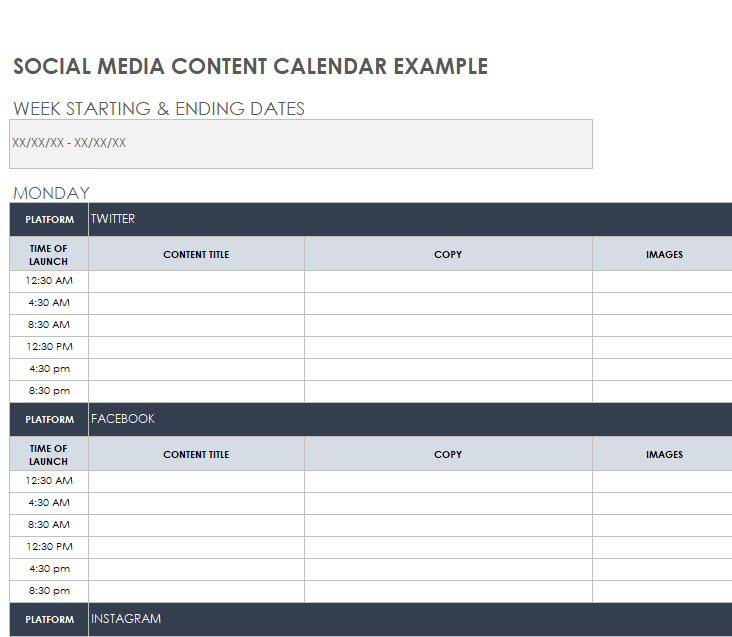
File Size: 110 KB
Social Media Content Schedule Template
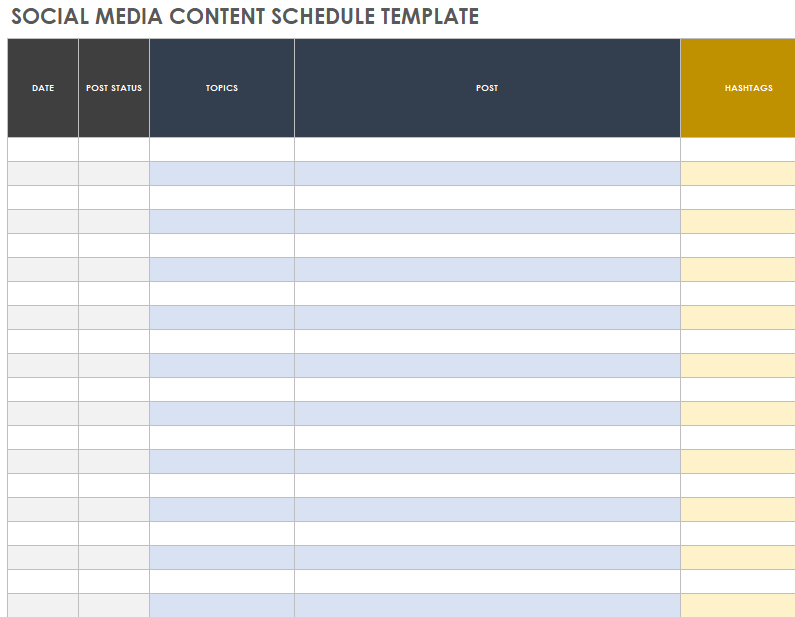
File Size: 104 KB
Weekly Social Media Content Calendar Template
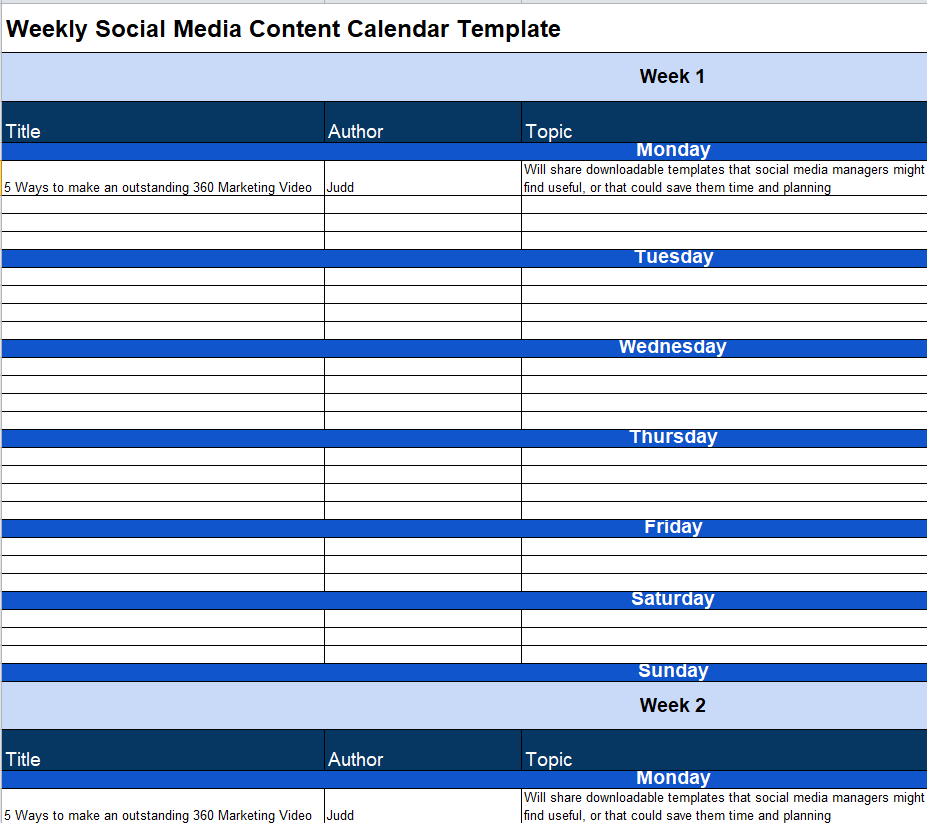
File Size: 10 KB
Brand Social Media Content Calendar Template EXCEL
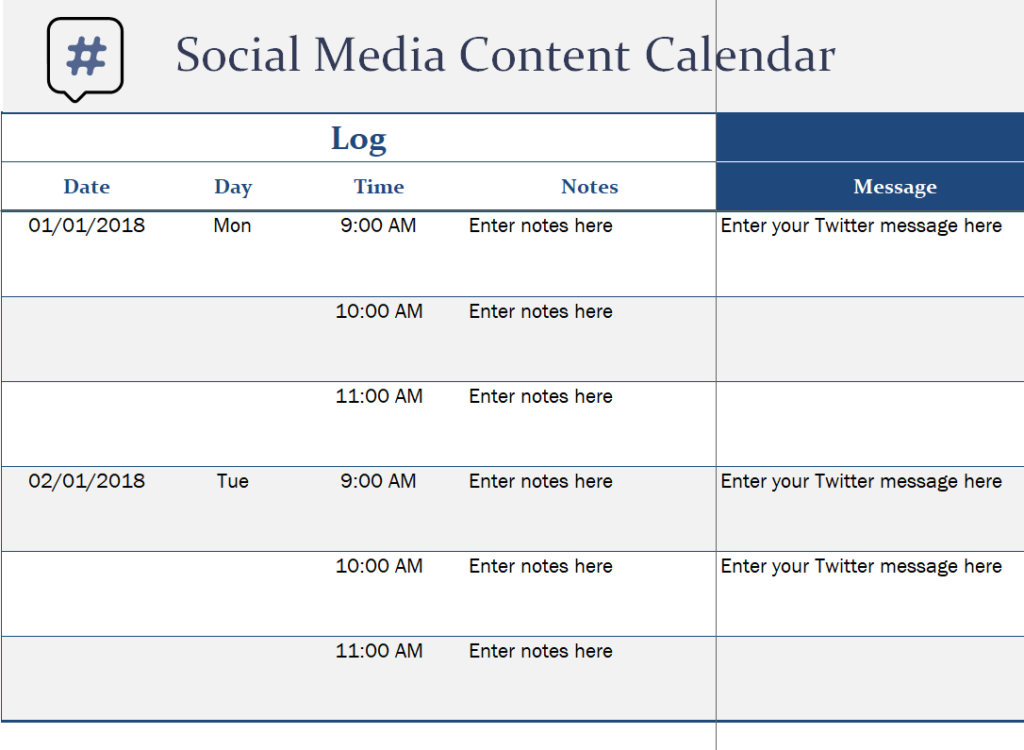
File Size: 17 KB
Special Social Media Calendar Dashboard Template
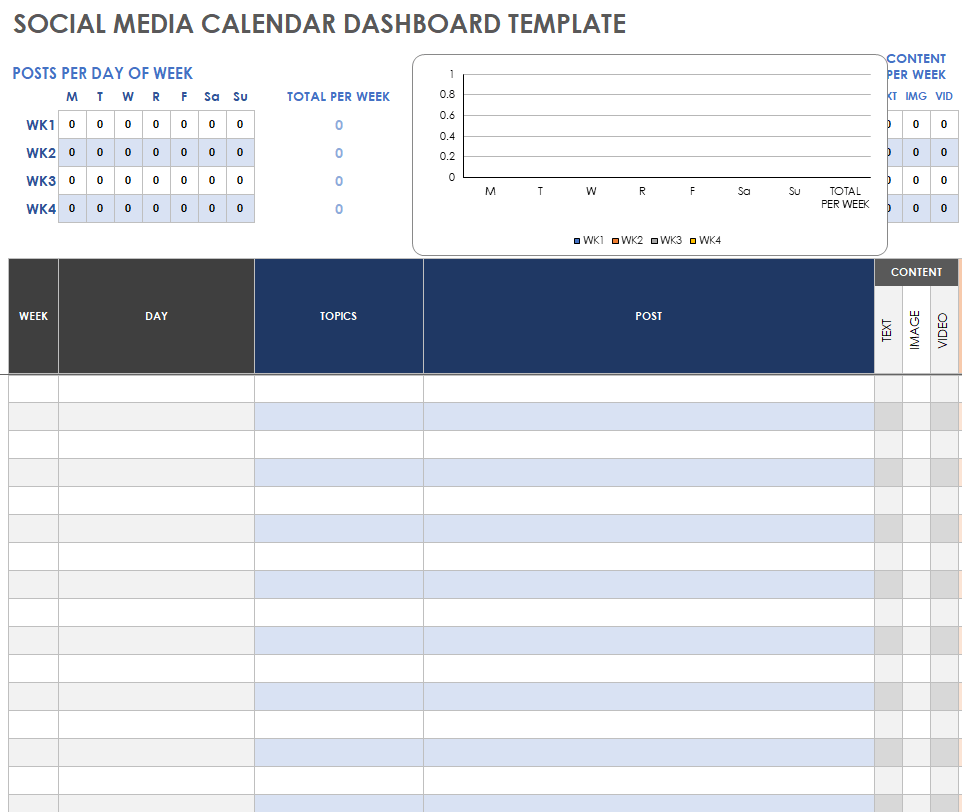
File Size: 127 KB
Annual Social Media Content Calendar Excel Template
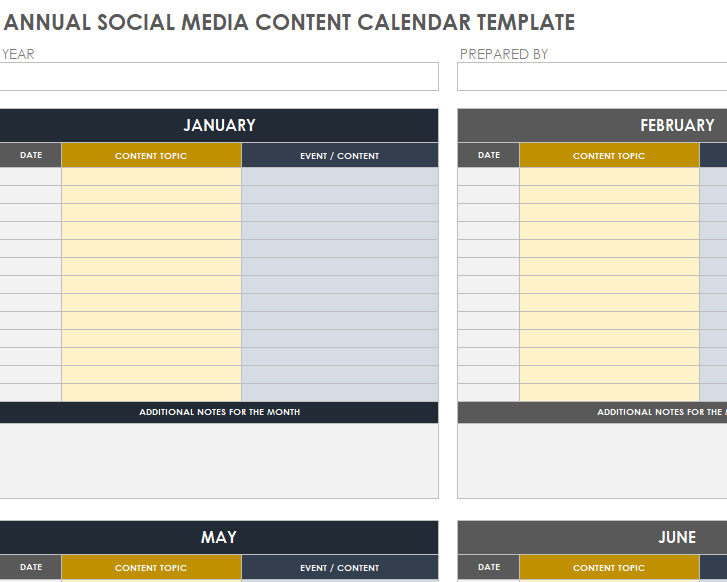
File Size: 125 KB
Simple Social Media Content Calendar Template
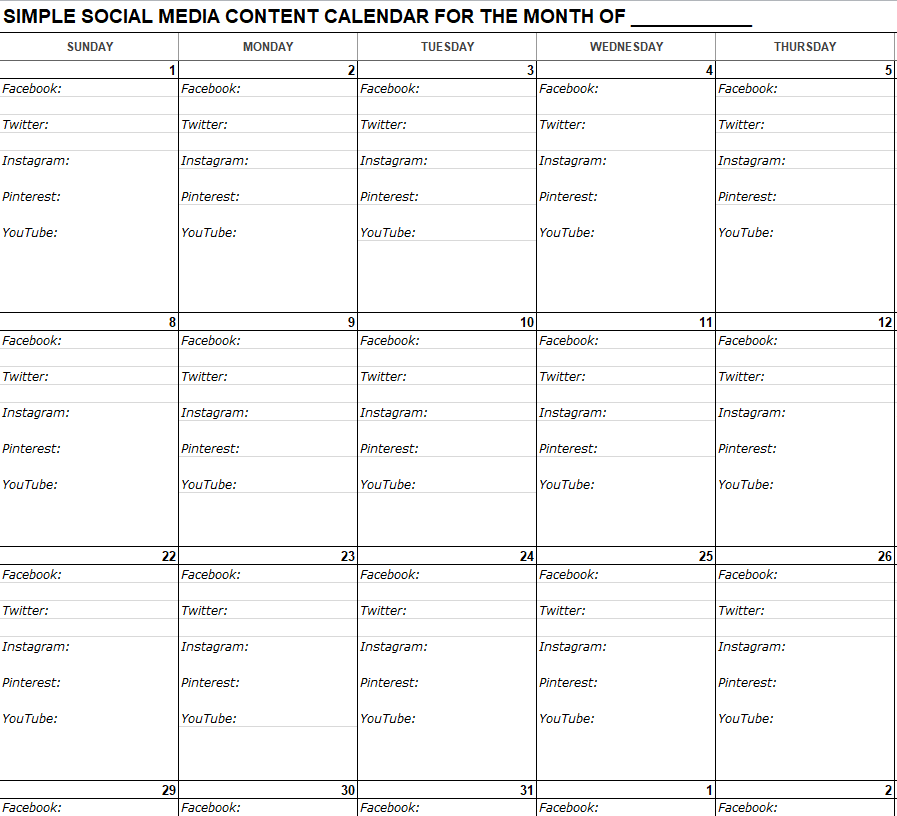
File Size: 24 KB
Sample Social Media Yearly Calendar Overview
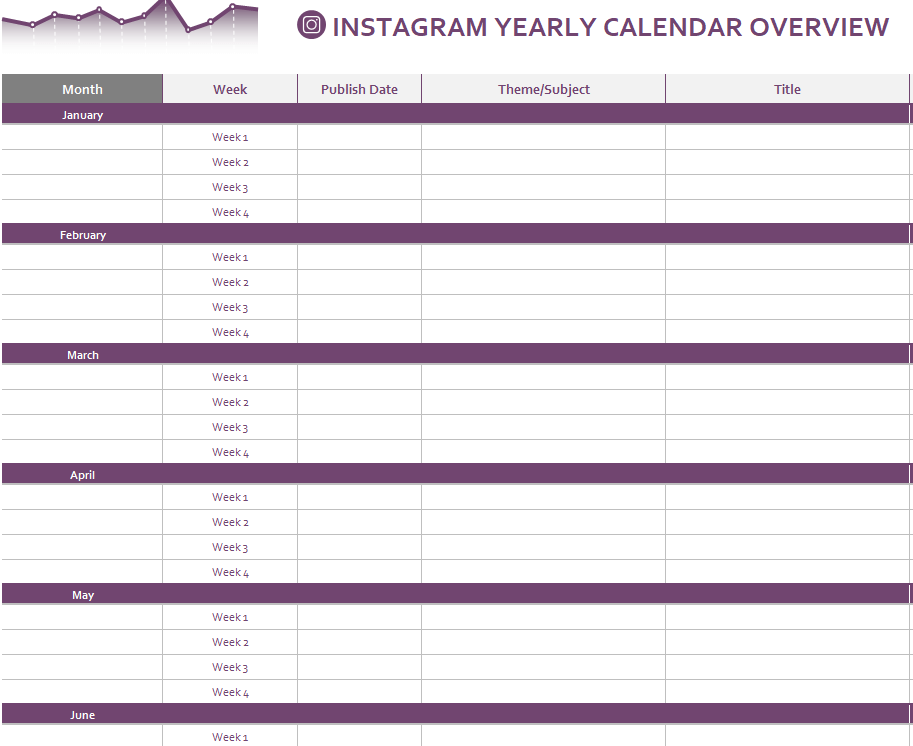
File Size: 59 KB
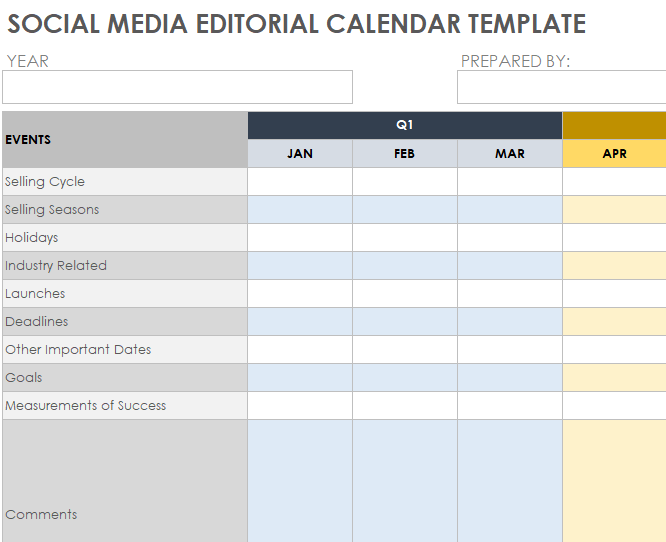
Social Media Editorial Calendar Template in XLSX Format
File Size: 175 KB
Importance of a Social Media Content Calendar
In modern times, people are selling their products and services online using different social media platforms. From small-scale local businesses to large-scale multinational companies, every business has its social media presence and following. This type of following helps a business in getting more customers, thus resulting in more revenue and profit. Moreover, these social media pages and accounts are also used to inform the target audience of any latest updates or offers.
Everyone has an equal opportunity to take benefit from these social media platforms. However, only a few businesses or content creators are seen growing and becoming more and more successful day by day. One of the biggest reasons for the success of some businesses or content creators is that they properly plan and organize their social media content. Again, effective planning and organization of content can be made with the help of social media content calendars.
Some other benefits of using a social media content calendar are listed below that will further help you understand its importance and significance:
- Whether you are creating social media content for your business or you are a social media marketing agency, a social media content calendar keeps you and your team organized and on schedule.
- It helps you maintain consistency in posting content for your brand or business on different social media platforms.
- Some calendars also record the response rate, engagement rate, and many other matrices on your social media posts. On the basis of these insights, you can easily understand what’s working for your business or brand and what’s not.
- By analyzing the response to your content for a week, a month, or so, you will be easily able to plan the social media content for the future. This plan is usually on the basis of what had already worked best for your business.
- Such a tool also enables you to brainstorm and research content ideas and trending topics relevant to your niche or industry rather than blindly posting on social media without any clear goal or objective.
- The presence of a social media content calendar makes the workflow efficient and easily manageable.
- A social media calendar also helps you create more content for the future without any deadline or pressure.
- With a social media content calendar in hand, you can easily make necessary alterations and changes to the scheduled content.
Check Out the Social Media Content Calendar Templates in WORD
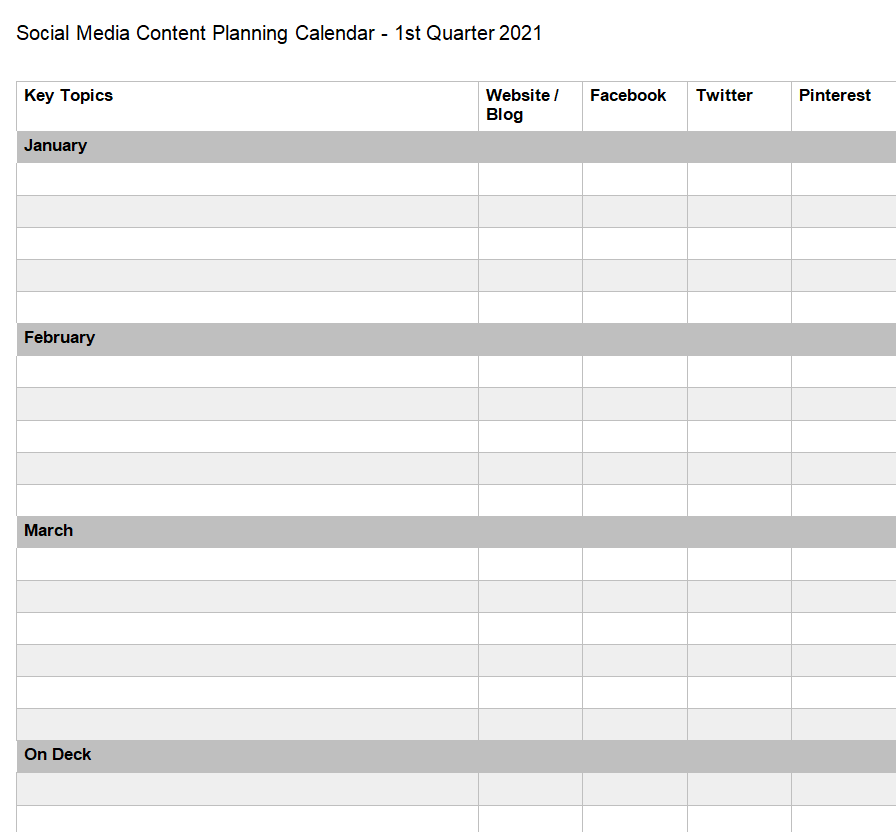
Quarterly Social Media Content Planning Calendar
File Size: 12 KB
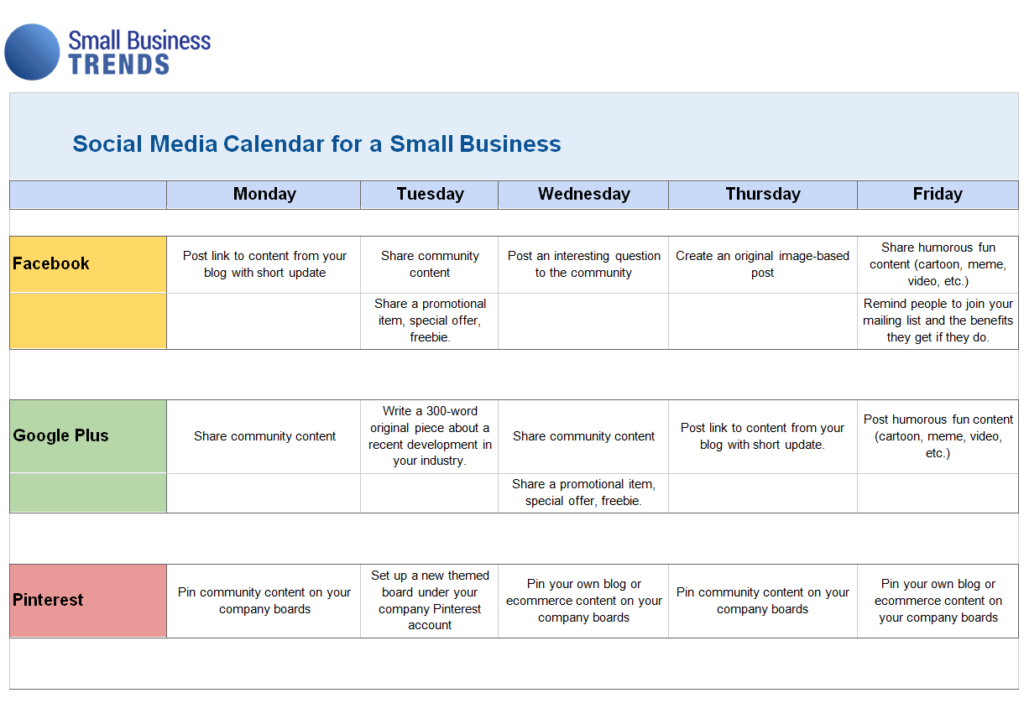
Small Business Social Media Calendar Template
File Size: 14 KB
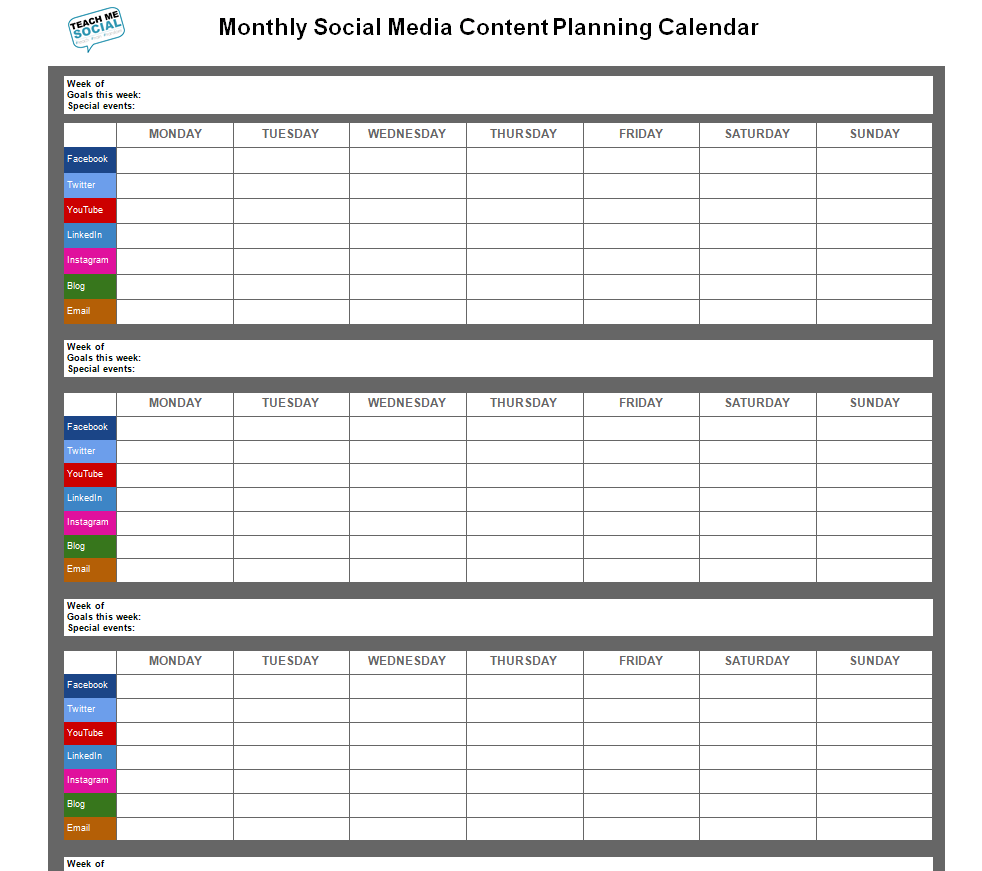
Monthly Social Media Content Planning Calendar Sample
File Size: 174 KB
Weekly Social Media Content Calendar Sheet
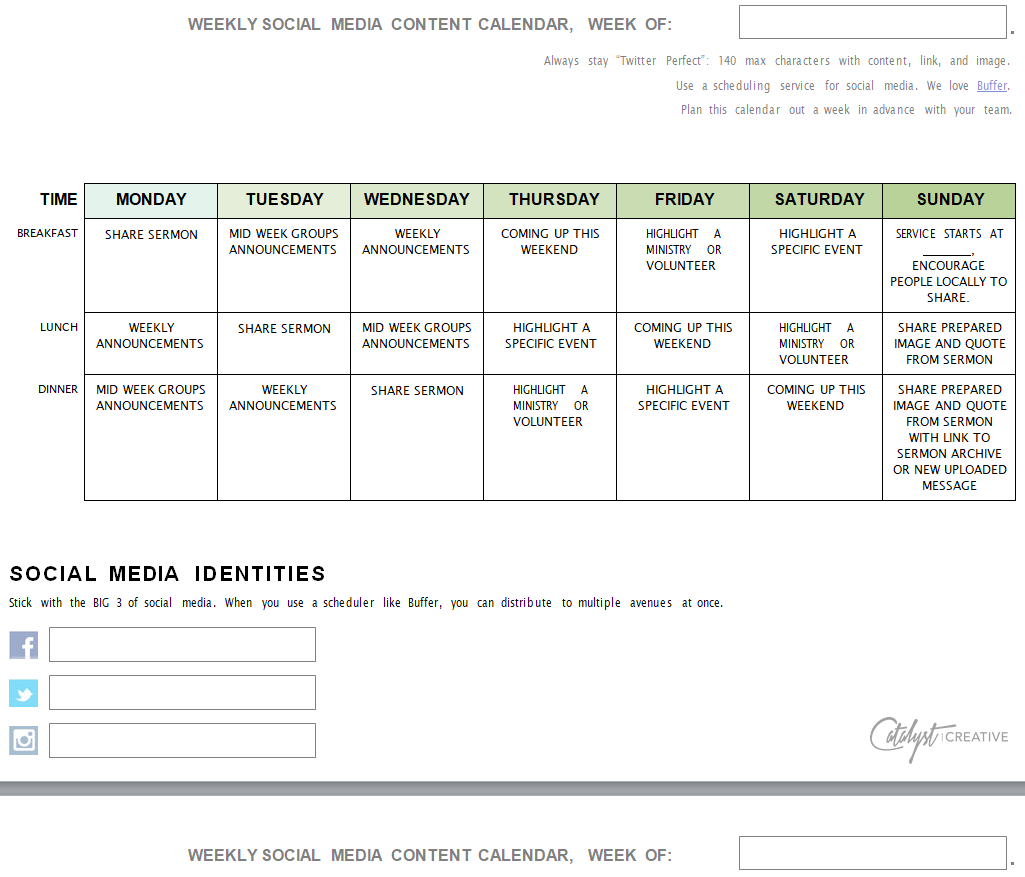
File Size: 51 KB
Basic Social Media Editorial Calendar Template WORD
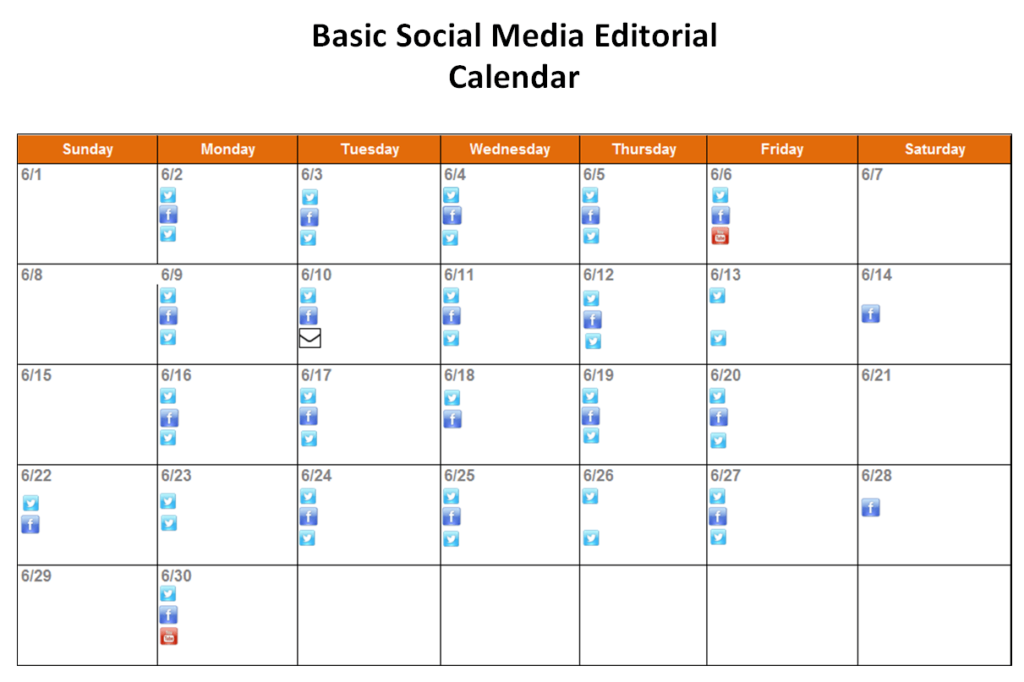
File Size: 36 KB
Yearly Social Media Content Calendar Sample DOC
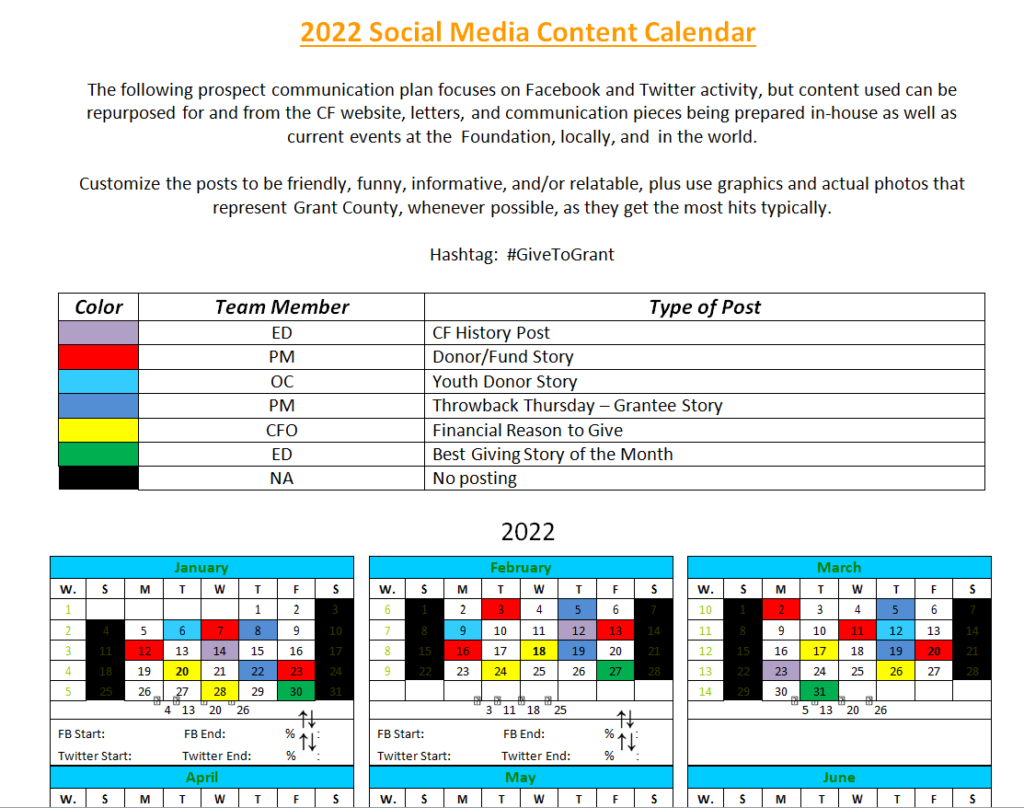
File Size: 36 KB
Social Media Content Tracking Calendar Example
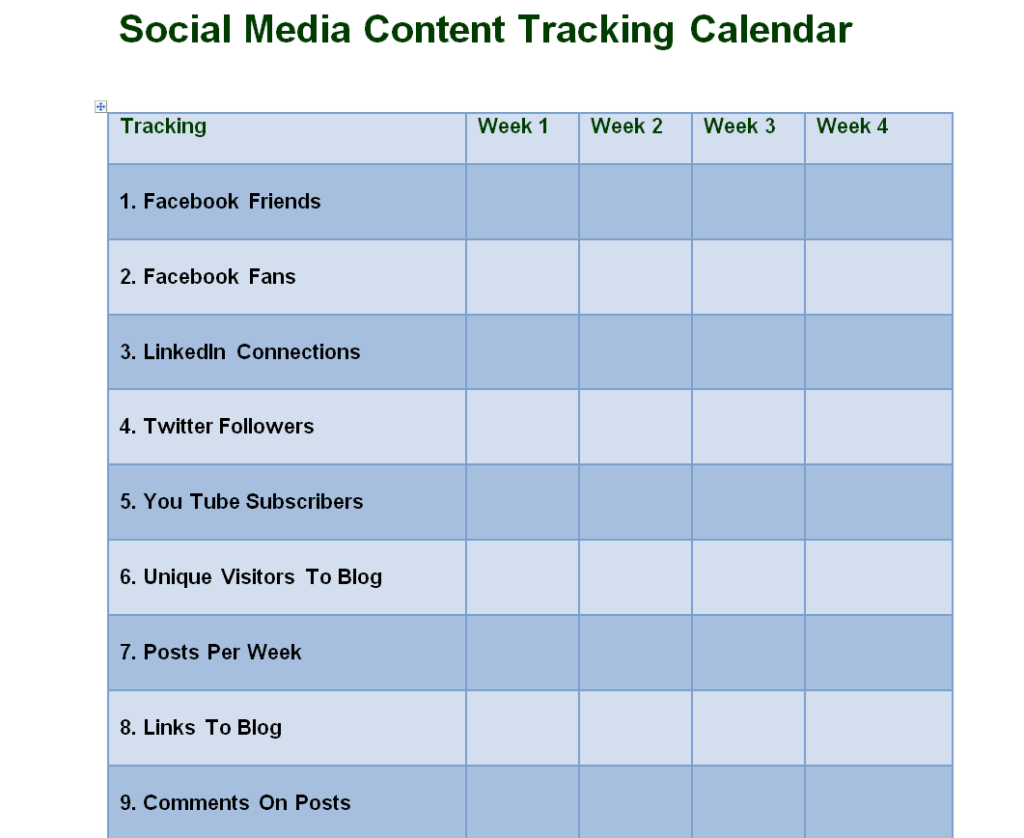
File Size: 282 KB
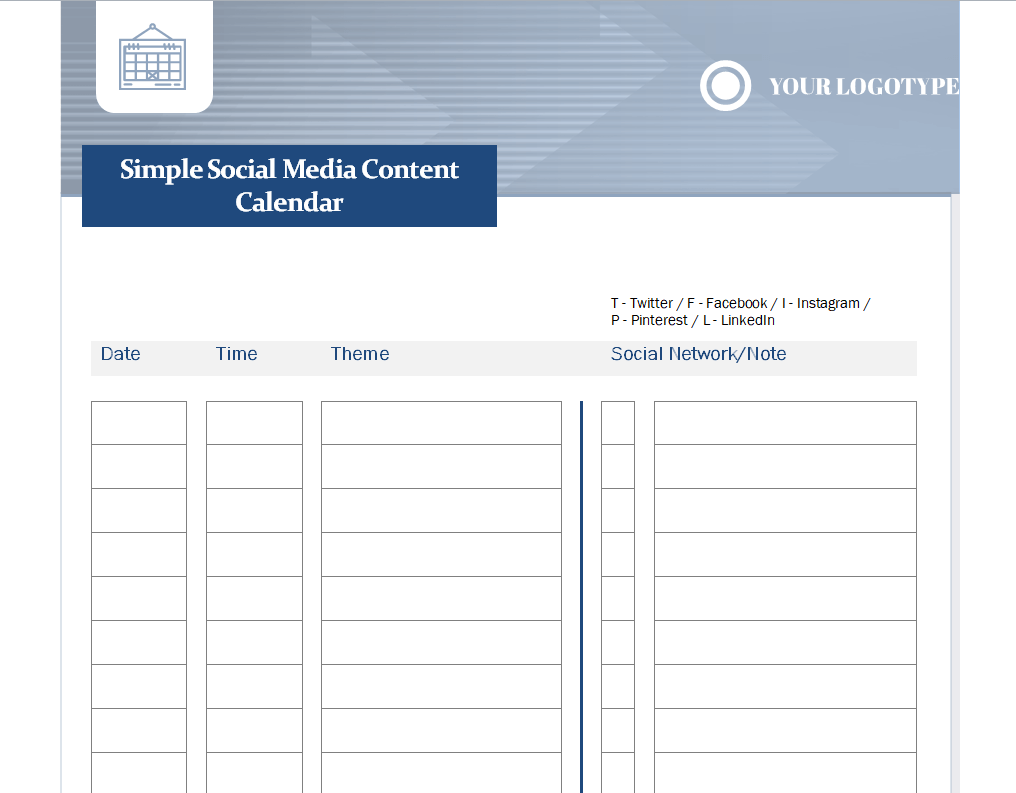
Simple Social Media Content Calendar Template in MS WORD
File Size: 03 MB
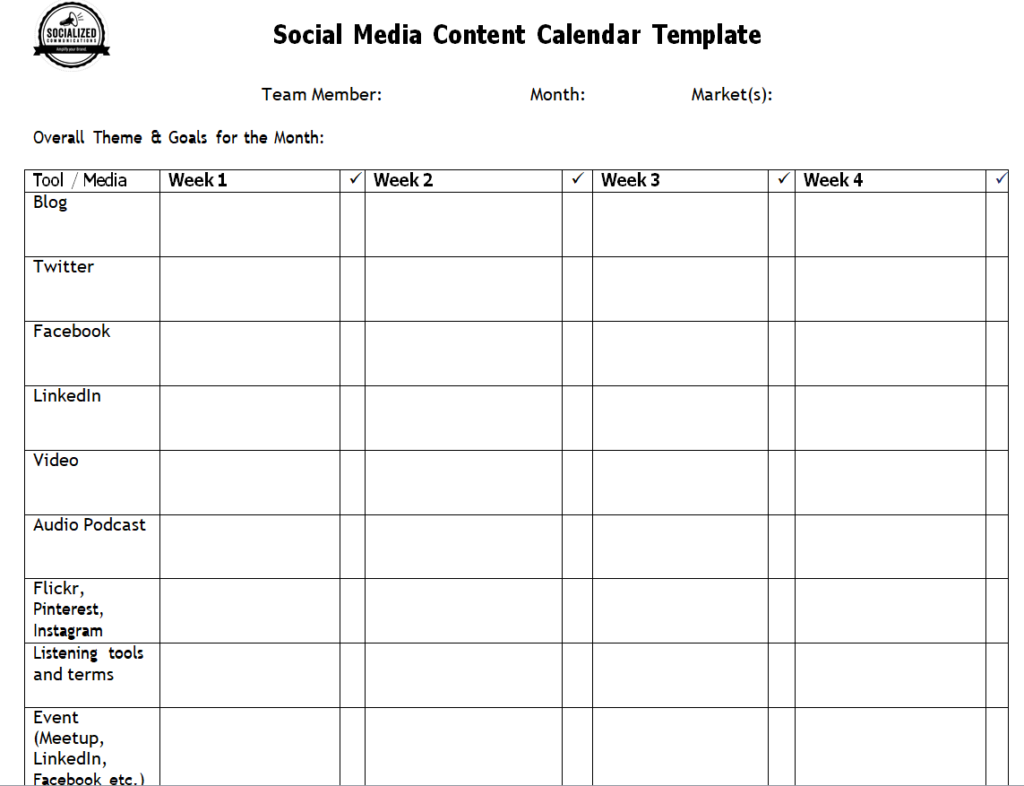
Blank Social Media Content Calendar Word Template
File Size: 60 KB
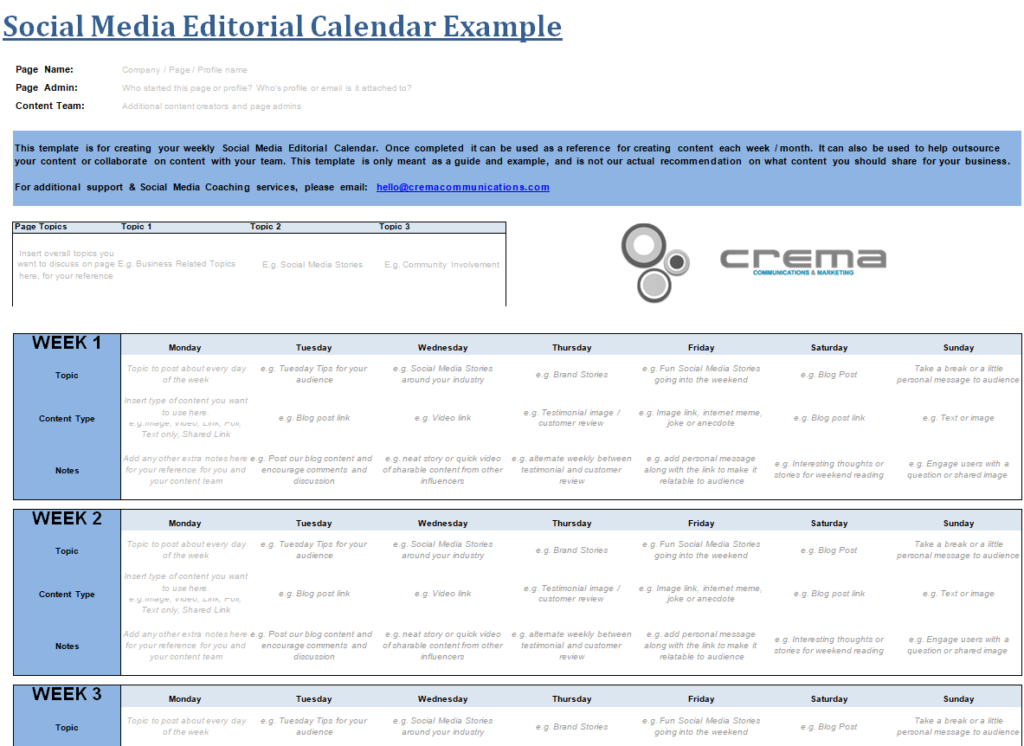
Social Media Editorial Calendar Example WORD
File Size: 48 KB
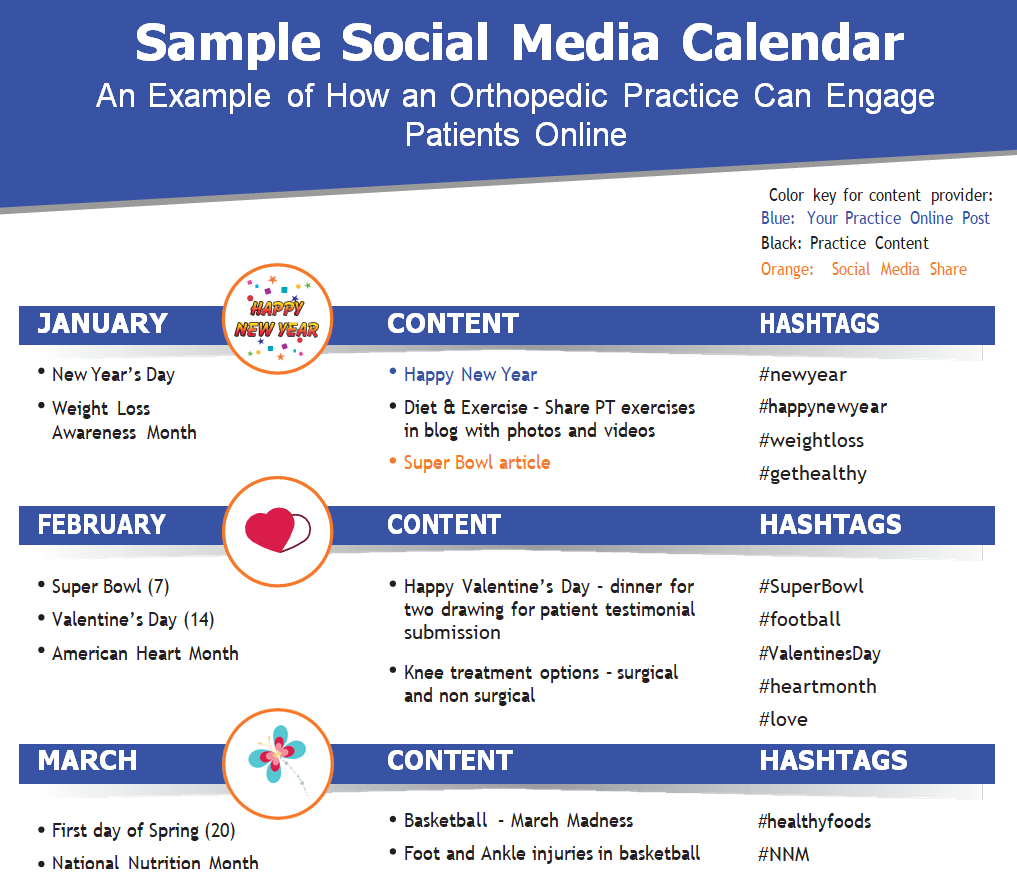
Sample Social Media Content Calendar Template
File Size: 224 KB
How to Create a Social Media Content Calendar?
Now that you know what is a social media content calendar and why it is important, you must also know how to create one. If you want to create a social media calendar quickly, you can do so by using the social media content calendar templates and examples given here on this page. All these templates are available in an editable format so that one can easily download, customize, and use the template of their choice.
However, in order to create a social media content calendar from scratch, you must keep in mind the following simple steps:
1- Goals and Objectives:
Just like making any other plan, it is also important to set your goals and objectives before creating the social media content calendar. It is always better to set more short-term and easily achievable goals in order to reach the long-term goals with ease. Usually, the goals and objectives include the type of content you want to post, identification of your target audience or potential target audience, how often you post, your content creation process, and the social media platforms that you will use.
2- Content Ideas:
If you are stuck on what type of content you should create, the following are some easiest and simplest ways to generate great content ideas:
- You can simply visit the social media pages of your competitors to get an idea of what type of content actually works. However, make sure not to steal or copy the same thing to your social media pages. Instead, just take an idea and create your own piece of content similar to that.
- Make use of Google Trends and Google Autocomplete Search feature to note the most relevant keywords in your industry that your potential target audience search.
- Analyze the insights of your most popular posts to get an idea of what your audience actually likes.
- You can also ask the opinions of your audience (followers or subscribers) through questions or polls on different social media platforms.
3- Post Types and Formats:
Decide what type and format of posts you will be using for the social media content. Whether it be images, videos, short videos (reels or YouTube shorts), etc. Most brands actually plan and use a mixture of all the post types and formats which works pretty well. Again, this depends upon the type and nature of your industry. You can also decide this by test posting and analyzing what works for you.
4- Audit of Social Media Accounts and Pages:
Properly audit your social media accounts and pages and optimize them before planning your posts or content. Make sure to deeply analyze your:
- Relevant social media profiles
- Top performing posts
- Activity of your target audience
- Poorly performing content
- Performances of the relevant social media ad campaigns
- Different metrics for reach, engagement, and conversions
5- Posting Frequency:
This is the schedule of posting your social media content i.e., the frequency or prevalence of posting on your social media accounts or pages. Regarding how often you should post on your social media accounts, here is a list that will help you easily understand the posting criteria:
- Facebook Posts: 3 to 5 posts a week
- Facebook Reels: 5 to 7 reels a week
- Pinterest Posts: 3 to 5 posts a day
- LinkedIn Posts: 3 to 5 posts a week
- Instagram Posts: 3 to 5 posts a week
- Instagram Reels: 5 to 7 reels a week
- TikTok: 5 to 7 TikTok videos a week
Tip: In the case of Instagram reels, Facebook reels, and TikTok videos, since they are created in the same vertical format, you can simply create a single video and post it across all these three platforms.
6- Scheduling the Content:
In your social media content calendar, schedule your content by deciding the dates on which you plan to post on a particular platform. You can select different colors for different social media platforms and highlight a specific date with the color of the relevant social media platform on which you plan to post content. This way you can organize your content smartly and efficiently. It is always recommended to experiment with your posting schedule and make necessary changes to your social media calendar.
7- Sharing the Calendar with Team:
Once you are done with your social media calendar, share it with your marketing and content management team. Make sure to be collaborative, receive feedback, and make necessary changes to your schedule and content depending upon the situation.
8- Analyze your Content:
After you start posting regularly on all the social media platforms, make sure to analyze the insights of your content on a regular basis. With regular scheduling and posting the content for a month or so, you will be able to easily track the performance of your content. With the help of these insights and analysis, you will easily be able to make necessary changes to your content strategies.
Planning a small seasonal campaign
A local business is preparing a seasonal product launch. The calendar separates a product introduction, a practical demonstration, a customer question and a final availability update. Each row has a named owner and an asset location. The availability post remains conditional until stock is confirmed. If delivery is delayed, the team can identify which posts depend on the old date instead of manually checking every draft caption. After publication, the calendar records live links and notes whether the posts answered the questions customers were asking. The next campaign benefits from those observations rather than copying the same sequence automatically.
Related templates
Keep campaign prices consistent with the current customer-facing list. price list templates.
Plan promotional artwork and screening details as separate assets. movie poster resources.
Coordinate the event itself separately from its promotional calendar. event itinerary templates.
Frequently asked questions
Is a content calendar the same as a posting schedule?
A schedule records timing. A content calendar can also connect ideas, assets, approvals, owners and results. Use the fields needed to coordinate your actual process.
How far ahead should I plan?
Choose a planning horizon that fits your production lead times and likelihood of change. Keep near-term commitments clearer than distant ideas, and review the calendar regularly.
Do these templates publish posts automatically?
A spreadsheet or document layout does not necessarily connect to a publishing service. Check the actual file and any separate tools used by your team.
Should the same caption go on every platform?
Review it for the audience, format and action on each channel. A shared idea can still need different wording, assets or timing.
What should I record after a post is published?
A live link, actual date and relevant observations can help. Keep the review tied to the post purpose instead of collecting numbers that will not inform another decision.
