
Inventory List Templates for Stock Tracking. A stock inventory list tracks products received, issued, sold, and still available. These inventory list templates are intended for businesses that need a practical stock record rather than a household belongings checklist. Start with consistent item codes and quantities; add valuation and reorder information only when the underlying entries are reliable.
A small shop may update its list each day, while a storeroom may record movements as they happen. Decide which person owns the register and when physical counts will be compared with it. A spreadsheet does not correct missed receipts or duplicate issues automatically.
Browse the previews and resource links, or use the guide below to choose the right layout.
What to include
SKU and description. Use one unique code for each distinct product or variation. Keep size, color, or pack information clear so similar products are not combined accidentally.
Unit of measure. State whether quantities represent individual units, boxes, kilograms, or another measure. Convert incoming stock consistently rather than mixing units in the same column.
Receipts and issues. Record the date, quantity, and supporting reference for movements. Returns and damaged items need their own treatment rather than being hidden in sales quantities.
Balance and reorder level. Calculate or update the quantity on hand and compare it with a chosen reorder threshold. Recheck that threshold as lead times and demand change.
How to customize the format
- Create a clean item master with consistent codes, descriptions, and units.
- Enter a verified opening balance from a physical count.
- Record receipts and issues with dates and references, then calculate the new balance.
- Reconcile selected items regularly and investigate differences before overwriting the records.
Worked example
Suppose SKU B-014 begins with 40 units. You receive 20 units and issue 12, giving a calculated balance of 48. If the physical count is 46, record and investigate the difference rather than silently changing the opening balance. A damaged-item entry or an unrecorded dispatch may explain it.
Choose the right version
A simple stock list suits a small product range. A movement log is better when every receipt and issue needs tracing. A reorder sheet highlights low balances. A stock-count sheet can omit calculated quantities so counters record what they actually find.
Editable files, calculations, and shared copies
Choose a spreadsheet when the task depends on repeated rows, totals, or filtering. Use an editable document when explanatory wording and page layout matter more than calculations. A PDF may be convenient for a finalized copy, but it is not automatically fillable. A ZIP is a container; inspect its contents before deciding which application you need.
When adapting a spreadsheet, test a few representative entries and check the totals independently. Adding a row or moving a column can leave a formula pointing at the wrong range. Keep dates and numbers in a consistent format. If you share a completed copy, retain a separate blank master so the next version does not accidentally include a previous customer's or participant's details.
Common mistakes to avoid
Do not treat stock on hand as automatically available to sell: some items may be reserved, damaged, or awaiting inspection. Avoid mixing purchase cost and selling price under a single value heading. Check any spreadsheet formulas after adding rows or changing column positions.
Related documents for the next step
Use home and equipment inventory lists for belongings or fixed assets rather than trading stock. See inventory lists.
Match stock issues to delivery notes when goods are dispatched. See delivery note templates.
Use order confirmations to distinguish customer orders from stock movements already completed. See order confirmation templates.
Previews and linked resources
The collection includes file links and external source pages. File type is shown on direct-file buttons; external pages may offer paid options or additional steps. Some reference images have no editable file attached.


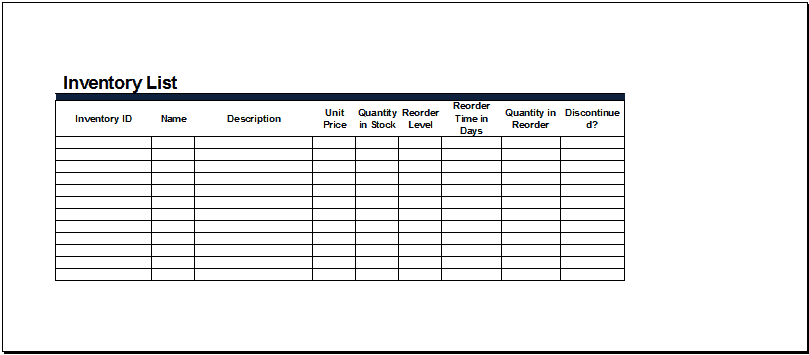


Download two customizable templates
These original downloads are hosted on Templates Front. Each ZIP contains the template files and instructions described below.
Stock count worksheet
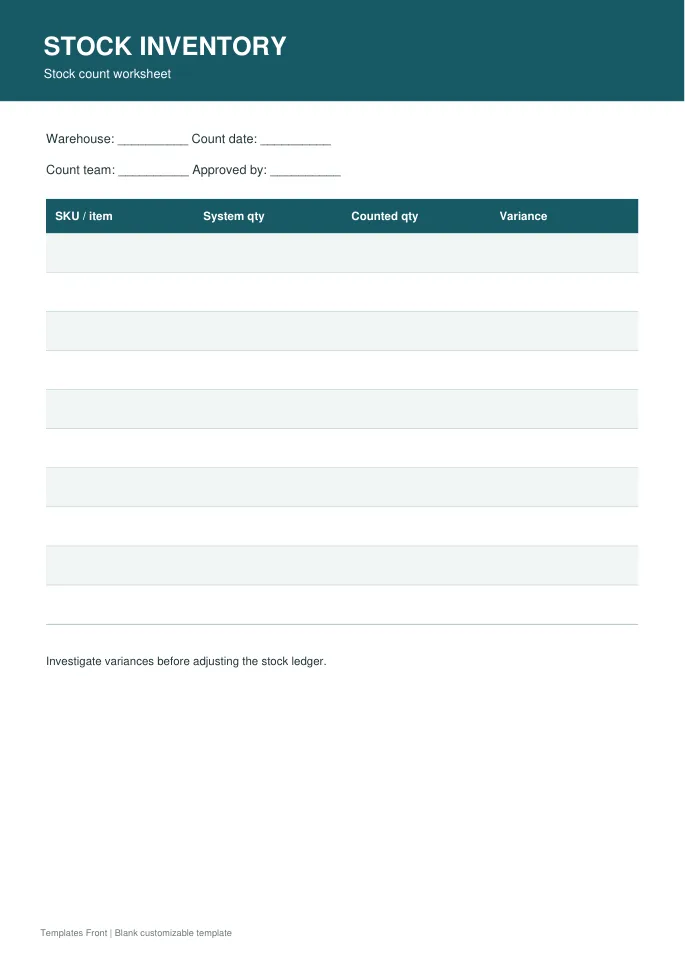
Printable PDF and editable HTML document. Open the HTML in a browser, click the text to edit, then print or save. Tables do not calculate automatically.
Stock movement log
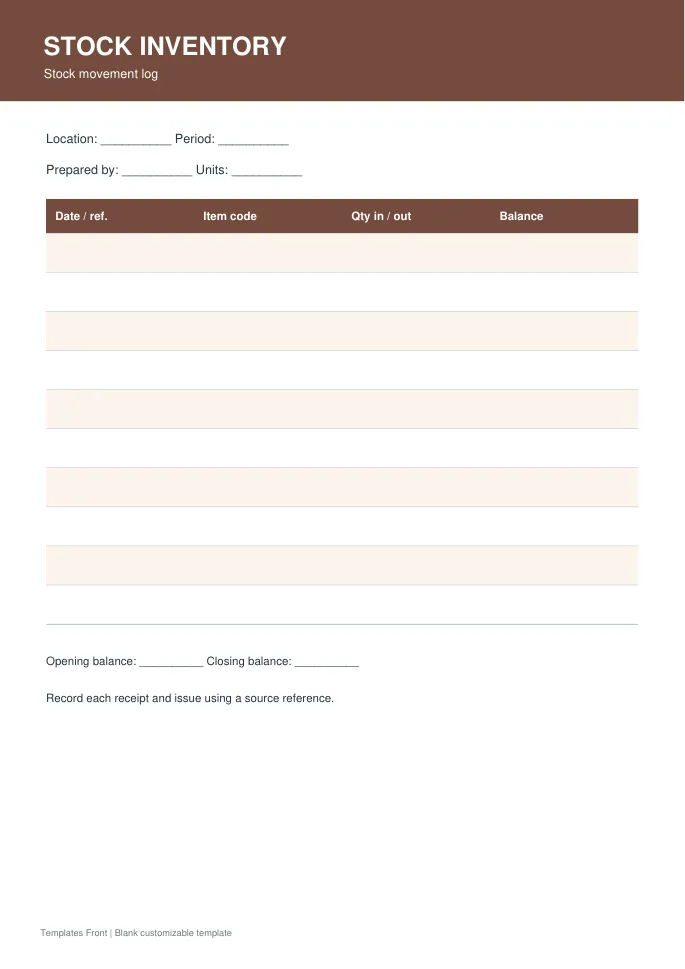
Printable PDF and editable HTML document. Open the HTML in a browser, click the text to edit, then print or save. Tables do not calculate automatically.
Frequently asked questions
Can I use Excel for a small stock register?
Yes. Use consistent item codes and units, protect formulas where appropriate, and reconcile the register with physical stock.
What is the basic stock balance calculation?
Opening quantity plus receipts minus issues gives a basic calculated balance. Record returns, adjustments, and damaged stock clearly.
How is this different from a home inventory?
Stock records track recurring product movements. A home inventory mainly records owned items, their locations, and identifying details.
How do I tell a downloadable file from a source page?
The buttons distinguish file links from external source pages. A source page may contain a download, a paid listing, or further information. Check its file type, availability, and usage terms before relying on it. A preview by itself does not promise an editable file.
How to use these inventory list templates
Using a ready-made inventory list layout saves time and helps you avoid missing important details. Follow these simple steps to track stock levels and know exactly what you own.
- Preview the options above and pick the layout that suits your needs.
- Download the file in the format you prefer.
- Replace the sample details with your own information.
- Check every field carefully before you share or print it.
- Save a copy so you can reuse the inventory list next time.
Tips for customising your inventory list
A few small changes make a template feel like your own. Therefore, review each section before you finish.
Use unique item codes
Give every item its own code or SKU. This prevents duplicates and makes searching much faster.
Record quantities and locations
Note how many units you hold and where they are stored. Update these figures whenever stock moves.
Set reorder levels
Add a minimum quantity for key items. Then you will see when it is time to restock.
For related resources, see our home inventory templates and delivery note templates. You can also browse more options in the Samples category.
Common mistakes to avoid with inventory list templates
Even a good template can cause problems if it is used carelessly. Watch out for these common issues.
- Leaving sample text or placeholder names in the final file.
- Skipping a final proofread before you send or print it.
- Using an outdated version instead of the latest copy.
- Forgetting to back up the edited file in a safe place.
Frequently Asked Questions
Are these inventory list templates free to use?
Yes, you can download and adapt them for personal or business use. However, always check the source link for any extra terms. If you plan to share the file widely, review those terms first.
Which file format should I choose?
Choose the format that matches the software you already use. Word and PDF files are easy to open on most devices. In addition, editable files let you change details without redesigning the page.
Can I edit the inventory list after downloading?
Yes, editable versions can be changed in a few minutes. Simply open the file and replace the sample text. Then save it under a new name so the original stays unchanged.
How do I make sure the inventory list fits my situation?
Start by listing the details you must include. Next, compare them with the sections in the template. Finally, add or remove fields until it matches your needs.
Final thoughts
Good preparation makes any document easier to finish. Take a few minutes to review the details, and your inventory list will look clear and professional.
