
Event Itinerary Templates. An event itinerary puts activities in time order so organizers, suppliers, participants, and guests know what happens next. The strongest format depends on who will read it. A guest itinerary can be short, while an internal run sheet may need setup times, staff owners, contact references, and contingency notes.
Build the event sequence before styling it. Include preparation and transition time, not just the public start and finish. A stage change, room move, or meal service can affect everything that follows, so someone should own each important transition.
Browse the previews and resource links, or use the guide below to choose the right layout.
Build the document around its purpose
Time and duration. Show starts, finishes, and any fixed deadlines. Distinguish arrival time from the public opening.
Activity and location. Name the session and the specific room or meeting point. Include movement time where locations differ.
Responsible person. Assign an owner to each operational activity rather than assuming the whole team will handle it.
Dependencies and notes. Record equipment, supplier arrivals, approvals, or backup arrangements that affect the sequence.
Prepare and review your version
- List the fixed commitments and work backward to setup and arrival times.
- Add realistic activity lengths and transitions.
- Assign owners and confirm the schedule with key suppliers or participants.
- Circulate a dated version and communicate changes through one agreed channel.
Putting the layout to work
For a workshop starting at 10:00, the internal sheet might show room setup at 08:30, equipment checks at 09:00, registration preparation at 09:15, and guest arrival at 09:30. The guest itinerary can simply show registration, the workshop, the break, and the finish. Different readers need different levels of detail.
Adapt the layout to the situation
Use a run sheet for the organizing team, a supplier schedule for deliveries and setup, and a simplified itinerary for guests. Each can draw from the same approved master.
Editable files, calculations, and shared copies
Choose a spreadsheet when the task depends on repeated rows, totals, or filtering. Use an editable document when explanatory wording and page layout matter more than calculations. A PDF may be convenient for a finalized copy, but it is not automatically fillable. A ZIP is a container; inspect its contents before deciding which application you need.
When adapting a spreadsheet, test a few representative entries and check the totals independently. Adding a row or moving a column can leave a formula pointing at the wrong range. Keep dates and numbers in a consistent format. If you share a completed copy, retain a separate blank master so the next version does not accidentally include a previous customer's or participant's details.
Before sharing the finished version
Avoid scheduling every activity back to back without transition time. Do not circulate several undated versions or expose private staff contact details in a public guest handout.
Related documents for the next step
Collect attendee or volunteer details with a sign-up sheet. See sign up sheet word templates.
Coordinate equipment arrivals with a delivery schedule. See delivery schedule templates.
For a fundraising event, organize product orders with a fundraiser order form. See free fundraiser order form templates.
Previews and linked resources
The collection includes file links and external source pages. File type is shown on direct-file buttons; external pages may offer paid options or additional steps. Some reference images have no editable file attached.
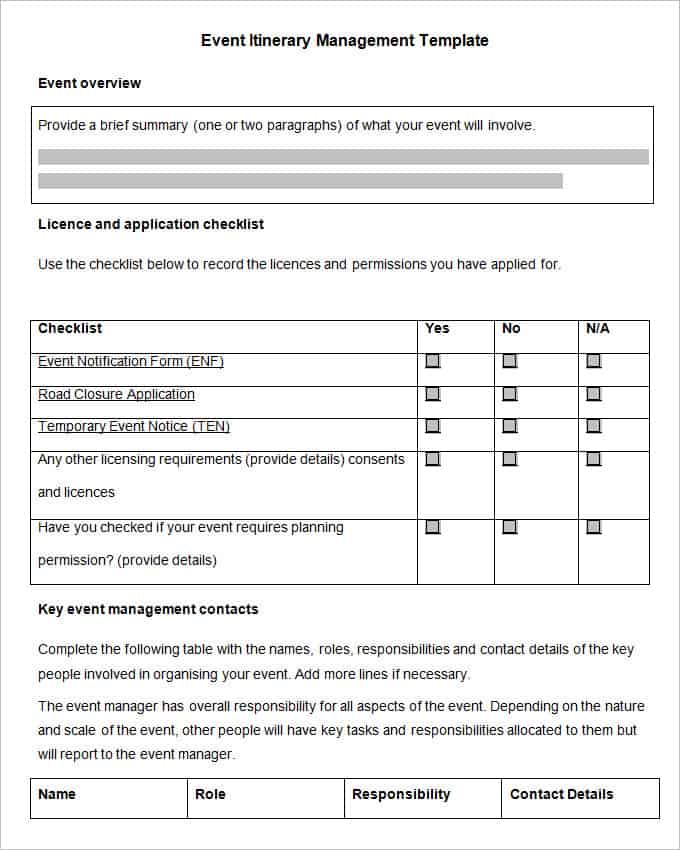

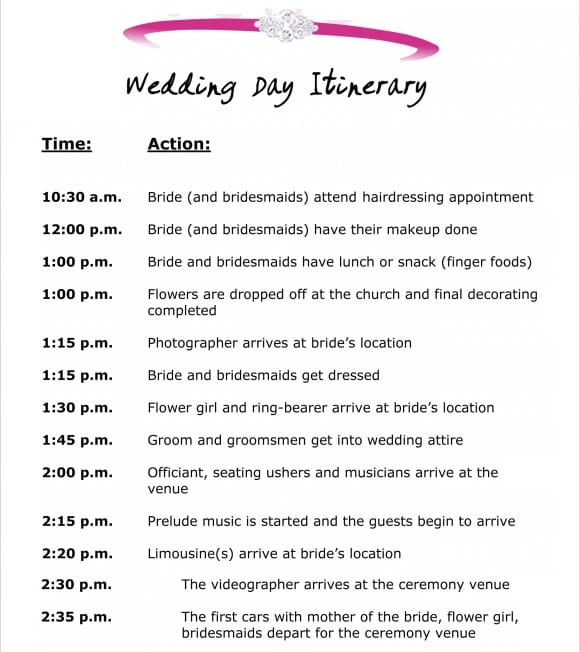
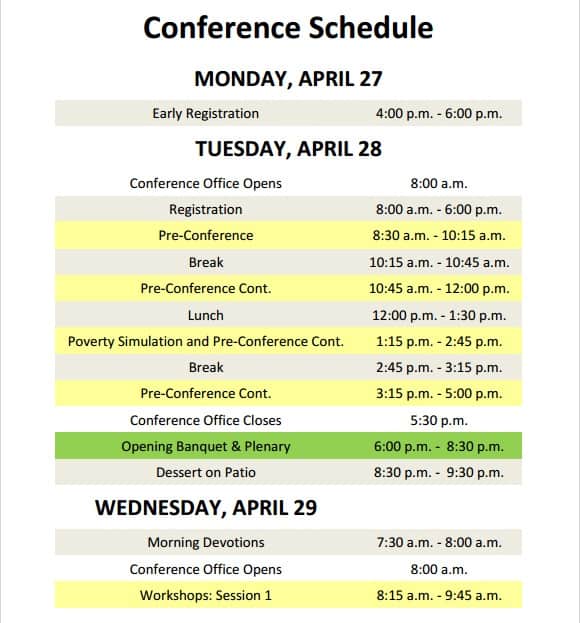
Event Itinerary Templates Free
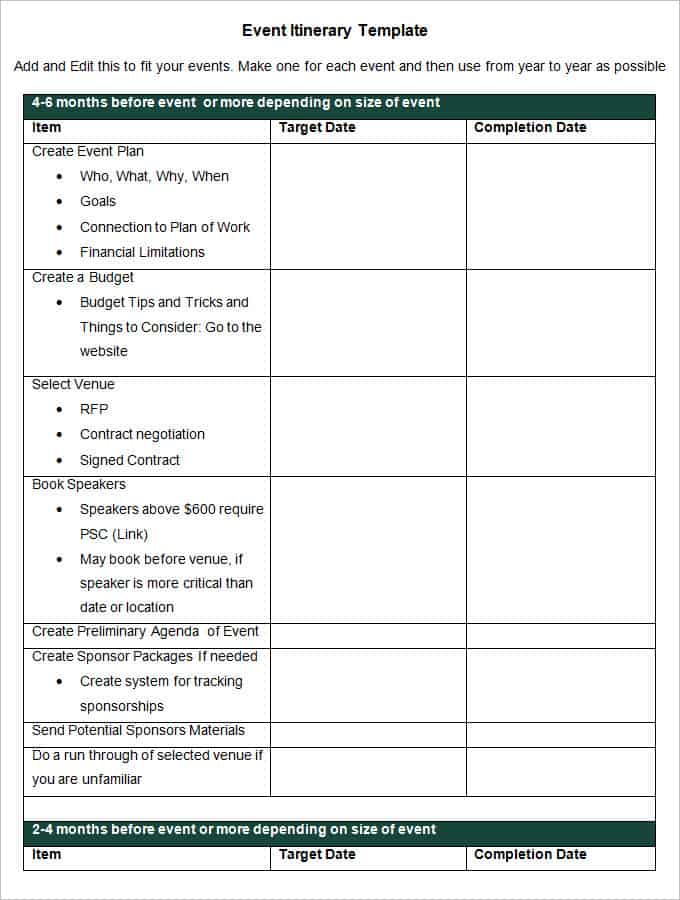

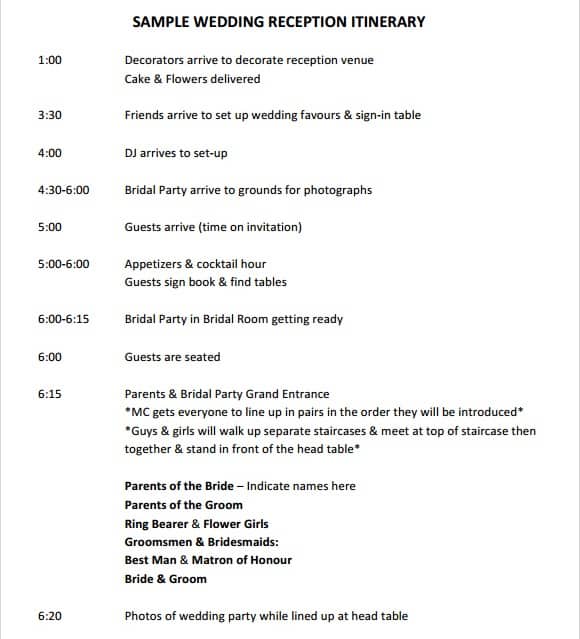

Event Schedule Templates
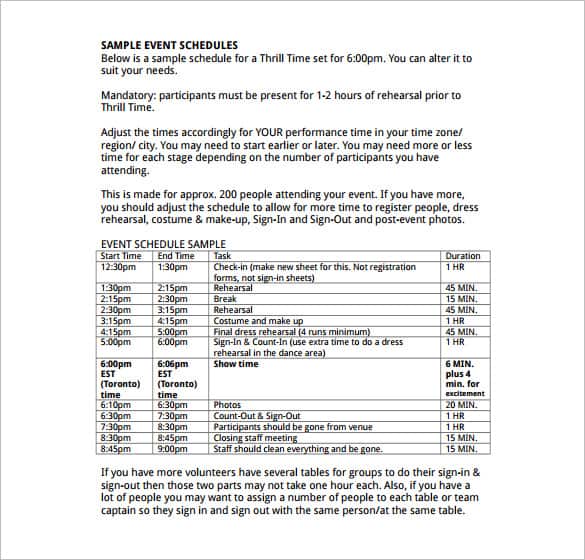

Download two customizable templates
These original downloads are hosted on Templates Front. Each ZIP contains the template files and instructions described below.
Guest event itinerary
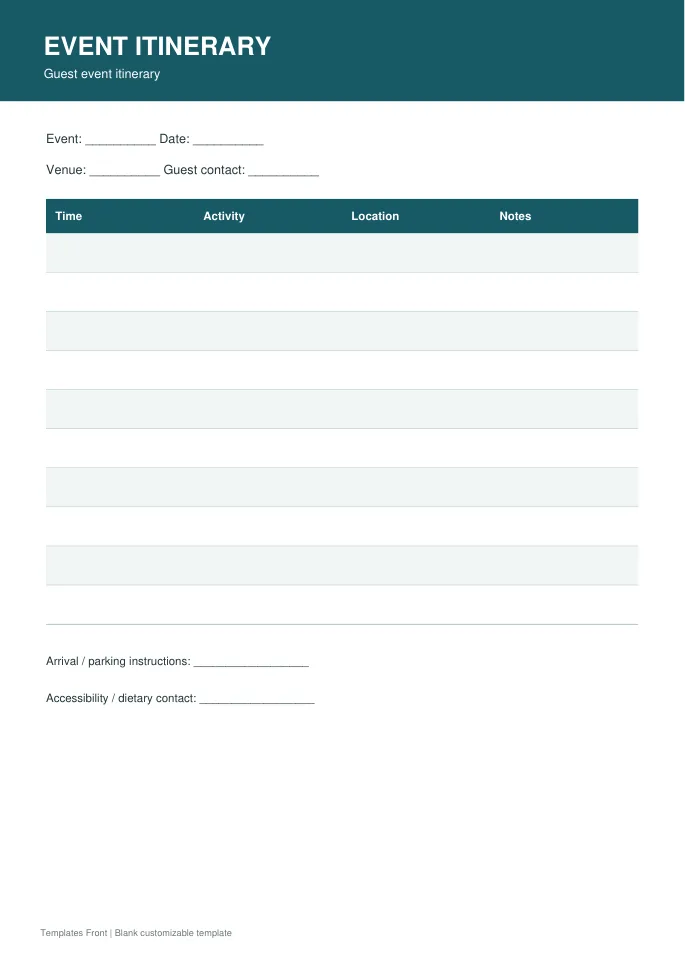
Printable PDF and editable HTML document. Open the HTML in a browser, click the text to edit, then print or save. Tables do not calculate automatically.
Organizer event run sheet
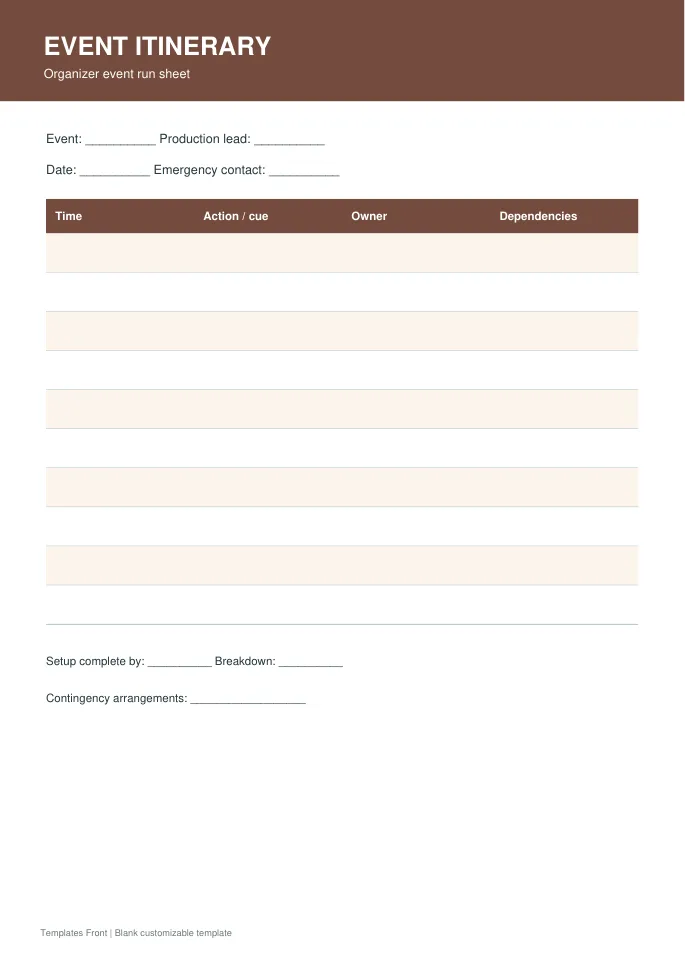
Printable PDF and editable HTML document. Open the HTML in a browser, click the text to edit, then print or save. Tables do not calculate automatically.
Frequently asked questions
Is an itinerary the same as a run sheet?
They overlap, but a run sheet usually includes more operational detail and responsibility assignments.
Should setup appear in the guest version?
Usually guests need the public schedule. Keep setup details in the organizer version unless relevant to attendees.
How should changes be managed?
Update one controlled master, date the version, and notify the people affected through the agreed channel.
How do I tell a downloadable file from a source page?
The buttons distinguish file links from external source pages. A source page may contain a download, a paid listing, or further information. Check its file type, availability, and usage terms before relying on it. A preview by itself does not promise an editable file.
