
A payroll report needs to explain which period and records its totals represent. Payroll report templates can organize employee entries, pay components and review references, but the figures should come from an approved payroll process. A formatted workbook should not become an unreviewed source of tax or deduction rules.
The downloads below include different payroll summaries and reporting layouts. Compare the previews, inspect the file and choose the fields that match the report’s audience. A team summary, a detailed payroll register and an individual pay document have different uses and access needs.
This guide focuses on scope, reconciliation, corrections and careful sharing. Check the requirements that apply to your location and workforce through the appropriate official guidance and payroll expertise before using a sample in a live process.
State the pay period and the payment date
Identify the period the work or pay relates to and distinguish it from the date payment is made. Use clear headings so that a later reviewer can interpret a report without relying on the filename.
State the currency and whether the figures are a draft, a reviewed run or a later correction according to the organization’s process. Avoid combining different periods into an unexplained total. Where a report covers a particular department or group, identify that scope.
The same amount can mean different things in a period report, a payment reconciliation and a year-to-date summary, so the label needs to preserve the distinction.
Use approved inputs rather than sample assumptions
Establish where the report receives employee identifiers, approved time, pay rates and other components. Keep those inputs connected to the appropriate source records. Do not retain a sample rate or deduction percentage because it already produces a total in the workbook.
A template may contain illustrative formulas that are unsuitable for your workforce or location. Review the structure with the people responsible for payroll before entering live information.
If a required input is missing, resolve or clearly record the issue through the process rather than letting a blank field appear as a valid zero payment or deduction.
Keep pay components clearly labeled
Separate the components relevant to the report and make their meaning consistent across employees and periods. Gross pay, deductions, net pay and employer-related costs should not be combined under vague headings.
Include only the detail the audience needs, and use the approved payroll calculation process to establish the amounts. Review whether totals include corrections, reimbursements or other items and label them appropriately.
Avoid using an internal report as if it automatically met the requirements for a payslip, tax filing or other formal document. A clear summary helps reviewers understand the run, while the underlying records support the calculation and required reporting.
28 downloadable templates and previews
Compare the previews for layout and available fields, then use the download button for the actual file. Check the package contents before editing, because the collection includes different layouts and file types.
Extract ZIP packages first, keep a blank original and save your working copy with a clear name. A preview image is a reference for the layout rather than the editable document.
Blank Payroll Report Template
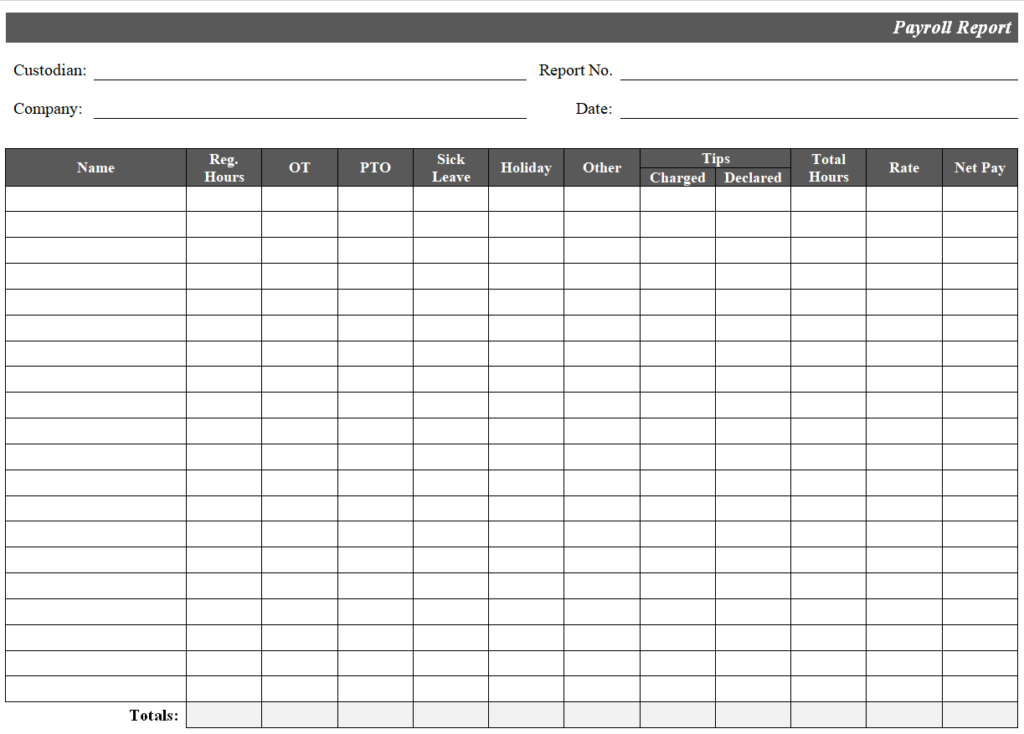
File Size: 07 KB
Quarterly Employee Payroll Report Template
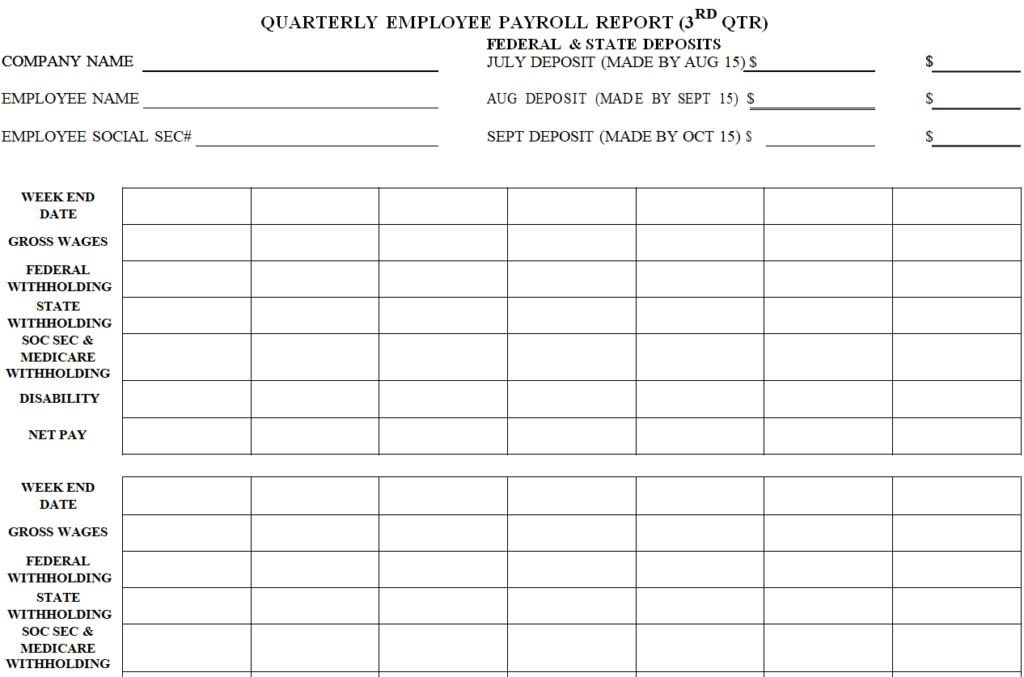
File Size: 04 KB
Monthly Payroll Summary Report Sample
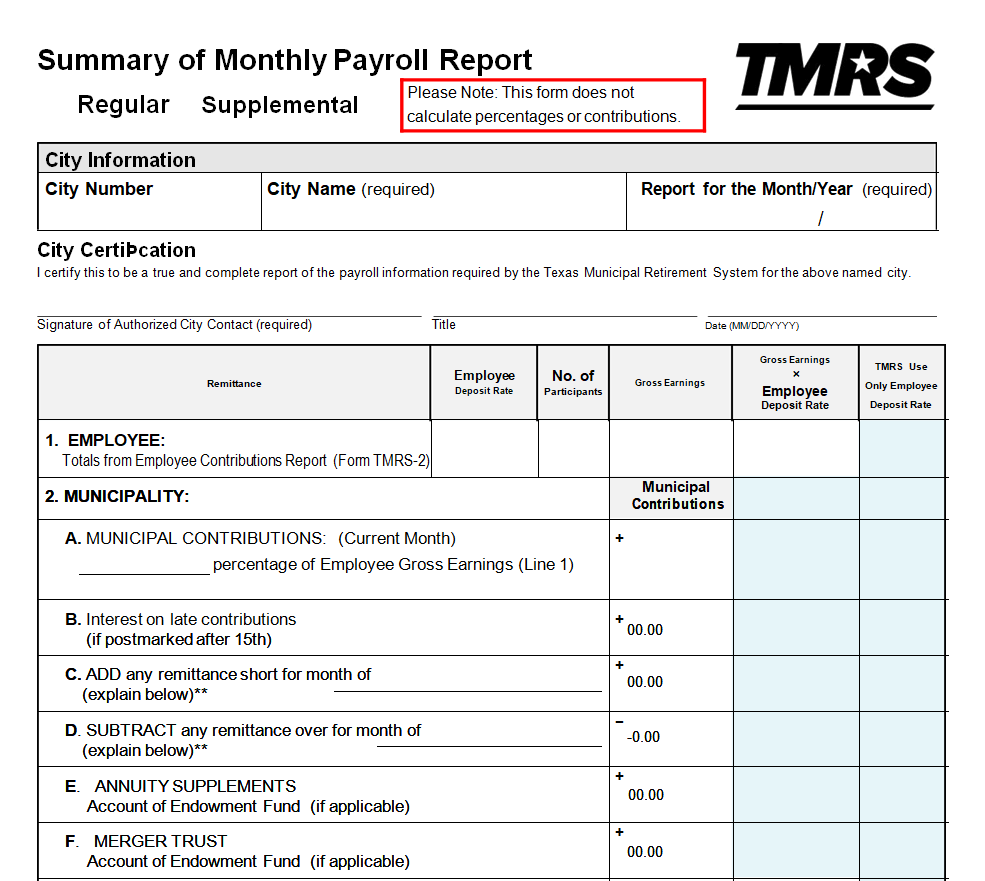
File Size: 19 KB
Certified Payroll Report Word Template
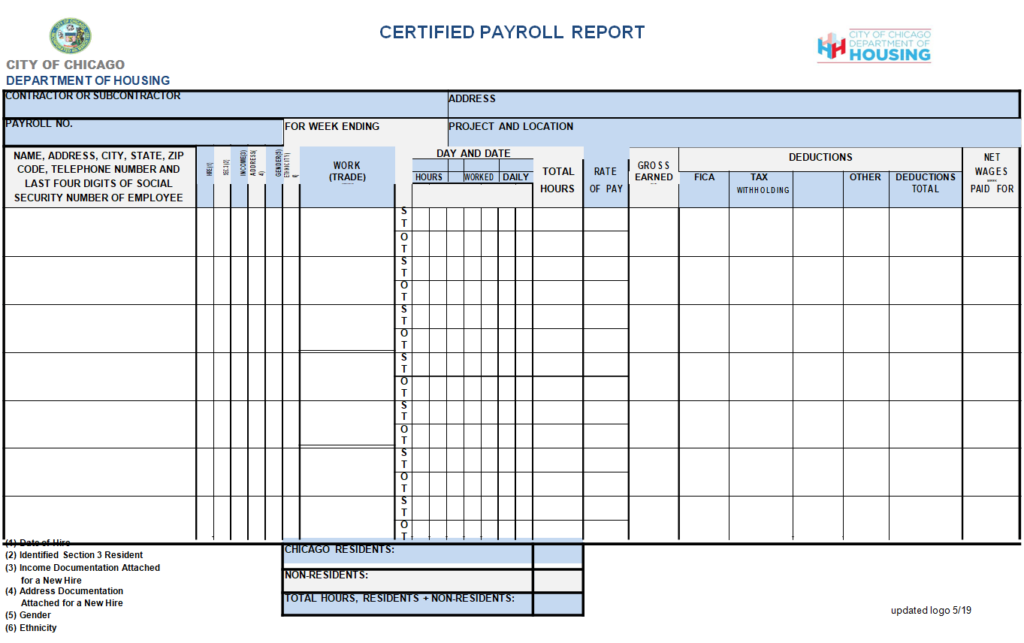
File Size: 24 KB
Workers' Annual Payroll Report Template
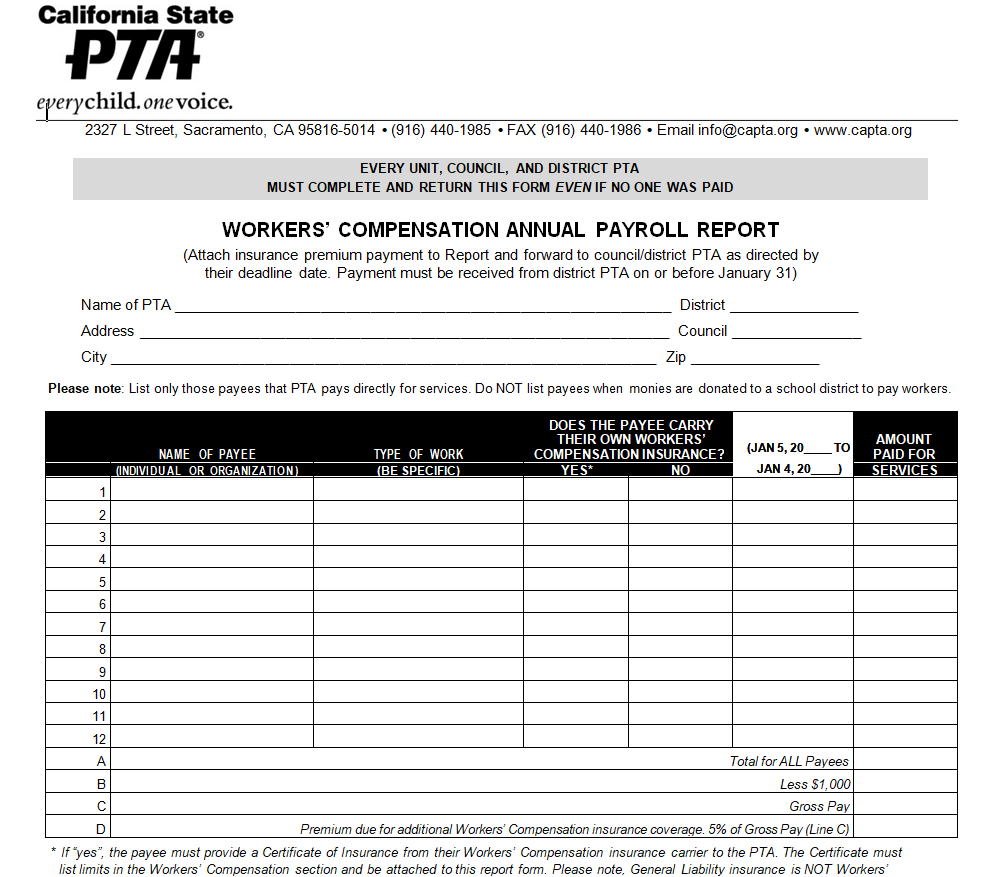
File Size: 44 KB
Weekly Payroll Report Example
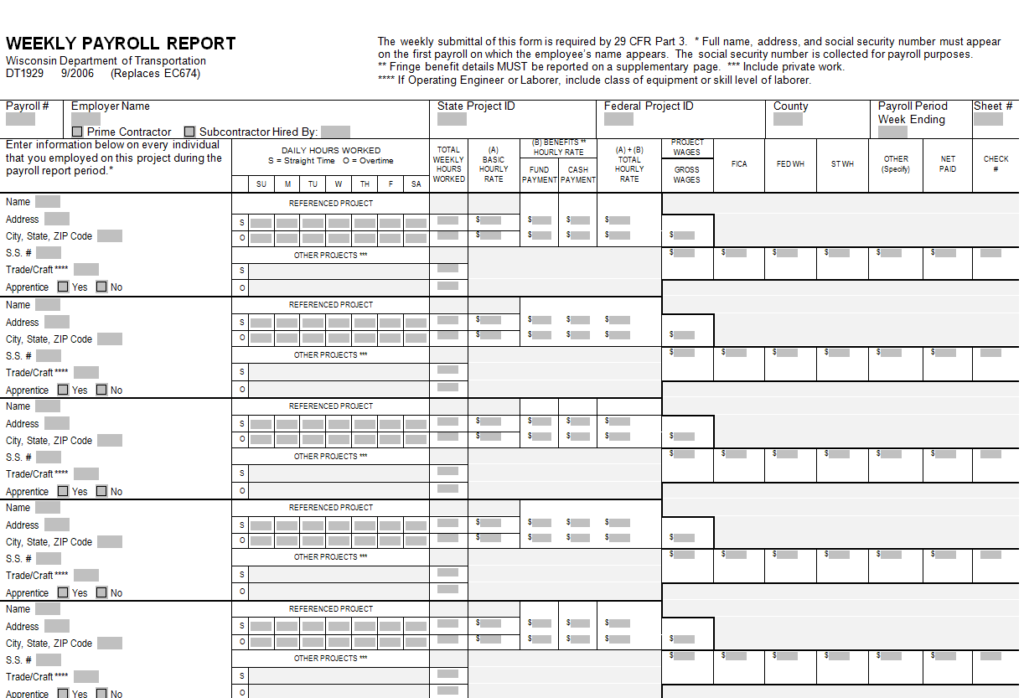
File Size: 23 KB
Certified Payroll Report Form Template
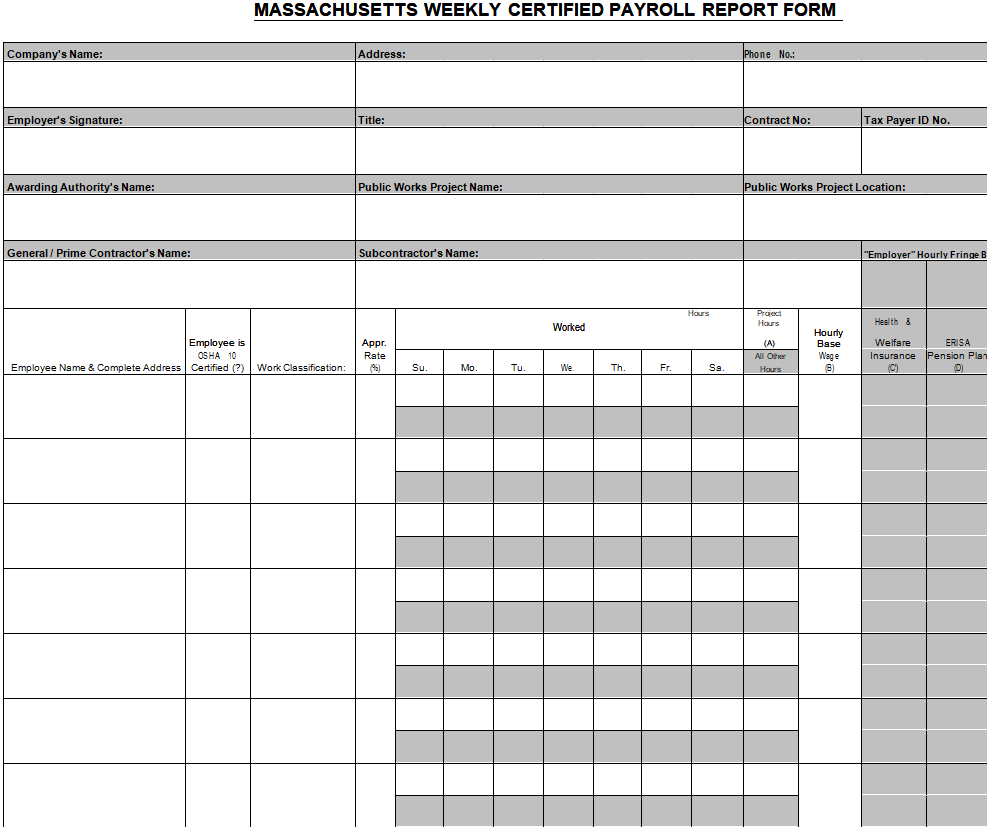
File Size: 16 KB
Payroll Report Instructions Template
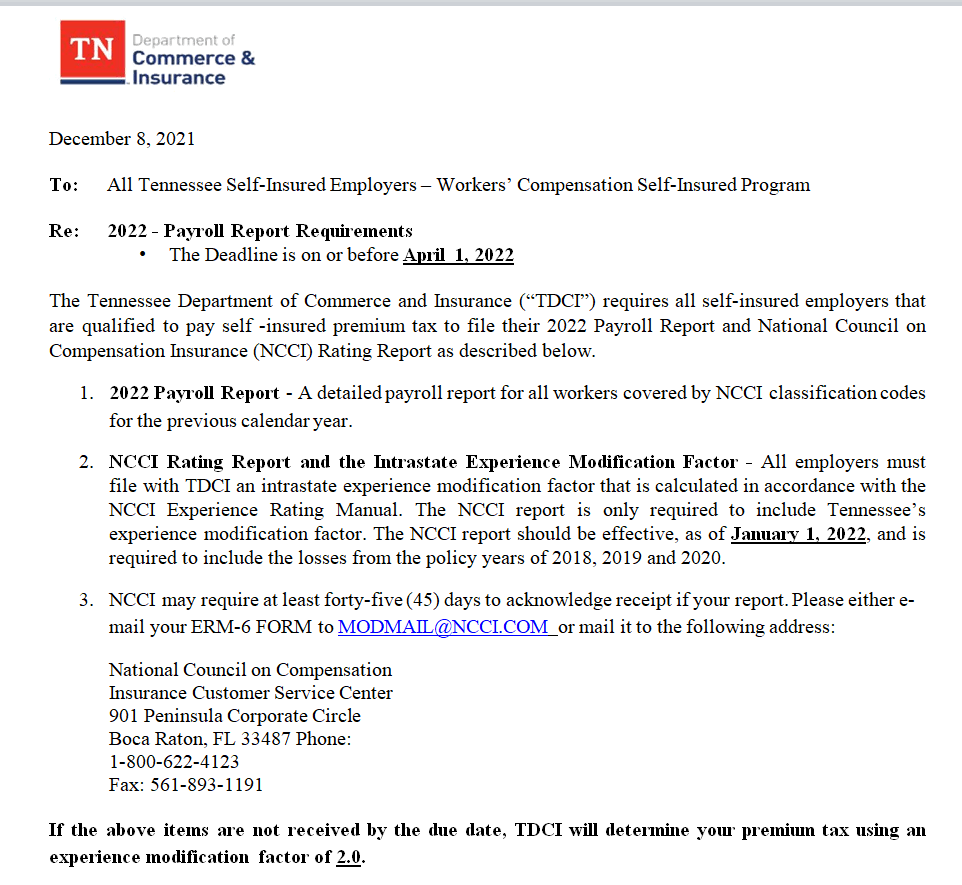
File Size: 41 KB
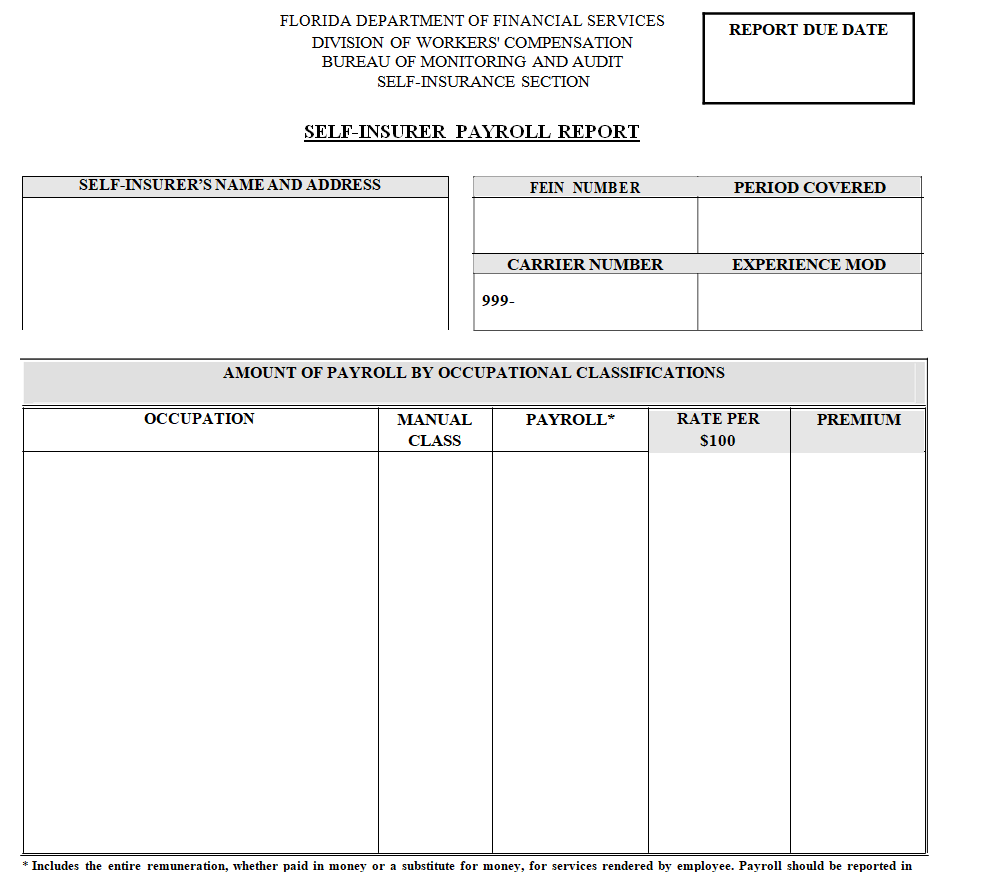
Self-Insurer Payroll Report Template in MS WORD
File Size: 08 KB
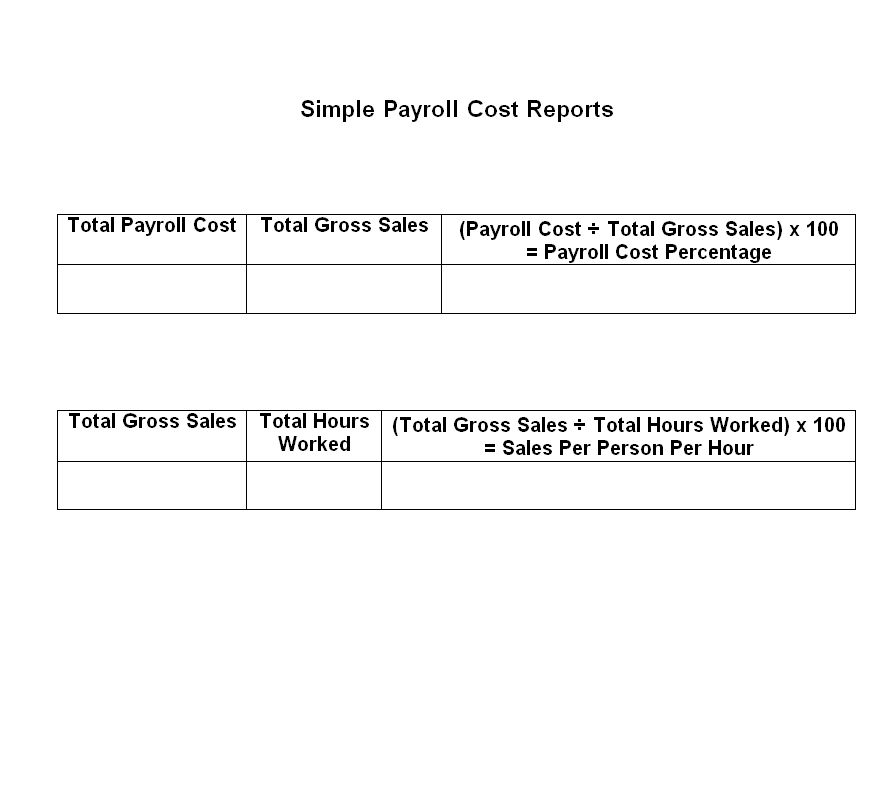
Simple Payroll Cost Report Template
File Size: 05 KB
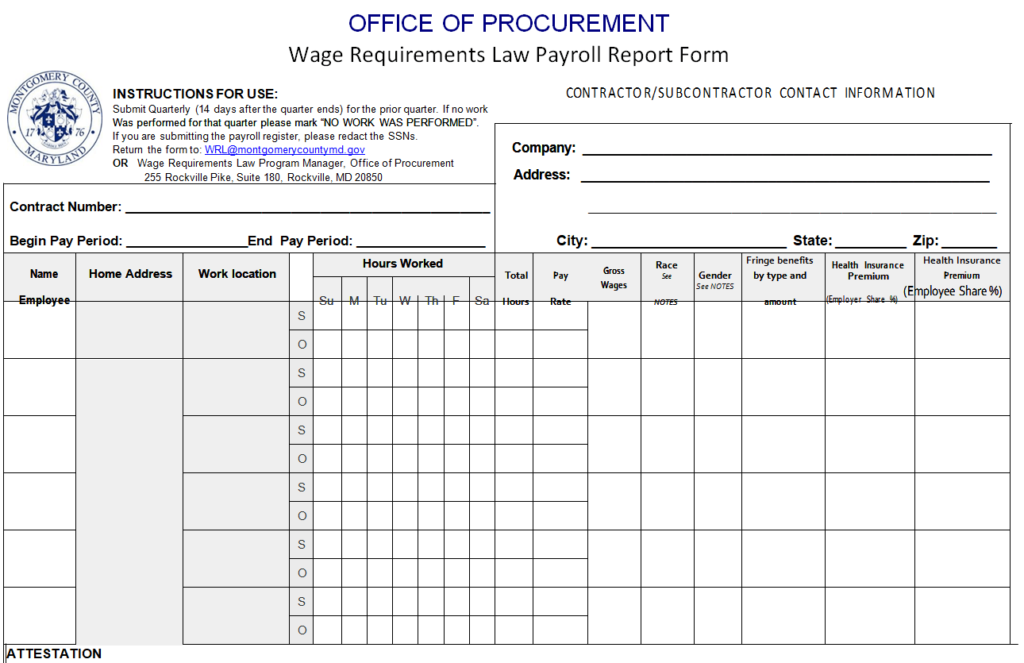
Payroll Report Form Sample DOC
File Size: 22 KB
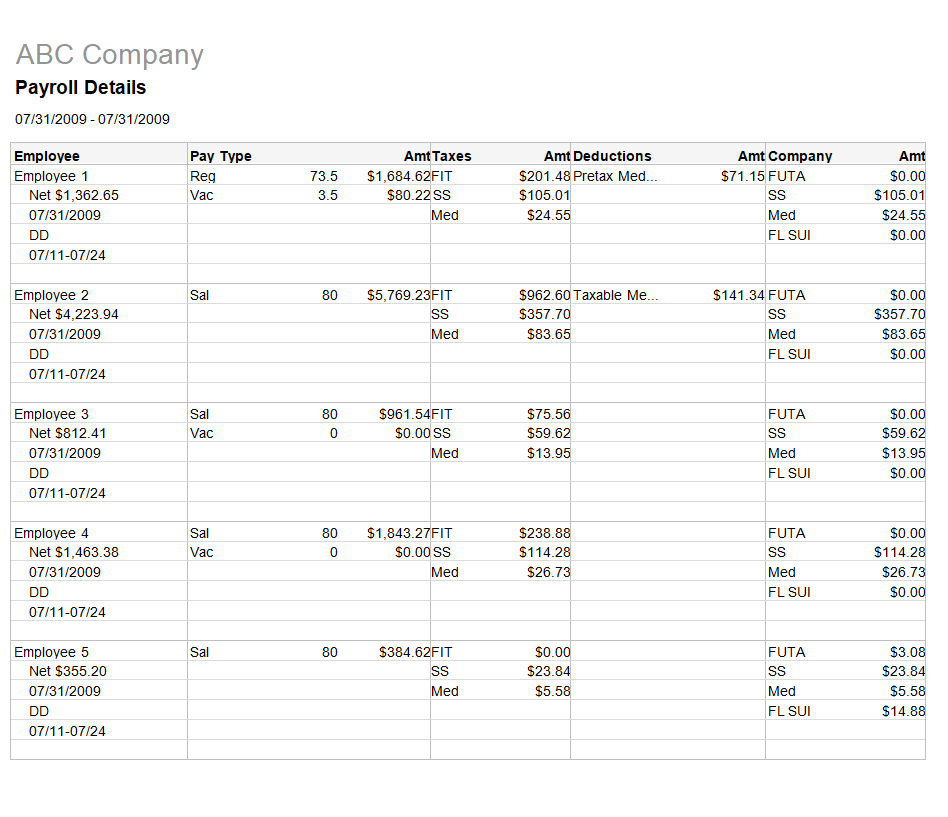
Company's Detailed Payroll Report Template
File Size: 33 KB
Monthly Payroll Report Format
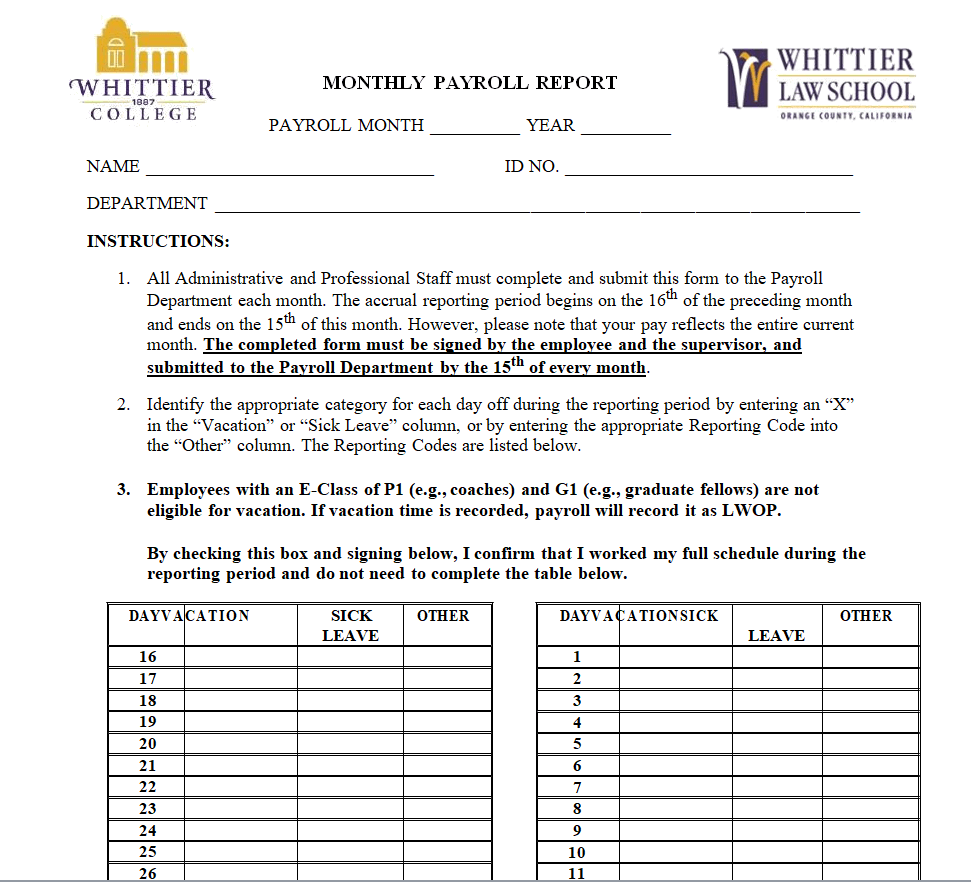
File Size: 20 KB
Departmental Payroll Report Example
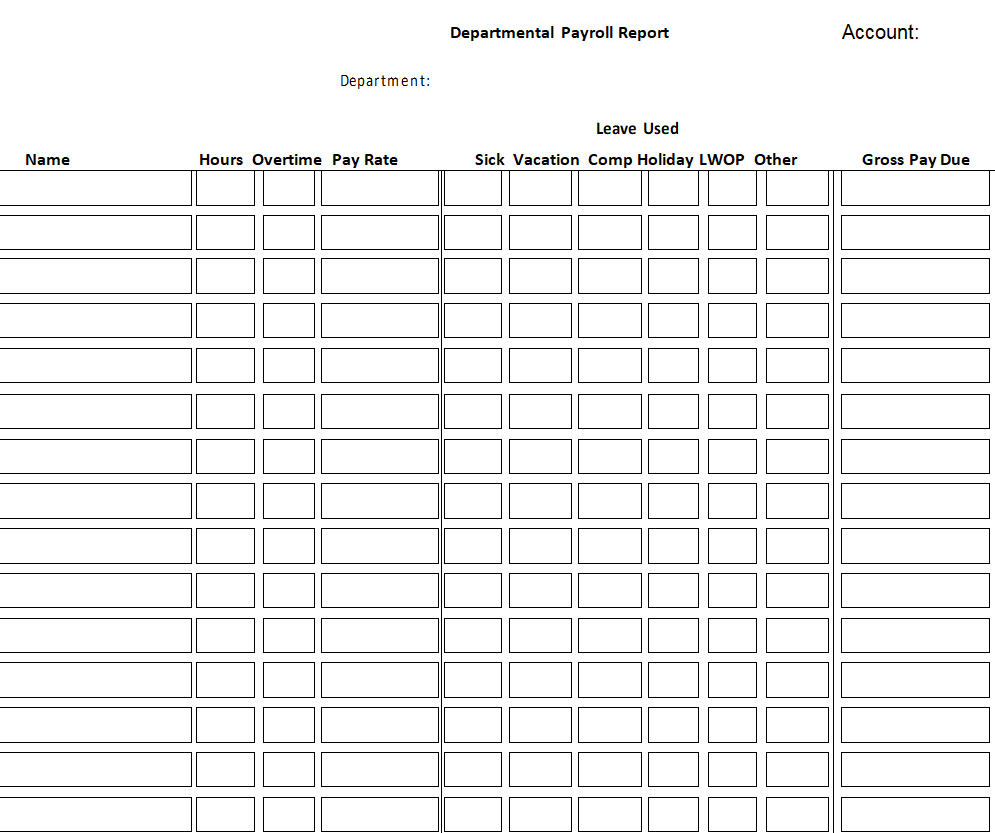
File Size: 10 KB
Fillable Monthly Payroll Report Template
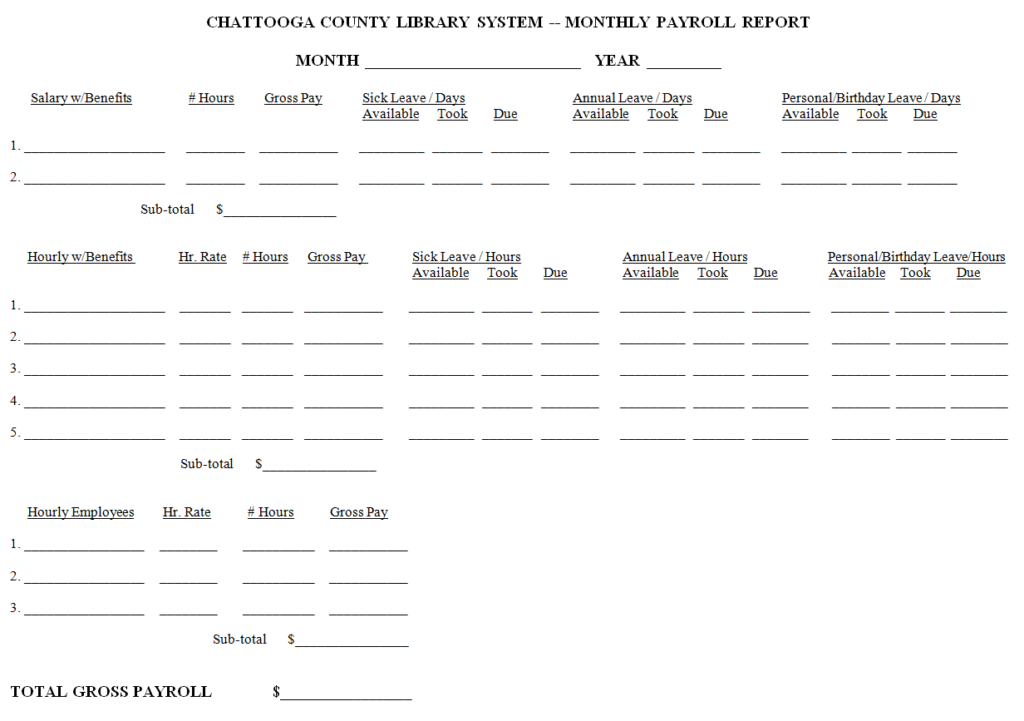
File Size: 07 KB
Special Payroll Report Template
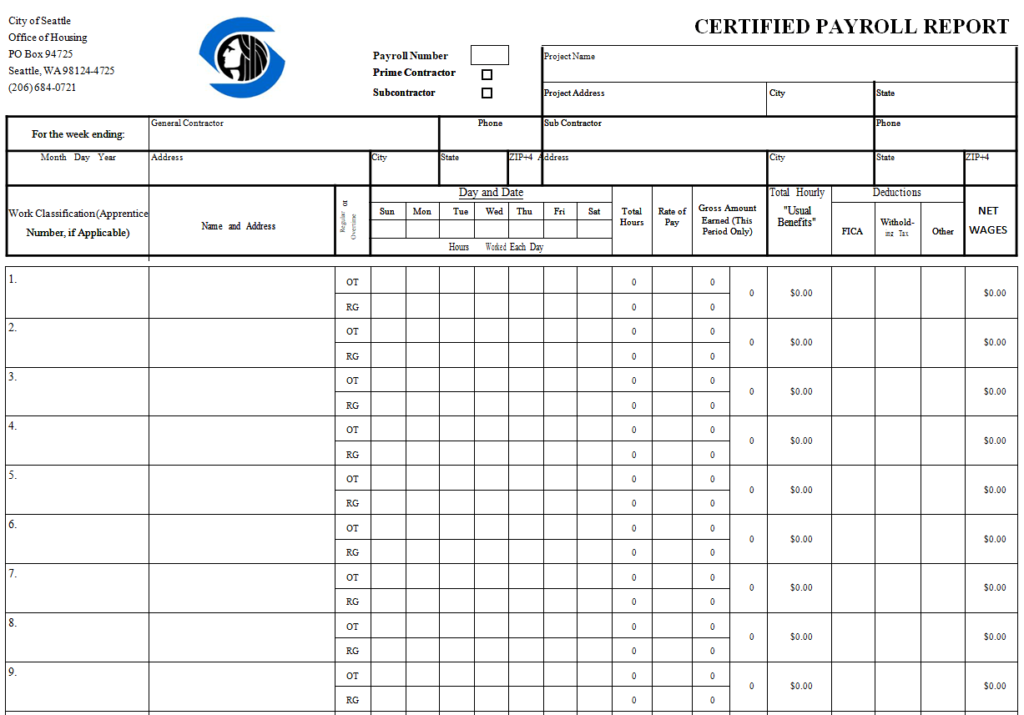
File Size: 51 KB
Employees Payroll Report Template
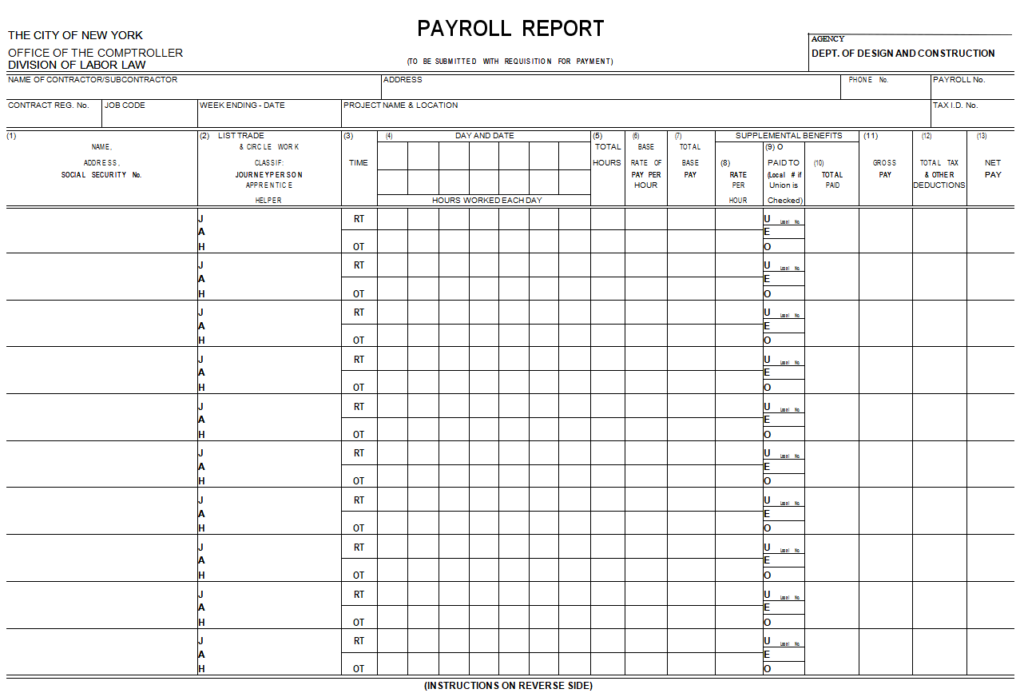
File Size: 21 KB
Agricultural Payroll Report Template
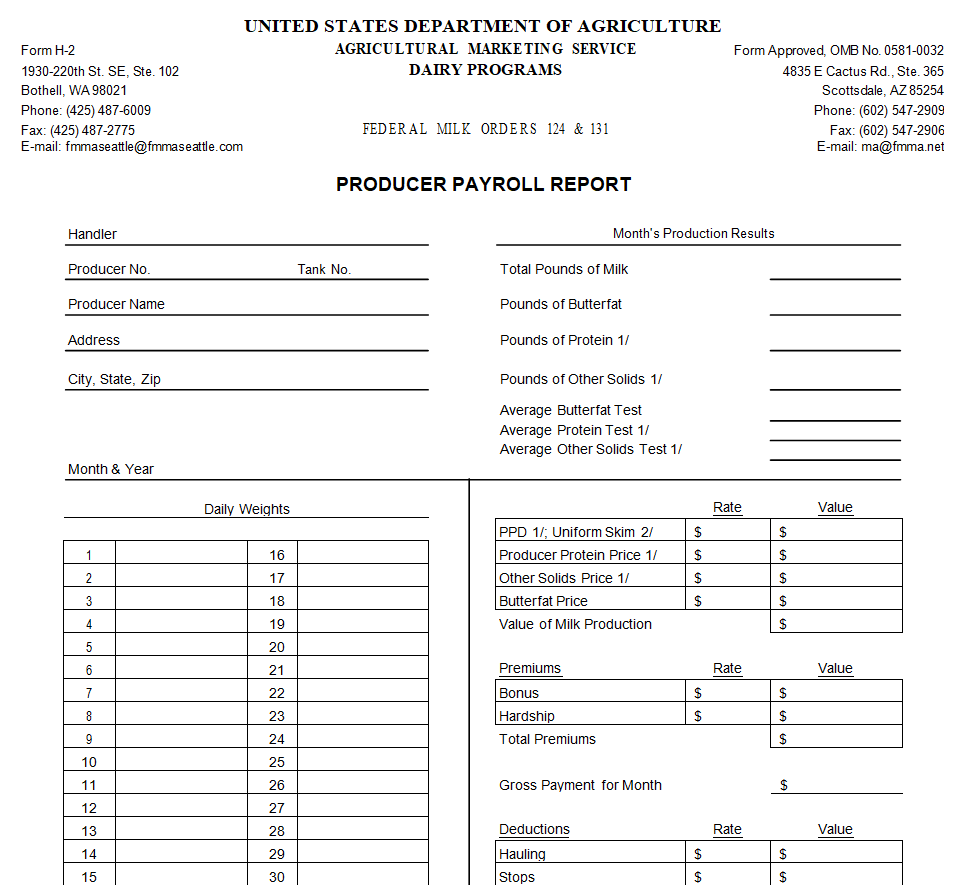
File Size: 15 KB
Employer's Contribution & Payroll Report Sample
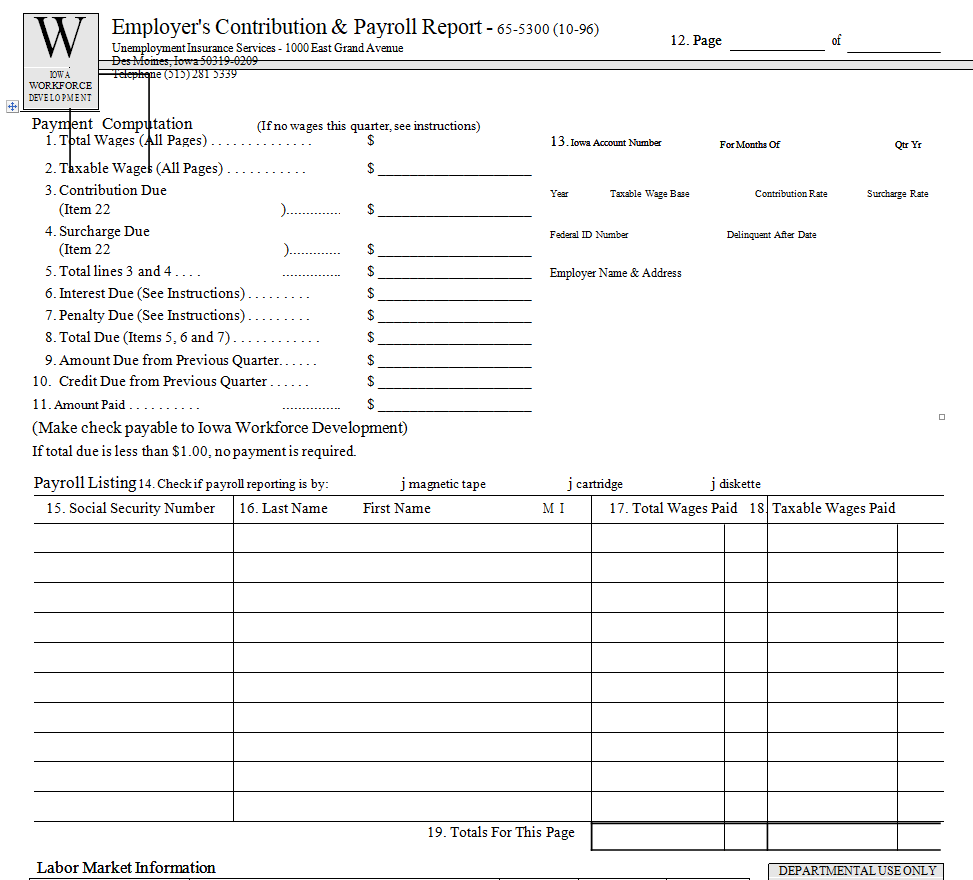
File Size: 12 KB
Student Activity Payroll Report Example
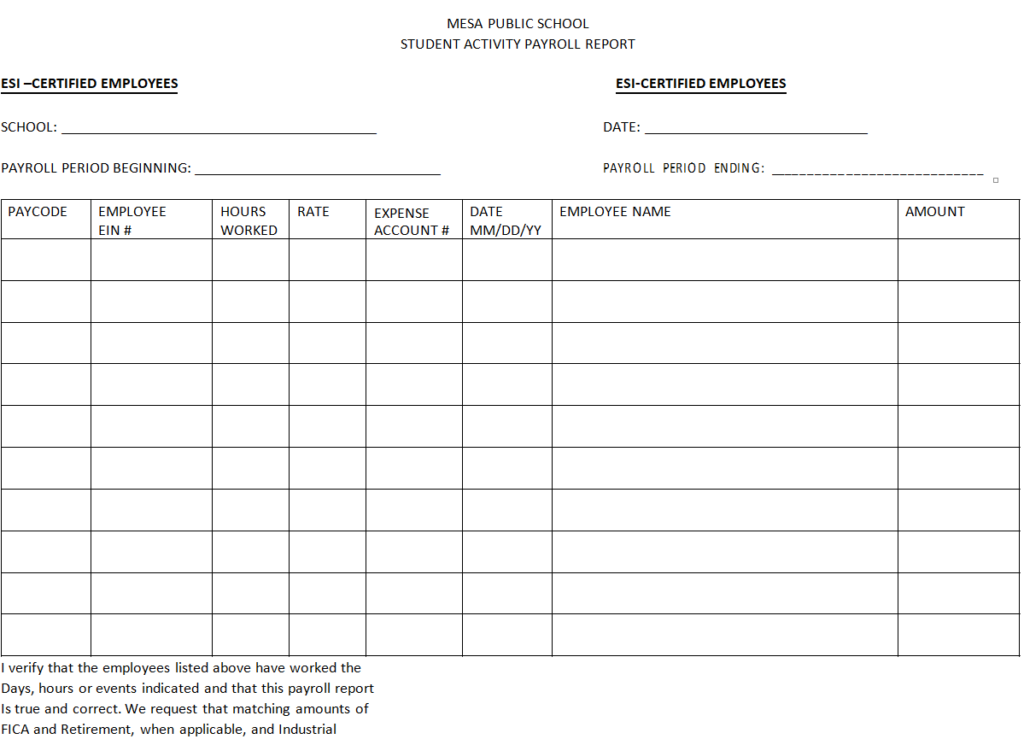
File Size: 03 KB
University Student Payroll Report Template
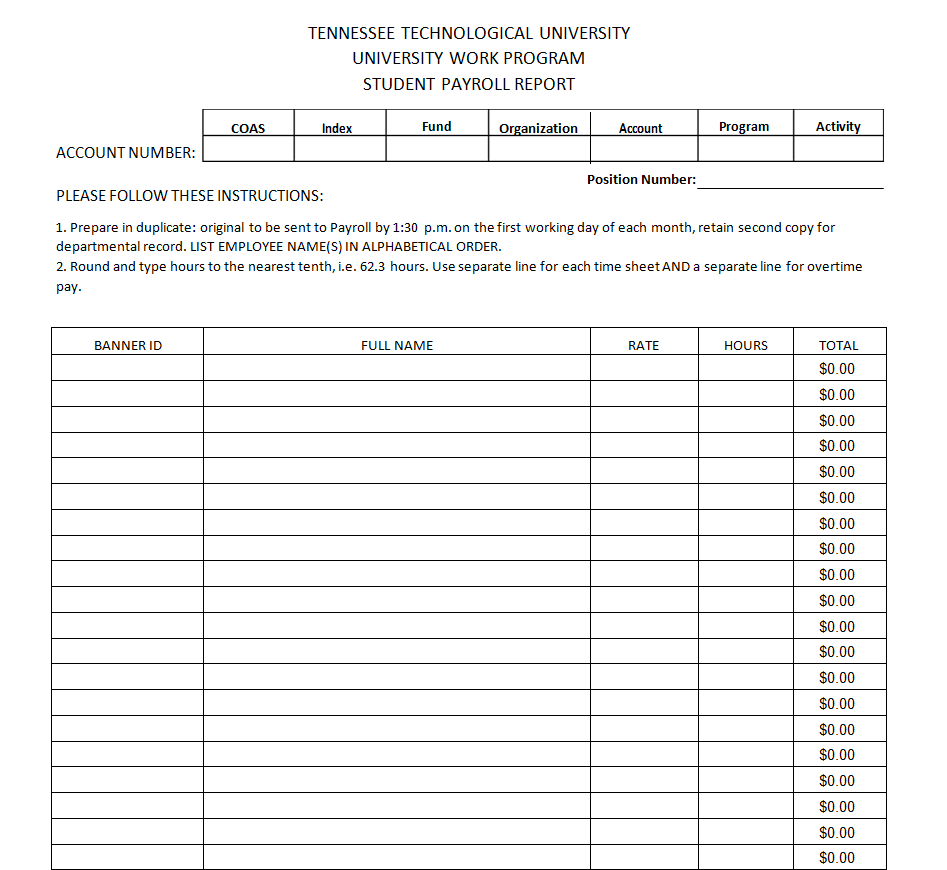
File Size: 07 KB
Sample Annual Payroll Report Printable
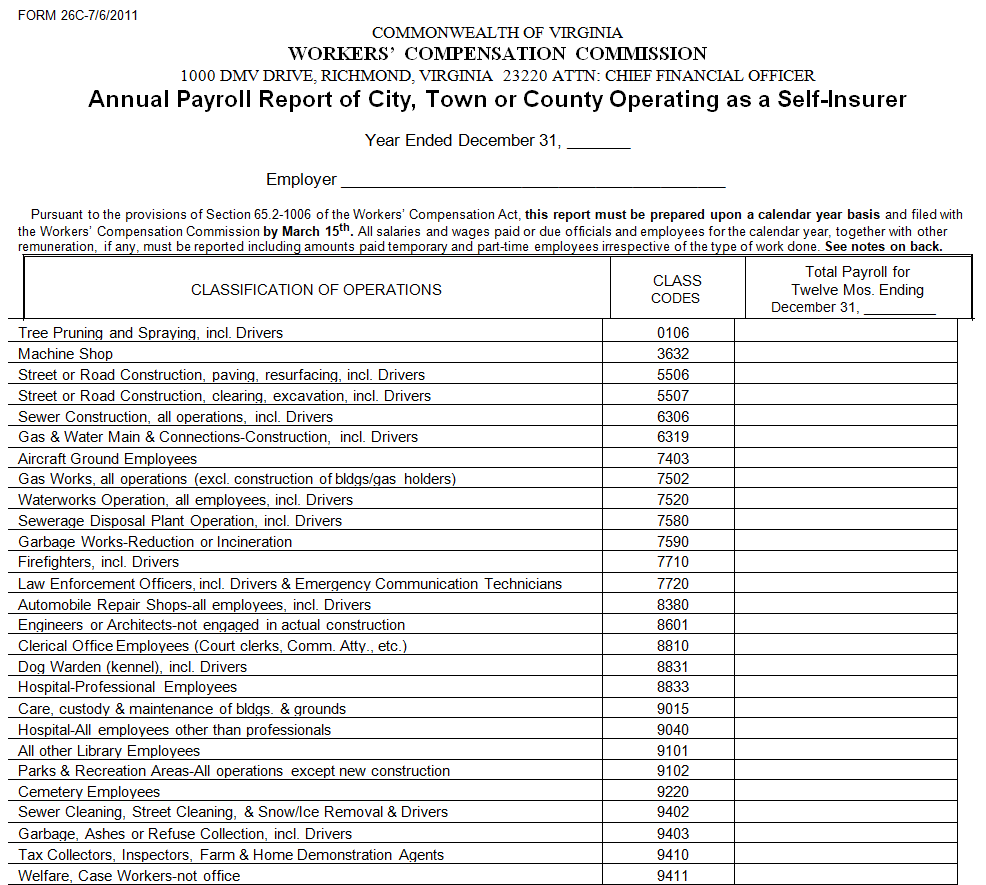
File Size: 09 KB
Editable Weekly Payroll Report Template
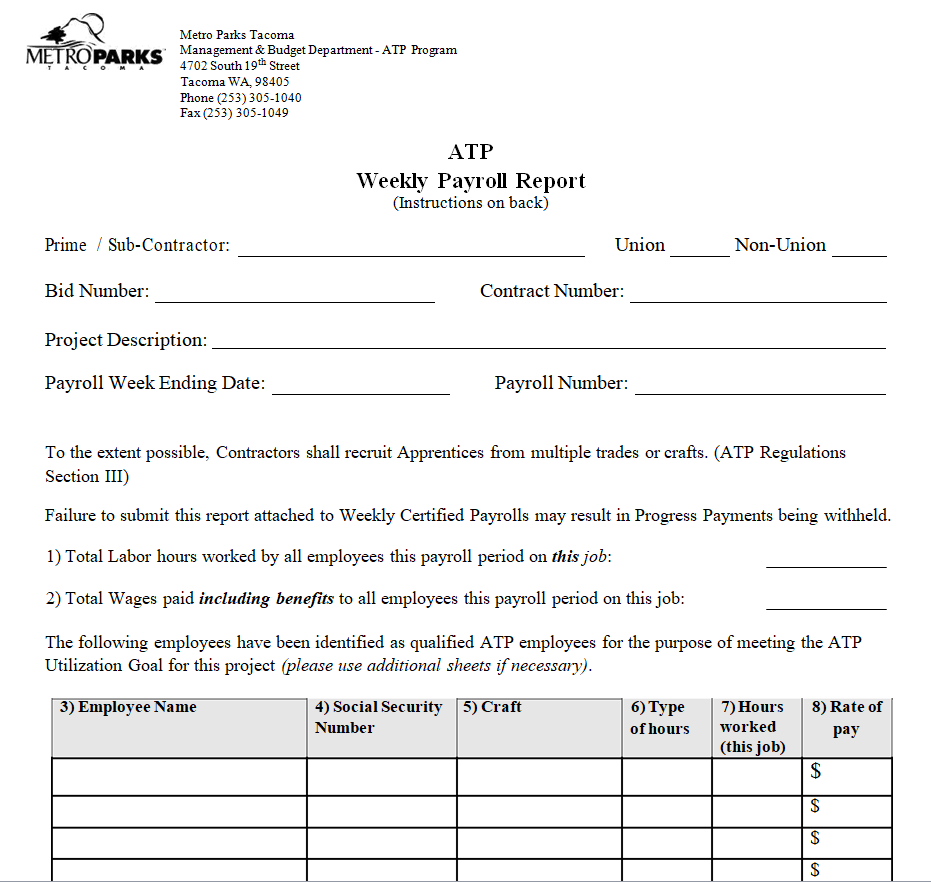
File Size: 12 KB
Work Study Payroll Report Form Sample
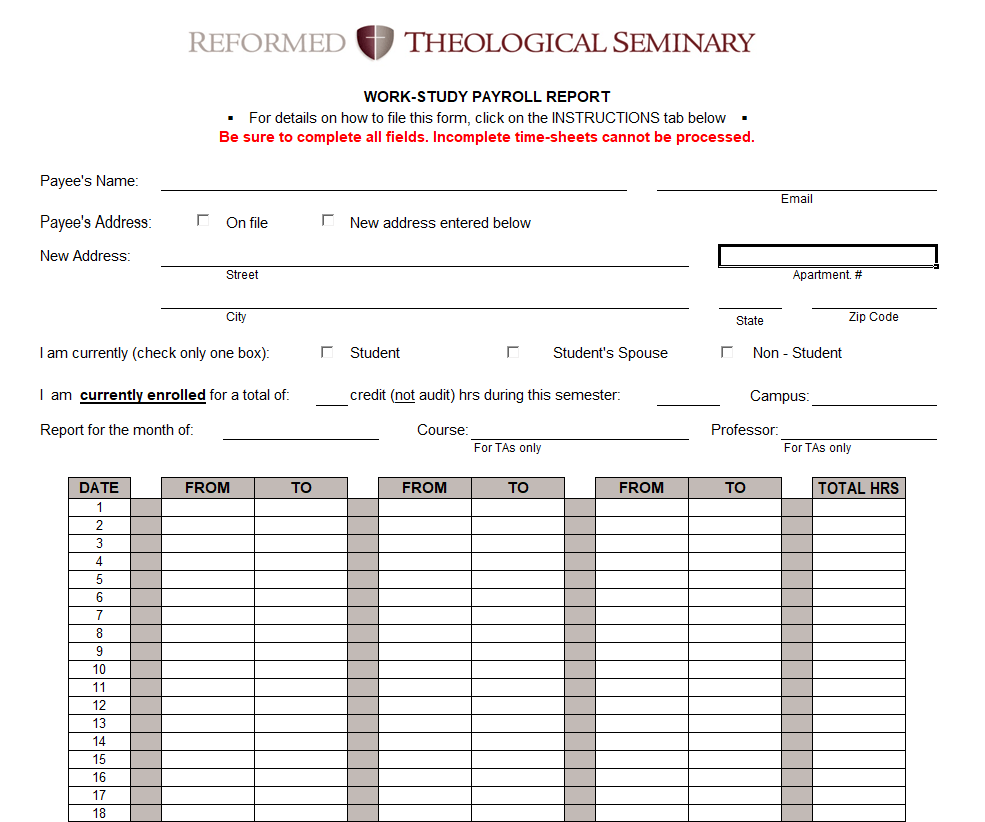
File Size: 82 KB
University's Payroll Report Excel Template
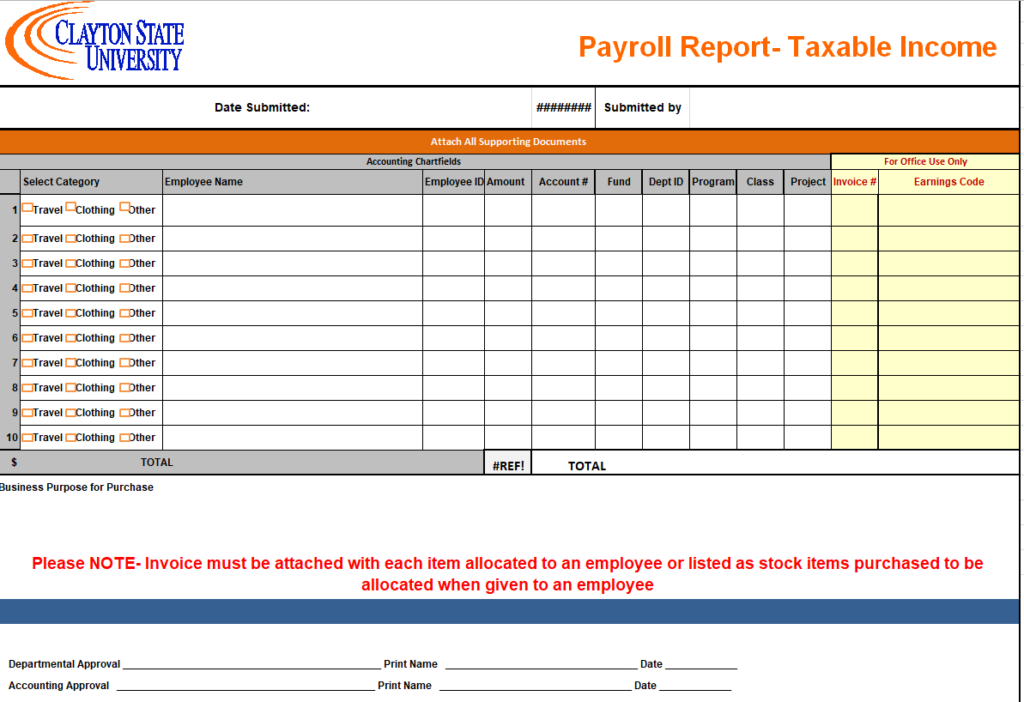
File Size: 91 KB
Weekly Payroll Report Excel Sheet
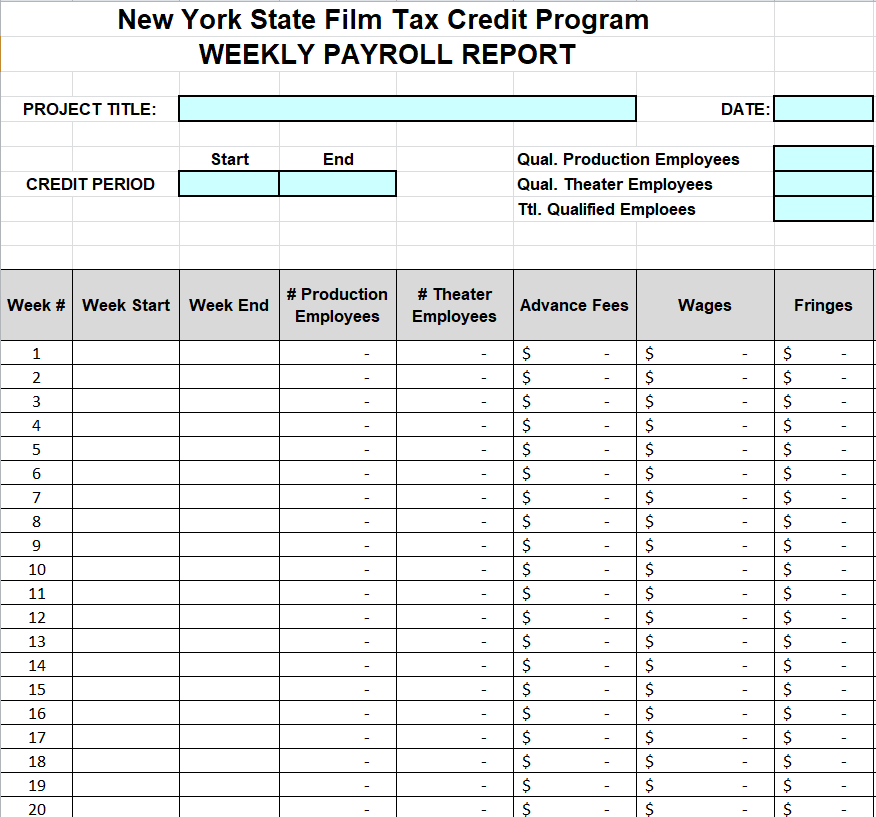
File Size: 59 KB
Certified Payroll Report Template in XLSX Format
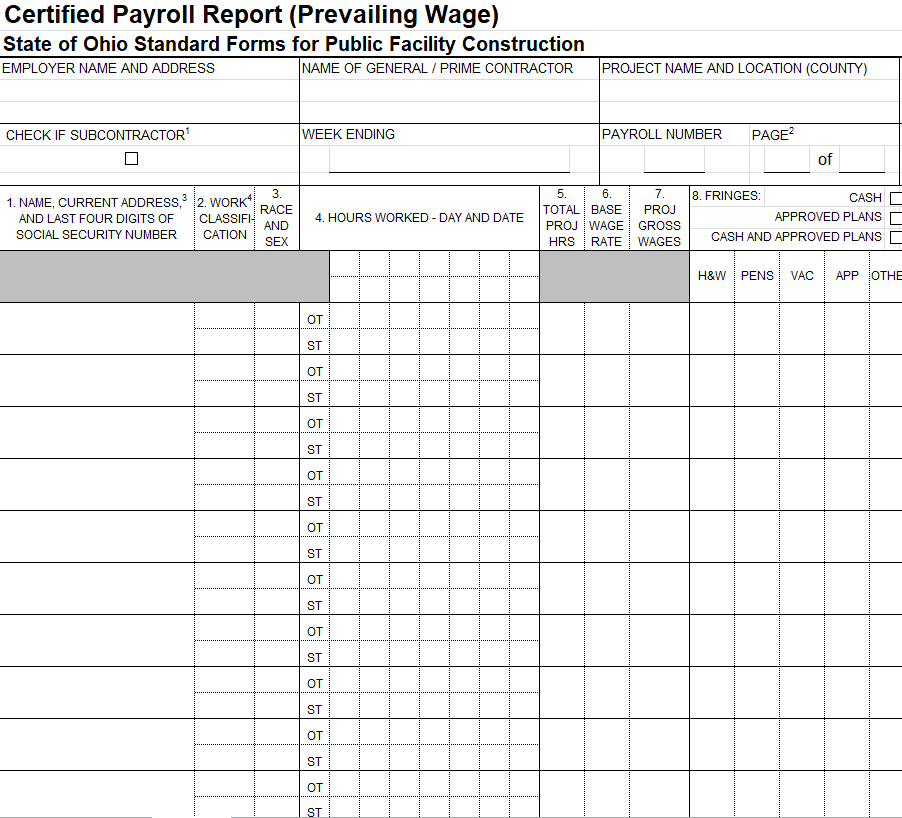
File Size: 14 KB
Practical Payroll Report Template in MS EXCEL
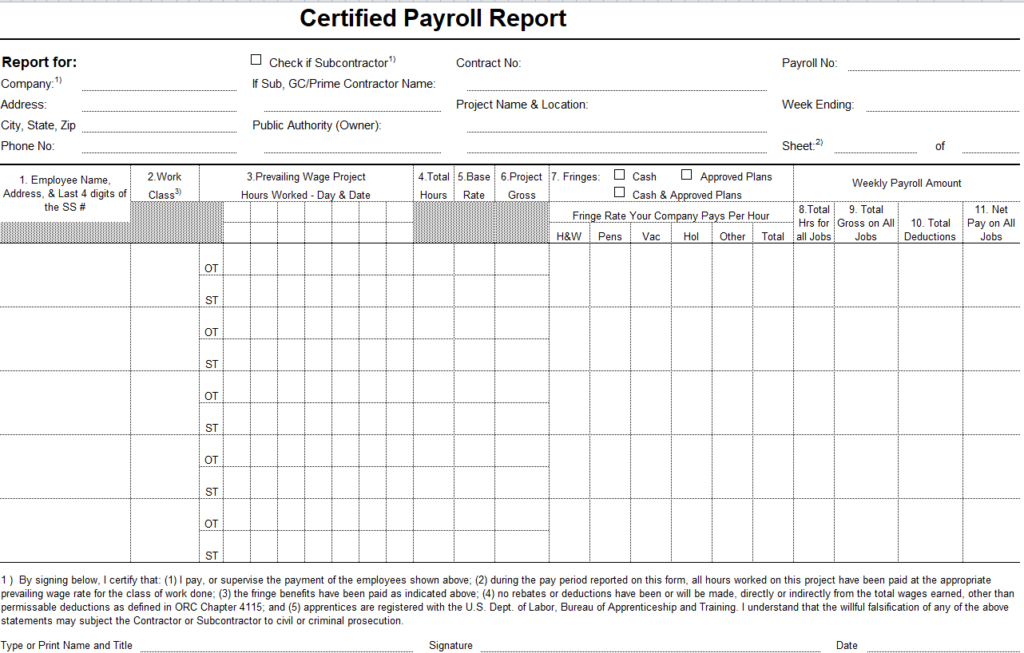
File Size: 10 KB
A review that catches the wrong employee reference
In a fictional payroll review, the report’s overall total agrees with the payment run, but one amount is attached to the wrong employee reference. A review of identifiers reveals the mismatch before the report is released.
The payroll team checks the underlying approved records, resolves the entry through its process and confirms which related outputs need updating. The example shows why a single matching total is not a complete reconciliation.
It also illustrates the role of the template: organizing entries so they can be reviewed, rather than replacing the approved calculation and payment process.
No sample rate or deduction rule in the file should be treated as authoritative merely because the workbook opens without an error.
Reconcile totals and exceptions before release
Compare the report with the approved payroll output and the relevant payment records. Check both the overall totals and any unusual or corrected entries. A total can agree while an amount is assigned to the wrong employee, so identifiers matter as well as arithmetic.
Review repeated records, missing people and unexplained differences from the preceding period through the appropriate process. Do not erase an exception simply to make the summary look tidy. Record who needs to resolve it and which figure is awaiting confirmation.
Release the report only in the status supported by the completed review.
Preserve a clear correction trail
When a payroll figure changes, identify the affected employee reference, period, reason and approved correction. Follow the organization’s process for reflecting it in the appropriate run and records.
Avoid overwriting the only copy of the original report in a way that removes the history needed for review. Give revised outputs clear version or correction references so recipients can distinguish them.
Check whether the change affects related totals or documents instead of fixing only the visible cell. A correction should be understandable to another authorized reviewer without requiring a private explanation from the person who made it.
Share the level of detail the recipient needs
Payroll records can contain sensitive personal and financial information. Use the organization’s approved access and transfer arrangements, and limit each report to the task it supports. A department-level budget review may not need individual account or identity details.
Check the recipient, attachment and current version before sending or placing a file in a shared location. Keep working copies, approved outputs and archived records distinguishable.
Apply the retention and handling requirements appropriate to your situation; a downloaded template’s storage instructions should not be assumed to establish the rules for your organization.
Test a copied workbook before live reporting
Use fictional entries to check the layout, calculation ranges and handling of empty rows. If you insert an employee or add a new component, inspect the affected totals and references. Confirm that the final print or export includes the period, currency and necessary headings.
Keep test information separate from live records and restore the clean master before use. Record any limitations in the working process so colleagues do not assume the template automatically performs a check it does not contain.
A successful export proves that a file was produced, not that every payroll requirement has been met.
A final check before using the template
- Identify the period, pay date and scope.
- Use approved payroll inputs and calculations.
- Label pay components consistently.
- Reconcile identifiers as well as totals.
- Resolve and reference corrections.
- Check recipients and appropriate access.
Related templates
Keep an individual salary confirmation separate from the payroll register using salary certificate templates.
For a separate employment-status document, compare employment certificate templates.
When an approved role change needs an individual communication, use promotion letter templates.
For US employment-tax records, consult the IRS employment tax recordkeeping guidance. Other locations and purposes can have different requirements.
Frequently asked questions
Can a payroll template calculate the correct taxes automatically?
Do not assume so. Sample formulas or rates may be illustrative or unsuitable for the location and workforce. Use the approved payroll process and current applicable guidance, then review how the template receives and summarizes those results.
Is a payroll report the same as a payslip?
They can serve different purposes and audiences. An internal summary does not automatically meet the requirements for an individual pay document or formal filing. Choose and review the layout for the specific output you need.
Why distinguish pay period from payment date?
They describe different timing. The report should make clear which work or entitlement period its entries cover and when payment is made. This helps reviewers interpret comparisons, corrections and related account records accurately.
What should I check besides the total?
Review employee identifiers, scope, components, repeated or missing entries and unusual changes. Reconcile against the approved output and supporting records. An overall total can match even when an individual amount is attached to the wrong person.
How should a corrected report be named?
Use the organization’s version and correction process so recipients can identify the current output and its relationship to the earlier one. Preserve the relevant period and references, and update affected records rather than silently replacing an unexplained figure.
You can also browse more options in the Other Templates category.
